 Rocket
 Mini tools
▼ Latest
Team productivity
Free mode
100% free
Freemium
Free Trial
Featured matches
-
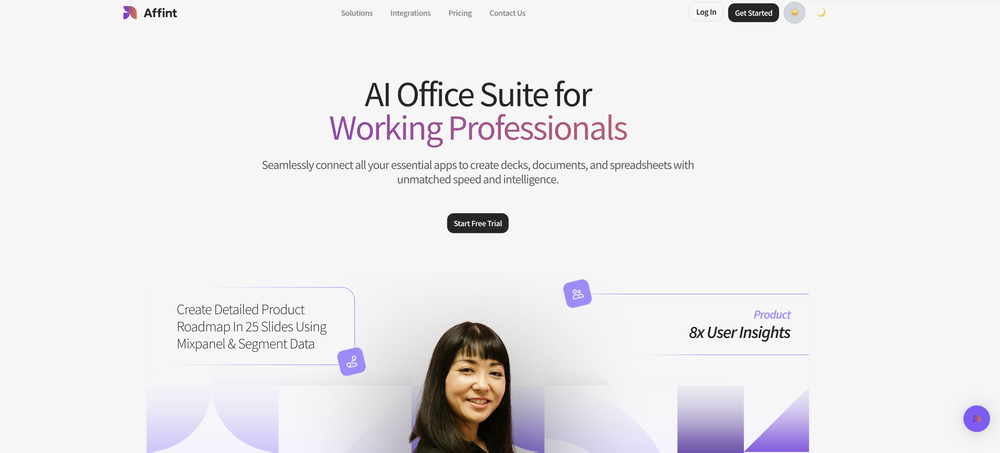 Samuel🙏 5 karmaNov 28, 2025@AffintJust tried yesterday. The first productivity tool which allowed me to create professional slides, reports, and sheets with my data in a few minutes. Was able to connect 20 of my tools in less than 5 minutes.
 -
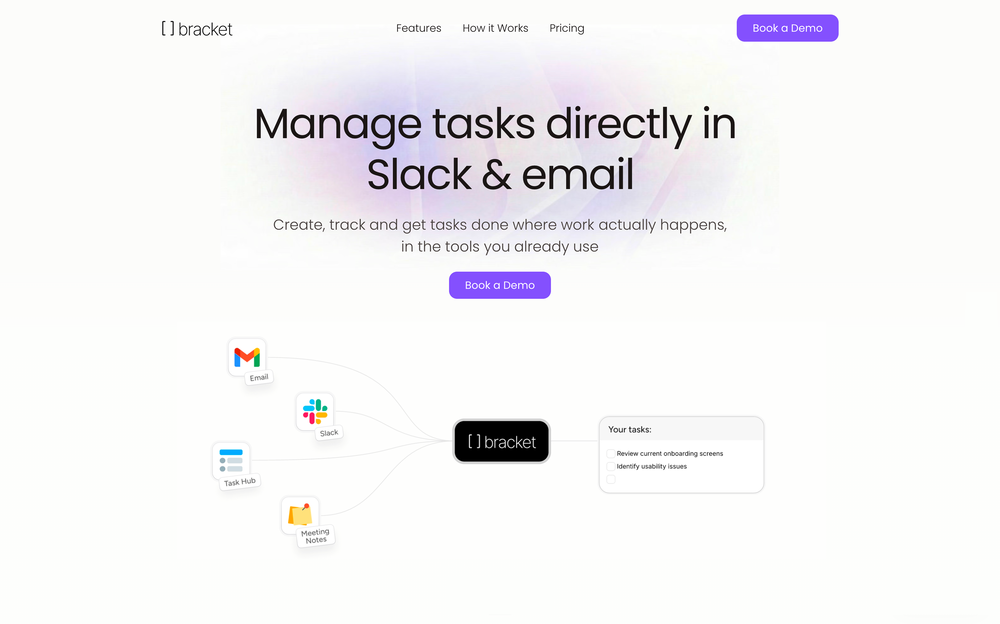 Weesp makes your task list proactive. Instead of hunting tasks across tools, Weesp captures them straight from Slack and Email (for now :P). It automates follow-ups, takes accountability for your tasks, and eliminates the hours wasted maintaining task systems. Operate where your work happens —> no context switching, no dropped balls, just a team that actually follows through. Try Weesp free, sign up to the waitlist today.
 -
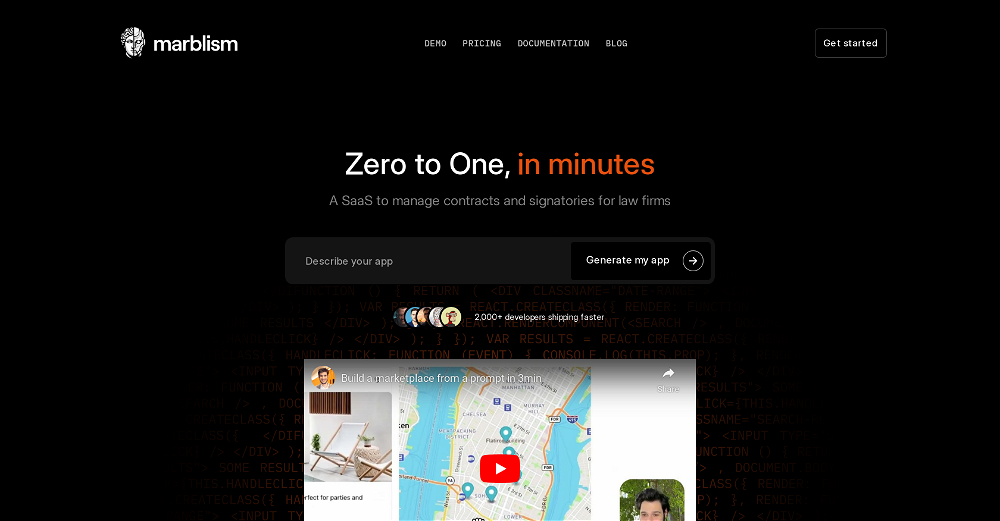 I've been playing around with this for a few hours. It's made me say "WOW" too many times than i wish to admit. I'm going to follow this and see how it evolves. For now, i managed to create quite a nice Expenses app for personal use. | It did have some problems when it came to moving some components on other pages, but for how short the prompts it uses can be, it is really impressive. With some proper prompts it can generate some strong stuff.
 -
 Boost your creativity with AI-powered brainstorming.Open
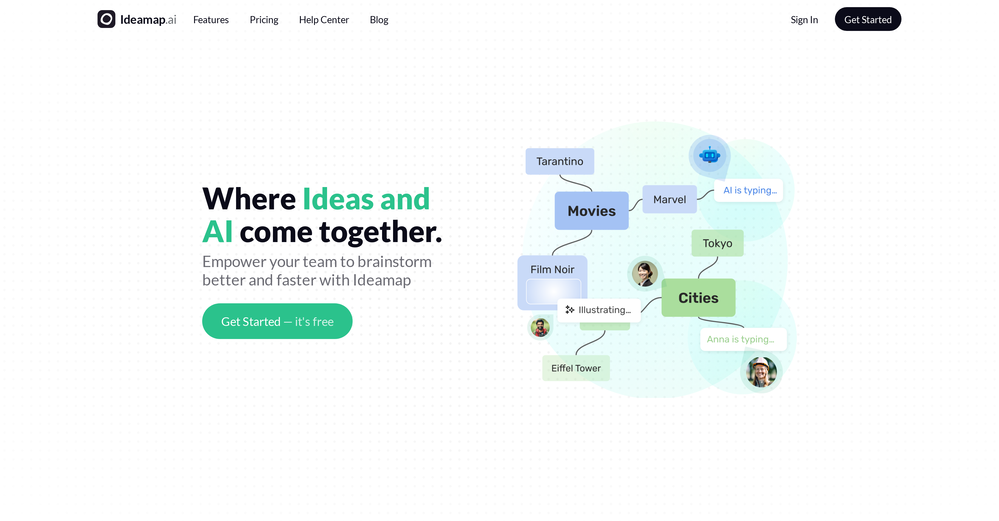 I can't explain how impressed i am by this. I've seen tools to help you brainstorm ideas, but not one to break your task down into big steps, then little steps for each of these. Plus "games" to help come up with more ideas for your project. I'm excited to use this!







Verified tools
-
Used it for PPT generation and performed extremely well, especially the numbers and data part.
-
1. Actually saves time (like, for real) 2. Not as confusing as other AI tools 3. Lots of ready-to-use stuff 4. Support team doesn't sound like robots
-
# 🚀 NextDocs v1.3 – Custom Themes & Pageless Document Editor **Released:** December 2025 This release brings brand consistency and document flexibility to NextDocs. Create custom themes that reflect your brand identity, and use the new pageless editor for flowing content like reports, proposals, and articles. Your documents. Your brand. Your way. --- ## 🎨 Complete Theme System Create branded documents that look unmistakably yours: - **12 Built-in Themes** – Professionally designed themes ready to use, from Academic Ivory to Midnight Blue - **Custom Theme Creation** – Define your own fonts, colors, and styling - **AI Theme Generation** – Describe your brand, get a complete theme instantly - **One-Click Application** – Transform your entire document with a single click - **Theme Management** – Edit, duplicate, and delete themes as needed - Works across presentations, documents, posters, and more Example: "Modern tech startup, clean and minimal with blue accents" → Complete theme with fonts and colors generated instantly. --- ## ✏️ Define Your Brand Identity Full control over every visual element: ### Fonts - **Primary Font** – For headings, titles, and display text - **Secondary Font** – For body text and paragraphs - **50+ Google Fonts** – Curated collection that exports perfectly to PDF and Google Slides ### Colors - **Primary Color** – Your main brand color for headings and key elements - **Secondary Color** – Supporting accent for highlights and emphasis - **Background & Foreground** – Page and text colors (supports gradients) - **Extended Colors** – Tertiary, muted, card, border, and shadow colors - **Smart Derivation** – Optional colors are automatically derived if not specified Set up your brand once, and every document follows your guidelines automatically. --- ## 📝 Pageless Document Editor A new way to create documents without page boundaries: - **Continuous Flow** – Content flows naturally without awkward page breaks - **Full Theme Support** – Apply any built-in or custom theme - **AI-Powered Writing** – Generate and edit content with chat commands - **Rich Formatting** – Headings, lists, tables, code blocks, images, and more - **Real-Time Saving** – Auto-save with visible status so you never lose work - **Version History** – Track changes and restore previous versions Perfect for business reports, proposals, technical documentation, meeting notes, and articles. --- ## 🖼️ Professional Image Filters Apply professional-grade filters to any image: - **Blur** – Soften images for background effects - **Brightness** – Control overall lightness - **Contrast** – Adjust light and dark differences - **Grayscale** – Convert to black and white - **Invert** – Reverse colors for creative effects - **Sepia** – Apply warm, vintage toning - **Adjustable Intensity** – Fine-tune every filter - **Export Preservation** – Filters maintained in PDF and Google Slides exports --- ## 📤 Export Anywhere Take your documents everywhere: - **PDF Export** – Professional output with theme colors and fonts preserved - **HTML Export** – Web-ready format with responsive styling - **Google Slides** – Seamless export with full formatting - **Google Docs** – Continue editing in Google's ecosystem - Theme styling preserved across all formats --- ## 🌟 Everything in v1.3 ✅ 12 professionally designed built-in themes ✅ Custom theme creation with fonts and colors ✅ AI theme generation from text descriptions ✅ Theme management (edit, duplicate, delete) ✅ AI instructions per theme ✅ Pageless document editor ✅ Continuous document flow (no page breaks) ✅ AI-powered content generation ✅ Rich formatting and tables ✅ Real-time saving with version history ✅ 6 professional image filters ✅ Multi-format export (PDF, HTML, Google Slides, Google Docs) ✅ Bug fixes and performance improvements --- Ready to create branded documents? 👉 **[Start Creating with NextDocs v1.3](https://nextdocs.io)** Questions or feedback? We're here to help: **[email protected]** --- _Your brand. Your documents. Your way._ **— The NextDocs Team**
-
I’ve been playing with cogmi for a week and it’s really cool what insights it’s giving me about performance. Usually I don’t even think about when to stop, but now there’s some data to focus on. It’s like keeping tabs on circardian rhythm but for brain performance.
- Sponsor:Rocket
-
 AI-powered code reviews that accelerate pull requests and improve code qualityOpenI signed up for early access and have been using codoki for a few months now, eventually brought it into my team as well. Great tool, simple to use, not overwhelming and has caught things in a way thats actually digestible










Other tools
-
It is useful for when you are in the project manager and you have to do certain tasks.




Post





