 Base44 Superagents-AI agent that does it all
 Mini tools
 Vertech Academy
 Findsight
 Learn Earth
 LearnGPT
 Justlearn
 StudyGPT
 Nolej
Nolej
 Tutorly
 PhotoSolve
 YouLearn
 To Teach AI
 TurboLearn
 Heuristica
 College Tools
 LanguagePro
 Retinello
 AI Tutor Pro
 Super Teacher
 getMindmap
 Study Fetch
 55club
 Personal Performance
 The Mid Life Magic Woman
 Auramind







Overview
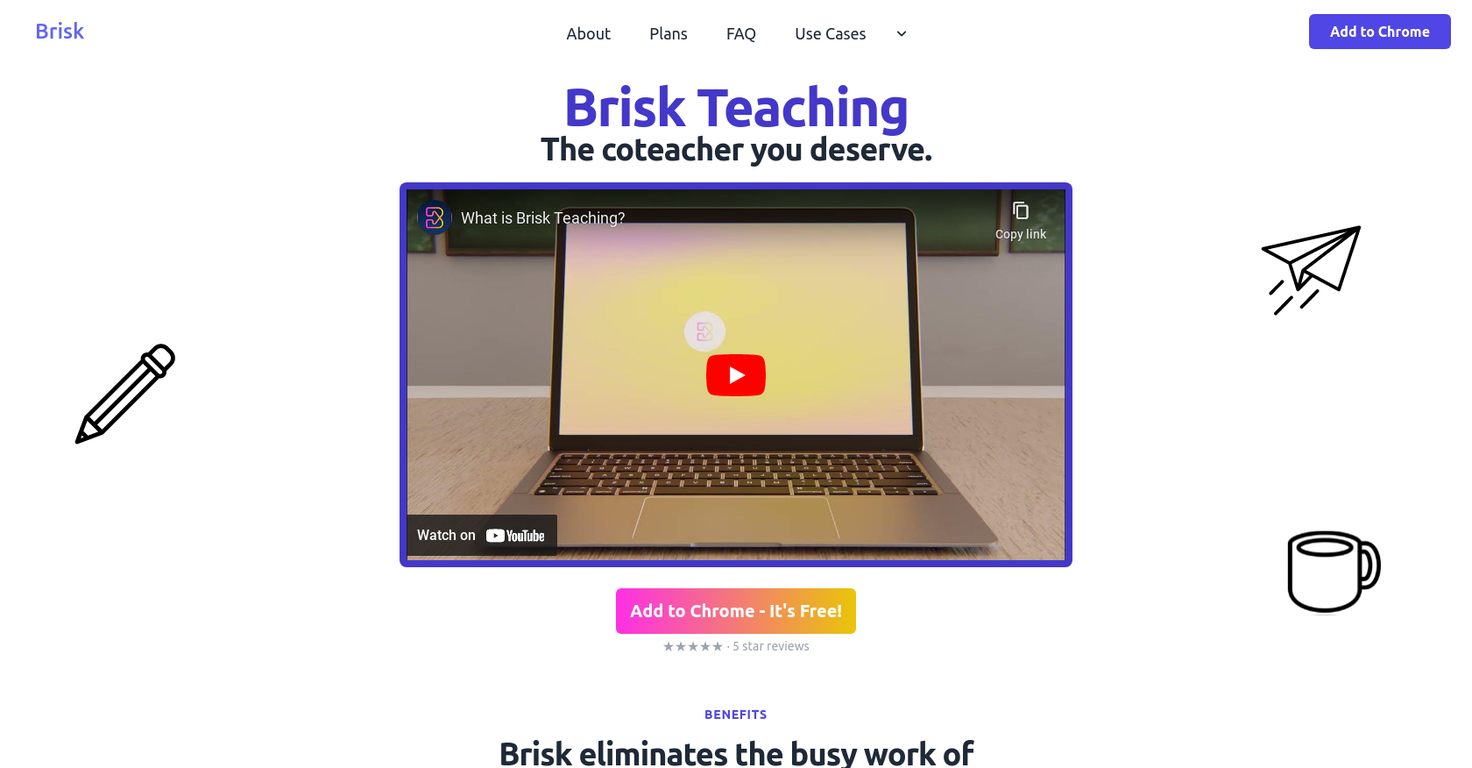
The Brisk AI Writing Detector is a Google Docs and Classroom extension that offers several benefits to teachers and educators. It is designed to detect AI-generated writing, check for plagiarism, and identify grammar errors to help improve the quality of student writing.
One of the key advantages of Brisk is its seamless integration with Google Docs and Google Classroom, eliminating the need for manual file uploads to external platforms like Turnitin.
The AI detection is built directly into the workflow, saving time and effort for teachers.Teachers can use Brisk to assess students' effort on assignments by analyzing the version history data.
This feature allows them to identify suspicious work and provide support to learners. The tool leverages a cutting-edge text-based AI-detection model trained on GPT4, making it one of the most accurate AI-detection models available today.
This ensures reliable and effective detection of AI-generated content.In addition to the writing detection capabilities, Brisk also offers features to assist in curriculum development.
Teachers can create and source tailored learning content, worksheets, resources, and exam questions. The tool can personalize curriculum based on teaching preferences, responding to feedback and ingesting curriculum used by the teacher.
Brisk can also generate feedback, saving time and offering students more opportunities for feedback. It can adapt to the teacher's style and even generate feedback that reflects their past feedback.Furthermore, Brisk provides a reading level assessment feature that allows teachers to assess the complexity of any text on the internet.
It can also change the reading level of news articles and conveniently populate converted articles into Google Docs.Overall, the Brisk AI Writing Detector is a user-friendly and efficient tool that supports teachers in detecting AI-generated writing, improving student writing quality, and assisting in curriculum development.
Releases

Pricing
Top alternatives
-
Andy🙏 115 karmaDec 9, 2023@FindsightGreat idea, but does not find what you are looking for-about the same as Google Scholar
-
Love it! So far it looks like a hybrid of educative.io (path, text format, practice with mistakes correction after) duolingo (on the practice part) based on the user experience and I personally like both
-
A valuable resource. I think I will be using this site quite regularly.
-
it's nice that you have a Summarize button on youtube when you go and have the extension installed. Im not getting sources on articles it gives me however..



 5
5





