What AI Models and Workflows does BuilderKit support?
BuilderKit offers robust support for all major AI Models and Workflows. Precise details of which models and workflows are supported aren't specified, but the platform allows developers to harness the functionality of OpenAI and integrate it into their apps.
How can BuilderKit streamline my development process?
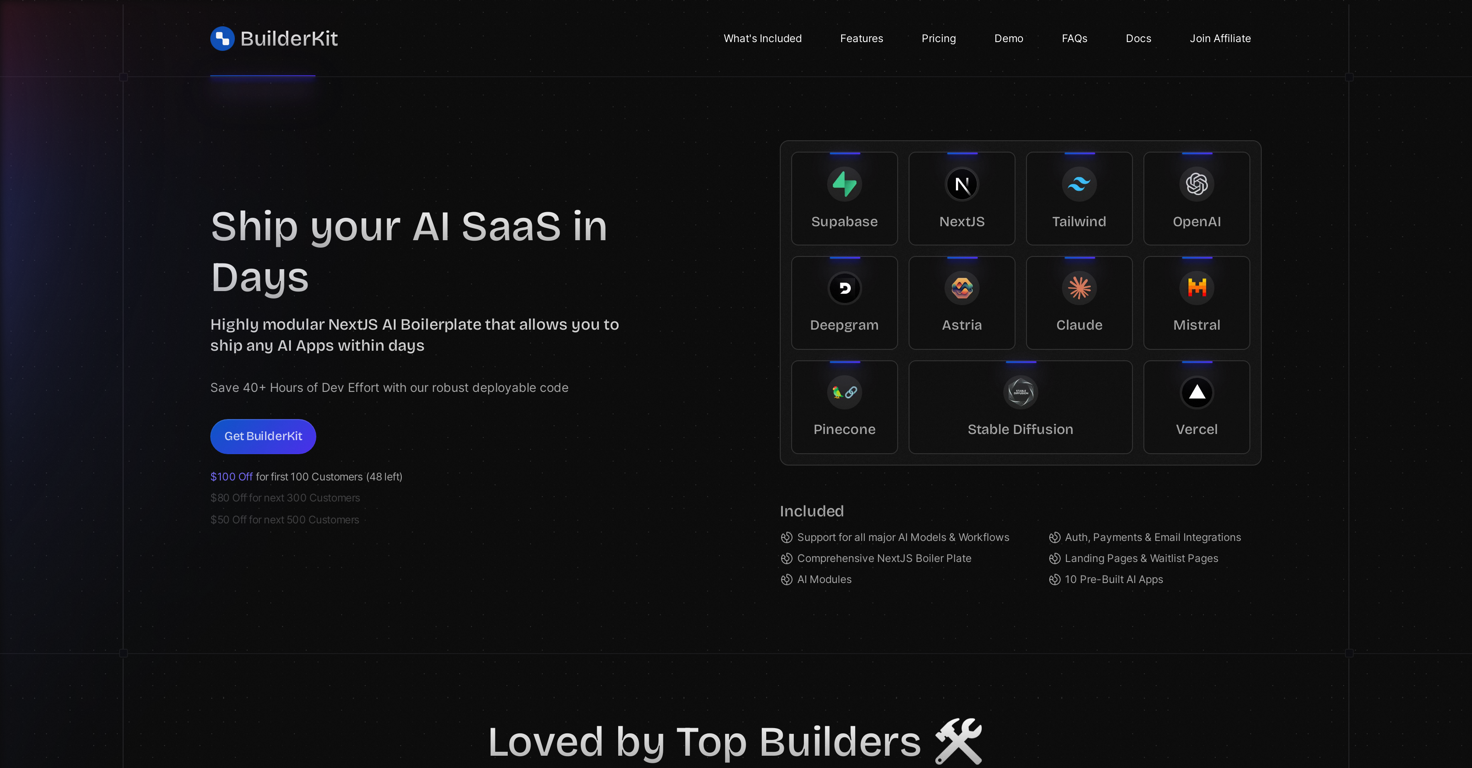
BuilderKit streamlines the development process by offering various pre-built AI apps, a range of key functionality integrations such as authentication, payments, emails, customer support, and a modular design approach. It also provides a comprehensive NextJS boilerplate and various AI modules, accelerating the development and deployment of AI applications.
Which AI apps are pre-built and integrated into BuilderKit?
Specific AI apps pre-built and integrated into BuilderKit are not mentioned. However, demo applications such as a ChatGPT clone with Web crawling and DALL-E image generation capabilities, as well as a PDF chat for uploading PDFs to ask questions, get summaries, or seek information are included.
How does BuilderKit incorporate OpenAI functionality?
BuilderKit integrates OpenAI functionality by allowing developers to create their own ChatGPT clone, use the streaming API for quick response times and integrate various aspects such as web-browsing, history, DALL-E, and custom plugins.
Can I create a ChatGPT clone using BuilderKit?
Yes, BuilderKit enables developers to create their own ChatGPT clone. The ChatGPT clone can be incorporated as it is, or be customized according to the user requirements.
What are the benefits of using the streaming API feature in BuilderKit?
The streaming API feature in BuilderKit provides the fastest response times, which is crucial in creating a seamless user experience in real-time AI applications.
What is the purpose of the fallback models in BuilderKit?
Fallback models in BuilderKit are designed to avoid 'model-overloaded' responses. This ensures that the application remains responsive and efficient even during high demand or heavy load.
How does BuilderKit use Pinecone for Retrieval-Augmented Generation?
Pinecone is used in BuilderKit to implement advanced Retrieval-Augmented Generation (RAG). While more specific details on its utilization were not mentioned, RAG generally improves the performance of natural language processing tasks by augmenting the response generation process with external information retrieval.
What are some core features of BuilderKit?
Core features of BuilderKit include automatic image uploading, chat history, sharing capability, rate-limits, and detailed usage monitoring. It also provides numerous in-built integrations and a modular design that expedites the development process.
What are the demo applications available in BuilderKit?
BuilderKit includes demo applications such as a ChatGPT clone with built-in web crawling and DALL-E image generation capabilities. Another demo available is a PDF chat for uploading PDFs to ask questions, get summaries, or seek information.
Does BuilderKit support image uploading?
Yes, BuilderKit supports automatic image uploading. This feature is beneficial for long-term storage and managing extensive media content within an application.
Does BuilderKit provide usage monitoring?
BuilderKit offers detailed usage monitoring. This feature provides fine-tuned control to monitor the performance and usage patterns of the application. It enables the tracking of factors such as rate-limits and helps in identifying areas of improvement.
Can I use BuilderKit to develop applications quickly?
Yes, BuilderKit is designed to facilitate the rapid development of AI applications. It provides comprehensive NextJS boilerplates, various AI modules, and key integrations for functionality such as authentication, payments, emails, and customer support, which saves significant development time.
How does the rate-limits feature of BuilderKit work?
The rate-limits feature in BuilderKit provides fine-grain control over how your application handles requests. This feature helps in maintaining the performance of the application during heavy usage and avoiding system overloads.
What is the function of the PDF chat in BuilderKit?
The function of the PDF chat in BuilderKit allows users to upload PDFs to ask questions, get summaries, or seek information. It works as an interactive tool to extract information from uploaded PDF documents.
Can I integrate BuilderKit with my own AI Apps?
Yes, BuilderKit allows developers to integrate the platform with their own AI Apps. They can harness the OpenAI functionality offered by BuilderKit and incorporate it within their existing or new AI Apps.
Does BuilderKit support automatic image uploading?
Yes, BuilderKit provides automatic image uploading as a feature. This is beneficial for long-term storage of images and facilitates effortless management of extensive media contents within an application.
What are the key integrations available in BuilderKit?
BuilderKit offers key integrations for functionality such as authentication, payments, emails, and customer support. These integrations are crucial in building a fully-functional AI application. Specific solutions for integration aren't mentioned, but indications are given towards general categories like payments and emails.
What is the role of DALL-E integration in BuilderKit?
DALL-E integration within BuilderKit is one of the features that contributes to the AI functionality of the tools used for developing applications. DALL-E is an AI program from OpenAI that creates images from textual descriptions. The integration of DALL-E can be particularly beneficial in AI applications that require a visual representation of the generated content.