 MongoDB - Build AI That Scales
 Mini tools
 OnSpace.AI - No Code App Builder
 Cursor
 Kilo Code
 CodingFleet
 Programming Helper
 Github Copilot
 Devra
Devra
 Codeium
 Autocoder.cc
 Phala Cloud
 Qoder
Qoder
 Warp
Warp
 Qodo (Formerly Codium)
 Verdent AI
 Who Codes Best?
 Jovu
Jovu
 Google Antigravity
 GoCodeo
 Refraction
 Zzzcode
 Creative Minds Think Alike
 GoEnhance
 Ceacle tools
 Apple Creator Studio
 Remini
 cre8tiveAI
 Unboring
 So You Want To Be A Writer?
 Ancient AI powered spirits
 Minka
Minka
 Jvb ai
 somacguffin
 Cuty
Cuty
 Superfly Stoner







Overview
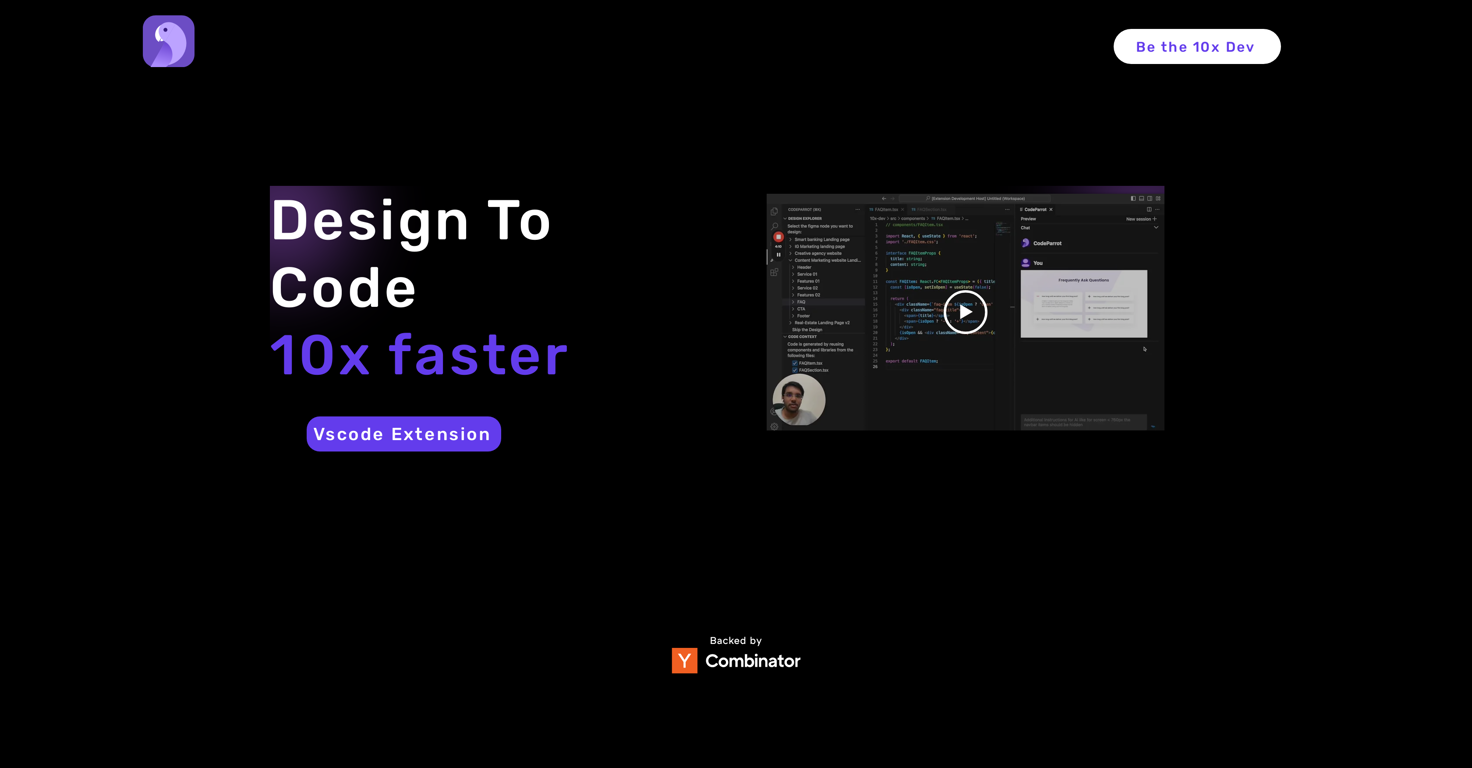
CodeParrot is an AI powered tool designed to streamline the process of coding for developers and designers. The primary function of this tool is converting Figma Design into React, Vue, Angular components to improve efficiency and productivity in creating web elements.
A key feature is its ability to generate code from a given Figma File URL. This allows users to directly translate their designs into usable code. Besides this, CodeParrot also boasts a significant feature where tedious tasks such as business logic, refactoring, writing tests can be assigned to the AI.
Another significant feature involves a contextual search, which aims to provide solutions to arising errors via AI so you spend lesser time looking for answers.
The CodeParrot tool ensures that the generated code reuses existing components, libraries, and coding standards, thus eliminating the need to adapt or alter the generated code.
Moreover, its vscode extension provides enhanced user experience with continuous, uninterrupted workflow as it eliminates the need for context switching between the IDE and the design platform.
To use the tool effectively, users need to browse through their Figma components and click submit to generate the desired code. CodeParrot is developed by a team of developers aiming to solve their own problems, combining technological skills with firsthand experience of the challenges faced in the coding process.
Releases

Pricing
Top alternatives
-
 Johnson🙏 122 karmaJul 16, 2025@OnSpace.AI - No Code App BuilderWould rate 4.9 if possible, but rounding up to 5 stars because this app truly excels compared to other AI coding tools. Why 5 Stars: Best-in-class AI coding assistance Huge improvements over competitors Actually works for real development Real Impact: I successfully built and published an actual app using this tool - that's game-changing for non-developers like me. Bottom Line: Yes, there's room for improvement, but this is already the top AI coding app available. The fact that ordinary people can create real apps with it says everything. Perfect for anyone wanting to turn ideas into actual apps!
 -
-
>Why is this website so ugly? Our goal is to rapidly make the software better, not to have a shiny website. Love it!
-
Honestly this is the GOAT, I tried this tool and it was able to either help debug or make scripts from the ground up. It has support for a lot of support languages too, which adds extra points to how good this tool is.
-
Code varies from run to run. Still it is a helpful app. You can specify coding languages that are not in the dropdown menu.
-





Related topics


 0
0





