 Rocket - Think it. Type it. Launch it.
 Mini tools
 Grapha AI
 DataSquirrel
 Breadcrumb
 Storytell.ai
 ChartPixel
 FindAnomaly
 Vizly
Vizly
 Julius
 ANDRE
ANDRE
 Genius Sheets
 Eliza - Your AI Data Copilot
 Yorph AI
 AskCSV
 Mobser
 DataLine
 Flowtrail AI
 Qquest
 Flexberry AI Assistant
 InsightJini
 Albus.org
 Younet
 CleeAI
 Avataar's GenAI Creator
 Activepieces
 BigTeam
 Olivya
 Abstra
 Pipefy
 DoubleO
 Sreda.ai
 AI Agents
 Neferdata
 Quixl
Quixl
 Cubeo
Cubeo
 Sema4.ai
 Ridvay
 Cognition by Mindcorp
 Tray.io
 UiPath
 Mr David
 genset
Datayaki







Overview
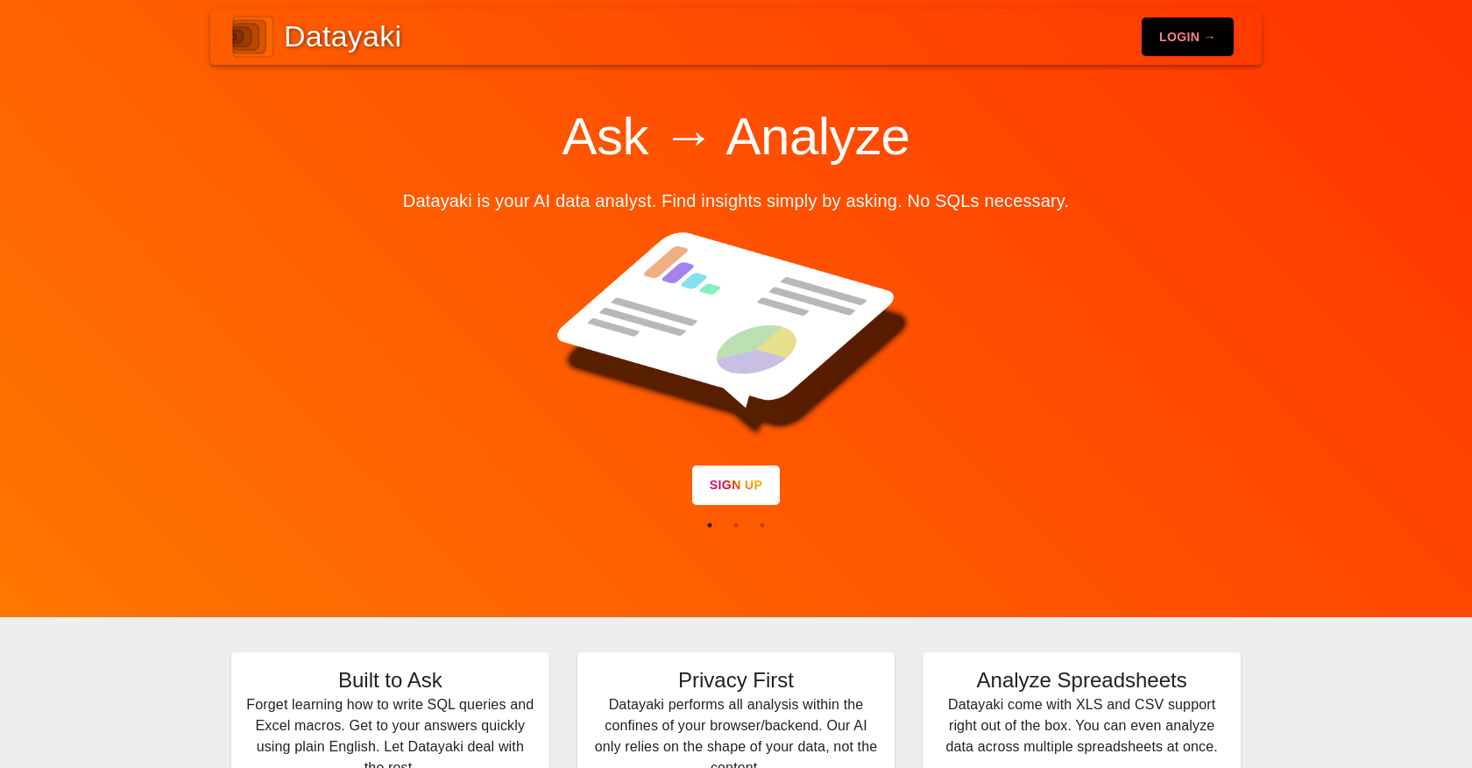
Datayaki is a data analytics tool that allows users to create widgets by simply asking questions. It eliminates the need to write SQL queries or Excel macros, making it easy to obtain quick answers using plain English.
The tool performs all analysis within the user's browser or backend, ensuring privacy as it only relies on the structure of the data, not its content.Datayaki supports multiple data formats, including Excel spreadsheets on your desktop and SQL databases in the cloud.
It also offers built-in support for XLS and CSV files, allowing users to analyze data across multiple spreadsheets simultaneously.One of the key features of Datayaki is its explainable AI, which provides trust and explainability.
The tool can explain its analysis, and users can guide it if it doesn't get things right. Additionally, Datayaki offers end-to-end encryption for secure collaboration, allowing users to share dashboards and analyses with peers while ensuring data remains accessible only to authorized collaborators.For those preferring SQL or NoSQL databases, Datayaki provides connectors for popular platforms such as Firebase, Postgres, Supabase, Snowflake, and more (availability may vary).Overall, Datayaki is a user-friendly data analytics tool that simplifies the process of obtaining insights by allowing users to ask questions in plain English, handling various data formats, ensuring privacy, and providing explainable analysis.
Releases
Top alternatives
-
Harishma Reghu🙏 7 karmaJan 13, 2024@Grapha AISuper useful tool that’s reduced my job by 80%
-
It is the ease of use for me. DataSquirrel is fast, the UI is super intuitive, and the guided analysis feature is highly convenient. I have officially moved from uploading CSV files from Google sheet to DataSquirrel. Within minutes, I can visualize my data and interpreting it becomes super simple.
-
 Automate data work and reporting with AI Agents. No data|coding skills required.OpenSigned up for a pro account for Google Drive integration. Works great! Saves me a lot of manual excel work.
 -
Immo currently best solution if you want to convert / enchant your how-to tutorials to more professional!
-
I really value the sentiment analysis tool—it simplifies understanding customer feedback by picking up on their emotions. Plus, the way it groups comments into topics is super helpful for decision-making.
-
Created a dashboard using my Excel file and it gave insights I didn’t even expect. It can read any kind of Excel file no matter the template. I can even check the accuracy by tracing back which column the data came from Great tool. highly recommended!!







Related topics
 0
0





