 Base44 Superagents-AI agent that does it all
 Mini tools
 Chrome Sidekick
 Atlas Browser
 Norton Neo Browser
 Hyperbrowser
 ChatGPT Atlas
 Automina
 Sigma AI Browser
 Perplexity Comet
 AutoBrowser
 Starizon AI
 UniJump
 Airtop
 Nextbrowser
 Arc Max
 SiteScripter AI
 Peek
Peek
 Skyvern
 Dia
Dia
 Reedr
Reedr
 TheLibrarian.io
 Supernormal App
 Saidar
 Runable
 ComputerX
 Collate
 AiAssistWorks - GPT Gemini Claude AI for Sheets Docs Slides
 ConsoleX AI
 Skymel: Create Your Own Personal Agents
 Ask Steve
 MiroAI
 Alfred by Simbli.ai
 Affint
 Sup AI
 BrowseWiz
 Kolva
Kolva
 Support Flow
 Octofy
 Criticly
 Mentor: Get things done

Chrome




Overview
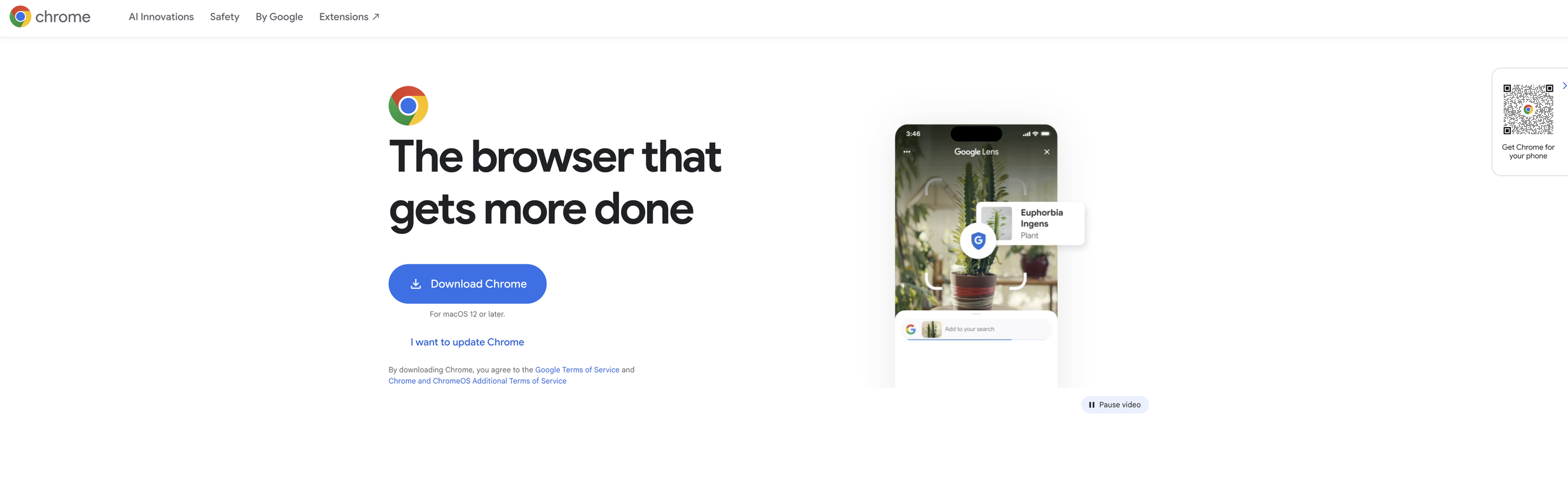
Google Chrome is the official web browser developed by Google, designed to be fast, secure, and customizable. It prioritizes performance and offers features like Energy Saver and Memory Saver, optimizing user experiences.
The browser is equipped with tools for managing tabs, allowing users to group, label, and color code tabs. Chrome works across platforms, providing a consistent experience irrespective of the device used.
Updated roughly every four weeks, Chrome ensures users benefit from the most recent features for a faster, safer browsing experience.One of the notable features is 'Gemini in Chrome', a personal AI assistant that aids in understanding web content and completing tasks by using the context of open tabs and browsing histories.
This feature also supports an 'auto browse' option for Pro or Ultra subscribers, which automates routine tasks.Chrome also utilizes AI-powered search mechanisms to address complex, multi-part questions through 'AI Mode'.
It introduces Google Lens that allows users to search, translate, identify, or shop from the visuals they see on the web. A key focus of Chrome is online safety.
The browser features the Google Password Manager for managing online passwords, safe browsing alerts to warn users about potential malware or phishing attacks, and a Safety Check function that provides real-time safety level assessments.
Privacy settings can be easily accessed and understood through the Privacy Guide.Chrome offers customization including personalized themes and dark mode.
The browser supports autofill for faster information input and synchronizes user data across devices, offering an integrated experience whether using a desktop or mobile device.
Releases

Pricing
Other tools by Google
-
 Turn text into lifelike speech in 220+ voices and 40+ languages.Open
 -
 Tealgreen🙏 398 karmaMar 29, 2025@GeminiThey nailed it. It’s better than 3.7 at coding.
 -
-
Google Imagen has been a pleasant surprise for clean work (icons, stickers)!!! Loads of style options and it nails tidy lines, soft shading and punchy color without much prompt fuss. GREAT TOOL!!







Top alternatives
-
It’s a fast, sleek, and feature-rich browser that makes multitasking effortless and browsing more enjoyable. Highly recommended!
-
A great tool without a doubt. However I prefer to have something that stays under my sight, like a separate app or a browser extension.



Related topics
 0
0





