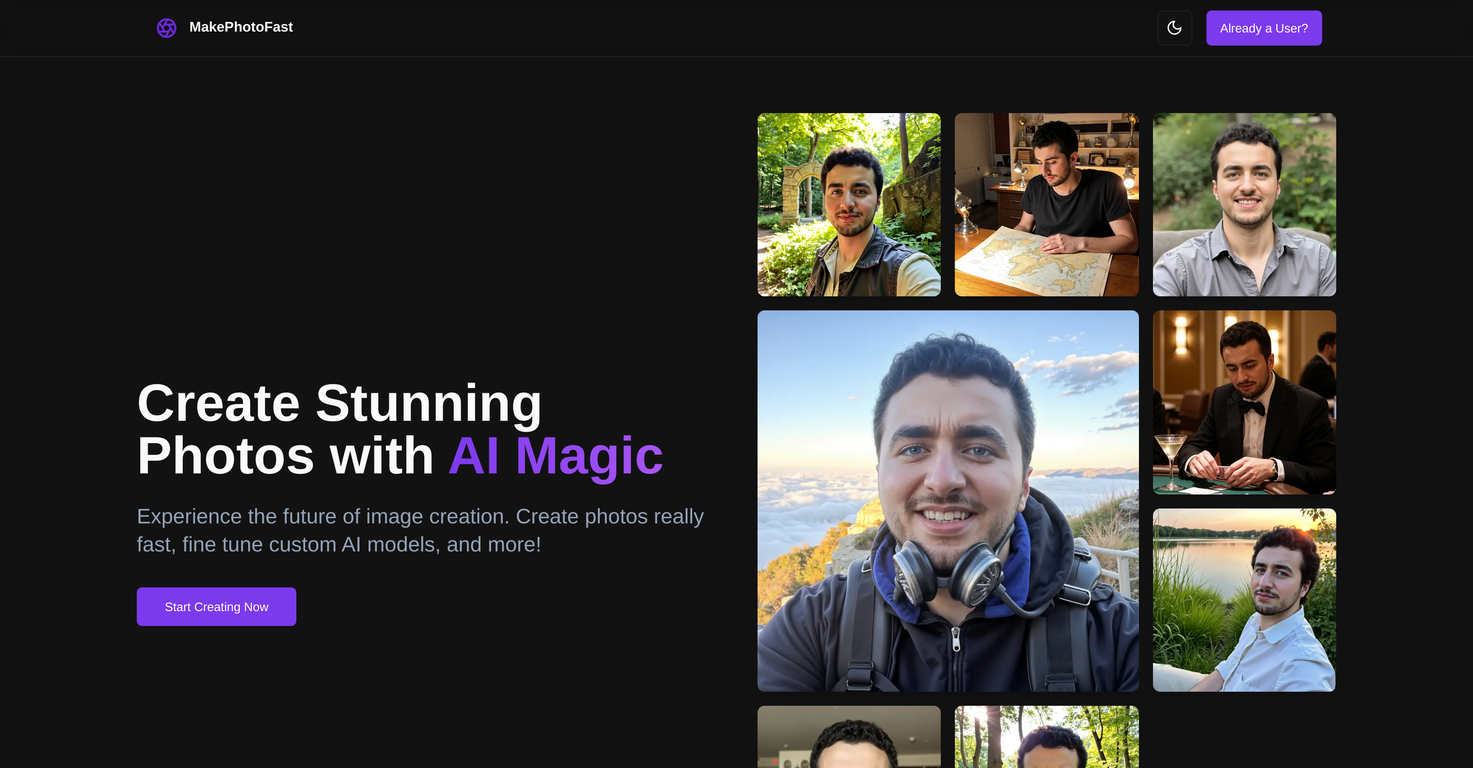
What is the core functionality of MakePhotoFast?
The core functionality of MakePhotoFast involves AI-powered image creation that generates high-quality photos either through descriptive prompts provided by the user or via pre-defined image packages.
How does MakePhotoFast use AI in image creation?
MakePhotoFast utilizes AI in image creation by analyzing the input—either a descriptive prompt from the user or a selected pre-defined image package—and generates the desired image within seconds. The AI models can also be fine-tuned to adhere to specific aesthetic preferences, providing users with personalized style in their photos.
What customization options does MakePhotoFast offer?
Customization options in MakePhotoFast include the ability to fine-tune its AI models based on user-specific aesthetic preferences, control the prompt strength and creativity levels, access a variety of aspect ratios and output formats, use custom models, and apply pre-designed style packages with just a click using the Style Package Selector feature.
What is the process of fine-tuning AI models on MakePhotoFast?
Fine-tuning AI models on MakePhotoFast involves training the AI to understand user-specific aesthetic preferences. This feature allows users to develop a personalized AI model in just about 20 minutes on average, by training the AI on their own image collection, enabling a consistent unique style across all their photos.
How can I adjust the output of generated images on MakePhotoFast?
You can adjust the output of generated images on MakePhotoFast by selecting from various aspect ratios and output formats. As part of the customization process, you can also adjust the prompt strength and creativity levels, further influencing the output of the generated images.
What is the Style Package Selector on MakePhotoFast?
The Style Package Selector is a feature of MakePhotoFast that offers a variety of pre-designed style packages. With just a click, a user can apply these styles to the images being generated by the platform.
Can I achieve different looks using MakePhotoFast's Style Package Selector?
Absolutely! The Style Package Selector on MakePhotoFast is designed to enable users to achieve different looks spanning from vintage to futuristic with ease.
What is the payment model of MakePhotoFast?
MakePhotoFast operates on a simple one-time payment model. Users make a single payment for lifetime access.
Are there any hidden fees on MakePhotoFast?
No, MakePhotoFast has a transparent pricing policy that eliminates the need for subscriptions or hidden fees. Just one payment is required for lifetime access.
Who is the target audience of MakePhotoFast?
The target audience of MakePhotoFast includes both personal users and professionals, specifically in photography and graphic design. Its features cater to users looking for a quick and versatile platform for generating and customizing images.
How is MakePhotoFast beneficial for photography and graphic design professionals?
MakePhotoFast is beneficial for photography and graphic design professionals as it allows them to generate high-quality images instantly. With AI fine-tuning, these professionals can create a unique style across all their images. The platform also provides flexibility in terms of aspect ratios, output formats, and creativity control, facilitating crafting professional-standard images as per the specific job requirements.
Can I input a descriptive prompt for images on MakePhotoFast?
Yes, you can input a descriptive prompt for images on MakePhotoFast. The platform then generates the image based on the AI's interpretation of that prompt.
What kind of image packages does MakePhotoFast offer?
MakePhotoFast offers pre-defined image packages that can be selected by users as part of the image creation process. The exact types of these image packages are not specified in the provided content.
Does MakePhotoFast allow for unique personalization in photos?
Certainly! MakePhotoFast allows for unique personalization in photos by letting users train its AI to understand their specific aesthetic preferences. This facilitates a unique, personalized style across all of their photos.
How can I control the prompt strength and creativity levels on MakePhotoFast?
You can control the prompt strength and creativity levels on MakePhotoFast as part of the image customization process. This control over the creative aspects of image generation ensures the resulting output aligns with your specific preferences.
Can I use custom models on MakePhotoFast?
Yes, MakePhotoFast allows you to use custom models to generate images in addition to the option of using pre-defined image packages.
How quick is the image creation process on MakePhotoFast?
The image creation process on MakePhotoFast is exceptionally quick. The platform uses its advanced AI functionality to generate images based on the provided descriptive prompt or selected image package within seconds.
Are there any specific aspect ratios I can select from on MakePhotoFast?
MakePhotoFast does offer a variety of aspect ratios to select from, but the exact specifics are not detailed in the information provided.
In what formats can I output my images on MakePhotoFast?
Users have the option to select from various output formats on MakePhotoFast. However, detailed specifics about the available formats are not explicitly stated in the provided content.
Can I use MakePhotoFast for commercial purposes?
Yes, MakePhotoFast is suitable for commercial use. The one-time payment includes rights for 100% commercial use of the images generated on the platform.