Mini tools
 Hosted Hermes or OpenClaw AI agents. Use in-app or via Telegram.
 Younet
 Agents by Athena AI
 Rumora
 Watermelon
 Mixus
Mixus
 ChatNode
 Clawdi
 BrainyBear
 Surfn AI
 GlobalGPT
 Skymel LEGATO - Autonomous Agent Design & Deployment Kit
 PUNKU.AI
 1-Click OpenClaw | Hostinger
 echowin
 PaioClaw
 VPS for OpenClaw+Hermes
 Kilo | Cloud Agents
 Origon AI
 ChatGPT Operator
 Chat Thing
 GetSpiced
 CleeAI
 Starnus
 Activepieces
 Avataar's GenAI Creator
 Olivya
 Abstra
 Pipefy
 DoubleO
 Quixl
Quixl
 Neferdata
 Cubeo
Cubeo
 Sema4.ai
 Ridvay
 Tray.io
 Cognition by Mindcorp
 GoodWork
 Mr David
 UiPath
 Super Amplify
 Mistral AI Studio
 Belva
Belva
 Elham.ai
 Superface
 BotX
BotX
 Buildship
 Geekflare Connect
 Emly Labs
 Retool
 Aureo
Aureo
 Api4ai
 Kortical
 Hopsworks
 BraintrustData
 Intelligent Internet
 Nitro
Nitro
 iyed
iyed
 DataRobot Generative AI
 Momo
Momo
 Zues
Zues
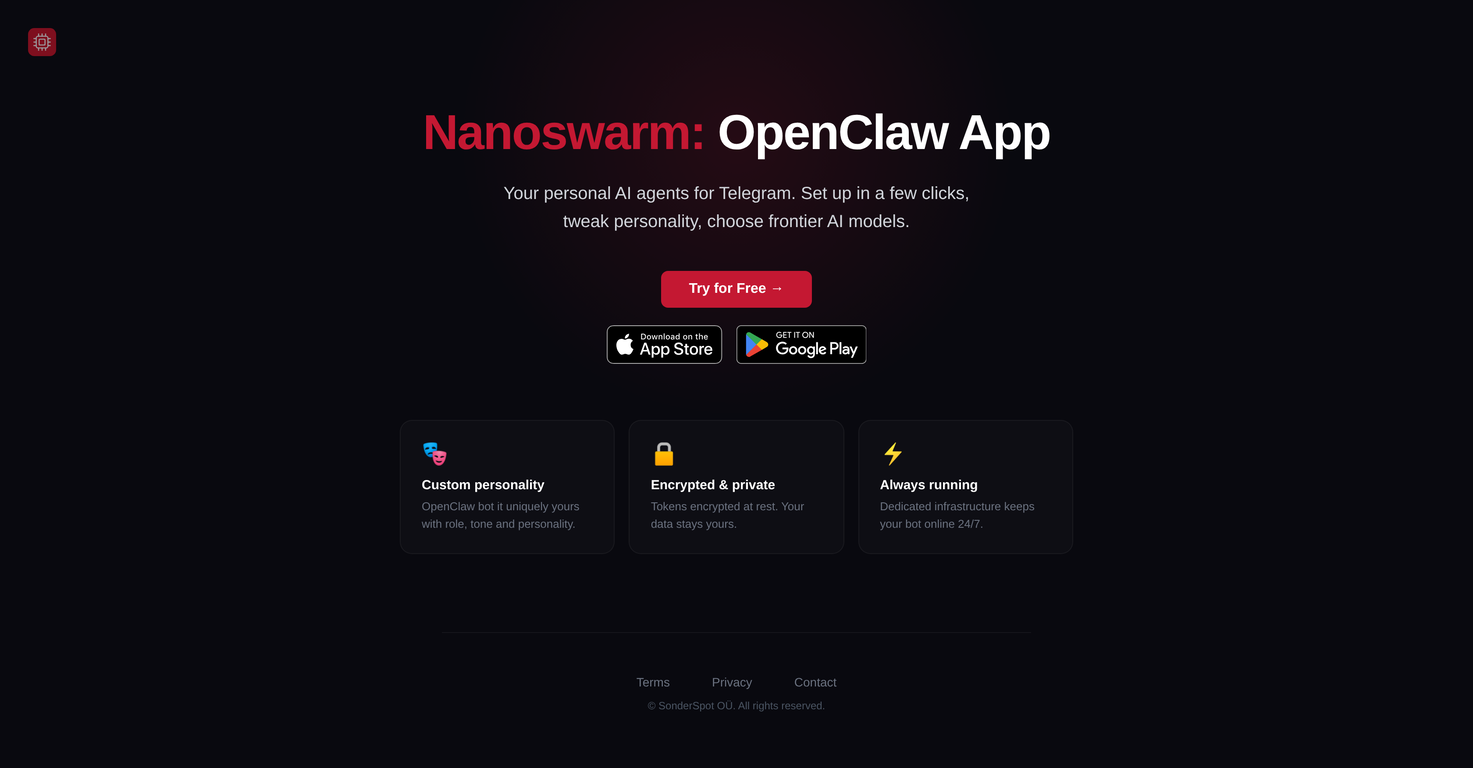
Nanoswarm: OpenClaw Appv1.1.0Version updatev1.1.0May 9, 2026Added Hermes AI agent instance types alongside OpenClaw.
Hermes Agent is an open-source, self-improving AI agent developed by Nous Research that can be used as a personal assistant. It learns from user interactions, continuously builds its own skills, and maintains a memory of past projects, enabling it to handle increasingly complex tasks over time. It can run locally, supports multiple AI models and messaging platforms, and is designed to automate workflows while reducing manual effort across different use cases.








Overview
Nanoswarm: OpenClaw App is an application designed to create personalized AI agents that are based on OpenClaw or Hermes Agent engine. The tool allows users to establish these agents with a set up process that requires just a few clicks.
A key feature of this tool is the ability for users to customize the personality of their AI agent. They can adjust the character's role, tone, and overall personality, providing a unique interaction experience.
In addition to the exciting customization feature, users can choose from an array of frontier AI models, which equates to the cutting-edge developments in the AI field.
Nanoswarm: OpenClaw App is privacy-focused, as it ensures user data protection by encrypting tokens at rest. This ensures that your data remains personal and securely stored.
The app also offers the advantage of a dedicated infrastructure, which keeps the bot active and online 24/7. Consequently, users can interact with their personalized AI agent on Telegram at any time.
Supported features
Releases
Added Hermes AI agent instance types alongside OpenClaw.
Hermes Agent is an open-source, self-improving AI agent developed by Nous Research that can be used as a personal assistant. It learns from user interactions, continuously builds its own skills, and maintains a memory of past projects, enabling it to handle increasingly complex tasks over time. It can run locally, supports multiple AI models and messaging platforms, and is designed to automate workflows while reducing manual effort across different use cases.

Pricing
Top alternatives
-
 Power your business with AI agents that work 24/7.Derek W.🙏 109 karmaMay 23, 2024@YounetAbsolutely in love. I could create my own custom AI and shared it with my colleuges to get instant support from me, i mean digital AI of me :)
 -
 Create AI agents for any taskEasy to start and made a customer support agent for my website in a few minutes!
 -
 AI agents will find and mention your brand in viral videos commentsWe used Rumora for our SaaS app and went from 512 to 23,956 signed up users in 3 months, here's the case study with screenshots: https://rumora.ai/case-studies/olovka
 -
 Handle up to 96% of your support automaticallyAmazing, easy-to-use tool. Would definitely recommend it to anyone who wants to automate in a customer-friendly way!
 -
 AI Agents Built For You
 -
 AI Agents for customer service that feel humanThis is a fantastic tool for creating a bespoke chatbot that understands the nuances of your business. It's so easy to set up, works with all the platforms I use, like Slack, Google Drive, Notion, and Zapier, and it's massively helped with customer service queries. Would definitely recommend.