 Rocket - Think it. Type it. Launch it.
 Mini tools
 Fast, cheap AI image generation API for 10000+ models.
 Photo AI
 Freepik AI Image Generator
 Stockimg AI
 Midjourney
 CreativePixel
 BestPhotoAI
 INLINER
 Ideogram
 SD Telegram bot
 Getimg.ai
 Shoots by Diktatorial
 Seedream
 Picsman - AI Photo Editor
 PixAI Art
 NewHero AI
 GenTube
 Reface
 FLUX
FLUX
 Stable Diffusion
 TinderProfile.ai
 So You Want To Be A Writer?
 Minka
Minka
 Ancient AI powered spirits
 somacguffin
 Jvb ai
 Cuty
Cuty
 Superfly Stoner








Overview
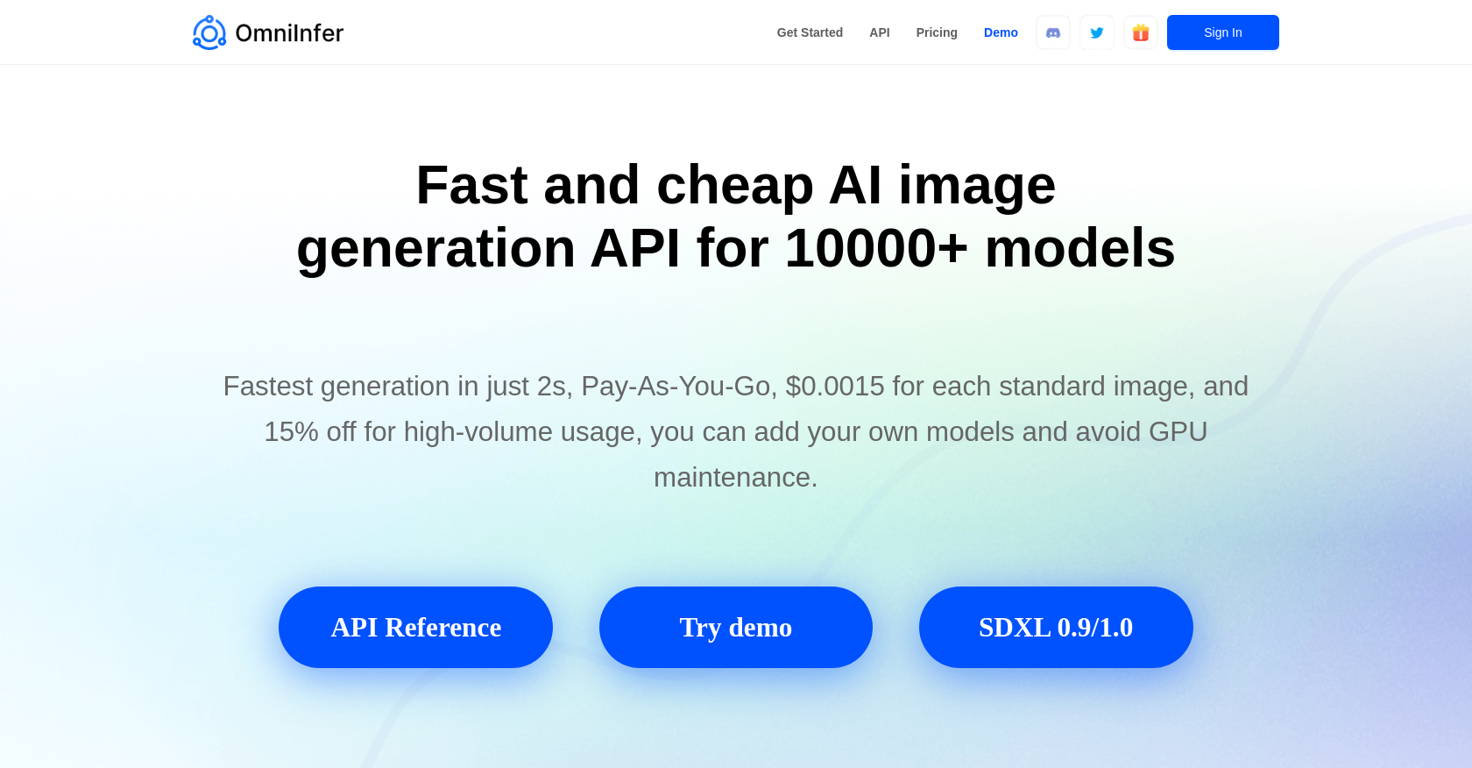
OmniInfer is an AI image generation API that offers fast and affordable image generation capabilities. With a vast library of over 10,000 models, it ensures access to the latest popular and trending models.
The tool boasts the fastest generation time in just 2 seconds, allowing for quick results. OmniInfer's pricing model operates on a Pay-As-You-Go basis, with a cost of $0.0015 per standard image.
Additionally, it offers a 25% discount for high-volume usage, making it a cost-effective choice. One notable advantage of OmniInfer is its flexibility, enabling users to incorporate their own models and avoid the hassle of GPU maintenance.
It offers an efficient way to discover the tool's distinctive features through its API Reference and demo.The tool has been successfully implemented in various applications.
For instance, Dazzleai.network utilizes OmniInfer for AI-driven image creation and commercial ventures, while the mobile game "Merge Cats!" uses OmniInfer to generate stunning images of various cat breeds as game assets.
Furthermore, DailyArt employs the OmniInfer API to provide users with an AI drawing application for generating high-quality artwork by combining different model outputs with their own images.OmniInfer also addresses frequently asked questions in their FAQ section, covering topics such as the tool's functionalities, usage instructions, GPU requirements, and commercial usage.
The pricing structure is transparent, with costs considerably lower compared to other similar tools on the market.In conclusion, OmniInfer is an accessible and efficient AI image generation API that offers fast results, affordability, and the flexibility to incorporate custom models, making it suitable for a wide range of applications.
Releases


Top alternatives
-
Arvoly XSL🙏 122 karmaOct 31, 2023@Photo AIIt's not free, it forces you to input an email before shoving a price tag in your face.
-
Freepik helps people to create better designs, faster.
-
-
-
- Better handling for image editing and video generation pipeline with proper fallbacks - More free image editing tools and AI video effects to try - Better quality on LTX video models - Improved restore photos and added templates to image editing tool for common usecases





Related topics
 0
0





