
 GitLab Transcend - Intelligent orchestration
 Mini tools
 TheLibrarian.io
 Supernormal App
 Saidar
 MiroAI
 Collate
 Runable
 ComputerX
 AiAssistWorks - GPT Gemini Claude AI for Sheets Docs Slides
 ConsoleX AI
 Ask Steve
 Alfred by Simbli.ai
 Kolva
Kolva
 Affint
 Octofy
 Sup AI
 BrowseWiz
 ZeroTwo
 Support Flow
 Hyperis
 HaloMate

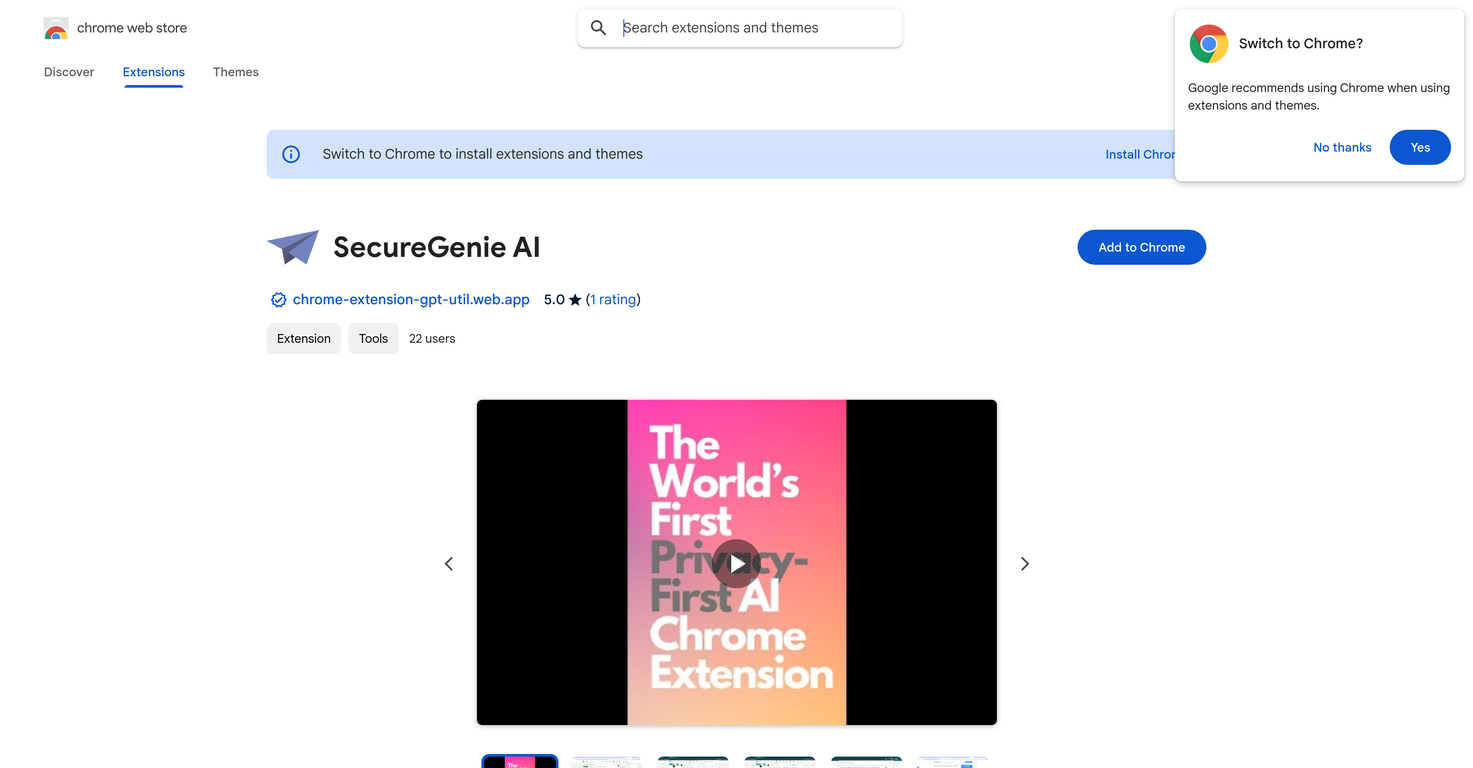
SecureGenie AI





Overview
SecureGenie AI is an innovative, privacy-first AI extension for Chrome. It is designed to ensure maximum privacy for users by not reading browser pages by default.
It helps automate tasks like replies and translations without compromising the user's data privacy. The main functionality revolves around the user defining specific prompts to evoke the AI's assistance.
Tasks are accomplished via a four-step process: (1) Quick Setup: users store their preferred prompts in the extension popup menu; (2) Seamless Integration: users select text and open the context menu; (3) Effortless Execution: users choose 'Ask AI' and select the predefined prompt; and (4) Instant Results: users view the AI-generated response in a side panel.
Example applications include automating LinkedIn replies, providing instant translations, formulating polite declines, summarizing articles, generating email templates, aiding with research, generating content ideas, and enhancing productivity with task lists.
As a privacy-first AI, SecureGenie AI is unique among browser extensions in that it does not intrusively read user data by default. It aims to balance privacy with productivity in the daily workflow of its users.
Releases
Top alternatives
-
Duck Typer🙏 263 karmaFeb 12, 2025@TheLibrarian.ioGreat tool! Was very helpful in content production
-
Works well and connects with my apps easily. I’m considering using it for daily reports and posts
-
Miro has massively improved how we collaborate and execute. The AI features have made a real difference in day-to-day productivity, helping us structure ideas quickly and get to decisions faster. What really surprised me is the new prototyping feature: it’s now much easier to turn a workshop board into an actual prototype and iterate with the team. If you’re running product work, workshops, roadmaps, or even GTM planning, Miro is worth it.
-
I’ve been using Collate to go through technical PDFs, and it’s been surprisingly handy. Summarizing docs and being able to ask questions directly saves me time, especially when I’m skimming through research or API references. No sign-ups, works offline, and everything stays on my device — which I appreciate.
-
Used it for PPT generation and performed extremely well, especially the numbers and data part.










