

 Mini tools
SkyGen Plus | AI Image Generator
 Generate, remix and refine images with multiple AI models.
Go to 📷 Images
 Image Generator
 Photo AI
 Stockimg AI
 BestPhotoAI
 Midjourney
 CreativePixel
 Ideogram
 INLINER
 Getimg.ai
 SD Telegram bot
 Picsman - AI Photo Editor
 PixAI Art
 Seedream
 ChatGPT Images
 Shoots by Diktatorial
 GenTube
 HeadSnap
 Deepdreamgenerator
 Glif
Glif
 FLUX
FLUX
Image Generator
10,360,197
Photo AI
260,088
Stockimg AI
115,933
BestPhotoAI
94,784
Midjourney
90,924
CreativePixel
89,875
Ideogram
83,413
INLINER
73,851
Getimg.ai
58,723
SD Telegram bot
56,045
Picsman - AI Photo Editor
52,535
PixAI Art
49,965
Seedream
49,736
ChatGPT Images
48,009
Shoots by Diktatorial
47,859
GenTube
42,371
HeadSnap
41,484
Deepdreamgenerator
36,192
Glif
35,747
FLUX
35,299
Go to 🎨 Creativity
📷
Images
(3413)
🔠
Text
(2166)
💻
Software
(1953)
🎥
Videos
(1059)
🔊
Audio
(809)
🎨
Art
(601)
🎨
Design
(280)
🌪️
Brainstorming
(209)
🖌️
3D
(79)
📸
Multimedia
(20)
 So You Want To Be A Writer?
 Minka
Minka
 Ancient AI powered spirits
 Jvb ai
 somacguffin
 Cuty
Cuty
 Superfly Stoner
So You Want To Be A Writer?
393
Minka
273
Ancient AI powered spirits
261
Jvb ai
242
somacguffin
208
Cuty
199
Superfly Stoner
177

SkyGen Plus | AI Image Generator
Inputs:
Outputs:
Use code TAAFT
10% OFF
Generate, remix and refine images with multiple AI models.
Overview








Overview
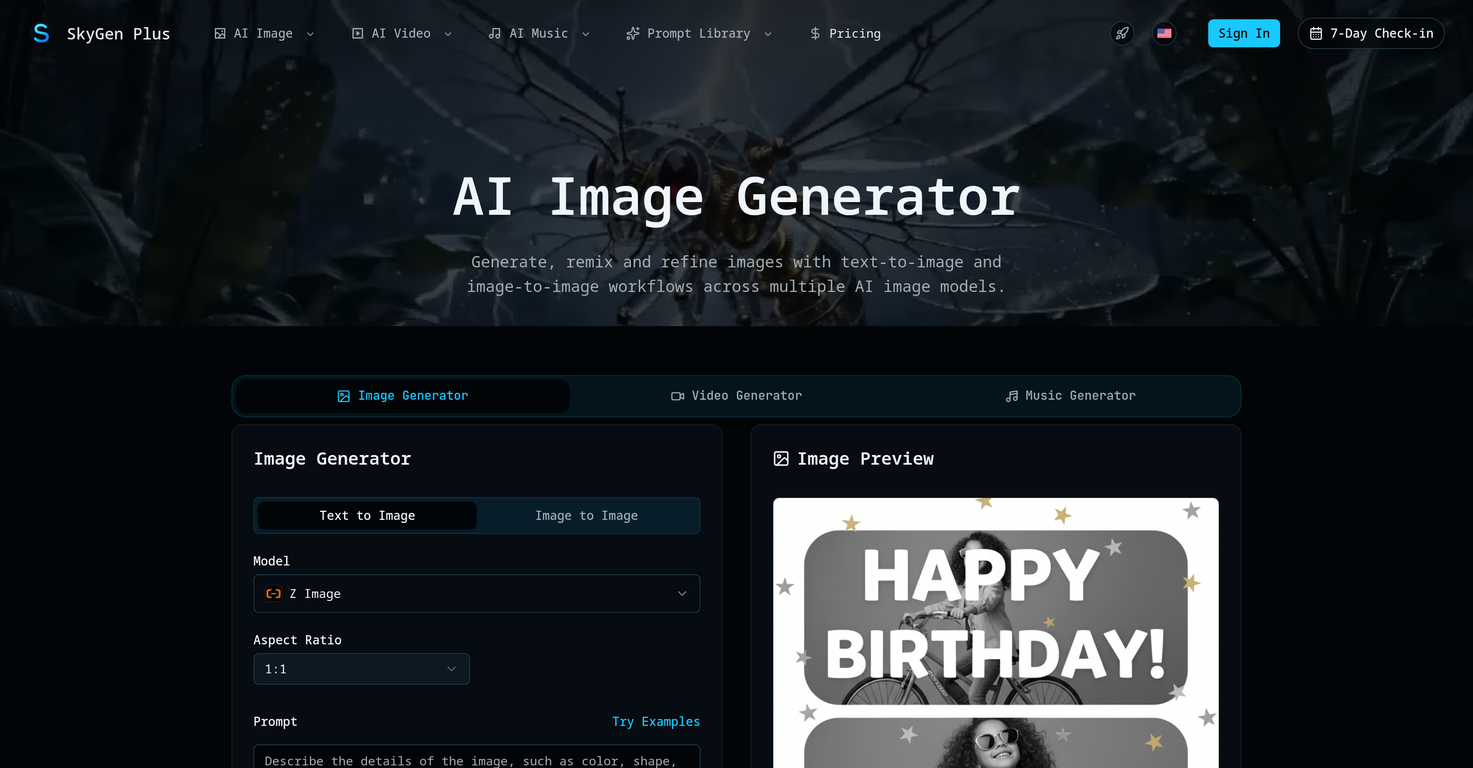
SkyGen Plus is an all-in-one AI creation platform that enables users to generate images, videos, and music within a single unified workflow.It integrates multiple advanced AI models—including Nano Banana, Seedream, FLUX.2, GPT Image, and Seedance—allowing creators to switch seamlessly between different generation engines based on their needs. Users can create content through prompts, reference inputs, or multimodal workflows, making it ideal for producing marketing visuals, short-form videos, concept art, and creative assets.
The platform emphasizes simplicity and flexibility: users can select a model, input their content, generate outputs, and iterate quickly—all in one place. Unlike many AI tools, SkyGen Plus offers a credit system with no expiration, ensuring long-term usability and continuous access to newly added models.
Whether you’re a content creator, marketer, or indie builder, SkyGen Plus provides a streamlined environment to turn ideas into high-quality visual, motion, and audio outputs efficiently.
Show more
Releases
Get notified when a new version of SkyGen Plus | AI Image Generator is released
Notify me
May 2, 2026
Initial release of SkyGen Plus | AI Image Generator.
Author

Follow
Pricing
Pricing model
Freemium
Paid options from
$8.30/month
Billing frequency
Monthly
Refund policy
No Refunds
Keeping you safe
Good to know
TAAFT Discount
10% off with code "TAAFT"
Built With AI


Top alternatives
-
 Unleash imagination with AI-powered image generation.My Sawsiri🙏 537 karmaMar 13, 2025@Image GeneratorI think it's the best image generator I ever found on the net. It gives more accurate image according to the prompt. And thank you for keeping it for free.
 -
 Create beautiful AI photos and videos of real peopleIt's not free, it forces you to input an email before shoving a price tag in your face.
 -
 Generated images and text for design ease.
 -
 Create amazing AI photos instantlyLove how it offers stuff for both free and premium users. huge thanks to the devs and keep it up!
 -
 Expand human imagination through AI-powered visuals.
 -
 Out-create Your Competition in MinutesThis one gives some pretty decent logo directions quickly. The first concepts are useful, but I’d still want finer control over typography and spacing before calling anything final.














#1396
2
2






