 Base44 Superagents-AI agent that does it all
 Mini tools
 Create ultra-realistic images with AI
 Photo AI
 Freepik AI Image Generator
 Stockimg AI
 Midjourney
 CreativePixel
 INLINER
 Ideogram
 BestPhotoAI
 Imagine Anything
 SD Telegram bot
 Getimg.ai
 Shoots by Diktatorial
 Seedream
 Picsman - AI Photo Editor
 NewHero AI
 GenTube
 Reface
 FLUX
FLUX
 TinderProfile.ai
 Stable Diffusion
 So You Want To Be A Writer?
 Ancient AI powered spirits
 Minka
Minka
 Jvb ai
 somacguffin
 Cuty
Cuty
 Superfly Stoner

 Crano AI
 Funy AI: Video, Image
Overview
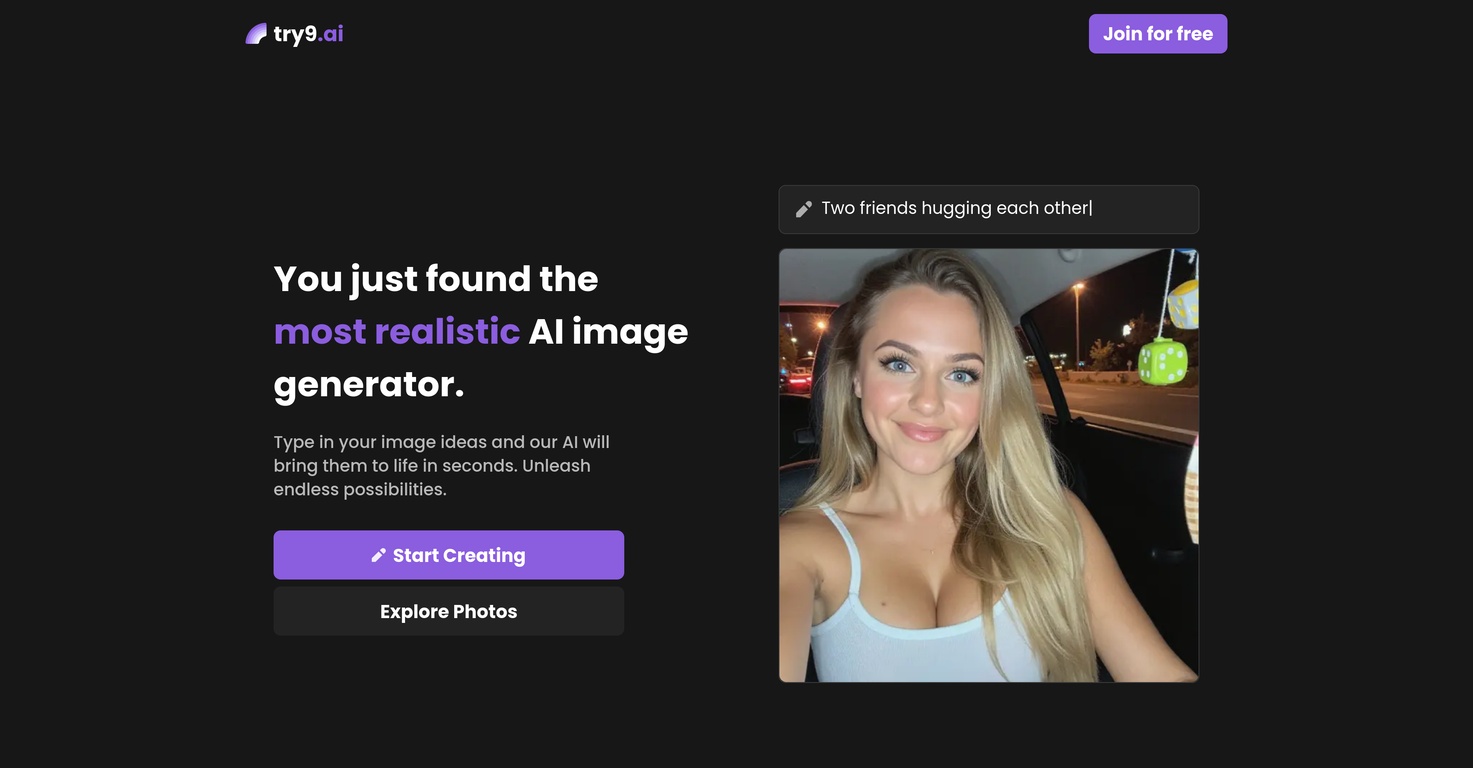
try9.ai is an artificial intelligence tool designed specifically for generating high-quality, realistic images. The tool leverages advanced AI technology to create images that are intended to look even more real than actual photographs.
With try9.ai, users can swiftly and simply generate images that are highly detailed, making it useful for various purposes and sectors. While it is designed to be user-friendly and accessible, it also maintains a level of sophistication in its technology to achieve its exceptional results in image generation.
Despite the tool's intrinsic complexity, users are likely to find it easy to adapt to, resulting in effective and efficient image creation. Whether you are a seasoned professional looking for a reliable image generator or a beginner hoping to experiment with AI-assisted visuals, try9.ai offers a potent solution.
Releases


Pricing
Top alternatives
-
Arvoly XSL🙏 122 karmaOct 31, 2023@Photo AIIt's not free, it forces you to input an email before shoving a price tag in your face.
-
Freepik helps people to create better designs, faster.
-
-
-
Six months ago I was building some landing pages and found myself wasting way too much time downloading stock photos, cropping them, resizing, rehosting... the whole thing felt broken. I looked around for a tool that just let me describe the image I wanted and get it in the right format instantly—but nothing really existed. So I built Inliner AI. Now when I need an image, I just write what I want directly into a URL like this: https://img.inliner.ai/my-project/panda-playing-guitar-on-stage_1200x750.png Hit enter and boom Inliner generates an original AI image, intelligently cropped, resized for the web, and served instantly via CDN. Need a quick edit? Just append it to the URL: .../remove-the-guitar_900x750.png No uploads, no UI, no waiting. You can also upload your own products, people, or logos and compose them into generated scenes. For more control, there's a Studio web GUI where you can play with prompts and dimensions and compare variants side by side before committing. Where this gets really powerful is when you show your LLM how to use these URLs. Once it knows the pattern like: https://img.inliner.ai/my-project/xxx-yyy-zzz.png It can generate, tweak, and iterate on image assets dynamically, right inside your prompts or your code. Everything stays self contained in the link. We also include copy/pasteable instructions for Claude, GPT, Cursor, and more so you can wire this up in minutes. If you're building a product, designing a page, or just prototyping something new try it out and let me know what you think!






 0
0





