 Base44 Superagents-AI agent that does it all
 Mini tools
 Scholarcy
 Scispace
 OpenRead
 Elicit
 Scite
Scite
 Papers
 Wonders AI - Research Workspace
 Semantic Scholar
 Mirrorthink
 Epsilon
 Free Research Paper Generator
 Avidnote
 Afforai
 Undermind
 bundleIQ
 Enago Read
 Research Idea Generator
 Academic Research Agent
 ASK-A-LIBRARIAN
 Academic Research Assistant
 55club
 Personal Performance
 The Mid Life Magic Woman
 Auramind
 SchoolAI
 Khanmigo
 MagicSchool
 SCHOOL SCHEMES OF WORK
 Loopydoopdedoop education
 Education Counciler AI
 TeAIcher
 SchoolBote
 NEGE-AI
 Education
 Coaching
 Thabo Assistant Ai

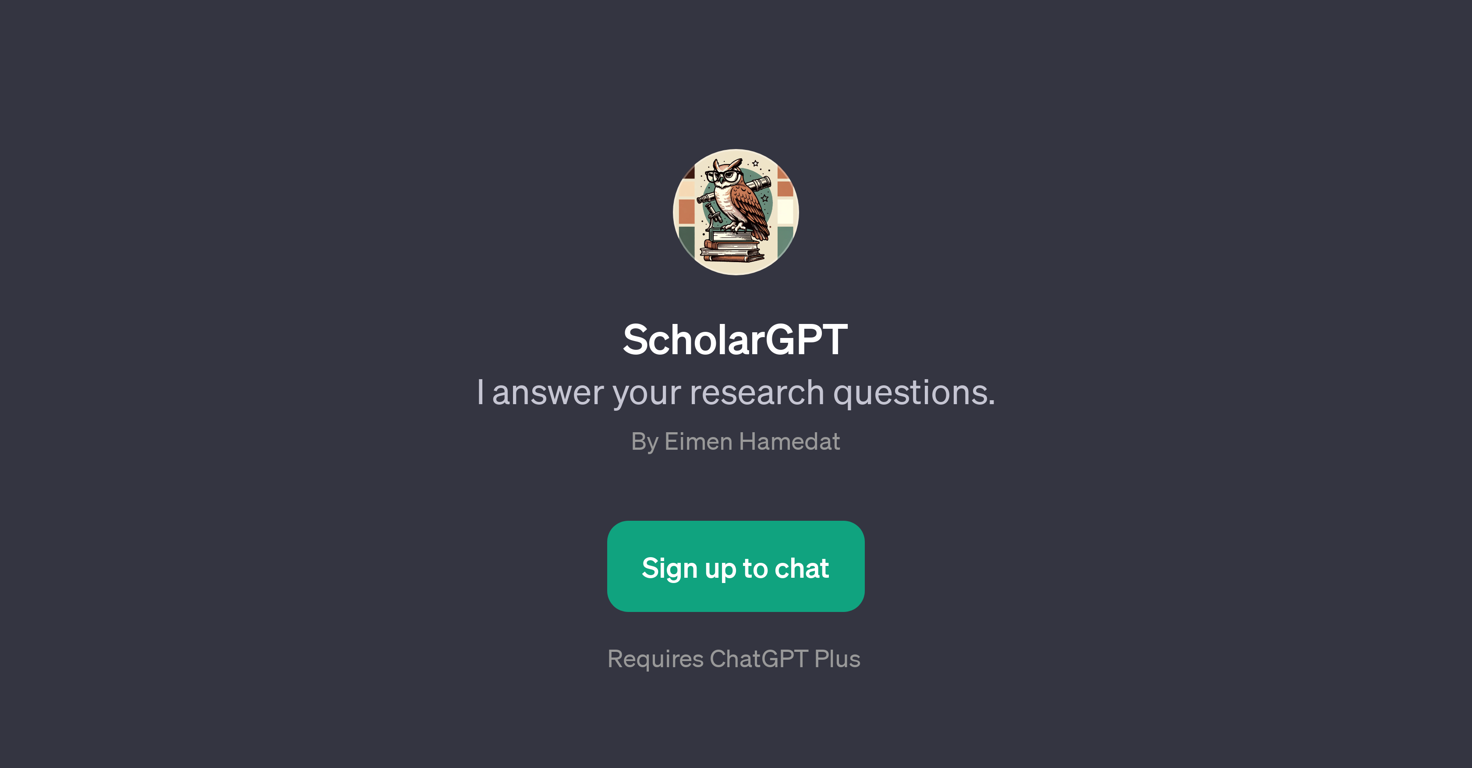
ScholarGPT
 PDFdigest
 The Drive AI
 Thesify
 CiteTrue
 MyReport
 Safe Appeals
 Nexus Seek
Overview
ScholarGPT is a GPT structured to specifically assist with research-related inquiries. Operationally layered on top of ChatGPT, it is designed to understand and respond to complex queries that are often found in an academic or research context.
The GPT can be utilized in a broad spectrum of studies ranging from scientific, economic to technological inquiries. For instance, it can be queried to explain the CRISPR-Cas9 mechanism or provide insight into the impact of GDP on income inequality.ScholarGPT's primary function is to efficiently provide insightful, nuanced, and research-oriented responses to the queries.
It doesn't replace comprehensive research but rather aids in navigating through it by providing potentially new perspectives or pointing towards pertinent information which can then be further investigated.
The GPT strives to be a handy tool that complements human effort by quickly providing researched answers to save time.ScholarGPT is accessible and intuitive.
Its usage requires a ChatGPT Plus account and then it can be interacted with just like a normal chatbot. Its interactions start with a welcoming message aiming to understand how it can assist the user's research for that day, and its prompts cover a wide range of research topics.
This makes ScholarGPT an invaluable asset for anyone regularly dealing with research questions that require deep, academic, or precise responses.
Releases
Top alternatives
-
 Ron Jayson🙏 89 karmaMar 1, 2024@Scholarcyeasy to pick up and you get a few free file imports. it gives you results pretty fast, unfortunately i can't find a way to get back to these, they're locked behind the paid service.
 -
I've tried to find the exact articles via WoS, Google, or Scopus. Despite using a very advised and complicated search query, it was just a waste of time. Perplexity didn't help either. The Jenni AI, which may add useful links when generating text, finds nothing but trash. SciScape gave exactly what I needed from the first query! A couple of fresh relative articles with very exact topics!
-
Such an impressive platform for all of us who are looking for more efficient ways to do the investigation. OpenRead has the potential to solve our problems.
-
Think its a fab tool but why wont it allow you to save your workflows?
-
Not particularly useful and expensive at the same time. Don’t waste your time or money.
-
I’ve been using it for a month now and I have decided to keep it for a year. There definitely are some kinks they can still work out like file management, but it’s very good at it’s core function: it generally does a good job answering questions and most times identifies PDFs automatically and correctly. The browser plugin works great, and it’s very nice that Papers allows you to add your university’s library API so you can automatically download PDFs that are accessible through your institution (sometimes it refuses to download some papers, so you just have to downlow it yourself and manually add it). The iPad and Android apps are serviceable. Every once in a while it will mess up the PDF identification, especially with papers from either very old sources or online-only journals. Things they must work on: * A much better system to annotate PDFs (the post-it type notes are cumbersome). * Introduce a notepad attached to each PDF or some way to easily link and save the AI’s output to the PDF. Currently, you have to add a little post it note and then paste the text there. * Keep the AI answers available after closing the documents. If you close the document by mistake or have several open and wish to close some, the ai conversation will be reset. * I REALLY wish that you could get citations and links to where the info was from extracted from PDFs. Currently, I have found Coral.ai does a much better job of showing you where the info came from and it even highlights it for you. Give it a try, their 30-day no credit card needed trial allowed me to truly test it, and now I’m a yearly subscriber looking forward for new additions and releases.


Related topics
 0
0





