Go to section
Spotlight SureThing.io - "OpenClaw" for BeginnersTask automation
The front page of AI.Used by 90M+ humans.

TAAFT Tutorial
Generate image
Tasks
Generate text
Free mode
Trending
Leaderboard
Characters
 Mini tools
New
Featured
Lists
Agents
Requests
Jobs
Map
Newsletter
Starter pack
Free tools
Speech to text
Text translator
Remove background
Settings
Edit profile
My tools
Gallery
Dashboard
Inbox
Get featured
Contact TAAFT
For you
Popular
Job impact index
Most saved
Affiliate program
Submit AI tool
Notification preferences
Glossary
Home
Timeline
My profile
Create tool
Deals
Companies
Models
Robots
Papers
Fundraises
Repositories
Devices
Organizations
Events
Prompt Pack
Merchendise
APIs
Features
Tools
Countries
Collections
Videos
Mini tools
New
Featured
Lists
Agents
Requests
Jobs
Map
Newsletter
Starter pack
Free tools
Speech to text
Text translator
Remove background
Settings
Edit profile
My tools
Gallery
Dashboard
Inbox
Get featured
Contact TAAFT
For you
Popular
Job impact index
Most saved
Affiliate program
Submit AI tool
Notification preferences
Glossary
Home
Timeline
My profile
Create tool
Deals
Companies
Models
Robots
Papers
Fundraises
Repositories
Devices
Organizations
Events
Prompt Pack
Merchendise
APIs
Features
Tools
Countries
Collections
Videos
Mini tools
New
Featured
Lists
Agents
Requests
Jobs
Map
Newsletter
Starter pack
Free tools
Speech to text
Text translator
Remove background
Settings
Edit profile
My tools
Gallery
Dashboard
Inbox
Get featured
Contact TAAFT
For you
Popular
Job impact index
Most saved
Affiliate program
Submit AI tool
Notification preferences
Glossary
Home
Timeline
My profile
Create tool
Deals
Companies
Models
Robots
Papers
Fundraises
Repositories
Devices
Organizations
Events
Prompt Pack
Merchendise
APIs
Features
Tools
Countries
Collections
Videos

▼ Latest
Image generator realistic
Free mode
100% free
Freemium
Free Trial
Featured matches
-
 Open
Open
-

-
-
-
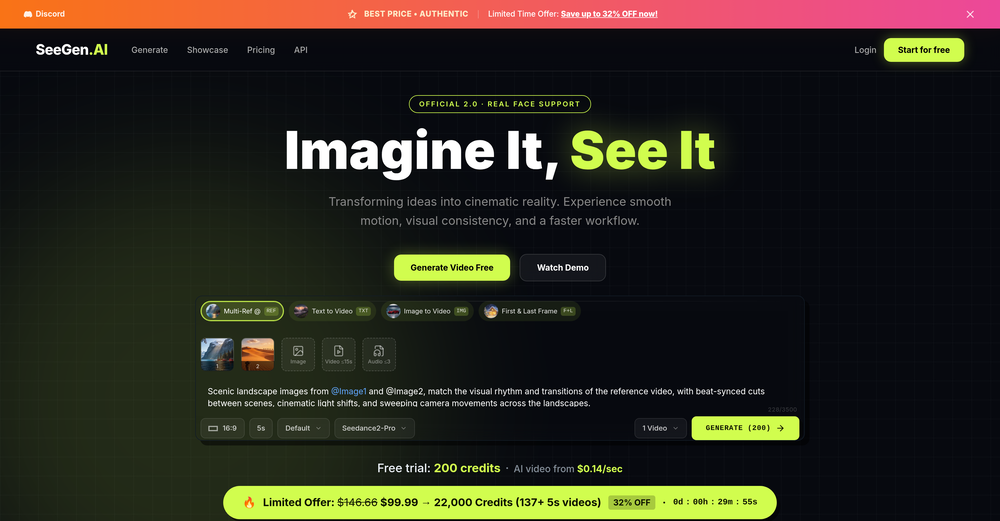 Grace ChanApr 16, 2026@SeeGen AII tried testing Seedance 2.0 on several platforms, but most of them required a membership upgrade first — even Dreamina. SeeGen AI offers a free trial, and that’s the main reason I recommend it.
 -
-
 Open
Open Tried it with one photo and was surprised how natural the video looked — lots of effects and models to play with too
 -
-
-
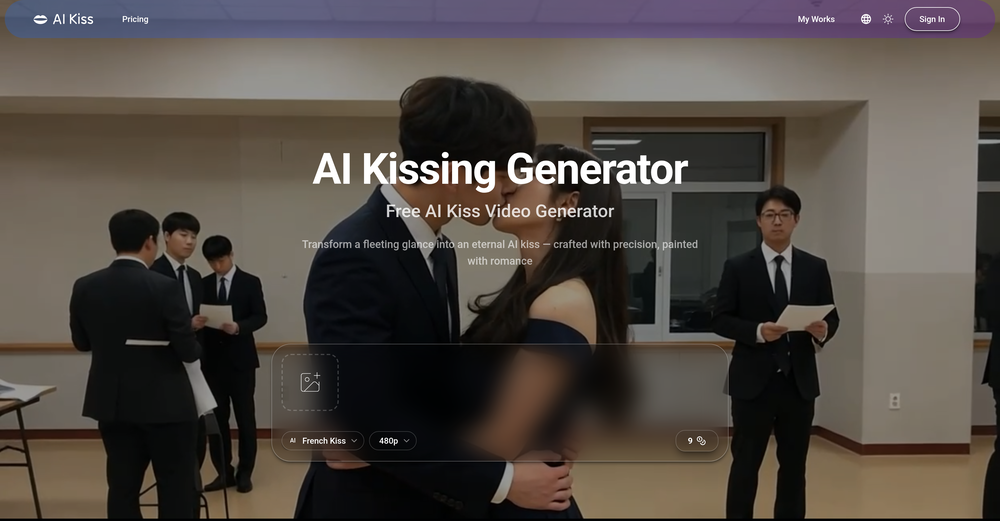 I created this platform to solve a problem I saw everywhere: AI videos that looked too unnatural. AI Kiss is designed for high-quality, lifelike animation. We capture the subtle details of intimacy, specifically the eye contact between partners, making the moment feel truly authentic. Founder of AIKiss.Art Cherry










Verified tools
-
 Transform photos into cinematic videos with AI.Open✨ New: Seedance 2 Mini Model Better quality. Lower cost. Now available for AI video generation.
 -
 Turn text and images into production-ready 3D models with AI in seconds.OpenThis tool is definitely good for basic stuff, no doubt. Just keep the prompts super duper simple and it gets the job done. But once I put in something a bit more complex at it… it kinda screwed up the thing. Still, I see potential here
 -
very good tool. done your work in seconds with Retouch Pro
- SpotlightSureThing.io - "OpenClaw" for BeginnersTask automation
-
-
 Turn simple prompts into viral videos, stunning images, and realistic audio.Open
 -
 Transform images with AI-powered creative editing tools.Open
 -
-
 Blazingly fast multi-view consistent rendering of 3D models with SketchUp supportOpen
 -
 OpenHonestly, the kissing effect on Viyou is remarkably fluid—way better than other AI tools I’ve tried. The preset scenes are a great touch and super fun to play with. My only tip? The default prompts could be a bit more polished to get even better details, but the results are already top-tier. Definitely worth checking out!
 -
 Open
Open -
-
-
Lmao this is gold. Kirkify my friend's face in seconds. 😂
-
The workflow is straightforward, the output quality is clean, and it’s especially useful for marketing videos, product demos, and social media content. Overall, it’s a solid AI video generator that saves a lot of time. Highly recommended.
-
So cute! It's actually crazy how real the dance moves look. Highly recommend using high-quality photos for the best result.
-
 Open
Open -
 Open
Open -
I dont see eny progect! after promt saying "image" is done and.. thats it> nothing.
-
 Remove backgrounds from images with AI in seconds.Open
 -
I built Forevi after trying to restore my own family photos, especially for my grandpa. He doesn’t really care about physical gifts anymore, but he does care about memories: his youth, his family, the small things that mattered to him. Every tool I tried either changed faces, added fake filters, or made everything look overly smooth. So I built a full restoration workflow: restore → colorize → enhance/upscale → animate → add sound. The goal is to help people bring old moments back to life and create new memories from old photos. Would love your feedback on what feels right, what doesn’t, and how I can improve the tool. Thank you folks!! Best, Daniel
-
-
 Create AI fashion model photos without photoshoots.Open
 -
 Turn photos into realistic AI kissing videos instantly.Open
 -
-
Subsequent to my comment, I was able to login and spend the rest of the purchased credits. Currently, the daily check-in is under maintenance.
-
I was able to generate great quality of photos. Photo quality is just amazing.
-
Hey Chris! Right now, we don't offer a free version due to the high computational costs of generating photos that capture your look, but we're exploring ways to offer a free trial in the future. In the meantime, you're free to check out our demo and sample gallery to see the quality for yourself!











































Other tools
-
quick and the quality's nuts. tons of presets and styles to pick from, definitely one of those tools that makes you wanna keep testing more stuff.
-
threw some 2D character sketches into this and got usable 3D models back. they need cleanup but it's a solid starting point. beats modeling from scratch when you're just testing ideas
-
-
This is phenomenal. I demo it in my sessions all the time.
- Didn't find the AI you were looking for?
-
 Transform your vision into stunning futuristic realities.Open
 -
 AI-powered image generator creating ultra-realistic photos.OpenI also asked for a knight in armor and got exactly that, it might have been something else in your prompt that confused the AI
 -
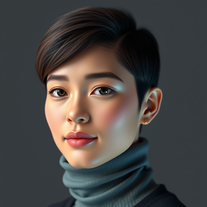 Generate hyper-realistic human portraits with AI precision.Open
 -
 Open
Open -
 Open
Open -
-
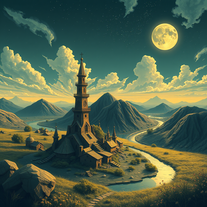 Transform dreams into photo-realistic comic strips.Open
 -
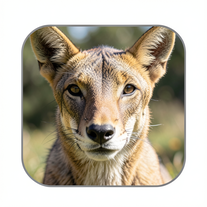 National Geographic Wildlife Image GeneratorOpen
 -
 Open
Open -
 Creates ultra-realistic 8K fashion portraits with perfect identity duplication.Open
 -
 Transform subjects into hyper-realistic 8K war scenes.Open
 -
 Hyper-realistic portraits with cinematic lighting perfection.Open
 -
 Turn one photo into studio-grade Disney character selfies.Open
 -
 Transform photos into hyper-realistic ballpoint pen portraits.OpenBeautiful, great job, I love it! It is extremely accurate, no need to even enter a prompt.
 -
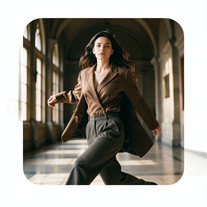 Hyper-real cinematic fashion portraits from single reference photos.Open
 -
 Transform photos into hyper-realistic 8K caricature portraits.OpenThis tool is pre-trained; just upload a photo of yourself or someone you want to create a funny or comical scene with.
 -
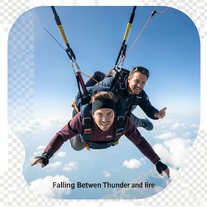 Generate cinematic 8K skydiving scenes from your photos.Open
 -
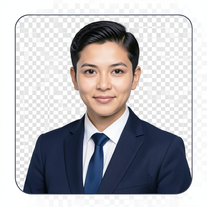 AI-powered corporate portrait generator for ultra-realistic executive headshots.Open
 -
 Generate surreal cinematic scenes with perfect facial identity.Open
 -
 Transform your photo into hyper-realistic cinematic scenes.OpenThis tool is designed to only receive a photo as a reference; just use this and see the result.
 -
 Transform photos into whimsical handcrafted felt dolls.Open
 -
 Transform portraits into high-fashion editorial magic.Open
 -
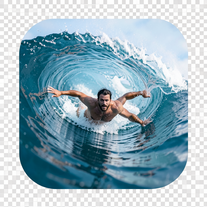 Transform portraits into hyper-realistic barrel wave shots.Open
 -
 Open
Open -
 AI-powered studio portraits that preserve your exact identity.Open
 -
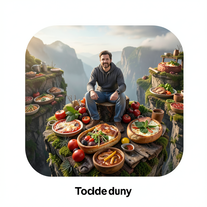 Transform photos into cinematic giant food landscapes.Open
 -
 Generate ultra-realistic cinematic action photographs with perfect physics.Open
 -
 Generate ultra-realistic candid photography with facial recreation.Open
 -
 Ultra-realistic AI image generator with perfect identity preservation.OpenJust put your photo, dont put prompt text ok
 -
 Open
Open -
 Generate hyper-realistic photos of people hilariously trapped in washing machines.Open
 -
 Create ultra-realistic 8K photos of real people.OpenSimply upload your photo; you don't need to type anything in the prompt field. Just click "generate" and watch the magic happen.
 -
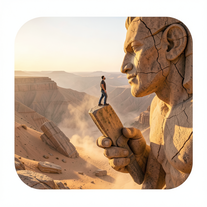 Ultra-realistic AI image generator creating hyper-detailed 8K cinematic photographs.OpenSimply upload your photo; you don't need to type anything in the prompt field. Just click "generate" and watch the magic happen.
 -
 Creates ultra-realistic 8K cinematic library photographs.Open
 -
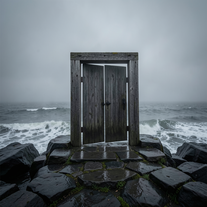 Creates ultra-realistic cinematic photographs of people through mystical doorways.Open
 -
 Transform photos into ultra-realistic cinematic scenes.Open
 -
 Generate cinematic 8K photos of people in towering cityscapes.OpenSimply upload your photo; you don't need to type anything in the prompt field. Just click "generate" and watch the magic happen.
 -
 Transform ordinary scenes into extraordinary cinematic adventures.OpenSimply upload your photo; you don't need to type anything in the prompt field. Just click "generate" and watch the magic happen.
 -
 Transform photos into whimsical 8K miniature art.Open
 -
 Transform any portrait into a hyper-realistic volcanic stone masterpiece.Open
 -
Simply upload your photo; you don't need to type anything in the prompt field. Just click "generate" and watch the magic happen.
-
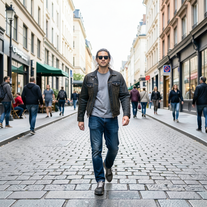 Transform photos into Y2K street fashion editorials.Open
 -
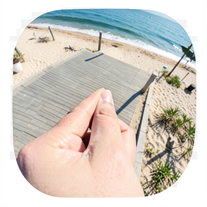 Creates ultra-realistic forced-perspective beach photos where you appear tiny.Open
 -
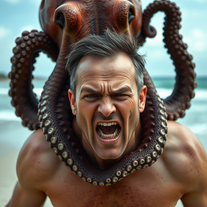 Transform photos into cinematic 8K masterpieces instantly.OpenSimply upload your photo; you don't need to type anything in the prompt field. Just click "generate" and watch the magic happen.
 -
 OpenVideo editing is the process of selecting, trimming, and arranging footage to create a cohesive story or visual narrative. Here are some fundamental concepts and techniques: Types of Video Editing Linear editing: A straightforward, sequential approach to editing, where clips are arranged in a linear timeline. Non-linear editing: A more flexible approach, where clips can be arranged and rearranged freely in a timeline. Key Video Editing Techniques Cutting: A transition between two clips, where one clip ends and another begins. Cutting on action: Cutting between two clips while an action is in progress, to create a seamless transition. J-cut: Cutting from one clip to another while audio from the second clip starts playing before the video cuts to it. L-cut: Cutting from one clip to another while audio from the first clip continues to play. Video Editing Software Popular video editing software includes: Adobe Premiere Pro: A professional-level editing software with advanced features and integration with other Adobe tools. Final Cut Pro: A professional-level editing software for Mac users, known for its user-friendly interface and advanced features. DaVinci Resolve: A free and paid editing software that offers advanced color grading and audio editing tools. Best Practices for Video Editing Plan your edit: Develop a clear vision and storyboard before starting to edit. Organize your footage: Label and categorize your clips to make them easily accessible. Keep it simple: Avoid overusing transitions and effects; focus on telling a clear story. Advanced Video Editing Techniques Color grading: Adjusting the color and brightness of footage to create a specific mood or atmosphere. Audio ducking: Automatically reducing the volume of background audio when dialogue is present. Motion graphics: Adding animated text, logos, or other graphics to enhance the visual narrative. Video editing involves selecting, trimming, and arranging footage to create a cohesive story. Linear and non-linear editing are two fundamental approaches. Key techniques include cutting, cutting on action, J-cuts, and L-cuts. Popular software includes Adobe Premiere Pro, Final Cut Pro, and DaVinci Resolve. Best practices involve planning, organizing footage, and keeping it simple. Advanced techniques include color grading, audio ducking, and motion graphics. Capcat pro Capcat pro Download image-to-image-generator generated imagetransparent pixel Image to Image Generator Image to Image Generator Download image-to-image-generator generated imagetransparent pixel Image to Image Generator Image to Image Generator Download image-to-image-generator generated imagetransparent pixel Image to Image Generator Image to Image Generator Download image-to-image-generator generated imagetransparent pixel Image to Image Generator Image to Image Generator Download image-to-image-generator generated imagetransparent pixel Image to Image Generator Image to Image Generator Download image-to-image-generator generated imagetransparent pixel Image to Image Generator Image to Image Generator Download image-generator generated imagetransparent pixel Image Generator Image Generator Copy Video Editing Basics Video editing is the process of selecting, trimming, and arranging footage to create a cohesive story or visual narrative. Here are some fundamental concepts and techniques: Types of Video Editing Linear editing: A straightforward, sequential approach to editing, where clips are arranged in a linear timeline. Non-linear editing: A more flexible approach, where clips can be arranged and rearranged freely in a timeline. Key Video Editing Techniques Cutting: A transition between two clips, where one clip ends and another begins. Cutting on action: Cutting between two clips while an action is in progress, to create a seamless transition. J-cut: Cutting from one clip to another while audio from the second clip starts playing before the video cuts to it. L-cut: Cutting from one clip to another while audio from the first clip continues to play. Video Editing Software Popular video editing software includes: Adobe Premiere Pro: A professional-level editing software with advanced features and integration with other Adobe tools. Final Cut Pro: A professional-level editing software for Mac users, known for its user-friendly interface and advanced features. DaVinci Resolve: A free and paid editing software that offers advanced color grading and audio editing tools. Best Practices for Video Editing Plan your edit: Develop a clear vision and storyboard before starting to edit. Organize your footage: Label and categorize your clips to make them easily accessible. Keep it simple: Avoid overusing transitions and effects; focus on telling a clear story. Advanced Video Editing Techniques Color grading: Adjusting the color and brightness of footage to create a specific mood or atmosphere. Audio ducking: Automatically reducing the volume of background audio when dialogue is present. Motion graphics: Adding animated text, logos, or other graphics to enhance the visual narrative. Video editing involves selecting, trimming, and arranging footage to create a cohesive story. Linear and non-linear editing are two fundamental approaches. Key techniques include cutting, cutting on action, J-cuts, and L-cuts. Popular software includes Adobe Premiere Pro, Final Cut Pro, and DaVinci Resolve. Best practices involve planning, organizing footage, and keeping it simple. Advanced techniques include color grading,
 -
Simply upload your photo; you don't need to type anything in the prompt field. Just click "generate" and watch the magic happen.
-
 Create stunning, ultra-realistic images from text prompts.Open
 -
 Transform photos into hyper-realistic wooden twig portraits.Open
 -
 Transform any photo into a hyper-realistic keychain portrait.Open
 -
 Advanced AI image generator creating original, high-quality visuals from detailed descriptions.Open
 -
 Open
Open -
 Transform keywords into stunning cinematic images with film-style aesthetics.Open
 -
 Open
Open -
 Transform into an Addams Family cinematic portrait.OpenSimply upload your photo; you don't need to type anything in the prompt field. Just click "generate" and watch the magic happen.
 -
 Transform your photo into El Chavo del 8 memories.OpenSimply upload your photo; you don't need to type anything in the prompt field. Just click "generate" and watch the magic happen.
 -
 Transform your photo into stunning 8K hyper-realistic portraits.Open
 -
 Transform text into mystical 8K digital artwork.Open
 -
 Transform your photos into stunning hyper-realistic studio portraits.Open
 -
Hey Hemant, I've just tried generating an image from a photo myself and it worked just fine. Would you like to give it another try?
-
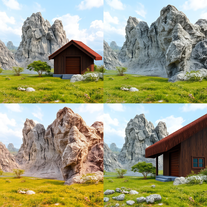 Transform detailed descriptions into breathtakingly realistic images.OpenWow. You have real artistic talent. This app is pretty amazing and it actually works.
 -
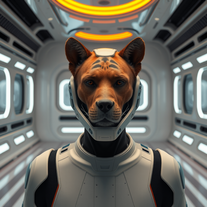 Transform photos into cinematic movie scenes instantly.Open
 -
 Transform your photo into an ultra-realistic beach scene with SpongeBob!Open
 -
 Transform your photo into a magical Christmas portrait!Open
 -
 AI fashion designer creating ultra-realistic clothing images.Open
 -
Opened for fun, and now, I'm lovin' it! 😸
-
-
 Transform photos into surreal human-technology fusion art.Open
 -
 Transform photos into stunning black and white portraits.Open
 -
 Transform photos into kawaii chibi illustrations instantly.Open
 -
 Open
Open -
 Transform your portrait into a cinematic dark urban masterpiece.Open
 -
 Generate stunning AI princess characters with ultra-realistic detail.Open
 -
 Transform photos into lifelike charcoal portraits with AI.Open
 -
 Open
Open -
 AI-powered generator creating ultra-realistic photos of diverse couples.Open
 -
 Transform photos into hyper-realistic countryside scenes.Open
 -
 Open
Open -
 Transform photos into cinematic AI portraits.Open
 -
 Transform photos into cinematic portraits with dramatic effects.Open
 -
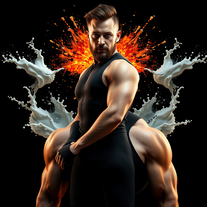 Transform photos into cinematic portraits with dramatic lighting.Open
 -
This is the first AI tool that creates superheroes pictures which you want to love❤️❤️❤️❤️❤️
-
 Creates stunning, customizable landscape images from realistic to fantastical.Open
 -
 Transform any image into stunning charcoal sketches.OpenChanged the prompt to improve results.
 -
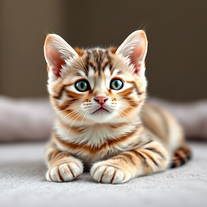 Instantly generates heartwarming, ultra-realistic cat images that melt hearts.Open
 -
 Generate epic 3D fisheye selfies with original TMNT.Open
 -
 Transform images into cinematic masterpieces with flowing water magic.Open
 -
 Transform photos into vibrant Barbie-style masterpieces.Open
 -
 Transform text into stunning photorealistic images.OpenIt's good, needs a lot of training but the potential is clearly visible. Dev well done
 -
 Microsoft BING alternative that generates ONE precise, anatomically correct image per request.Open
 -
 Open
Open -
 Open
Open -
-
 Generate stunning, hyper-realistic images of authentic traditional foods from cultures worldwide.Open
 -
 Transform ordinary product photos into stunning, market-ready e-commerce images.Open
 -
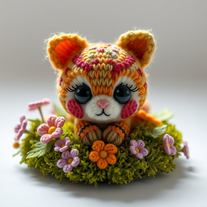 Transform any object into adorable knitted artwork!Open
 -
-
 Generate professional images with Perchance's crisp style.Open
 -
 Creates stunning, historically-accurate visuals of iconic figures.Open
 -
 Transform text descriptions into ultra-realistic portraits.Open
 -
 Transform any description into vibrant cartoon-style images instantly.Open
 -
-
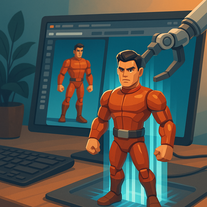 Transform any character into a professional action figure image.Open