
 Mini tools
▼ State of the art
Image transformation
Free mode
100% free
Freemium
Free Trial
Other tools
-
 Manuel Gracia🛠️ 1 tool 🙏 12 karmaApr 3, 2024@IMG2HTMLThank you for your feedback! :) I previously offered free credits, but an overwhelming number of users chose the complimentary service, leading to substantial GPU-related expenses. However, in appreciation of your kind words, we are offering a 20% discount on the first 5 purchases using this coupon code: TAAFT Simply visit our website and apply it at checkout in Stripe. Enjoy your conversions!
 -
 OpenGoEnhance's production from video to animation is impressive. It can go up to 2k 60fps, so exciting.
 -
-
A very clean website — simple, clear, and fast to generate results.
- Sponsor
 Rocket - Think it. Type it. Launch it.
 -
 Generate professional headshots with AI templates.Open
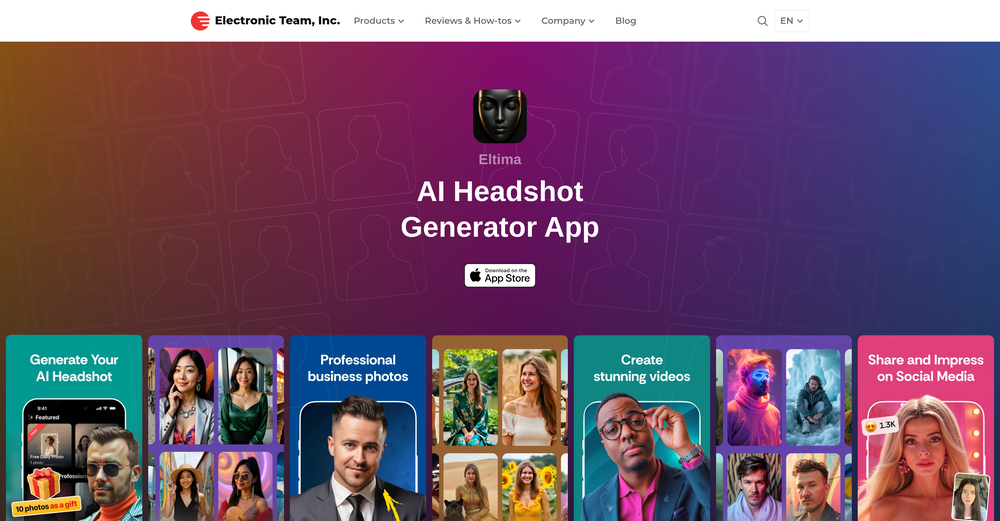 ideal for LinkedIn, CVs, social media
 -
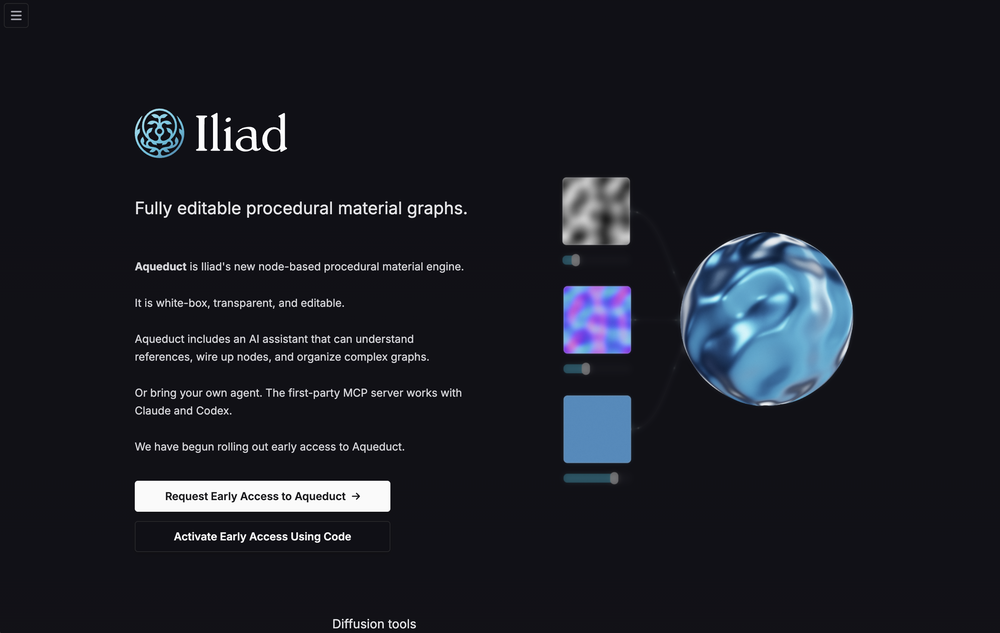
-
 Transform static images into animated videos instantly.OpenHi everyone! I'm the creator of AI Video Maker. It's completely free to use and doesn't require any signup. You can instantly generate unlimited 5-second AI videos from text or images. Great for testing ideas before upgrading to HD or commercial plans. Excited to see what you all create!
 -
 Open
Open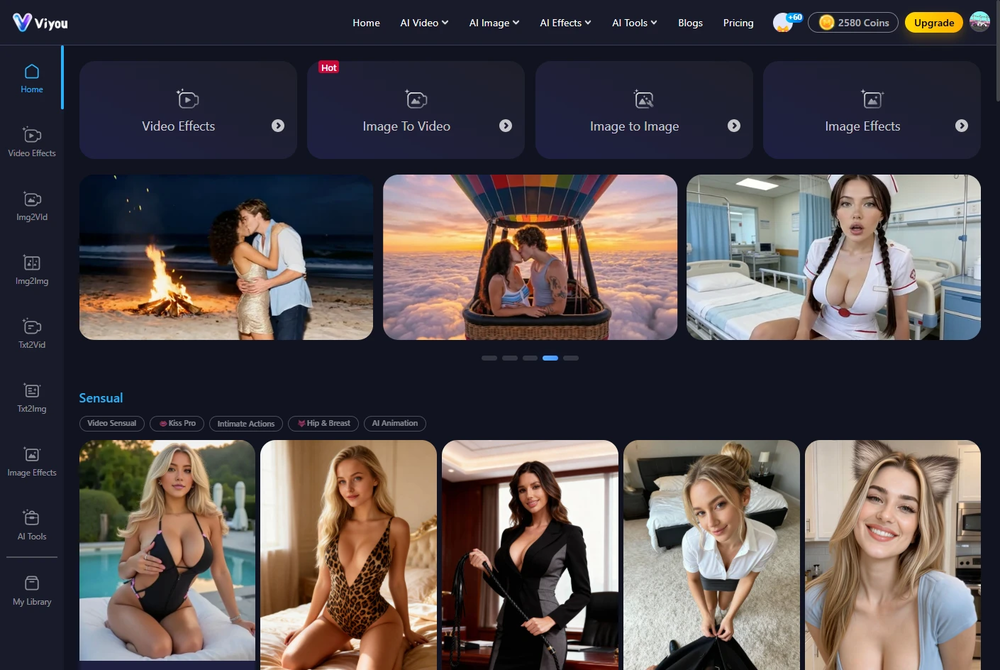 I was struggling to create some free Christmas and New Year's e-cards, and these templates are really good. I recommend giving them a try. The only downside is that each free template can only be used once.
 -
-
 OpenThe features are incredibly comprehensive. I really love it — the AI videos I created got a ton of praise when I shared them. Likes galore!
 -
- Didn't find the AI you were looking for?
-
 If you don't offer any free trial credits or at least show videos without a watermark, no one will feel confident enough to purchase credits without testing it first. People need to verify the quality before committing to a purchase.
 -
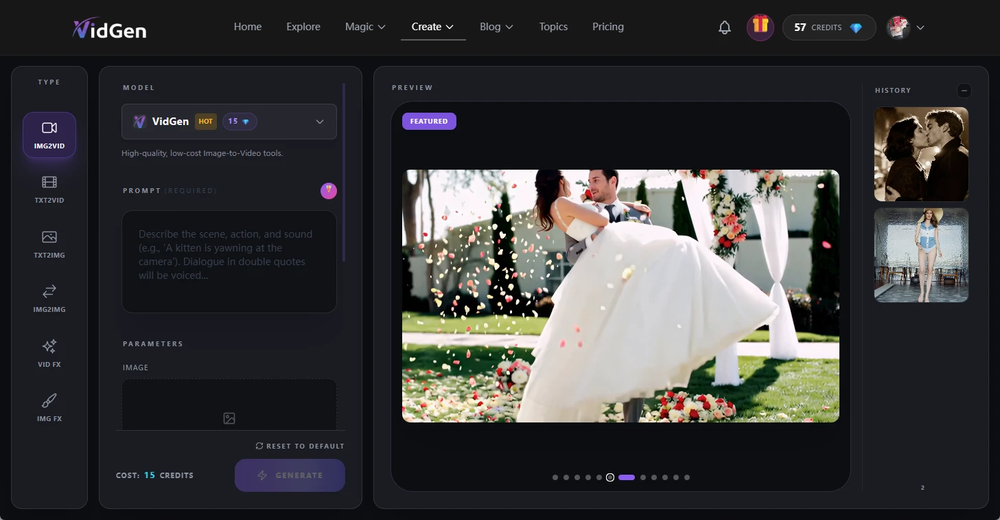 is a very useful tool, especially that custom dancing feature, it's simply amazing, it can restore my favorite videos 1 to 1.
 -
🚀 New Models Released • Added Nano Banana 2 — faster, more stable, better results • Added Qwen Image 2 — better image quality
-
-
I would just feel like a POS to create something like this. Like you got to be down bad or a degenerate...
-
Fast & straightforward with acceptable quality
-
I have used for a while and I had a blast creating myself in all kinds of different places, shapes and weird situations. Yes you can use it to create professional pictures for your CV and political career but where's the fun in that?
-
Tool is good, I guess. Was only allowed to do 2 renders before it asks for money. Not enough to see if this will do what I need. It is NSFW compatible. So, that's a plus.
-
This looks like a solid tool for quick text to image work, especially with all the extra features like watermark removal and photo restore. If anyone here is experimenting with bold typography or pop style visuals, I have also tried https://allbratgenerator.com for fast brat inspired text and cover style graphics. It is simple and works well for social posts.
-
Well, it did give me an insanely good image, but you only get one free trial, i.e, generate one image for free. And the model is costly for someone who wants free AI tools. But it does the job if you're willing to pay.
-
⏺ AI Song Generator v1.0 — Create Full Songs from a Text Prompt in Seconds Multiple AI Models Choose from Suno V3, V4, V4.5+, and V5. Each version offers different tradeoffs between speed, expression, and sound richness. V5 delivers superior vocal expression with faster generation. V4.5+ produces richer, more layered sound with support for up to 8-minute tracks. Text-to-Song Pipeline Describe what you want to hear — genre, mood, theme — and AI generates complete lyrics, melody, vocals, and instrumentals in one shot. No music theory, no DAW, no production skills required. A full track is ready in under 2 minutes. 50+ Genres & Styles From lo-fi hip hop to symphonic metal, EDM to jazz, K-pop to country. Pick a genre and optional sub-genre, and the AI adapts composition structure, instrumentation, and vocal delivery to match. Custom Lyrics & Vocal Control Write your own lyrics or let AI generate them. Choose vocal gender (male/female/auto), adjust style weight and weirdness constraints. Toggle instrumental-only mode for background music and soundtrack use cases. AI Cover with 100+ Voice Styles Upload any track and re-create it with a completely different voice. Choose from 100+ vocal styles — from smooth R&B to raw punk, breathy pop to deep baritone. Custom mode lets you rewrite lyrics, add style prompts, and fine-tune parameters like style weight, weirdness constraint, and audio weight for precise creative control. AI Singing Photo Turn any portrait into a singing video. Upload a face photo and a song, and AI generates a realistic lip-synced video with natural facial expressions and head movements. 3 model tiers — V1 Base for quick social posts, V2 Quality for dynamic HD output, V3 Highest for best eye tracking and professional-grade results. Output at 480p or 720p, optimized for TikTok, Instagram Reels, and YouTube Shorts. Commercial License Included All generated tracks come with full commercial rights on paid plans. Use them on YouTube, TikTok, Spotify, in games, podcasts, or ads — no royalty fees, no licensing headaches. What's included: - 5 AI model versions (V3 through V5) - 50+ music genres with sub-genre options - AI lyrics generation + custom lyrics input - Vocal gender selection and style fine-tuning - Instrumental-only toggle for soundtrack use - AI Cover with 100+ voice styles and custom mode - AI Singing Photo with 3 quality tiers (V1/V2/V3) - Singing Photo 480p and 720p resolution options - MP3 and WAV export - Full commercial license on paid plans - Song extend and remix capabilities
-
 Open
Open -
Realistic couple photo merge and creative generation!
-
This is absolutely a great image editing tool for everyday use. The UX is great and the price is affordable!
-
 Apply spooky Halloween filters and scary makeup effects online for free.Open
 -
 Create AI fashion model photos without photoshoots.Open
 -
 OpenVideo editing is the process of selecting, trimming, and arranging footage to create a cohesive story or visual narrative. Here are some fundamental concepts and techniques: Types of Video Editing Linear editing: A straightforward, sequential approach to editing, where clips are arranged in a linear timeline. Non-linear editing: A more flexible approach, where clips can be arranged and rearranged freely in a timeline. Key Video Editing Techniques Cutting: A transition between two clips, where one clip ends and another begins. Cutting on action: Cutting between two clips while an action is in progress, to create a seamless transition. J-cut: Cutting from one clip to another while audio from the second clip starts playing before the video cuts to it. L-cut: Cutting from one clip to another while audio from the first clip continues to play. Video Editing Software Popular video editing software includes: Adobe Premiere Pro: A professional-level editing software with advanced features and integration with other Adobe tools. Final Cut Pro: A professional-level editing software for Mac users, known for its user-friendly interface and advanced features. DaVinci Resolve: A free and paid editing software that offers advanced color grading and audio editing tools. Best Practices for Video Editing Plan your edit: Develop a clear vision and storyboard before starting to edit. Organize your footage: Label and categorize your clips to make them easily accessible. Keep it simple: Avoid overusing transitions and effects; focus on telling a clear story. Advanced Video Editing Techniques Color grading: Adjusting the color and brightness of footage to create a specific mood or atmosphere. Audio ducking: Automatically reducing the volume of background audio when dialogue is present. Motion graphics: Adding animated text, logos, or other graphics to enhance the visual narrative. Video editing involves selecting, trimming, and arranging footage to create a cohesive story. Linear and non-linear editing are two fundamental approaches. Key techniques include cutting, cutting on action, J-cuts, and L-cuts. Popular software includes Adobe Premiere Pro, Final Cut Pro, and DaVinci Resolve. Best practices involve planning, organizing footage, and keeping it simple. Advanced techniques include color grading, audio ducking, and motion graphics. Capcat pro Capcat pro Download image-to-image-generator generated imagetransparent pixel Image to Image Generator Image to Image Generator Download image-to-image-generator generated imagetransparent pixel Image to Image Generator Image to Image Generator Download image-to-image-generator generated imagetransparent pixel Image to Image Generator Image to Image Generator Download image-to-image-generator generated imagetransparent pixel Image to Image Generator Image to Image Generator Download image-to-image-generator generated imagetransparent pixel Image to Image Generator Image to Image Generator Download image-to-image-generator generated imagetransparent pixel Image to Image Generator Image to Image Generator Download image-generator generated imagetransparent pixel Image Generator Image Generator Copy Video Editing Basics Video editing is the process of selecting, trimming, and arranging footage to create a cohesive story or visual narrative. Here are some fundamental concepts and techniques: Types of Video Editing Linear editing: A straightforward, sequential approach to editing, where clips are arranged in a linear timeline. Non-linear editing: A more flexible approach, where clips can be arranged and rearranged freely in a timeline. Key Video Editing Techniques Cutting: A transition between two clips, where one clip ends and another begins. Cutting on action: Cutting between two clips while an action is in progress, to create a seamless transition. J-cut: Cutting from one clip to another while audio from the second clip starts playing before the video cuts to it. L-cut: Cutting from one clip to another while audio from the first clip continues to play. Video Editing Software Popular video editing software includes: Adobe Premiere Pro: A professional-level editing software with advanced features and integration with other Adobe tools. Final Cut Pro: A professional-level editing software for Mac users, known for its user-friendly interface and advanced features. DaVinci Resolve: A free and paid editing software that offers advanced color grading and audio editing tools. Best Practices for Video Editing Plan your edit: Develop a clear vision and storyboard before starting to edit. Organize your footage: Label and categorize your clips to make them easily accessible. Keep it simple: Avoid overusing transitions and effects; focus on telling a clear story. Advanced Video Editing Techniques Color grading: Adjusting the color and brightness of footage to create a specific mood or atmosphere. Audio ducking: Automatically reducing the volume of background audio when dialogue is present. Motion graphics: Adding animated text, logos, or other graphics to enhance the visual narrative. Video editing involves selecting, trimming, and arranging footage to create a cohesive story. Linear and non-linear editing are two fundamental approaches. Key techniques include cutting, cutting on action, J-cuts, and L-cuts. Popular software includes Adobe Premiere Pro, Final Cut Pro, and DaVinci Resolve. Best practices involve planning, organizing footage, and keeping it simple. Advanced techniques include color grading,
 -
-
 Generate studio-quality fashion images from simple product photos.OpenJust received my content in 4 minutes. this is impressive I just received flat lay profesionnal content from casual on hanger clothes pictures. Love that.
 -
 Transform any photograph into elegant engraving-style line art.Open
 -
Just paste content in, layout will automatically be desigend
-
 Open4K resolution is one of its major advantages in the relevant field.
 -
OK, it says "FREE" and "NO Pricing," and yet some tools are available only to "Premium users?" If that's not misleading, I don't know what's "free" any longer! Oh, yes, the air, thank God, but maybe soon they'll start selling it as well ;-) THX
-
 Open
Open -
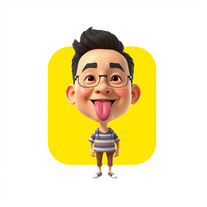 Transform photos into stunning 3D bobblehead caricatures.OpenSimply upload your photo; you don't need to type anything in the prompt field. Just click "generate" and watch the magic happen.
 -
 Transform ideas into crisp, scalable digital illustrations.OpenChanged the prompt to improve results.
 -
I just published a children's drawing book on Amazon in 2-3 hours of fiddleing with this tool. Really really good!
-
The tool is powerful, combining multiple AI modes and features. It can enhance images with just one click, colorize black-and-white photos, and remove watermarks effortlessly.
-
Thanks for the report. I'll try changing the prompt to improve the results.
-
-
 Open
Open -
-
👋 Hi There! I’m James the maker of RemakePic. I built RemakePic for e-commerce sellers who source products from B2B platforms and keep running into the same problem: you’re not allowed to reuse the same product images across marketplaces, but reshooting everything is slow and expensive. RemakePic uses AI to recreate product images while preserving the original product details — so sellers can generate unique, platform-safe images without reshooting or manual editing. It’s especially useful if you sell on multiple platforms (Amazon, Wayfair, Shopify, etc.) or work with supplier-provided photos. I’m excited to hear your feedback — especially: • How do you currently handle duplicate image issues? • What marketplaces give you the most trouble with image compliance? Happy to answer any questions. Thanks for checking it out 🙌
-
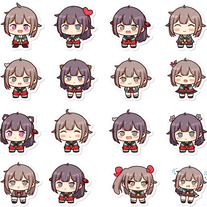 Transform any image into adorable chibi sticker sheets.Open
 -
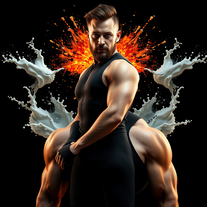 Transform photos into cinematic portraits with dramatic lighting.Open
 -
I am very satisfied with the result, and all from the first prompt. great.
-
 Transform yourself into a tiny figure trapped in a pickle jar.Open
 -
its okay. it is realy good at generating animals
-
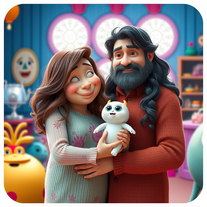 Transform family photos into magical Monsters Inc. scenes.OpenSimply upload your photo; you don't need to type anything in the prompt field. Just click "generate" and watch the magic happen.
 -
 Transform photos into cinematic AI portraits.Open
 -
 Transform photos into vibrant comic book illustrations.Open
 -
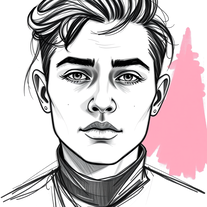 Transform photos into striking grunge-style portraits.Open
 -
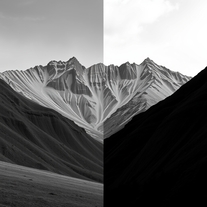
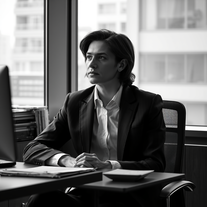 Transform any photo into stunning black-and-white editorial portraits.Open
 -
 Transform subjects into cinematic 8K smartphone scenes.Open
 -
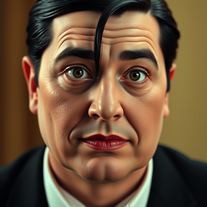 Transform into an Addams Family cinematic portrait.OpenSimply upload your photo; you don't need to type anything in the prompt field. Just click "generate" and watch the magic happen.
 -
 Transform any photo into a giant parade balloon.Open
 -
 Transform anything into adorable wide-eyed characters.OpenChanged the prompt to improve results.
 -
Changed the prompt to improve results.
-
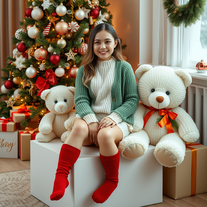 Transform your photo into a magical Christmas portrait!Open
 -
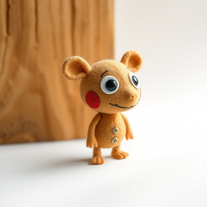 Transform ideas into charming stop-motion style images.OpenChanged the prompt to improve results.
 -
 Transform photos into cinematic scenes with cartoon characters.OpenNot what I expected . Need more info
 -
 Transform photos into whimsical art masterpieces.Open
 -
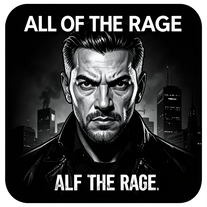
 Transform photos into Hollywood-style action movie posters.OpenSimply upload your photo; you don't need to type anything in the prompt field. Just click "generate" and watch the magic happen.
 -
 Transform any image into authentic night vision footage.OpenChanged the prompt to improve results.
 -
 Open
Open -
 Open
Open -
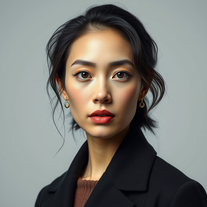 Transform your photos into stunning hyper-realistic studio portraits.Open
 -
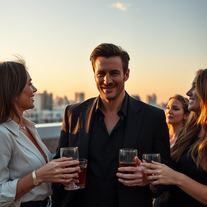 Transform yourself into hyper-realistic celebrity group photos.OpenSimply upload your photo; you don't need to type anything in the prompt field. Just click "generate" and watch the magic happen.
 -
 Transform photos into lifelike charcoal portraits with AI.Open
 -
Simply upload your photo; you don't need to type anything in the prompt field. Just click "generate" and watch the magic happen.
-
Simply upload your photo; you don't need to type anything in the prompt field. Just click "generate" and watch the magic happen.
-
 Transform your photos into cinematic masterpieces.Open
 -
 Open
Open -
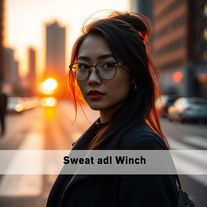 Transform ordinary urban moments into magical portraits.Open
 -
 Open
Open -
Simply upload your photo; you don't need to type anything in the prompt field. Just click "generate" and watch the magic happen.
-
 Open
Open -
 Transform ordinary images into luminous masterpieces with AI-powered shining effects.Open
 -
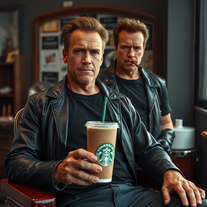 Transform photos into cinematic Arnold Schwarzenegger barbershop scenes.Open
 -
 Generate ultra-realistic 8K selfies with legendary rockstars.Open
 -
 Transform ordinary scenes into extraordinary cinematic adventures.OpenSimply upload your photo; you don't need to type anything in the prompt field. Just click "generate" and watch the magic happen.
 -
 Transform photos into hyper-realistic 8K caricature portraits.OpenThis tool is pre-trained; just upload a photo of yourself or someone you want to create a funny or comical scene with.
 -
 Transform photos into hyper-realistic wooden twig portraits.Open
 -
 Transform yourself into a Renaissance masterpiece.Open
 -
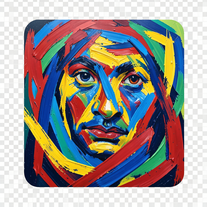 Transform photos into de Kooning-style abstract masterpieces.Open
 -
 Transform images into stunning coastal art installations.Open
 -
 Transform photos into kawaii chibi illustrations instantly.Open
 -
 Transform photos into cinematic freeze-frame masterpieces.Open
 -
 OpenSimply upload your photo; you don't need to type anything in the prompt field. Just click "generate" and watch the magic happen.
 -
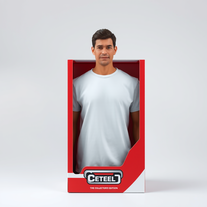 Transform yourself into a hyperrealistic collectible action figure.Open
 -
 Transform your photo into El Chavo del 8 memories.OpenSimply upload your photo; you don't need to type anything in the prompt field. Just click "generate" and watch the magic happen.
 -
 Transform photos into cinematic 8K investigation boards.Open
 -
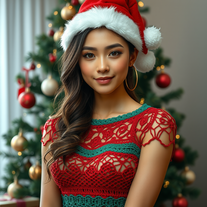 Transform photos into cinematic Christmas portraits.Open
 -
 Transform photos into cinematic dawn portraits.Open
 -
 Open
Open -
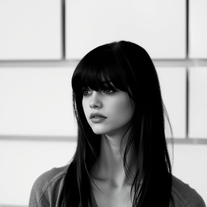 Transform colorful photos into stunning black-and-white masterpieces.Open
 -
 Transform anyone into a Gryffindor student from Harry Potter movies.Open
 -
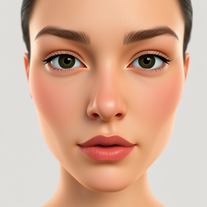 Transform selfies into cinematic horror scenes.Open
 -
 Transform any portrait into a cinematic time-travel experience.Open
 -
 Transform photos into museum-quality graphite portraits.OpenThe second attempt is much better, but added non-existing points.
 -
 Open
Open -
 Transform any subject into sophisticated magazine-worthy portraits.Open
 -
 Transform photos into Back to the Future scenes.Open
 -
 Create striking moody black-and-white portraits with AI.Open
 -
 Transform any portrait into a hyper-realistic volcanic stone masterpiece.Open
 -
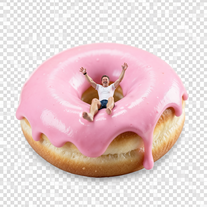
 Wrestle giant food in hyper-realistic cinematic photos.Open
 -
 Transform photos into cinematic synthwave masterpieces.Open
 -
 Transform photos into Parisian fashion editorials instantly.Open
 -
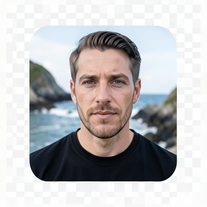 Open
Open -
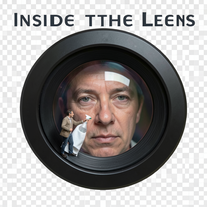 Open
Open -
 Open
Open -
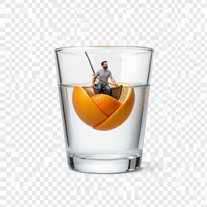
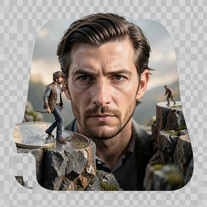 Create ultra-photorealistic macro photographs with miniature people.Open
 -
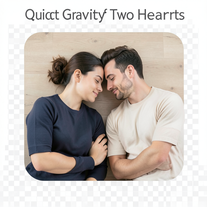 Open
Open -
 Transform yourself into cinematic miniature adventures.Open
















































































Lists






Post





