Go to section
Spotlight SureThing.io - "OpenClaw" for BeginnersTask automation
The front page of AI.Used by 90M+ humans.

TAAFT Tutorial
Generate image
Tasks
Generate text
Free mode
Trending
Leaderboard
Characters
 Mini tools
New
Featured
Lists
Agents
Requests
Jobs
Map
Newsletter
Starter pack
Free tools
Speech to text
Text translator
Remove background
Settings
Edit profile
My tools
Gallery
Dashboard
Inbox
Get featured
Contact TAAFT
For you
Popular
Job impact index
Most saved
Affiliate program
Submit AI tool
Notification preferences
Glossary
Home
Timeline
My profile
Create tool
Deals
Companies
Models
Robots
Papers
Fundraises
Repositories
Devices
Organizations
Events
Prompt Pack
Merchendise
APIs
Features
Tools
Countries
Collections
Videos
Mini tools
New
Featured
Lists
Agents
Requests
Jobs
Map
Newsletter
Starter pack
Free tools
Speech to text
Text translator
Remove background
Settings
Edit profile
My tools
Gallery
Dashboard
Inbox
Get featured
Contact TAAFT
For you
Popular
Job impact index
Most saved
Affiliate program
Submit AI tool
Notification preferences
Glossary
Home
Timeline
My profile
Create tool
Deals
Companies
Models
Robots
Papers
Fundraises
Repositories
Devices
Organizations
Events
Prompt Pack
Merchendise
APIs
Features
Tools
Countries
Collections
Videos
Mini tools
New
Featured
Lists
Agents
Requests
Jobs
Map
Newsletter
Starter pack
Free tools
Speech to text
Text translator
Remove background
Settings
Edit profile
My tools
Gallery
Dashboard
Inbox
Get featured
Contact TAAFT
For you
Popular
Job impact index
Most saved
Affiliate program
Submit AI tool
Notification preferences
Glossary
Home
Timeline
My profile
Create tool
Deals
Companies
Models
Robots
Papers
Fundraises
Repositories
Devices
Organizations
Events
Prompt Pack
Merchendise
APIs
Features
Tools
Countries
Collections
Videos

▼ Popular
Offline voice
Free mode
100% free
Freemium
Free Trial
Featured matches
-
-
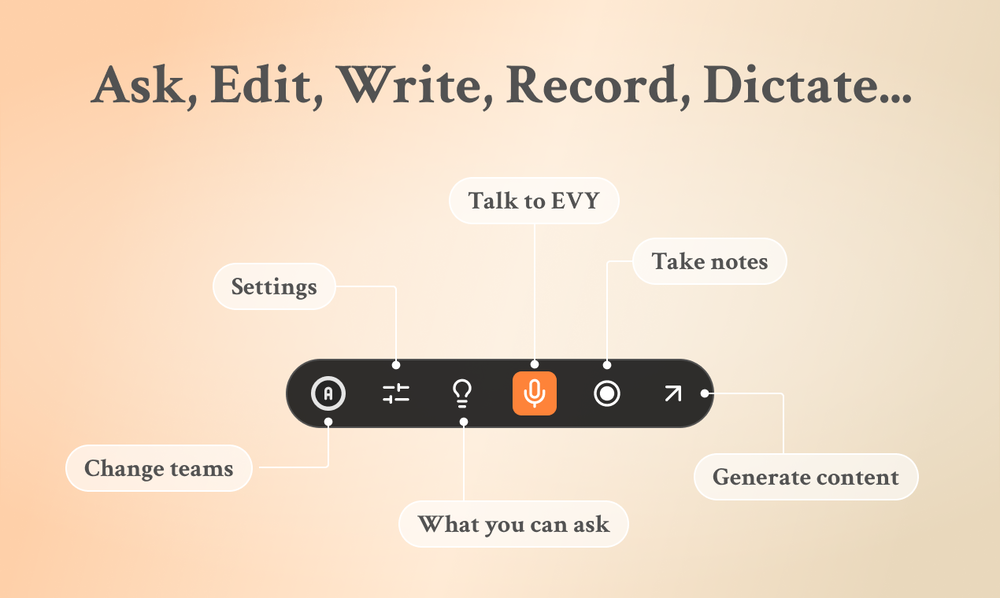
 Eugen Petersen🛠️ 1 tool 🙏 3 karmaFeb 13, 2026@EVY - your AI co-creatorUse it every day! Best AI support for work
 -
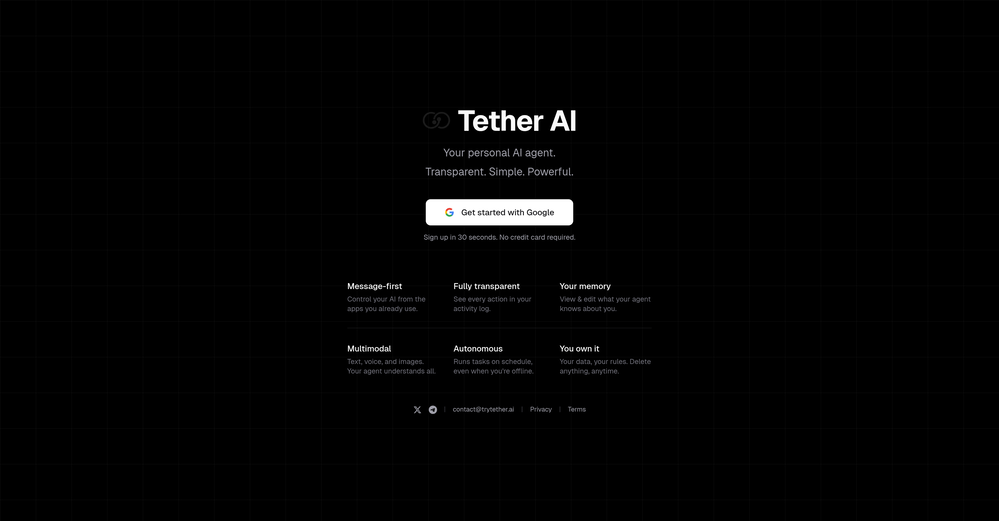
-
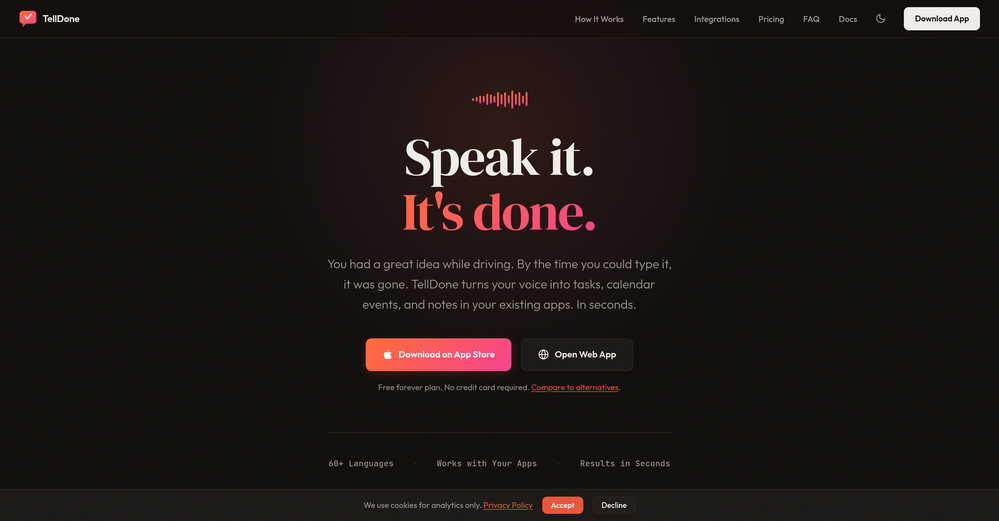
-
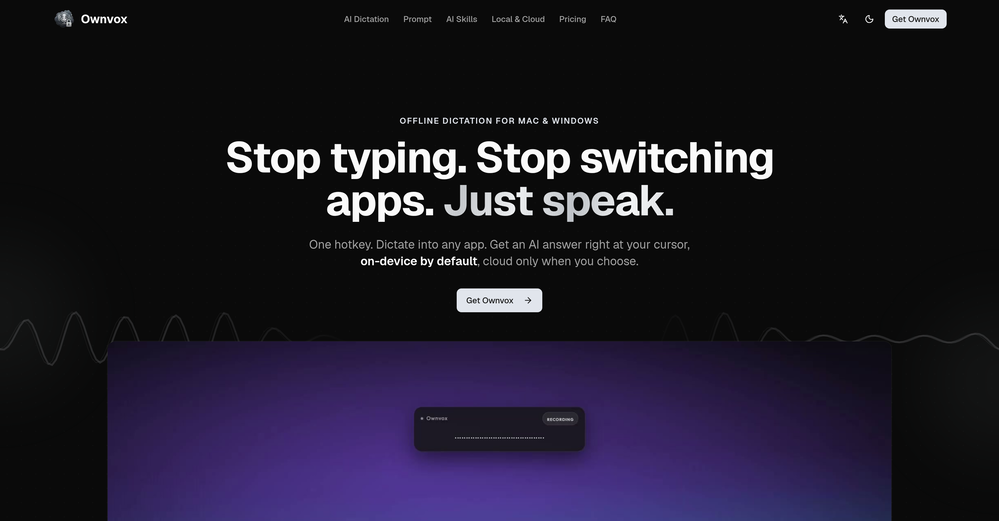
-
 Open
Open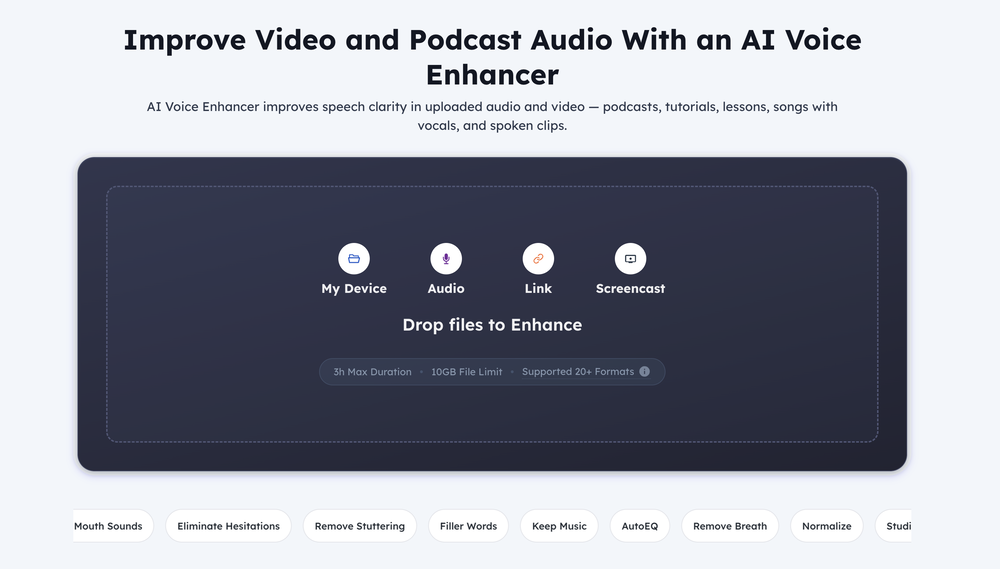
-
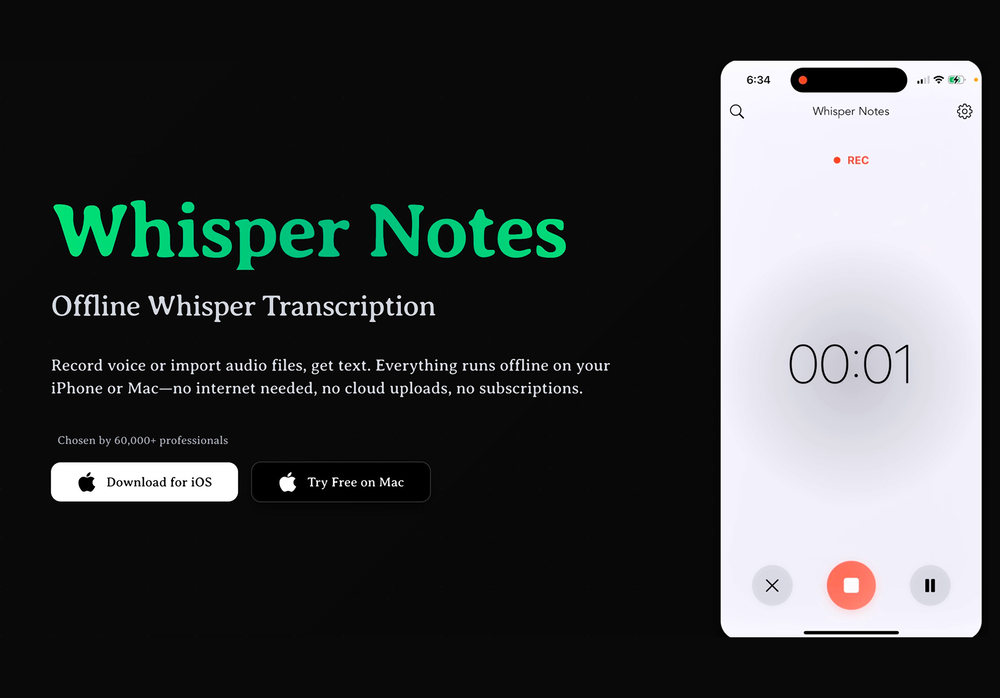 This app now supports both iOS & macOS: https://whispernotes.app
 -
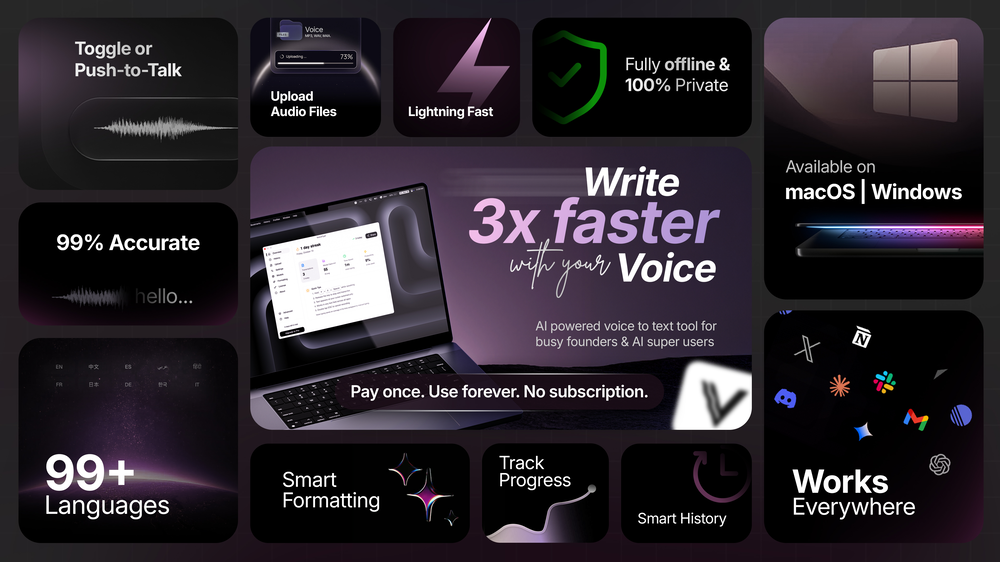
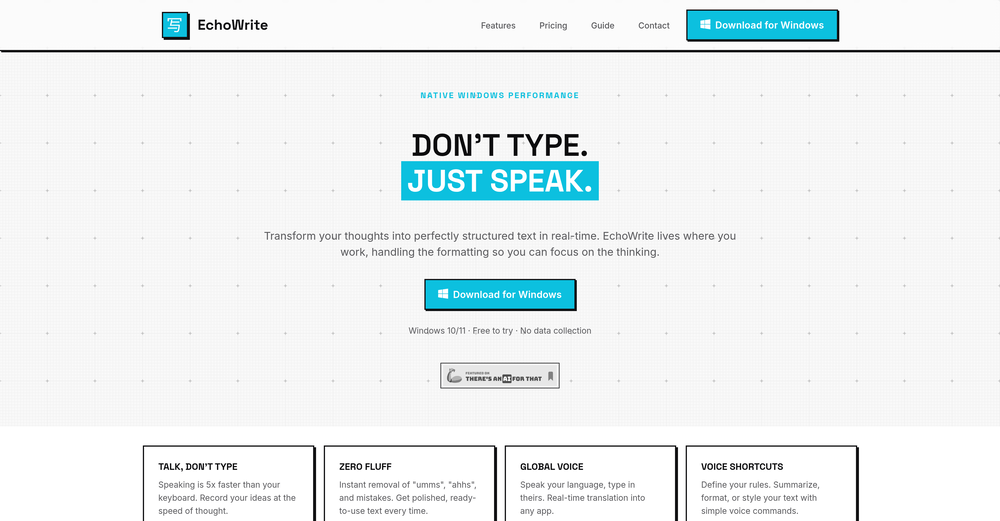 Really solid on Windows. I’ve tried several similar transcription tools before, but this one feels much better integrated into the system. The customizable global shortcuts are a game changer, you can either just do plain transcription or trigger your own custom prompts/actions with Adifferent hotkeys. A lot of competitors do Aroughly the same thing, but EchoWrite stands out because the basic transcription is essentially free (you just need your own OpenAI API key, which costs next to nothing). If you want the custom prompts and translations, it’s a one-time payment instead of yet another subscription. In 2026 that’s actually pretty fair compared to everything else out there. Big thumbs up.
 -
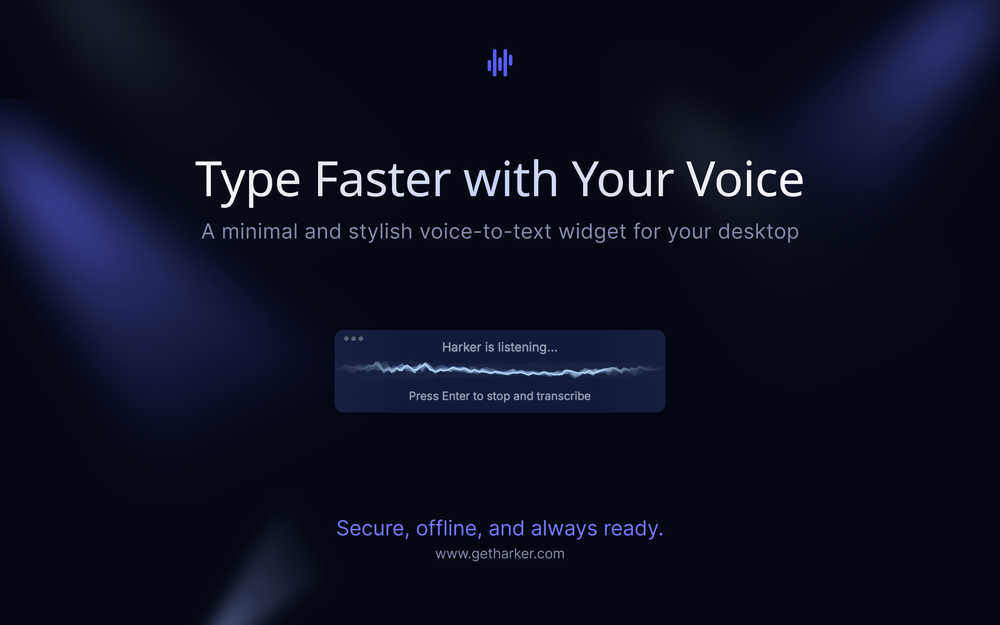 Wow, this little widget is a game changer. It saves me a lot of time in writing emails, comments and work notes. Thank you, it's really useful, I was looking for it!
 -













Other tools
-
-
- SpotlightSureThing.io - "OpenClaw" for BeginnersTask automation
-
Easy-to-use, but poor quality for German pronounciation. Much better in English, therefore 3 stars.
-
 OpenThe app hardly works. Very bugging and very expensive. Not worth it
 -
I really enjoy Article Reader AI, it's a no-frills article/pdf converter to narrated audio. The voices are excellent and there are no crazy expensive yearly commitment to use it. Perfect for multitasking and staying productive during my busy days!
-
-
-
A reaaly good AI, though not completely free, when register will still give you a good word limit, and there's a lot of voices from almost every language.
- Didn't find the AI you were looking for?
-
Useless tool. It just changes your voice, nothing else. Only 10 seconds audio....
-
- Automatic dictionary correction learning: Paraspeech can now learn from words you fix after dictation - More reliable recording start, stop, finalization, clipboard insertion, and saved recordings - Clearer local-vs-cloud routing for transcription and rewrites, including privacy-mode handling - Better local model state while models are downloading, activating, or unavailable - Improved file-drop transcription behavior with clearer local/cloud availability - More predictable cleanup and rewrite finalization for emails, selected text, and general dictated text - Reworked onboarding for account setup, privacy, model setup, permissions, shortcut testing, and first dictation - More reliable checkout, purchase, trial, subscription, lifetime, and account-link recovery - Cleaner status overlay states for recording, loading, completion, and setup recovery - Stronger diagnostics privacy scrubbing and quieter crash/hang reporting - Release reliability improvements across Mac testing, DMG validation, Sparkle automation, and update tracing
-
 OpenFree AI Voice Generator, good
 -
Great!! It was easy and it was quick! Thank you
-
 Open
Open -
I like that the ai support many languages the only disadvantage is that the free version is limited and the paid version is also high $8 per month!!
-
I have been using this app for a month on a laptop with just 4GB of VRAM, and it has been performing exceptionally well. Surprisingly, it's the only available option for local voice recognition that operates without an internet connection. The developer is actively making continuous improvements, enhancing the program's functionalities progressively. I strongly recommend it.
-
-
-
 Free text-to-audio reader for PDFs, web pages, URLs, and even paper books.Open
 -
-
Spokenly feels genuinely practical for people who prefer talking through ideas instead of typing everything manually. I also like that offline/local support is included since a lot of dictation tools still depend completely on the cloud.