
 Mini tools
▼ Top rated
Presentation
Free mode
100% free
Freemium
Free Trial
Featured matches
-
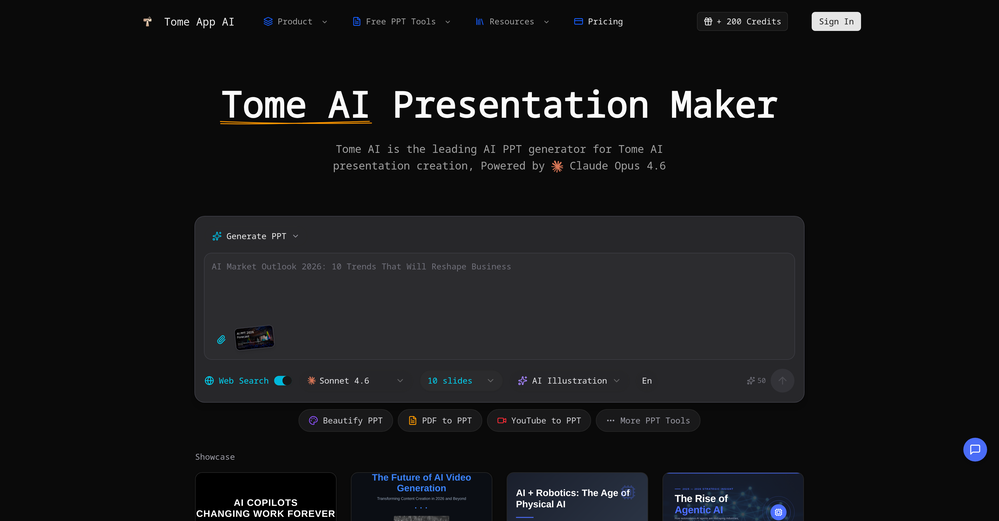
 Jon Hillstrom🛠️ 2 tools 🙏 41 karmaMar 6, 2026@Tome App AImade a presentation for my site with just 1 prompt, lol how did the AI get so much information out of my website lol
 -
-
 Just type what you need — AI fills Sheets™, Docs™, and Slides™Open
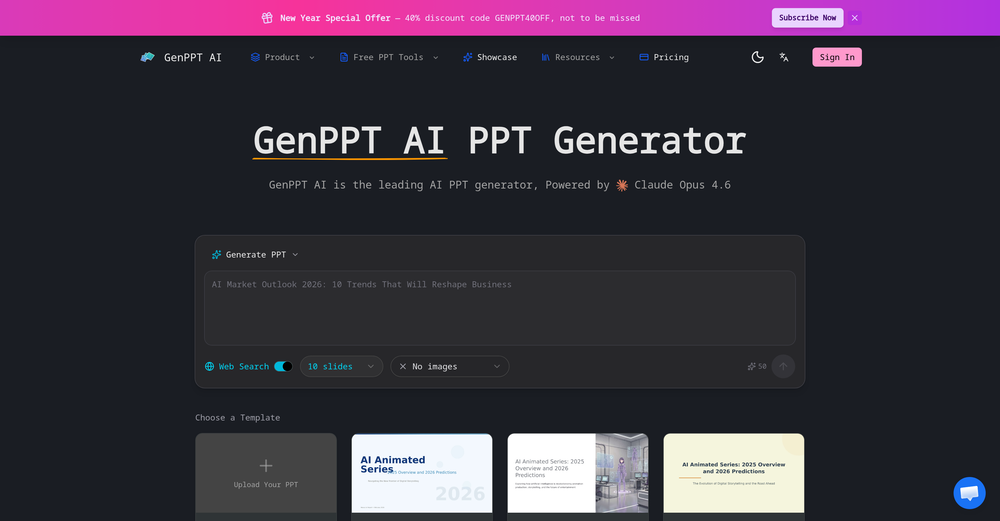
 Just type what you need — AI fills Sheets™, Docs™, and Slides™. FREE Forever with your API key for up to 100 execution per month! Zero formula typing, natural language instructions, zero complexity. Fill spreadsheets, create and edit documents, generate slide presentations, create images, and more.
 -
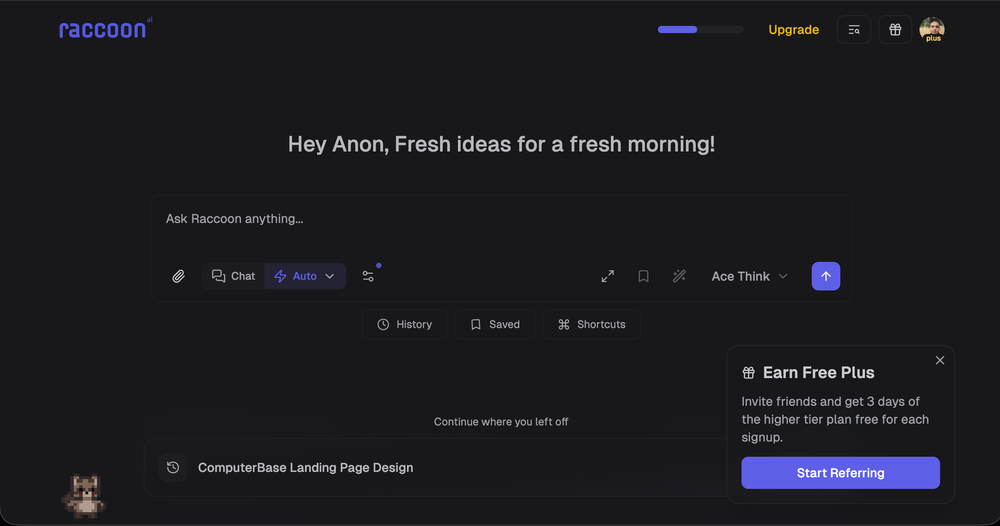 We're live folks! Do check us out and drop your feedback or requests.
 -
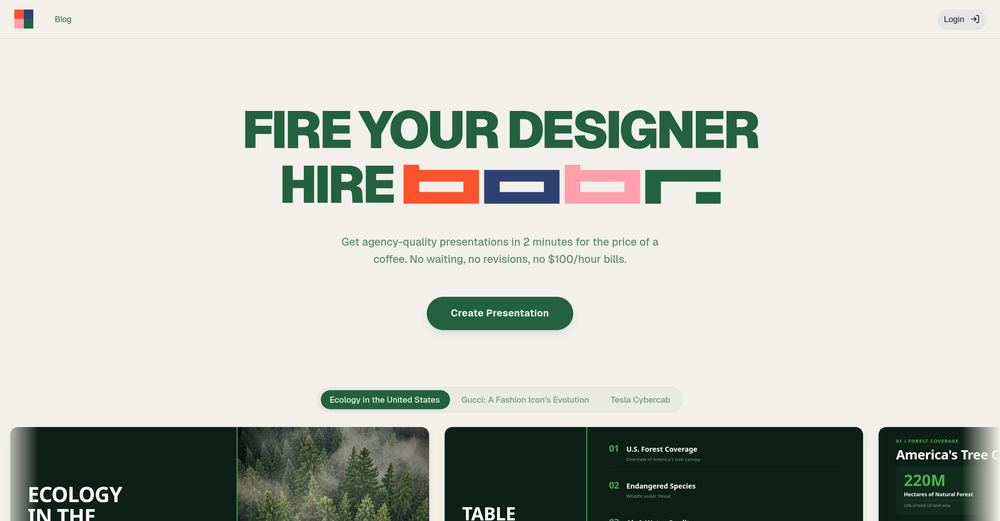 I'm absolutely blown away by the design quality of the presentations they look so vibrant and stylish. I was also pleasantly surprised that the AI asks lots of clarifying questions to make sure the final result is exactly what I wanted, not just something random. Vibes 🔥
 -

-
 Build professional, on-brand decks — 10x faster. Inside PowerPoint or online.Open
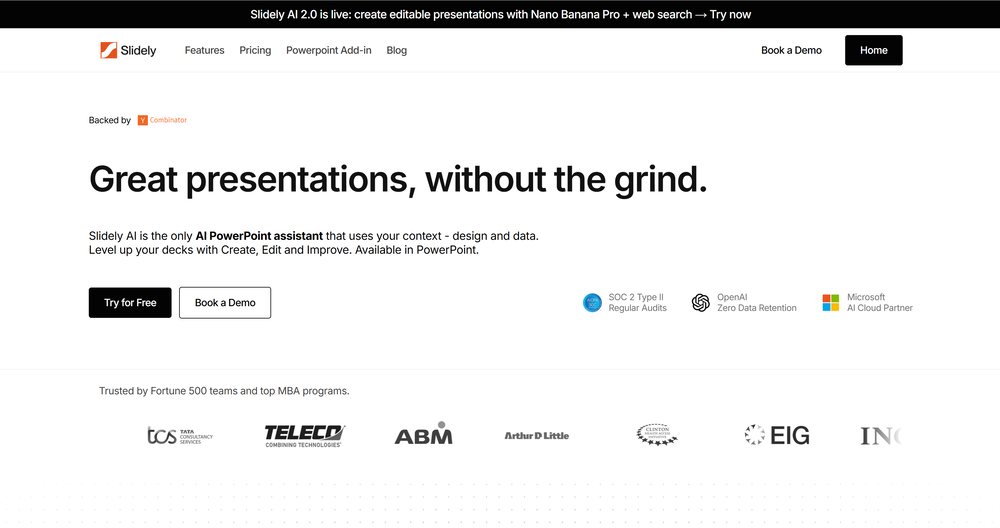 I think Slidely is the only tool that has worked for me when creating my client presentations. The presentations aren't web pages or images like the other tools but actual PowerPoint slides which I really like.
 -
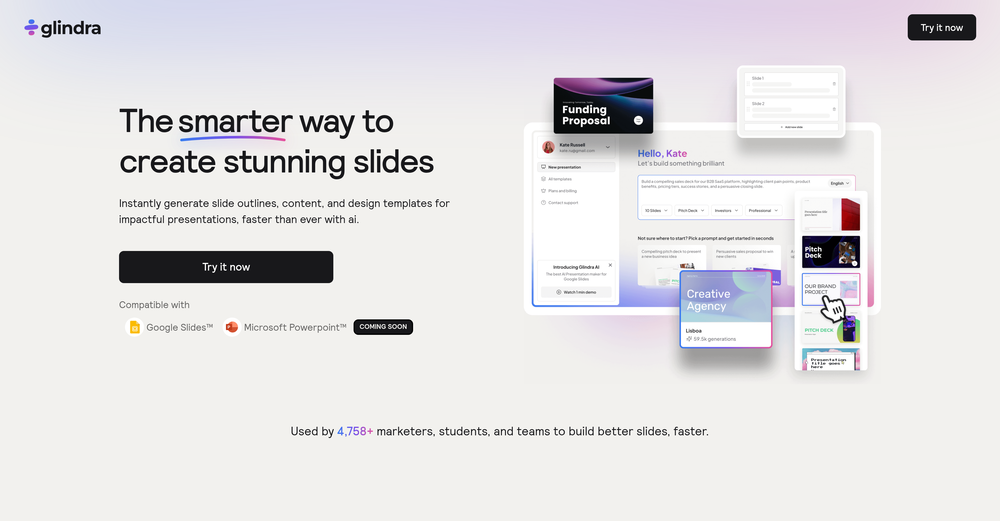 I tested a few AI presentation tools and this one works smoothly inside Google Slides.
 -

-
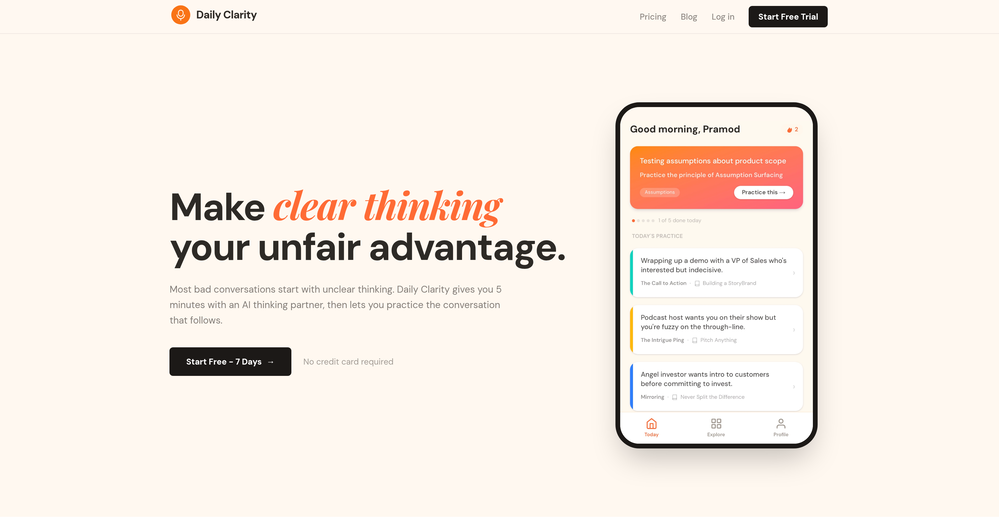












Other tools
-
Hello Everyone, My name is Mohamed, the Co-Founder of linesNcircles.com. At linesNcircles our mission is to revolutionize AI & Humen Interaction. Our first product TheBar is an AI agent which can build websites for you, edit them, saves files locally, browses the internet and provide you with answers to your questions all in very simple interface. TheBar runs on your computer without signup. Your website files are saved locally with the option to publish them under our website with one click. All your files are under your creations folders. We built TheBar to be simple to use, super fast in building things for you and we are working tirelessly, to bring in more features for you like writing pdf documents and making presentations which are coming soon. Check TheBar out it is available for free now on our website https://www.linesncircles.com. We would love to hear your feedback and comments
-
I’ve tried almost every AI slide generator out there, and Tosea is in a league of its own. Most tools just scrape the surface, but Tosea actually digs into my research PDFs. It captures the nuance and logical flow of the original document without the usual AI hallucinations. The slides it produced for my last project were surprisingly deep and well-structured. Plus, being able to export directly to PPTX and make my own tweaks is a lifesaver. It’s easily saved me hours of manual formatting this week.
-
-
- Sponsor
 Rocket - Think it. Type it. Launch it.
 -
I really gotta let my heart out, got so many great reviews from my peers. It has helped me make my school work so much easier. I work with little children so when i make it cartoonish it's giving me the best one's yet.
-
 From idea to launch: professional AI-generated content in one place.OpenHi everyone! I am Adnan, the author of MakerSuite.AI. I am a content creator as well as a software engineer (16+ years of experience). MakerSuite has been created firstly for my own needs with a goal to help me organize content creation workflow (from YouTube scripts to blog and social media posts). The application covers a lifecycle from idea generation to complete script, thumbnail, description, and all the necessary things to prepare you for video recording or to provide you with a script that you can use on your blog or social media platforms. MakerSuite is a result of continuous work from more than 6 months of active day-night and weekend hard work on it. In the end I decided to share it with the world so other people could benefit from it, and also in return I can pay off the hard work and support the platform's future development and maintenance costs. As the models and infrastructure cost a lot. I am open to any form of suggestions or comments; even negative ones are always welcome. The platform has a lot of planned future developments that have to be added to make it even better. Please share your thoughts and feedback in the comments section, as it will help me improve it more! Thanks, everyone! Best, Adnan
 -
 Open
Open -
 Blazingly fast multi-view consistent rendering of 3D models with SketchUp supportOpen
 -
Cool tool. I hope you continue to develop this tool to reach its full potential. Keep it up
- Didn't find the AI you were looking for?
-
impressive :O quite easy to use and great designs overall
-
The current version is not yet stable. Glimmer is working on improving the performance and features. Just signed up for notifications. Am hoping for the best...
-
Asked it to create an animation. Took a few tries but it managed to create a very good one for the purpose I wanted it to use.
-
 AI render enhancer built for archviz professionals.Open
 -
 OpenNew chat-first studio: – Rebuilt the core chat experience as a unified workspace for prompts, image inputs, iterations, and results. – New guided controls (space type, style, settings) to structure pro briefs and reduce trial-and-error. – Faster iteration loop for multi-step edits (repaint, restyle, add/remove items, material swaps). New agentic infrastructure: – Introduced an agent-based orchestration layer that routes each request to the most suitable workflow (from-scratch generation vs photo-based redesign). – Improved context handling across turns to keep revisions aligned with the same scene and direction. – More predictable handling of multi-instruction prompts to reduce “try again” loops. New top-tier model support: – Expanded support for high-quality image generation models to improve photorealism, lighting consistency, and material detail. – Better default model selection behind the scenes based on task complexity and input type. New pro workflow building blocks: – Projects/Collections for saving versions and comparing directions across a single room or a full project. – Pinterest boards as reference inputs for moodboard-guided iterations. – Product Finder updates for matching items from scenes and linking to vendor stores. Performance & stability: – Improved generation responsiveness and general stability across the app.




















Lists


Post





