

 Mini tools
 Convert data to video reports in minutes.
 StatPecker
 Narraviz.ai
 VibeChart
 ChartGPT
 LIDA
LIDA
 vizGPT
 PowerBI AI Lens
 Supadash
 ChatViz
 Tableau
 Exmergo Viz
 ChartFast
 Vizzy
Vizzy
 Magic Vizion
 Consistence Image Generator
 Frequency vibes
 Graph Generator
 Data visualizer
 PowerBi interactive Dashboards
 Market Survey Generator
 GetSpiced
 CleeAI
 Starnus
 Activepieces
 Avataar's GenAI Creator
 Olivya
 Abstra
 Pipefy
 DoubleO
 Neferdata
 Quixl
Quixl
 Cubeo
Cubeo
 Sema4.ai
 Ridvay
 Tray.io
 Cognition by Mindcorp
 GoodWork
 Mr David
 UiPath
 Super Amplify
 genset







Overview
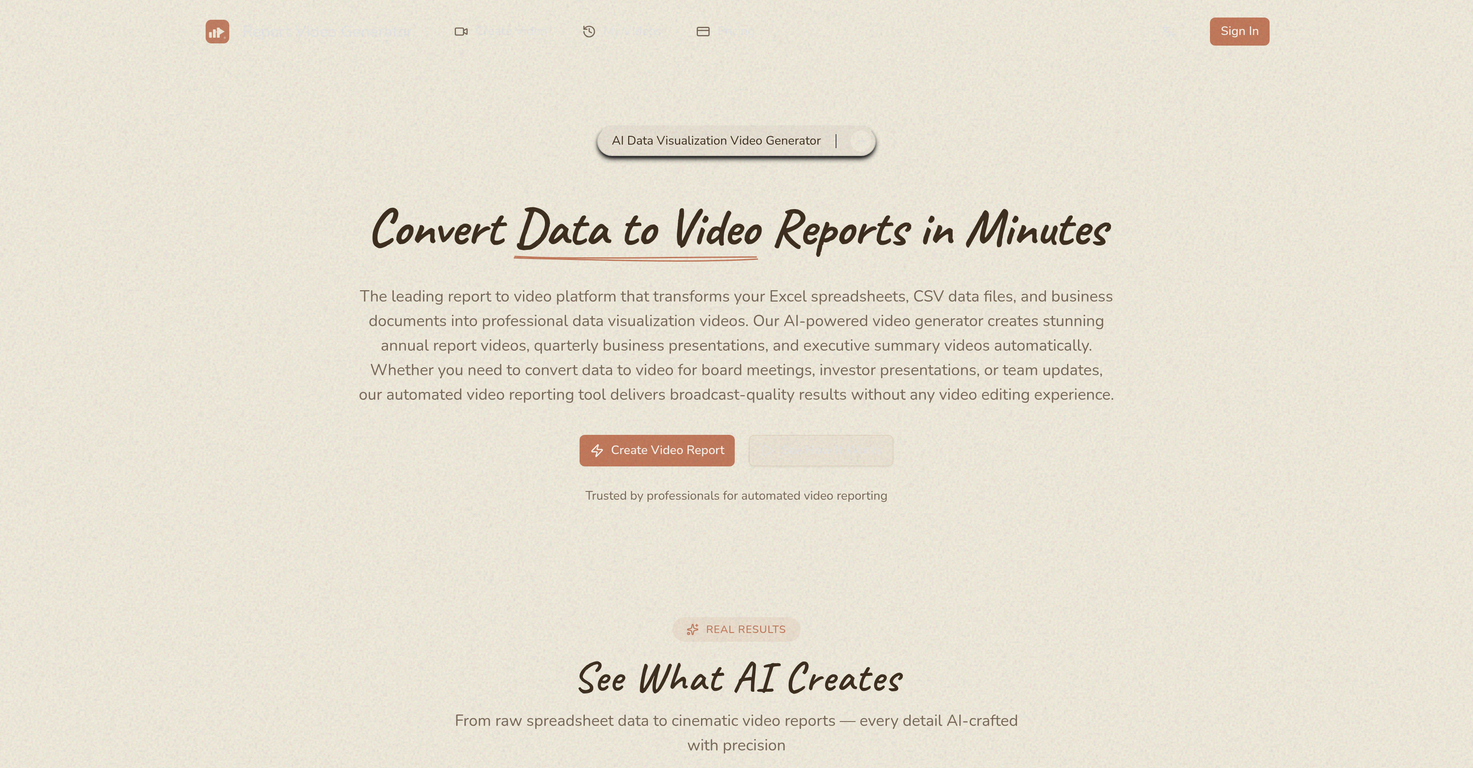
Report Video Generator is an AI-powered tool designed to translate raw data into professional video presentations. It is capable of converting Excel spreadsheets, CSV files, JSON data, Word documents, and PowerPoint presentations into well-organised, insightful video reports.
The tool analyses the uploaded data, identifies key trends and significant metrics, and determines the most effective way to represent the data visually.
It then generates animated charts, dynamic graphs, and other forms of data visualizations. Furthermore, each video report is complemented by an AI-generated voice-over narration, which provides a clear and professional interpretation of the data.
The voice narrator supports multiple languages, opening up the potential for international engagement. Report Video Generator also incorporates a cinematic visual design aesthetic, producing sleek animations, elegant typography, and professional color schemes to make your reports appealing.
The tool is trusted by a broad range of professionals who need a faster, more efficient means of producing video reports for meetings, presentations, or briefings.
Basic video editing abilities or specialist software skills are not required, significantly reducing the typical production time associated with traditional video reports.
Releases

Pricing

Top alternatives
-
 Smart insights for business, stunning visuals for creators.Harrison Oliver🙏 24 karmaJun 12, 2025@StatPeckerI felt there is need of more ready made templates. But, it does what it claims. I chose one question suggested by the AI agent, and it created the infographics in few seconds. It's cool. Saving it for future reference.
 -
 Turn raw data into instant visual insights.
 -
 Turn Data into Stunning Charts in SecondsI was just trying to get a quick graph showing population evolution over the last 30 years, didn’t have the dataset ready, so I was hoping the tool could auto-fill something reasonable. But it literally gave me three values. Three?? For 30 years?? What kind of trend can I possibly see with that? If the tool offers to research the data, it should at least offer a full timeline. And when I pasted the data I found, it created a literally bar chart???
 -
 Make Better Decisions with Data-Driven Charts, Clear Explanations, and Insightful Analysis
 -
 Generate visualizations from data using AI
 -
 Turn complex data into clear insights with AI.








