TAAFT Tutorial
Generate image
Tasks
Generate text
Free mode
Trending
Leaderboard
Characters
 Mini tools
New
Featured
Lists
Agents
Requests
Jobs
Map
Newsletter
Starter pack
Free tools
Speech to text
Text translator
Remove background
Settings
Edit profile
My tools
Gallery
Dashboard
Inbox
Get featured
Contact TAAFT
For you
Popular
Job impact index
Most saved
Affiliate program
Submit AI tool
Notification preferences
Glossary
Home
Timeline
My profile
Create tool
Deals
Companies
Models
Robots
Papers
Fundraises
Repositories
Devices
Organizations
Events
Prompt Pack
Merchendise
APIs
Features
Tools
Countries
Collections
Videos
Mini tools
New
Featured
Lists
Agents
Requests
Jobs
Map
Newsletter
Starter pack
Free tools
Speech to text
Text translator
Remove background
Settings
Edit profile
My tools
Gallery
Dashboard
Inbox
Get featured
Contact TAAFT
For you
Popular
Job impact index
Most saved
Affiliate program
Submit AI tool
Notification preferences
Glossary
Home
Timeline
My profile
Create tool
Deals
Companies
Models
Robots
Papers
Fundraises
Repositories
Devices
Organizations
Events
Prompt Pack
Merchendise
APIs
Features
Tools
Countries
Collections
Videos
Mini tools
New
Featured
Lists
Agents
Requests
Jobs
Map
Newsletter
Starter pack
Free tools
Speech to text
Text translator
Remove background
Settings
Edit profile
My tools
Gallery
Dashboard
Inbox
Get featured
Contact TAAFT
For you
Popular
Job impact index
Most saved
Affiliate program
Submit AI tool
Notification preferences
Glossary
Home
Timeline
My profile
Create tool
Deals
Companies
Models
Robots
Papers
Fundraises
Repositories
Devices
Organizations
Events
Prompt Pack
Merchendise
APIs
Features
Tools
Countries
Collections
Videos

▼ Top rated
Private
Free mode
100% free
Freemium
Free Trial
Featured matches
-
-
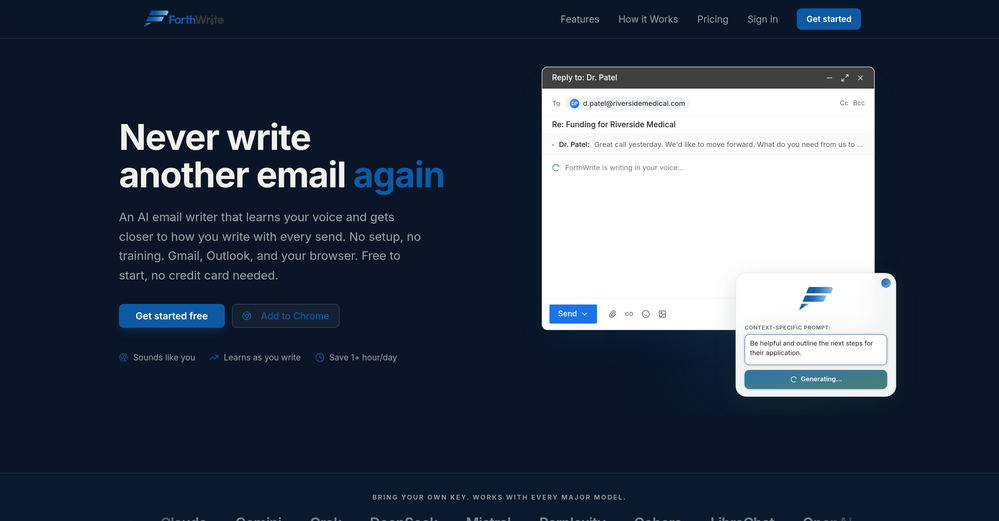
 Curtis Boortz🛠️ 1 tool 🙏 2 karmaJun 19, 2026@ForthWriteI've tried a lot of AI email tools and they all produce the same generic output. ForthWrite is different because it actually learns from the gap between what it drafts and what I end up sending. After a few weeks the drafts need almost no editing. Works right inside Gmail via the Chrome extension, so there's no new app to learn. The 60-day guarantee made it easy to commit. Highly recommend for anyone who sends a high volume of professional email.
 -
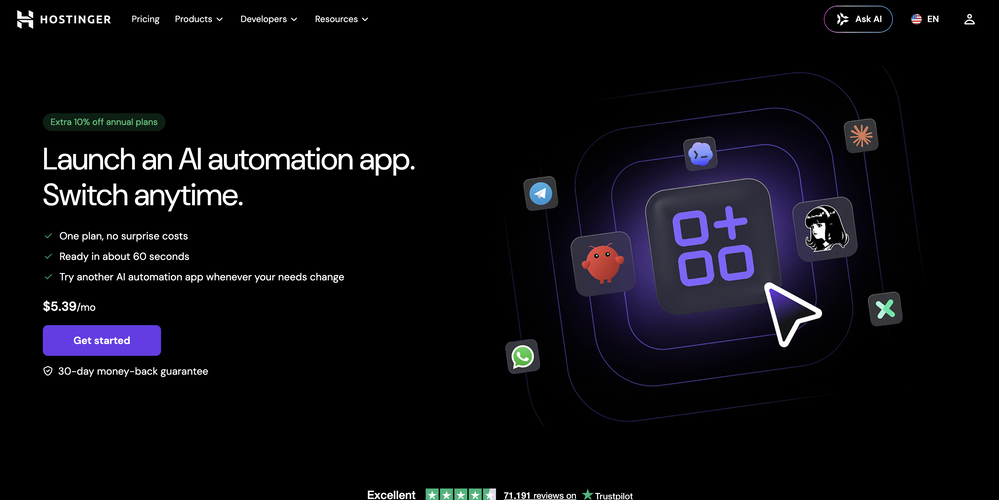
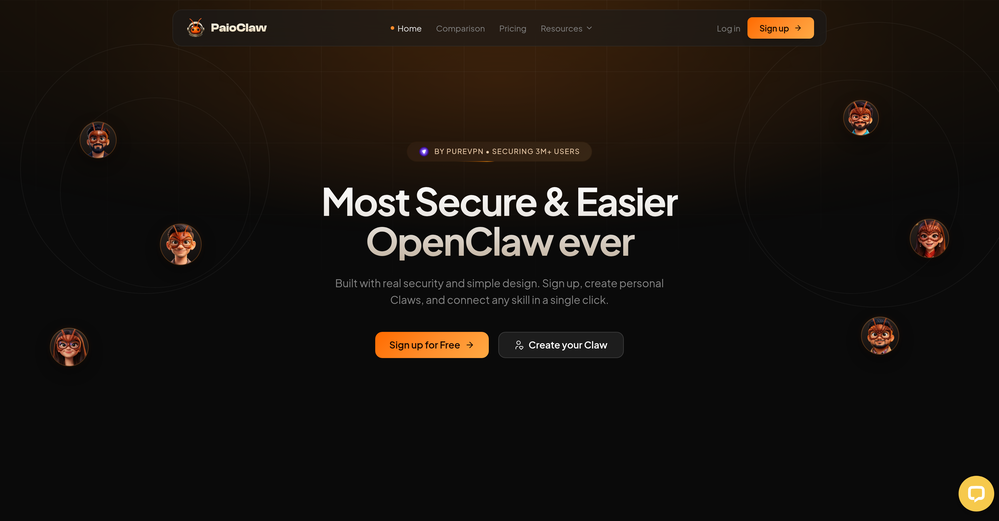 Does what it says. Signed up, picked a pre-built agent, live in under a minute. Token savings are noticeable, security is handled, and I don't have to think about Docker or VPS configs anymore. Free tier is enough to know if it works for you. It did for me.
 -
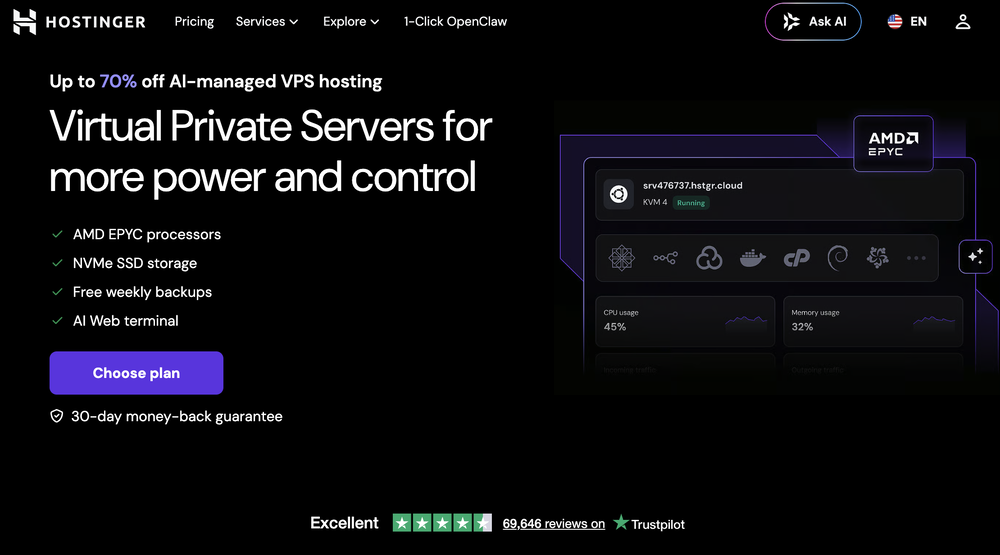
 Hermes Agent with zero setup, maintenance, or infrastructure management.Open
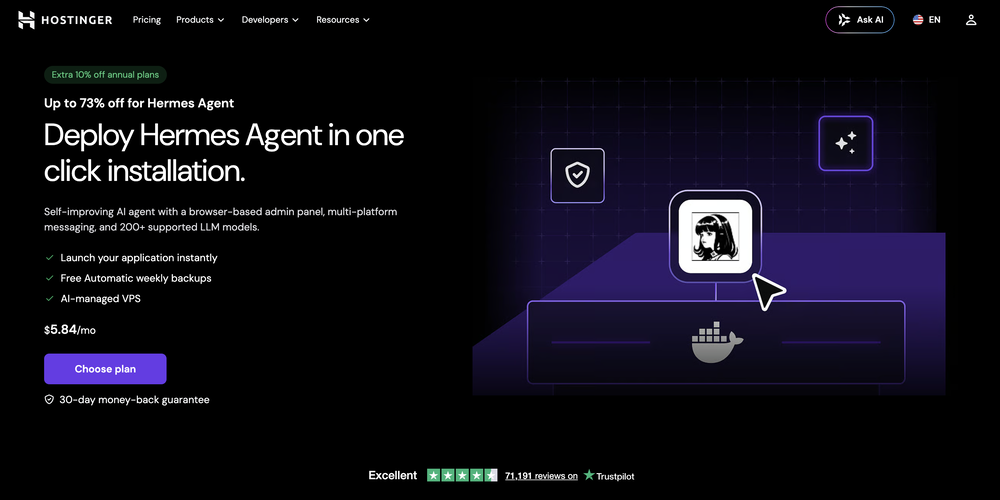 What's new: • Telegram in both dashboard and onboarding. • Model selection in both dashboard and onboarding for ALL providers, not only Nexos.
 -
-
 ⚙️ Reliability & Stability Improvements • Improved plugin recovery mechanisms • Better data merge handling during restarts • More resilient operation across updates and container restarts • Improved platform stability and recovery behavior
 -
-
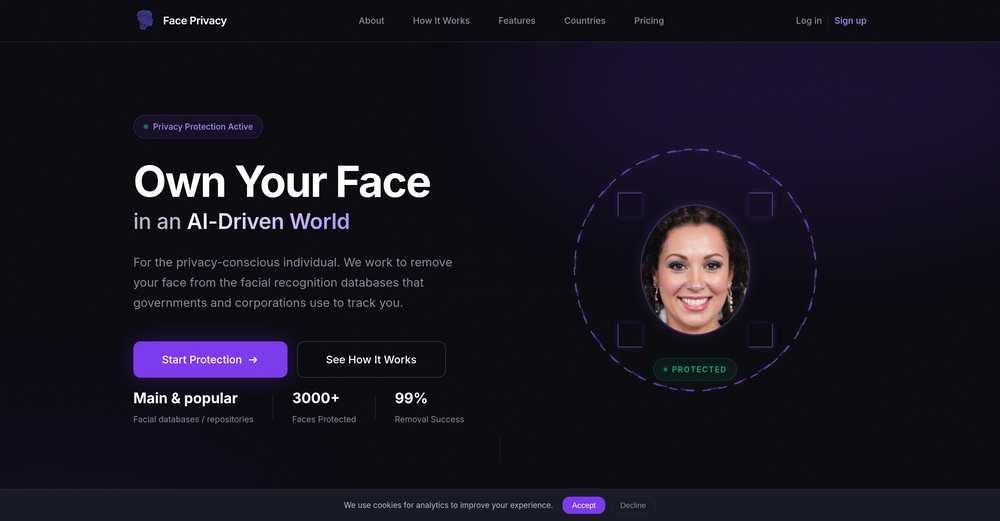 if u care about privacy just get it. its a few dollars to not have cops or rando's tracking u
 -
-













Other tools
-
 OpenExcellent AI therapy service! Accessible, intuitive, and supportive, it's a great tool for anyone looking to improve their mental health. Highly recommend - 5 stars!
 -
Would recommend this to anyone. Writing things down is great, but being able to freely talk about it is even better. It gives you time to get it all out and a lot of times I feel better just by verbalizing issues out loud. I really appreciate that the report from the session reflects everything I've said in a structured way, so I don't have to worry about talking super coherently. It also provides useful insights and recommendations. The whole self-care topic has always sounded like a chore to me but I actually enjoy this.
-
- Automatic dictionary correction learning: Paraspeech can now learn from words you fix after dictation - More reliable recording start, stop, finalization, clipboard insertion, and saved recordings - Clearer local-vs-cloud routing for transcription and rewrites, including privacy-mode handling - Better local model state while models are downloading, activating, or unavailable - Improved file-drop transcription behavior with clearer local/cloud availability - More predictable cleanup and rewrite finalization for emails, selected text, and general dictated text - Reworked onboarding for account setup, privacy, model setup, permissions, shortcut testing, and first dictation - More reliable checkout, purchase, trial, subscription, lifetime, and account-link recovery - Cleaner status overlay states for recording, loading, completion, and setup recovery - Stronger diagnostics privacy scrubbing and quieter crash/hang reporting - Release reliability improvements across Mac testing, DMG validation, Sparkle automation, and update tracing
- Sponsor
 Tripo AI 3D Generator
 -
Hi 👋 I'm Vera, the maker of Whisper Web. I built it because I needed a frictionless way to turn recordings into structured text — meeting notes, interview quotes, podcast transcripts, YouTube research. Whisper Web runs entirely in your browser. Drop an audio or video file (up to 2GB), record from your mic, or paste a YouTube URL. You get a clean transcript with automatic speaker labels and a structured AI summary covering key points, action items, decisions, and quotes — all in under 3 minutes. 100+ languages, auto-detected. Six export formats: TXT, DOCX, PDF, SRT, VTT, and JSON. Privacy-first by design. Free to try, no credit card. Would love your feedback — drop a recording you've been putting off and tell me how it went. — Vera
-
- Didn't find the AI you were looking for?
-
Very high quality, amazing realism. You can change ethnicities and expressions as well, including full body skin.
-
-
AudioScribe has been really helpful for turning meeting recordings into clean transcripts without much hassle. I especially like the AI summaries and speaker identification, since they make it much easier to review long conversations and pull out the key points. Solid tool overall, and definitely worth a 5-star rating.