Go to section
Spotlight SureThing.io - "OpenClaw" for BeginnersTask automation
The front page of AI.Used by 90M+ humans.

TAAFT Tutorial
Generate image
Tasks
Generate text
Free mode
Trending
Leaderboard
Characters
 Mini tools
New
Featured
Lists
Agents
Requests
Jobs
Map
Newsletter
Starter pack
Free tools
Speech to text
Text translator
Remove background
Settings
Edit profile
My tools
Gallery
Dashboard
Inbox
Get featured
Contact TAAFT
For you
Popular
Job impact index
Most saved
Affiliate program
Submit AI tool
Notification preferences
Glossary
Home
Timeline
My profile
Create tool
Deals
Companies
Models
Robots
Papers
Fundraises
Repositories
Devices
Organizations
Events
Prompt Pack
Merchendise
APIs
Features
Tools
Countries
Collections
Videos
Mini tools
New
Featured
Lists
Agents
Requests
Jobs
Map
Newsletter
Starter pack
Free tools
Speech to text
Text translator
Remove background
Settings
Edit profile
My tools
Gallery
Dashboard
Inbox
Get featured
Contact TAAFT
For you
Popular
Job impact index
Most saved
Affiliate program
Submit AI tool
Notification preferences
Glossary
Home
Timeline
My profile
Create tool
Deals
Companies
Models
Robots
Papers
Fundraises
Repositories
Devices
Organizations
Events
Prompt Pack
Merchendise
APIs
Features
Tools
Countries
Collections
Videos
Mini tools
New
Featured
Lists
Agents
Requests
Jobs
Map
Newsletter
Starter pack
Free tools
Speech to text
Text translator
Remove background
Settings
Edit profile
My tools
Gallery
Dashboard
Inbox
Get featured
Contact TAAFT
For you
Popular
Job impact index
Most saved
Affiliate program
Submit AI tool
Notification preferences
Glossary
Home
Timeline
My profile
Create tool
Deals
Companies
Models
Robots
Papers
Fundraises
Repositories
Devices
Organizations
Events
Prompt Pack
Merchendise
APIs
Features
Tools
Countries
Collections
Videos

▼ State of the art
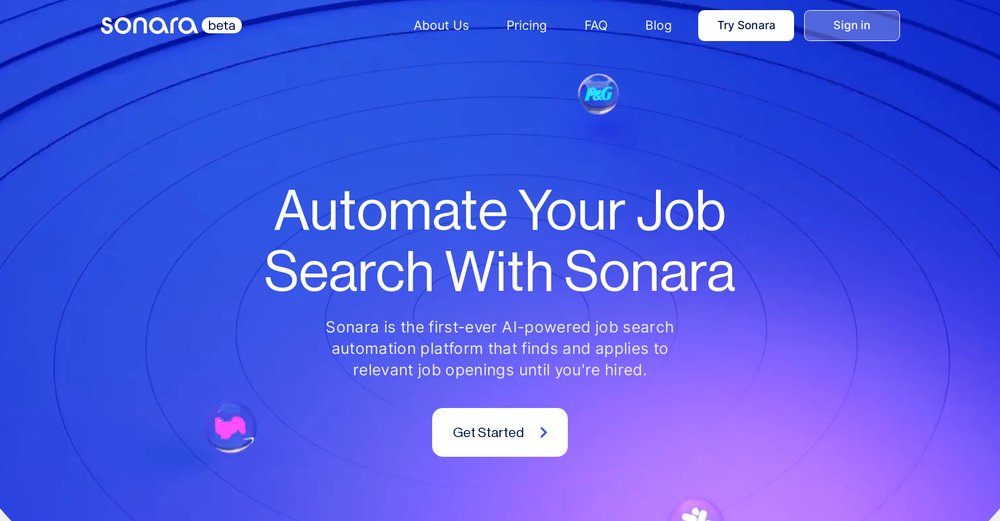
Sonara
Free mode
100% free
Freemium
Free Trial
-
 Daniel Garaiacu🛠️ 5 tools 🙏 1,561 karmaMay 28, 2025@SonaraWish i could test out the Ai powered search at least 2-3 times or a full day for free , the paid trial it`s not very appealing. App seems to work fine in general. Without testing the AI part of the app i can say it doesn`t feel any different than any job hunting website.

Other tools
-
I got some top quality results after learning how to prompt songs 🤩
-
-
-
This thing is absolutely phenomenal, I've had incredible full length songs created with great lyrics and actually in key melodies. Mention hand pan you get a hand pan. This is something you need to try if you're reading this. Throw a picture in there even. I have had failed attempts but I pasted it again 4 more times and it's something about the wording. Word it like a normal sentence and boom. Her ai voice reminds me of Evanescence. There's male voice too. 10 stars.
- SpotlightSureThing.io - "OpenClaw" for BeginnersTask automation
-
Works well and connects with my apps easily. I’m considering using it for daily reports and posts
-
-
Interesting LMS. Love that they use AI in all aspects of the learning journey.
-
 Open
Open -
This is surprisingly powerful. I can go from a vague idea to a polished track just by talking to Tunesona. The level of genre control and the instant adjustments make the whole process incredibly efficient.
-
The leading generative media models on fal combined with top-earning real-world creative talent on Contra is a powerful combination. Feedback to fuel the future of creative ai.
- Didn't find the AI you were looking for?
-
 Open
Open -
 AI-powered freelance portfolios with payments, contracts, and growth tools built in.Open
 -
Working good and enough credits including achievements to test the app for free
-
-
Did anybody get to try the demo? I did not receive any returns from the contact that I sent. It seems they are not interested in do business.
-
Artist Tips for Better Results with Somnira Canvas: To help Somnira Canvas render the most compelling and emotionally resonant figures—whether human or animal—users are encouraged to guide the tool with poetic, suggestive phrasing rather than highly technical descriptions. This helps maintain harmony with the platform’s expressive strengths. For human figures, try emotion-based posture phrases like “curled in sorrow,” “reaching toward a fading light,” or “kneeling in wind.” Favor mood-based modifiers over anatomical specifics, such as “a silhouette bathed in dusk” or “a quiet figure in motion blur.” For animals, use mythic or metaphorical phrasing like “a fox made of stars,” “a deer outlined in frost,” or “a lion woven from dusk and gold.” Avoid strict biological realism unless intentionally stylized (e.g., “cubist owl,” “ink-drawn heron”). Best practices include specifying camera perspective or body angle with terms like “3/4 view,” “top-down shot,” or “over-the-shoulder,” and adding atmospheric cues such as “drifting in chalk mist,” “outlined by candlelight,” or “carved in shadow.” You can also add emotion-based tags directly into the prompt—words like “longing,” “grief,” “stillness,” or “wonder” will guide the aesthetic and expressive qualities of the final artwork.
-
As good as it sounds, it offers NO free voice clone test, unlike millions of other apps and services that do so at NO cost, and some even 100% Open-Source, free forever.
-
 AI energy consultant for South African solar solutionsOpen
 -
 Open
Open -
 Open
Open