 Wispr Flow - Don’t type, just speak

 Mini tools

-
### **The Two-Bucket Time Management Hack** Many individuals struggle to maintain a healthy work-life balance. This hack helps you set clear boundaries and manage your time more effectively. **The Concept** Imagine you have two buckets: one for work and one for personal life. Your daily tasks and activities will be divided into these two buckets, ensuring that you allocate your time wisely and maintain a healthy balance. ### Steps to Implement **Step 1: Identify Your Core Activities** * List all your daily activities, including work tasks, personal errands, hobbies, and self-care routines. **Step 2: Categorize Activities into Buckets** * **Work Bucket**: Include all work-related tasks, meetings, and responsibilities. * **Personal Bucket**: Include personal activities, such as exercise, family time, hobbies, and relaxation. **Step 3: Set Time Blocks** * Allocate specific time blocks for each activity in both buckets. * Use a calendar or planner to schedule these blocks. **Step 4: Prioritize and Focus** * Prioritize tasks within each bucket based on urgency and importance. * Focus on completing the high-priority tasks during their designated time blocks. **Step 5: Establish Boundaries** * Set clear boundaries between your work and personal life. * For example, avoid checking work emails or taking work calls during your personal time blocks. **Step 6: Review and Adjust** * Regularly review your time blocks and adjust them as needed. * Life is dynamic, and your schedule should be flexible enough to accommodate changes. ### Potential Benefits * **Improved Time Management**: By allocating specific time blocks for work and personal activities, you can manage your time more effectively. * **Enhanced Productivity**: Focusing on high-priority tasks during designated time blocks can boost your productivity. * **Better Work-Life Balance**: Clear boundaries between work and personal life help you maintain a healthy balance, reducing stress and burnout. * **Increased Self-Care**: Prioritizing personal activities ensures you have time for self-care and relaxation. ### Possible Challenges * **Initial Resistance**: It may take time to adjust to a new scheduling system. * **Overcommitting**: Be cautious not to overfill your buckets, leaving some buffer time for unexpected tasks. * **Flexibility**: While structure is important, ensure you leave some room for spontaneity and flexibility. ### Tips for Success * **Start Small**: Begin with a small number of activities and gradually add more as you become comfortable with the system. * **Communicate Boundaries**: Inform your colleagues, family, and friends about your new scheduling system and boundaries. * **Be Consistent**: Stick to your schedule as much as possible, but don't be too hard on yourself if you need to make adjustments. By implementing the Two-Bucket Time Management Hack, you can effectively set boundaries, manage your time better, and achieve a healthier work-life balance. Remember to be patient, flexible, and kind to yourself as you navigate this new approach. The two bucket method can help in effectively managing time and increasing productivity by setting boundaries. This helps to prioritize tasks and avoid overcommitting.
 Marco Patuzzo🛠️ 2 tools 🙏 50 karmaJul 9, 2025@Life HacksPretty fun, i can now have multiple sources of inspiration. Helpful if you ask me.
 -









-
-
-
-
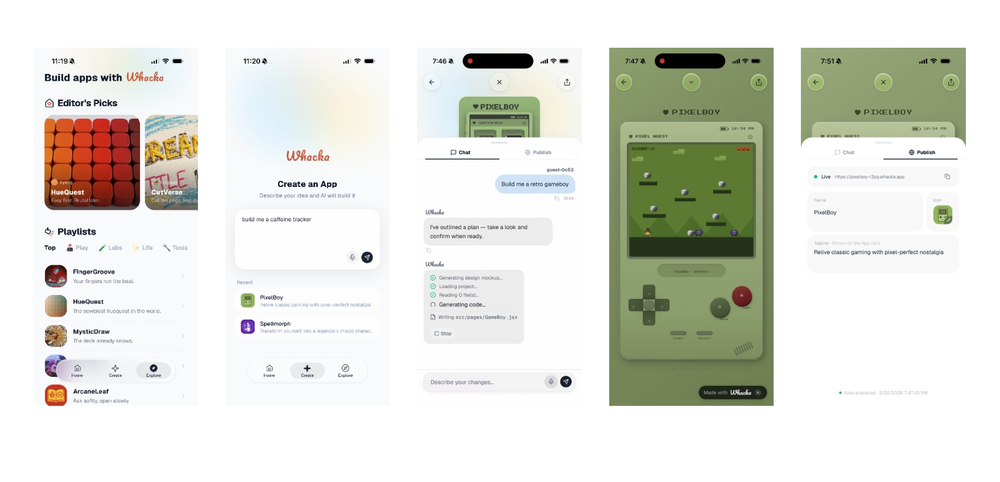 Your Whacka app can now do more than just exist. Connect it with Stripe, PayPal, or your preferred payment channel, share it with real users, and start turning simple ideas into usable business tools. Hosting, infrastructure, and running costs are still covered by Whacka. And with the new annual plan, you can save over 20%.
 -
 I have been using it for a few months and the tool is evolving well. In direct contact with the founders it is practical to have new features that we need.
 -
-
 AI-powered video editing for YouTube creators.Open
 Selamat siang saya akan membagikan tutorial gimana caranya mengedit video di aplikasi capcut
 -
 i edited my picture twice because the first time it randomly got deleted. second time i did everything and i pressed download but nothing happened, after repeatedly trying it didn’t work in the end. regardless very good editing tool (fyi you can’t download high res pic without paying)
 -
 KLing 2.0 generates crisp, vivid video scenes effortlessly.
 -
 I believe in anything that saves me time. What-A-Prompt pimps my prompts. The Prompt_Enhancer setting is very powerful. Bonus, you get some fun settings for text-to-image, like the Text_Visions and Max_Visual settings. The www.Freshly.ai website overall is a gem for the AI community.
 -
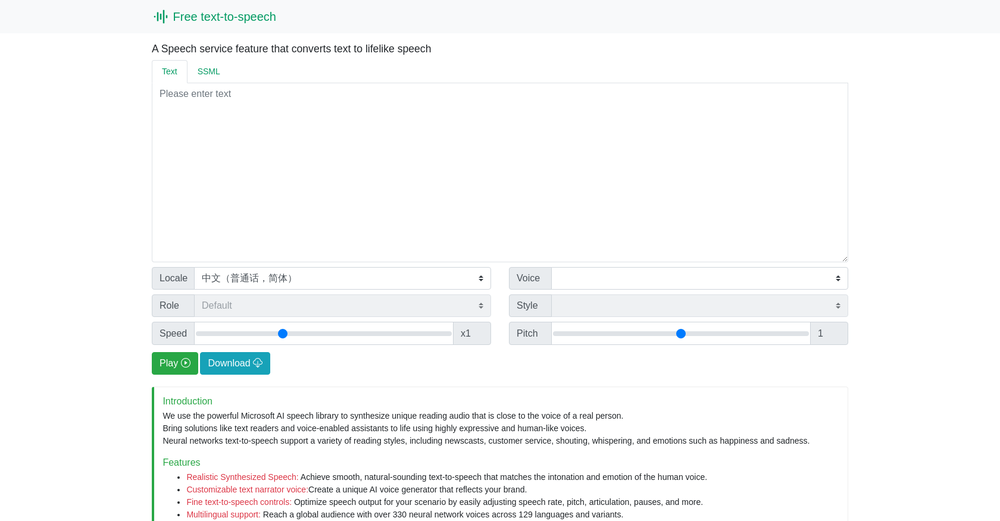 I’ve been testing this text-to-speech tool and it works really well. The voices sound natural, and the interface is clean and easy to use. It’s especially helpful for quickly converting text into audio without any complicated setup. Looking forward to seeing more features in the future!
 -
 Create Stunning PPTs in Seconds with the AI PPT MakerOpen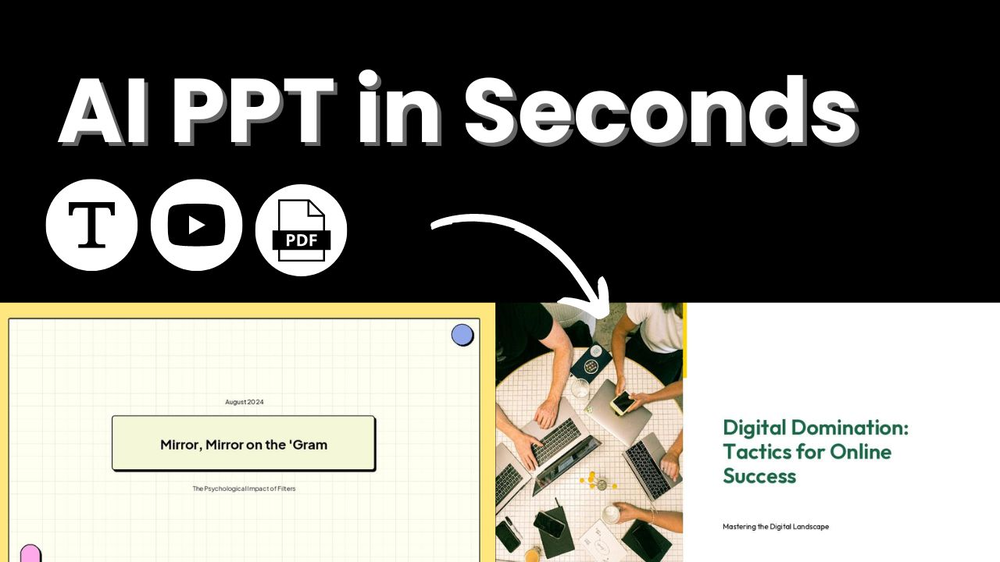
-
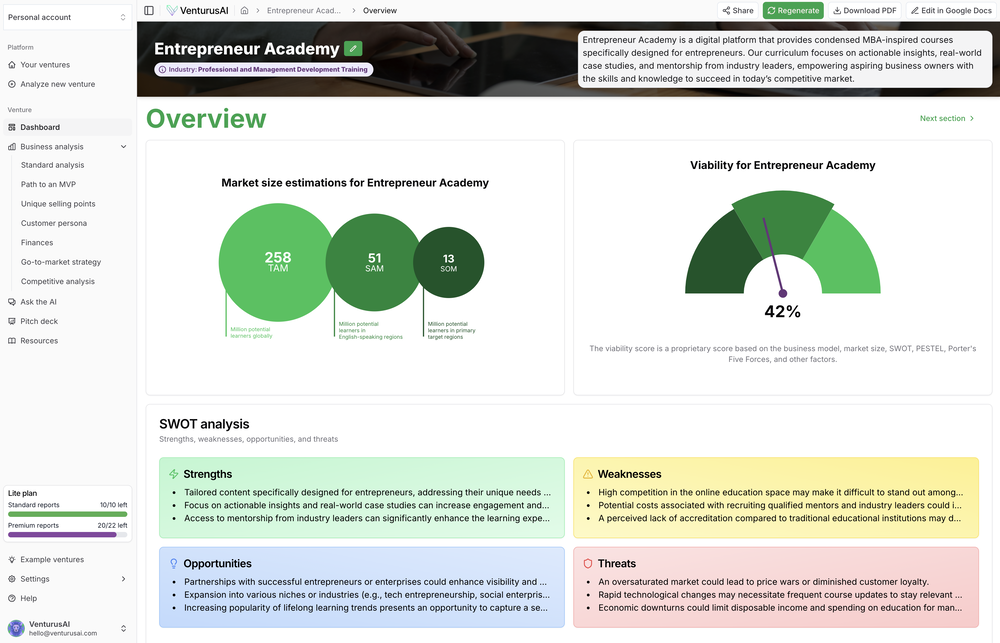 Hi there, send us an email at [email protected] with a screenshot and we'll have a look. We already checked it on our end and it seems that everything works as expected and no one else reported this issue yet. Thanks!
 -
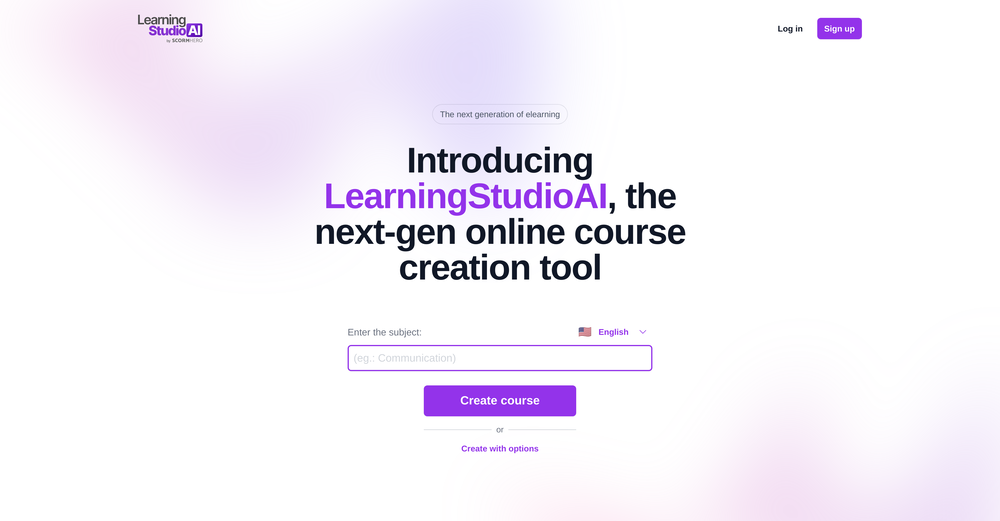 As the service was in beta-testing stage, I created there a dozen of AI-generated courses for free. I wanted to use them. Those courses remained in my account as they started subscription tiers. But recently I have found out that they were deleted. The support didn't answer to my e-mail at all.














#
Tool
Task
Released
Price
Country
Views
Features
Saves
Reviews
Comments


AllHackerup
Create AI-powered hacker portraits in seconds.

HackerRank AI
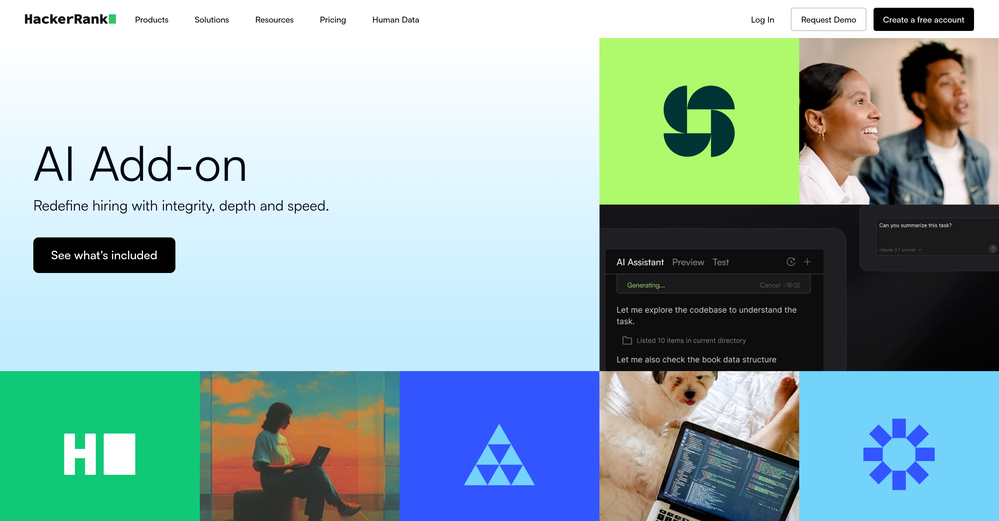
Redefine hiring with integrity, depth and speed.
Hacker News Recap
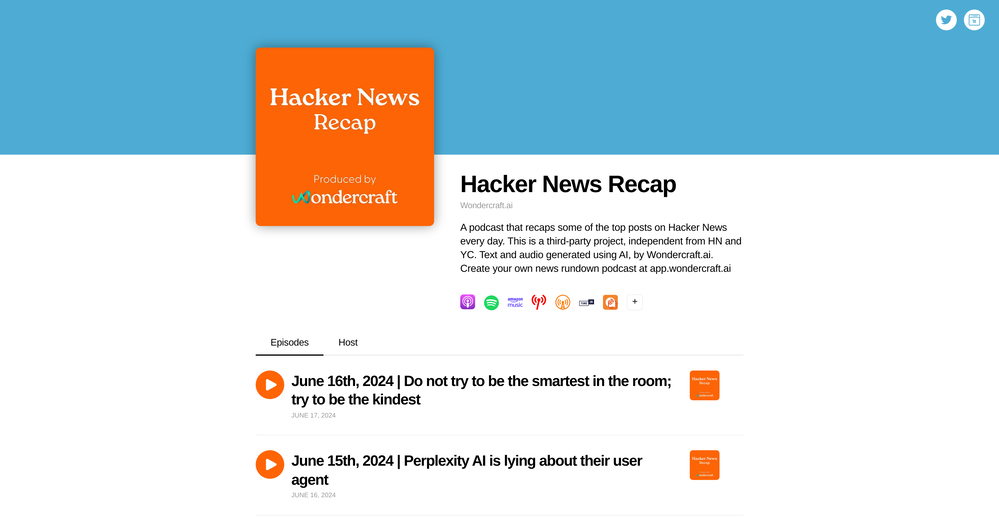
AI-powered daily recap of top Hacker News posts



Photoeditor
Enhanced image editing with object and text removal.

Free Text-To-Speech
Text transformed into customizable spoken output.

VenturusAI
Business idea analysis and reporting.





