 Rocket
 Mini tools
▼ State of the art
Productivity tool
Free mode
100% free
Freemium
Free Trial
Other tools
-
 Salina Hook🙏 30 karmaSep 3, 2025@RunableUsed it for PPT generation and performed extremely well, especially the numbers and data part.
 -
 Boost your creativity with AI-powered brainstorming.Open
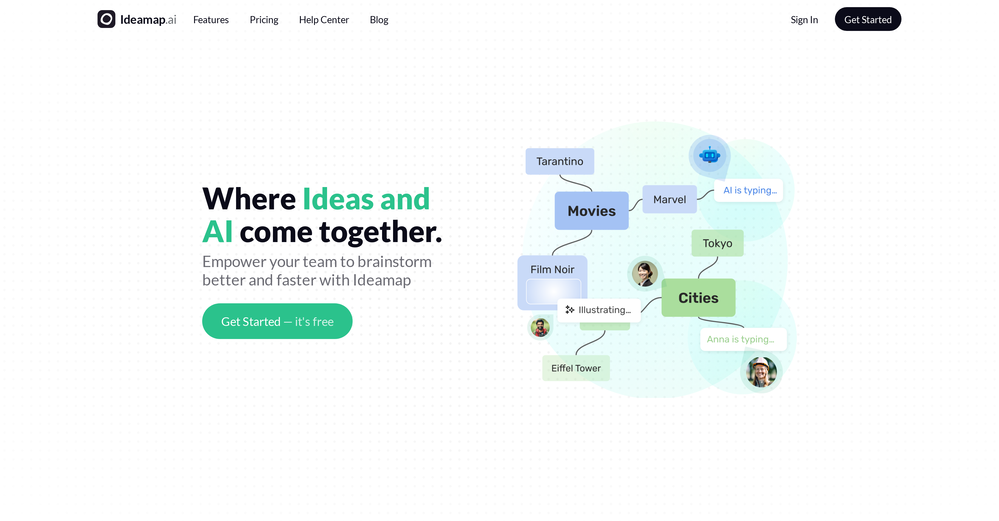 I can't explain how impressed i am by this. I've seen tools to help you brainstorm ideas, but not one to break your task down into big steps, then little steps for each of these. Plus "games" to help come up with more ideas for your project. I'm excited to use this!
 -
BEST AI CO-PILOT FOR YOUR DAY TODAT WORK ON THE INTERNET IT'S FOR EVERYONE
-
 AI spreadsheet & data analyst. 10x your productivity.OpenI use our tool for cleaning data, research and writing scripts before a mail merge. Saves me hours.
 - Sponsor:Rocket
-
-
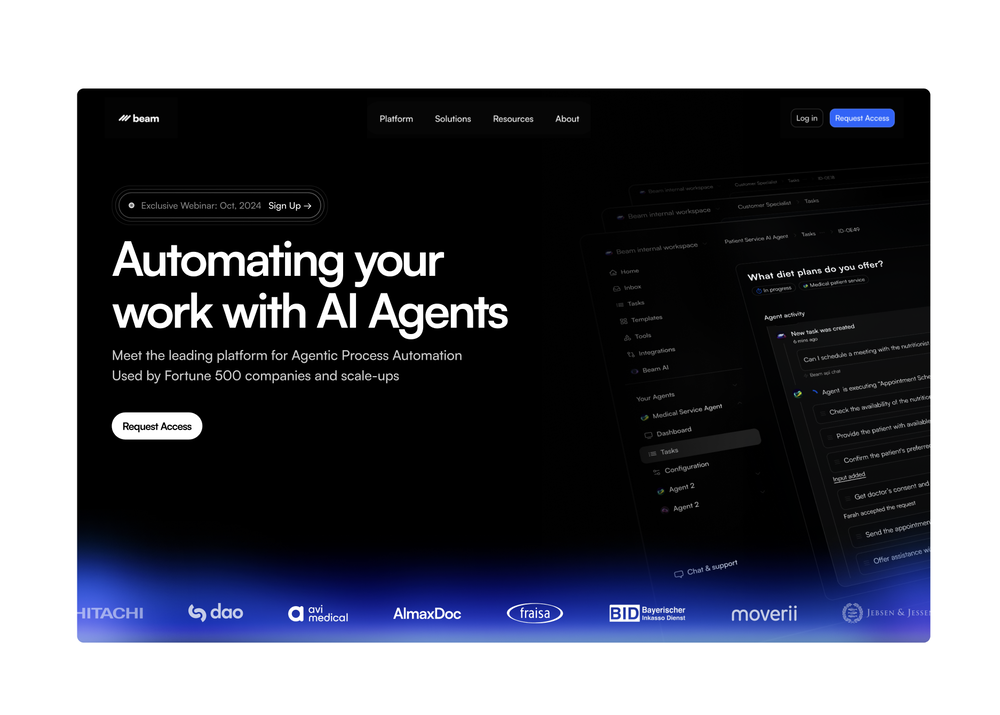
Every time i switch to a new mac -> this is the first tool i install
-
Works well and connects with my apps easily. I’m considering using it for daily reports and posts
-
 Read aloud PDFs, GDocs, & more using text-to-speech to boost productivityOpengreat app, in school that is fully online to career switch and this app has really saved my degree. it helps me do all my assigned readings alongside my busy job, and has been a lifesaver.
 -
 Best tool to interact with local AI and search your local files. Instant insights from files and loved the inline citation feature so that I know where the answer is coming from. I can easily verify answer and know more about the context.
 -
I love the smart formatting and multi language support. It fits perfectly into my workflow and feels thoughtfully built for real world use.
- Didn't find the AI you were looking for?
-
# 🚀 NextDocs v1.3 – Custom Themes & Pageless Document Editor **Released:** December 2025 This release brings brand consistency and document flexibility to NextDocs. Create custom themes that reflect your brand identity, and use the new pageless editor for flowing content like reports, proposals, and articles. Your documents. Your brand. Your way. --- ## 🎨 Complete Theme System Create branded documents that look unmistakably yours: - **12 Built-in Themes** – Professionally designed themes ready to use, from Academic Ivory to Midnight Blue - **Custom Theme Creation** – Define your own fonts, colors, and styling - **AI Theme Generation** – Describe your brand, get a complete theme instantly - **One-Click Application** – Transform your entire document with a single click - **Theme Management** – Edit, duplicate, and delete themes as needed - Works across presentations, documents, posters, and more Example: "Modern tech startup, clean and minimal with blue accents" → Complete theme with fonts and colors generated instantly. --- ## ✏️ Define Your Brand Identity Full control over every visual element: ### Fonts - **Primary Font** – For headings, titles, and display text - **Secondary Font** – For body text and paragraphs - **50+ Google Fonts** – Curated collection that exports perfectly to PDF and Google Slides ### Colors - **Primary Color** – Your main brand color for headings and key elements - **Secondary Color** – Supporting accent for highlights and emphasis - **Background & Foreground** – Page and text colors (supports gradients) - **Extended Colors** – Tertiary, muted, card, border, and shadow colors - **Smart Derivation** – Optional colors are automatically derived if not specified Set up your brand once, and every document follows your guidelines automatically. --- ## 📝 Pageless Document Editor A new way to create documents without page boundaries: - **Continuous Flow** – Content flows naturally without awkward page breaks - **Full Theme Support** – Apply any built-in or custom theme - **AI-Powered Writing** – Generate and edit content with chat commands - **Rich Formatting** – Headings, lists, tables, code blocks, images, and more - **Real-Time Saving** – Auto-save with visible status so you never lose work - **Version History** – Track changes and restore previous versions Perfect for business reports, proposals, technical documentation, meeting notes, and articles. --- ## 🖼️ Professional Image Filters Apply professional-grade filters to any image: - **Blur** – Soften images for background effects - **Brightness** – Control overall lightness - **Contrast** – Adjust light and dark differences - **Grayscale** – Convert to black and white - **Invert** – Reverse colors for creative effects - **Sepia** – Apply warm, vintage toning - **Adjustable Intensity** – Fine-tune every filter - **Export Preservation** – Filters maintained in PDF and Google Slides exports --- ## 📤 Export Anywhere Take your documents everywhere: - **PDF Export** – Professional output with theme colors and fonts preserved - **HTML Export** – Web-ready format with responsive styling - **Google Slides** – Seamless export with full formatting - **Google Docs** – Continue editing in Google's ecosystem - Theme styling preserved across all formats --- ## 🌟 Everything in v1.3 ✅ 12 professionally designed built-in themes ✅ Custom theme creation with fonts and colors ✅ AI theme generation from text descriptions ✅ Theme management (edit, duplicate, delete) ✅ AI instructions per theme ✅ Pageless document editor ✅ Continuous document flow (no page breaks) ✅ AI-powered content generation ✅ Rich formatting and tables ✅ Real-time saving with version history ✅ 6 professional image filters ✅ Multi-format export (PDF, HTML, Google Slides, Google Docs) ✅ Bug fixes and performance improvements --- Ready to create branded documents? 👉 **[Start Creating with NextDocs v1.3](https://nextdocs.io)** Questions or feedback? We're here to help: **[email protected]** --- _Your brand. Your documents. Your way._ **— The NextDocs Team**
-
Hoox app is a very easy and simple app to navigate and generate your script video for social media. My experience so far has been top-notch and the customer service in the name of Alan Hoox is always pronto to assist whenever needed. I recommend it for anyone that want to create a faceless youtube Ai without editing, selecting or mixing all you details. All you need is just drop your script and wellah your video is ready .
-
I’ve been playing with cogmi for a week and it’s really cool what insights it’s giving me about performance. Usually I don’t even think about when to stop, but now there’s some data to focus on. It’s like keeping tabs on circardian rhythm but for brain performance.
-
👋 Hey everyone — I’m Yusef, founder of Jamy. We built Jamy because we were tired of wasting time after meetings — rewriting notes, chasing action items, and trying to remember what was actually said. Jamy handles all of that automatically: it joins your calls, transcribes, summarizes, pulls tasks and quotes, and even sends branded follow-ups. It works with Zoom, Google Meet, Teams, and phone calls — and connects with tools like Slack, Trello, and Notion. If you’re curious, give it a spin — jamy.ai. Would love your feedback! — Yusef
-
 Your AI partner for effortless social media content, planning, and scheduling.OpenI used Simbli.ai as a beta user and found it really useful. The tool helped me save a lot of time by automating repetitive tasks and organizing my workflow better. It feels smooth, fast, and genuinely improves productivity. What I liked most is that Simbli doesn’t just complete tasks — it understands the context and helps plan things in a smarter way. Within a few days, I could clearly see the difference in how I managed my daily work. Overall, it’s a great AI productivity assistant and definitely worth trying if you want to simplify your work and get more done in less time.
 -
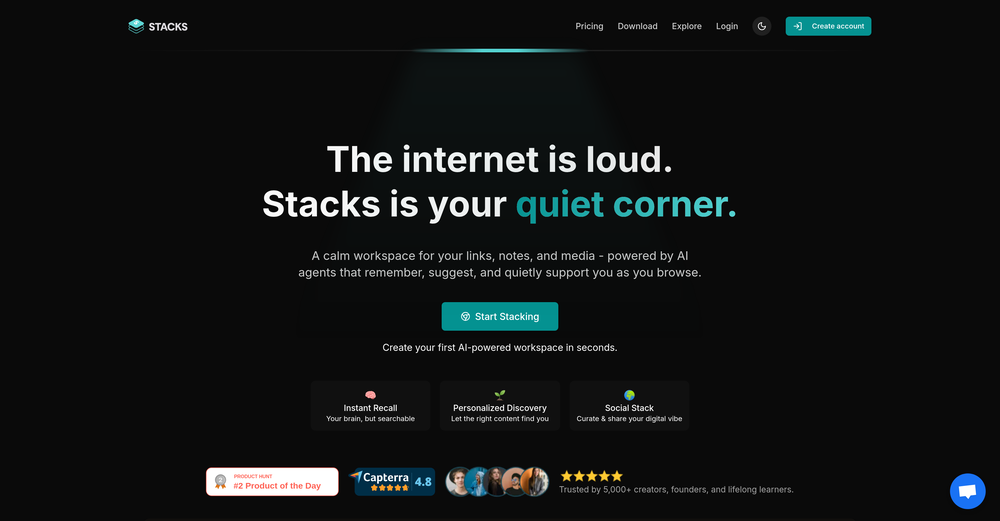 It's a powerful AI-powered personal knowledge system that brings together links, files, notes, and documents in one unified workspace. It's like Notion meets Raindrop meets Google Drive, but with an AI layer that helps you resurface forgotten content, cluster related topics, and even draft documents based on your saved materials.
 -
 It greatly supported my R&D work by helping me tackle technical challenges and prepare reports.
 -
We're live folks! Do check us out and drop your feedback or requests.































Lists










Post





