 Rocket - Think it. Type it. Launch it.
 Mini tools
FastlyConvert
 Transcribe audio & video with Whisper. Export TXT/SRT/VTT. Auto-delete 24h.
Go to 🗒 Transcription
 Voicetype AI
 AssemblyAI
 Transcript LOL
 TurboScribe
 WhisperClip
 RambleFix
 Paraspeech
 Voicy Speech to Text
 WriteVoice
 ElevenLabs Scribe
 Whisper Notes
 WavoAI
 Universal-3 Pro by AssemblyAI
 HappySRT
 AirCaption
 Speechmatics | Python SDK
 TalkToText
 Speech to Text
 Transkriptor
 Skeleton Fingers
Voicetype AI
231,489
AssemblyAI
169,714
Transcript LOL
136,205
TurboScribe
125,120
WhisperClip
67,241
RambleFix
67,232
Paraspeech
53,888
Voicy Speech to Text
26,980
WriteVoice
24,522
ElevenLabs Scribe
23,988
Whisper Notes
22,605
WavoAI
21,018
Universal-3 Pro by AssemblyAI
20,315
HappySRT
19,023
AirCaption
18,863
Speechmatics | Python SDK
16,996
TalkToText
15,455
Speech to Text
14,253
Transkriptor
13,475
Skeleton Fingers
12,808
Go to 🎨 Creativity
📷
Images
(3176)
🔠
Text
(2045)
💻
Software
(1813)
🎥
Videos
(927)
🔊
Audio
(721)
🎨
Art
(545)
🎨
Design
(265)
🌪️
Brainstorming
(204)
🖌️
3D
(60)
📸
Multimedia
(16)
 So You Want To Be A Writer?
 Minka
Minka
 Ancient AI powered spirits
 Jvb ai
 somacguffin
 Cuty
Cuty
 Superfly Stoner
So You Want To Be A Writer?
335
Minka
214
Ancient AI powered spirits
212
Jvb ai
165
somacguffin
164
Cuty
162
Superfly Stoner
136

FastlyConvert
Inputs:
Outputs:
No Signup
Transcribe audio & video with Whisper. Export TXT/SRT/VTT. Auto-delete 24h.
Overview






Overview
Socials:

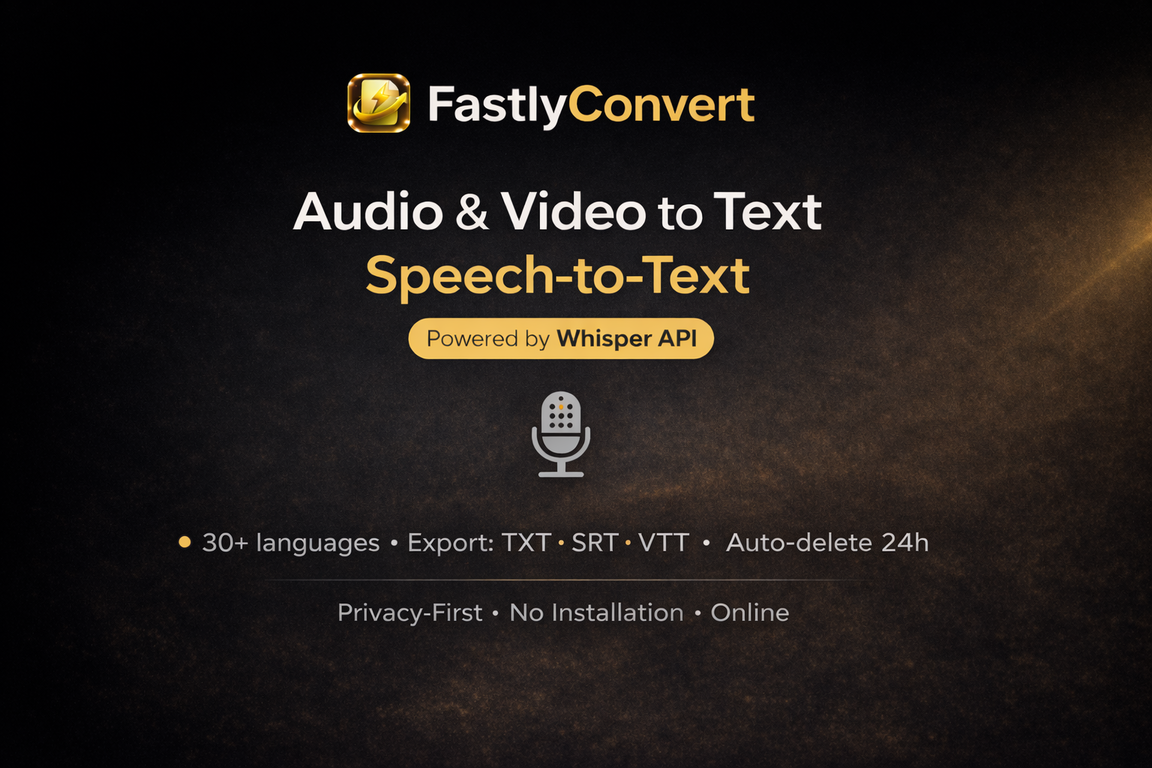
FastlyConvert is a web-based audio & video transcription tool powered by the Whisper API. Upload a file, select the language, and get a clean transcript in minutes—ideal for meeting notes, interviews, lectures, podcasts, and voice recordings.
What it does
• Audio/Video → Text transcription (Whisper API)
• Simple workflow: upload → transcribe → download
• Supports 30+ languages (depends on language selection)
• Exports TXT, SRT, and VTT (great for notes and subtitles)
Privacy & file handling
• Server-side processing (files are temporarily uploaded to generate transcripts)
• Automatic deletion within 24 hours of upload
Direct links
• Audio → Text: https://www.fastlyconvert.com/audio-to-text
• Video → Text (subtitles): https://www.fastlyconvert.com/video-to-text
Accuracy tips
• Best results with clear speech, stable volume, and minimal background noise.
Key Features
- Audio & Video → Text Transcription (whisper Api)
- Export: Txt / Srt / Vtt
- 30+ Languages
- Auto-delete Files Within 24 Hours
- No Installation — Works In The Browser
- Supports Mp3, Wav, M4a, Ogg, Flac, Aac, Mp4, Mov, Avi, Mkv, Webm
- Speech Translation → Translated Transcript
Show more
Releases
Get notified when a new version of FastlyConvert is released
Notify me
January 11, 2026

charles snow
Initial release of FastlyConvert.
Author

Pricing
Pricing model
Freemium
Paid options from
$14.99/month
Billing frequency
Monthly
Refund policy
No Refunds
Keeping you safe
Good to know
Built With AI

Top alternatives
-
 Mery🙏 82 karmaMay 16, 2025@AssemblyAIOne of the most accurate API's I've used for speech to text and summarization. Cost effective w/ bulk contracts too.
 -
 Unlimited transcripts, summaries, 99.8% accuracy, speaker recognition, superfastOpenI already have another transcription tool, but this one is much better. I love the different features such as the summary, quiz, and chapters. It does a great job of them. I've only done one transcript so far to try it out, but I'm truly impressed and am going to grab another code. A couple things that would make it even better are: - the ability to rename the files and organize them through folders. - the ability to download a copy of the other features as well as the transcript. Copying and pasting it works, but doesn't keep the format.
 -
 🎯 3 free transcripts every day. 🔥 Unlimited transcription starting at $10/mo.OpenNo other tool quite like this, it's pretty straightforward. Needed to extract a long interview from YouTube and it extracted everything, providing it in different meaningful formats in less than two minutes. Awesome
 -
 OpenHi there! It worked fine for me, even with longer videos. It might have been a temporary bug, try again
 -
 OpenThis is my favourite, so handy and works brilliant


#810
 0
0
0




