 Rocket - Think it. Type it. Launch it.
 Mini tools
Pismo
 Native AI writing assistant for Windows, MacOS and iOS
Go to 📝 Writing
 Text Generator
 Voila
Voila
 Rizz! Keyboard
 Werd - Vibe Write with Multi-agent AI
 Sudowrite
 TextWisely
 RewriteBar
 Caktus
 Heynds
 Manzoni
 QuillBot: AI writing companion
 Muses
Muses
 fastwrite
 Moji
Moji
 AHelp
AHelp
 Tonemark
 Text-Generator
 Cleve
Cleve
 Lex
Lex
 lxi.ai
Text Generator
363,705
Voila
77,612
Rizz! Keyboard
67,213
Werd - Vibe Write with Multi-agent AI
53,969
Sudowrite
40,920
TextWisely
32,699
RewriteBar
31,314
Caktus
29,877
Heynds
25,993
Manzoni
25,457
QuillBot: AI writing companion
24,647
Muses
20,800
fastwrite
19,992
Moji
17,772
AHelp
13,167
Tonemark
12,797
Text-Generator
12,725
Cleve
11,066
Lex
10,250
lxi.ai
10,039
Go to 🎨 Creativity
📷
Images
(3176)
🔠
Text
(2045)
💻
Software
(1813)
🎥
Videos
(927)
🔊
Audio
(721)
🎨
Art
(545)
🎨
Design
(265)
🌪️
Brainstorming
(204)
🖌️
3D
(60)
📸
Multimedia
(16)
 So You Want To Be A Writer?
 Minka
Minka
 Ancient AI powered spirits
 Jvb ai
 somacguffin
 Cuty
Cuty
 Superfly Stoner
So You Want To Be A Writer?
335
Minka
214
Ancient AI powered spirits
212
Jvb ai
165
somacguffin
164
Cuty
162
Superfly Stoner
136
Pismo
Inputs:
Outputs:
Native AI writing assistant for Windows, MacOS and iOS
Overview




Overview
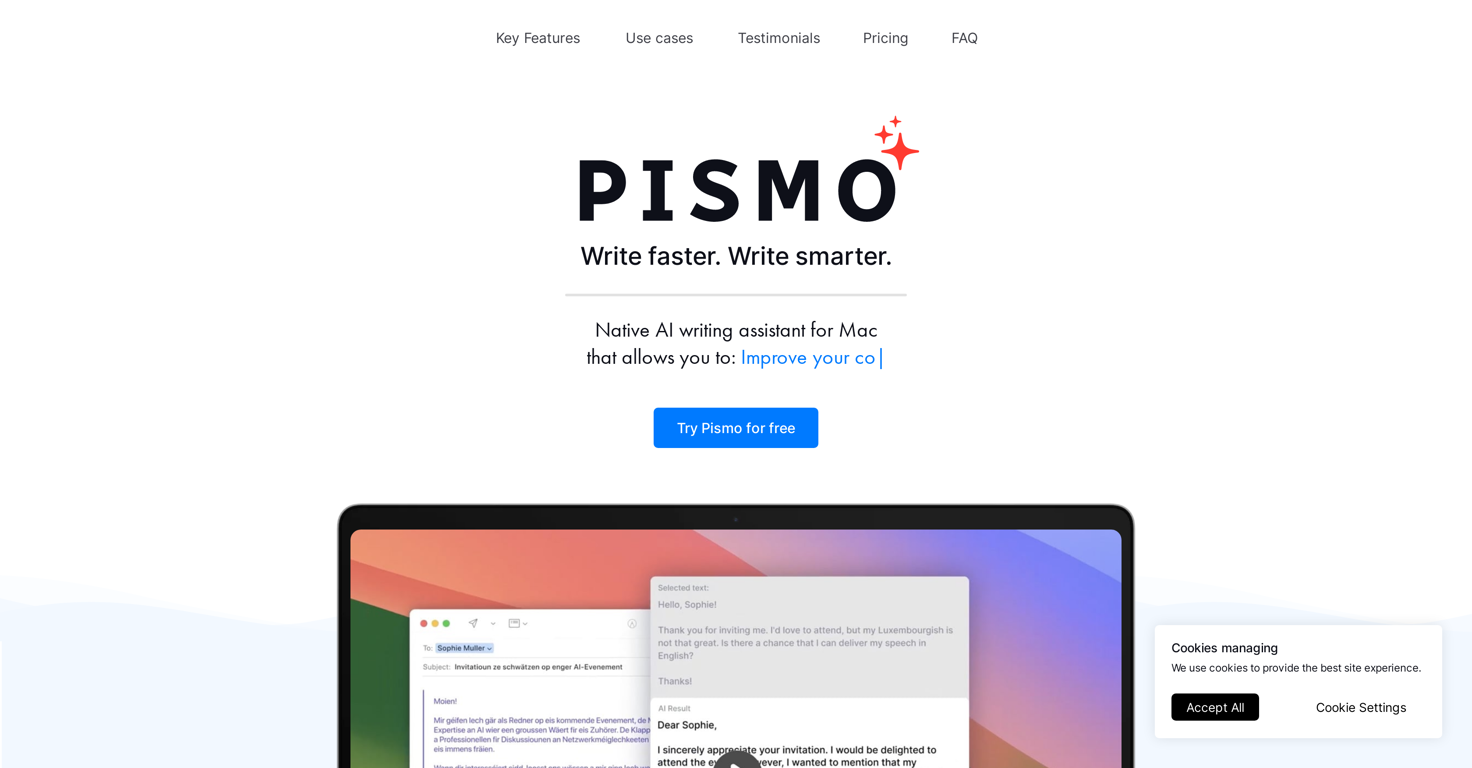
Pismo.ai is a desktop AI assistant for Windows, MacOS and iOS - designed to help professionals, teams, and creators communicate more effectively. It improves the quality of your writing by correcting grammar, enhancing clarity, and adjusting tone to suit any audience.
Pismo.ai also offers translation and summarization capabilities, making it easier to manage complex or multilingual content. By integrating seamlessly with your workflow and supporting customizable prompts and hotkeys, it saves time on repetitive tasks and ensures that every email, document, or message is polished and professional.
With Pismo.ai, writing becomes faster, smarter, and more precise, empowering users to express their ideas with confidence.
Show more
Releases
Get notified when a new version of Pismo is released
Notify me
October 11, 2023

Alexander Makaev
Initial release of Pismo.
Author

Pricing
Pricing model
Paid
Paid options from
$7/month
Billing frequency
Monthly
Refund policy
30 day refund policy
Top alternatives
-
 Ta🙏 93 karmaMay 3, 2025@Text Generatoryour answer is much too general, so useless. You could have just tell me to ask Perplexity.
 -
 OpenI love this extension, mobile app and desktop software! I use it everyday and everywhere. Generated text are amazing. Well done to the team and continue your incredible work! For me, Voilà is the best AI assistant, copilot and AI writer on the market. I stopped my ChatGPT plus subscription since I discoverer it.
 -
Have been trial running this tool and am very impressed by what I've seen. Would recommend for persons in need of a reliable, cost-effective and SEO optimized writing solution.
-
It's a really great tool. I've used it for many different stories and brainstorms.
-
 ⚡ Your everyday writing companion: Fix grammar, Reply emails, Paraphrase, and more...Open🧩 TextWisely was born from a personal itch ⚠️ Sending numerous Emails and Slack messages daily, I found myself constantly switching apps and re-entering the same prompts into ChatGPT to refine my writing 💡 This inspired me to create TextWisely to boost writing speed, reduce context switching, and improve quality with instant text actions: → Grammar corrections → Email drafts → Structured writing → Tone changes → Translations ...and more 👉 It's a native macOS desktop app – shortcut-heavy for power users, but also click-friendly for those just starting out 🚀 Give it a try – Share your feedback and experience 👋 Edgar, creator of TextWisely







 0
0





