
Is UGCraft AI suitable for beginners and professionals alike?
Yes, UGCraft AI caters to both beginners and pro creators by being equally effective for generating high-quality prototypes and off-the-cuff design variations.
Can UGCraft AI generate high-quality prototypes?
Yes, UGCraft AI is capable of generating high-quality prototypes, offering users a visual representation of their ideas and making it easier to refine and perfect their designs.
Is it possible to explore various design directions with UGCraft AI?
Yes, UGCraft AI allows users to explore various design directions based on a single accessory or clothing concept. It provides an opportunity for users to experiment and innovate in their designs.
Can UGCraft AI be used to create both Roblox accessories and clothing?
Yes, UGCraft AI can be used to create both accessories and clothing items for Roblox avatars. It provides a versatile platform for UGC creators to design a wide variety of items.
Can I earn Robux by publishing the completed items on the Roblox Marketplace?
Yes, by publishing completed items on the Roblox Marketplace, users can start generating Robux, which is a virtual currency in Roblox that can be converted into real-world money.
How quickly can UGCraft AI turn my designs into marketplace-ready items?
UGCraft AI can turn your designs into marketplace-ready items in a matter of minutes allowing rapid production of game accessories and clothing.
How does UGCraft AI contribute to community trends?
UGCraft AI contributes to community trends by making it easy for creators to express their style and creative vision through unique avatar clothing and accessories. The items they create and publish on the Roblox Marketplace can shape the trends within the Roblox community.
Does UGCraft AI support image uploading for design ideas?
Yes, UGCraft AI supports image uploading for design ideas. Users can upload a reference image, and UGCraft AI will generate a Roblox-compatible 3D accessory or clothing item from it.
What kinds of designs can I make with UGCraft AI?
Within the Roblox game, users can create a vast variety of designs using the UGCraft AI. Whether it's accessories or clothing for avatars, UGCraft AI can handle anything from gothic dresses and cyberpunk demon horns to fluffy cat ears and LED visors.
Does UGCraft AI automate the 3D modeling process?
Yes, UGCraft AI fully automates the 3D modeling process. Users simply need to describe their idea or upload an image, and UGCraft AI will handle the 3D rendering, providing a marketplace-ready model based on the user's idea.
Can UGCraft AI be used for avatar customization?
Yes, UGCraft AI can be used for avatar customization. It provides the ability to design unique avatar clothing and accessories and offers users the opportunity to create a personalized and unique look for their avatars.
Do I need coding skills to use UGCraft AI?
No, coding skills are not needed to use UGCraft AI. The platform is designed with ease of use in mind, so users can focus on designing their Roblox accessories and clothing.
Can the designs created with UGCraft AI be a source of income?
Yes, the designs created with UGCraft AI can become a source of income. Once the designs are published and sold on the Roblox Marketplace, creators start earning Robux.
How does UGCraft AI help in game assets creation?
UGCraft AI aids in game assets creation by simplifying the design process of unique accessories and clothing items. By automating the 3D modeling process and generating marketplace-ready models, UGCraft AI greatly eases the creation of game assets for Roblox creators.
What is UGCraft AI?
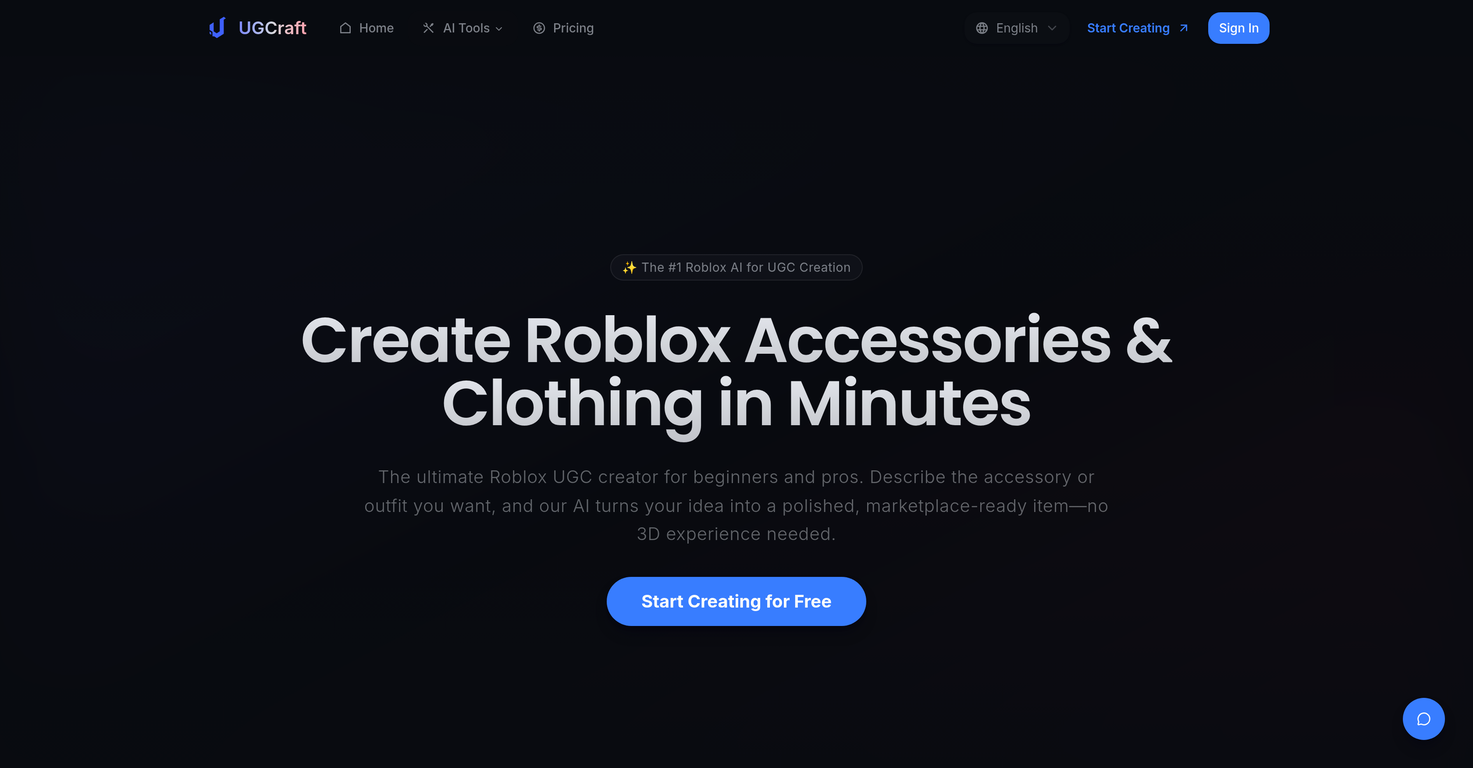
UGCraft AI is a tool designed to streamline the creation of user-generated content (UGC) for the Roblox marketplace. It caters to beginners and experienced creators, allowing the creation of accessories and clothing items for Roblox avatars with just a description or an image. UGCraft's AI generates a 3D model based on the creator's idea. The final product can then be uploaded directly to the Roblox marketplace. It fosters creativity, productivity, and allows creators to express their style and identity through their designs.
How does UGCraft AI work?
UGCraft AI works through a simple three-step process. First, users input their concept by either describing their idea or uploading a reference image. The AI then generates a 3D model based on the given input, handling details and proportions automatically. Finally, the completed item can be published directly to the Roblox Marketplace, potentially earning the creator Robux.
Do I need 3D skills to use UGCraft AI?
No, users do not need 3D skills to use UGCraft AI. The tool automatically creates 3D models based on inputted ideas or images, handling intricate details and proportions, and eliminating the need for 3D design expertise.
Can UGCraft AI generate a 3D model based on my description?
Yes, UGCraft AI can generate a 3D model based on a user's description. The user simply describes the accessory or clothing concept they have in mind, and the AI transforms this description into a polished, marketplace-ready item.
Does UGCraft AI support generating models from image input?
Yes, UGCraft AI supports generating models from image input. Users can upload any reference image (a sketch, a photo, or even concept art), and the AI will create a Roblox-compatible 3D accessory or clothing item.
Can I use UGCraft AI to create Roblox accessories?
Yes, users can use UGCraft AI to create unique Roblox accessories. It generates high-quality 3D accessories in mere minutes based on user descriptions or image uploads, making the creation process efficient and hassle-free.
Can UGCraft AI be used to create clothing items for Roblox?
Yes, UGCraft AI can be used to create clothing items for Roblox. Just like with accessories, users can describe their clothing idea or upload a reference image for the AI to create a 3D model.
Does UGCraft AI allow publishing items directly to the Roblox Marketplace?
Yes, UGCraft AI allows direct publishing of completed items to the Roblox Marketplace. This feature is part of UGCraft's mission to streamline the creation to publishing process for Roblox UGC creators.
Can I earn Robux using UGCraft AI?
Yes, users can earn Robux, the virtual currency on Roblox, using UGCraft AI. By creating and publishing unique UGC accessories and clothing items to the Roblox Marketplace, creators can start earning Robux from their sales.
How can UGCraft AI benefit beginners?
UGCraft AI benefits beginners by removing the need for 3D skills or software knowledge. The AI automatizes the creation process, generating a 3D model from a simple description or image. It also provides an accessible channel for beginners to commercialize their creations, gain recognition and earn revenue in the Roblox community.
What advantages does UGCraft AI provide for experienced creators?
Experienced creators can leverage UGCraft AI to expedite their ideation and design process. The AI is capable of generating high-quality prototypes in minutes rather than weeks, and allows creators to explore diverse design directions based on a single accessory or clothing concept. This can vastly enhances productivity and creative possibilities.
Is there a time-saving advantage to using UGCraft AI?
UGCraft AI offers a significant time-saving advantage by automating the 3D modeling process. The tool can generate high-quality prototypes and off-the-cuff design variations in minutes rather than weeks, which can greatly speed up creators' workflow.
How does UGCraft AI help in design exploration?
UGCraft AI not only translates user description or image input into a 3D model, but also offers flexibility for design exploration. Based on a single concept, users can instantly explore multiple design directions, expanding their creative possibilities.
What is the connection between UGCraft AI and my style expression or identity reflection?
By allowing users to transform their ideas into tangible digital items with ease and speed, UGCraft AI enables users to express their style and identity. It allows creators to design avatar clothing and accessories that reflect their personal style, potentially setting new trends in the Roblox community.
What is the cost of using UGCraft AI?
UGCraft AI offers different plans with varying costs. There's a Free Plan for beginners, allowing limited generation of accessories and basic design styles. Further, there's a Creator Plan specifically designed for hobbyists and aspiring creators at $12/month, and a Pro Plan optimized for creators building their Roblox business at $24/month.
Are there different plans available for UGCraft AI?
Yes, UGCraft AI does provide different plans suited for various creation needs. From a basic Free Plan to the more comprehensive Creator and Pro Plans, they offer a range of features and credits suited for creators at different stages in their Roblox UGC creation journey.
Is UGCraft AI suitable for commercial distribution of Roblox UGC?
Yes, UGCraft AI is suitable for the commercial distribution of Roblox UGC. It allows designers to create, export and directly publish their accessories or clothing items to the Roblox Marketplace. Moreover, designs made with UGCraft are watermark-free and creators retain full commercial usage rights.
How straightforward is the process through UGCraft AI?
UGCraft AI's process is straightforward and efficient. Users describe their idea or upload an image, the AI generates a 3D model based on the input, and finally, the completed item can be directly published to the Roblox Marketplace. This streamlined process promotes a seamless, hassle-free creation experience for users.
Does UGCraft AI support avatar customization?
Yes, UGCraft AI supports avatar customization. By allowing users to create unique accessories and clothing for their avatars, the tool plays a critical role in enabling users to tailor their digital identities to their specific tastes and preferences.
Can I generate high-quality prototypes with UGCraft AI?
Yes, UGCraft AI facilitates the creation of high-quality prototypes. By swiftly transforming a user's description or image into a 3D model, it enables quick prototyping, helping creators visualize their ideas and expedite their design process.