 Rocket - Start building, Now!
 Mini tools
 Press a key. Talk. Text appears.
 Voicetype AI
 AssemblyAI
 Transcript LOL
 TurboScribe
 RambleFix
 WhisperClip
 Paraspeech
 Voicy Speech to Text
 WriteVoice
 ElevenLabs Scribe
 Whisper Notes
 WavoAI
 Universal-3 Pro by AssemblyAI
 HappySRT
 AirCaption
 Speechmatics | Python SDK
 TalkToText
 Speech to Text
 Transkriptor
 Skeleton Fingers
 So You Want To Be A Writer?
 Ancient AI powered spirits
 Minka
Minka
 Jvb ai
 somacguffin
 Cuty
Cuty
 Superfly Stoner

VoxTap





Overview
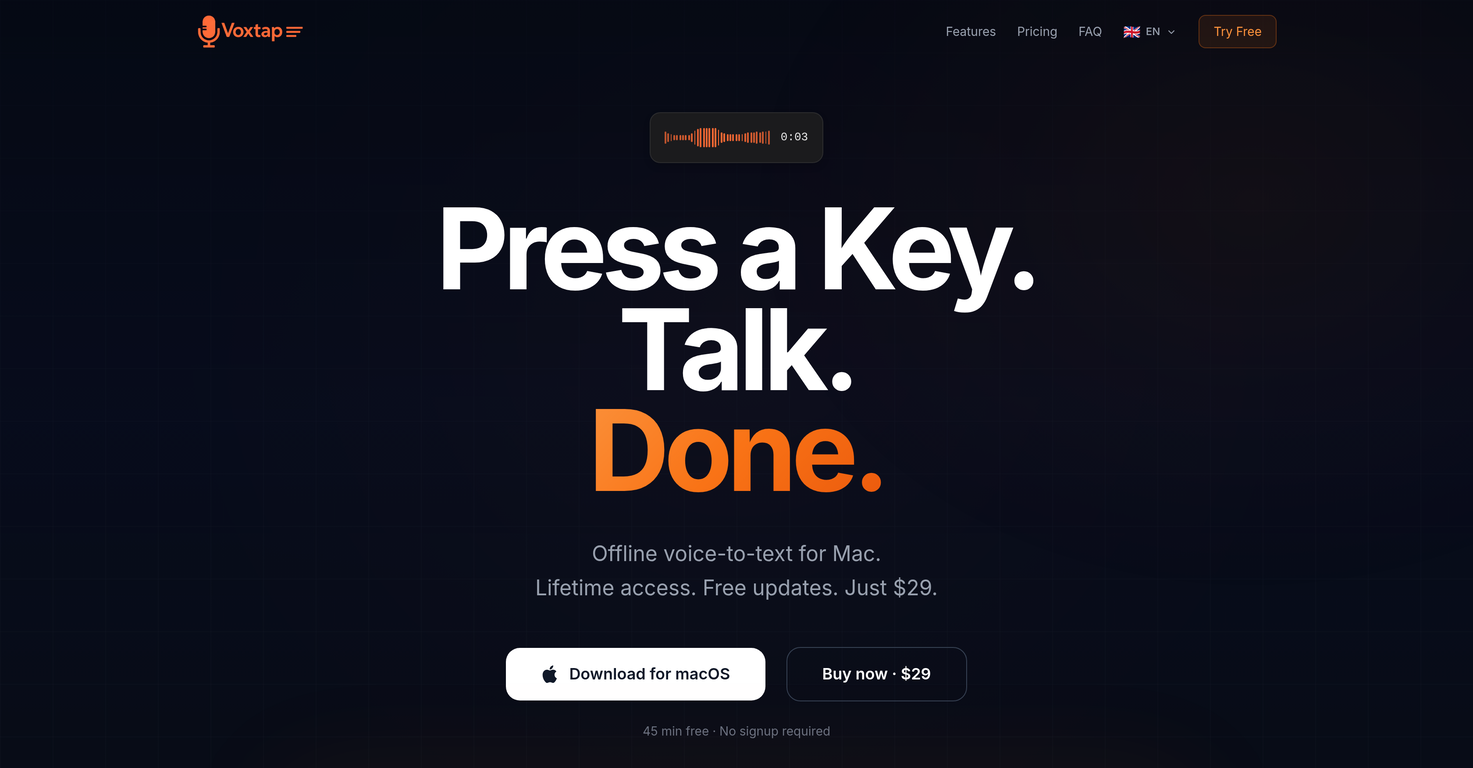
VoxTap is a voice-to-text software made for Mac users that transforms spoken language into on-screen text. The application is fully offline, with all conversions performed directly on the device without data relay to any servers.
To operate VoxTap, users simply need to press a hotkey, speak into their device, and the words then appear wherever the cursor is positioned. The software does not require an account or any configuration and is functional as soon as it is opened.
This AI-driven tool is touted for its simplicity, speed and high accuracy, especially when used for coding or technical speech transcriptions. It includes a feature that allows users to search all previous transcriptions by keyword and to copy text with just one click.
VoxTap is available for one-time purchase which grants lifetime access and free updates. The application additionally guarantees privacy by not transmitting voice data to servers and is promoted as safe for using with client projects and proprietary code.
Lastly, it integrates seamlessly with various coding platforms like Cursor and Code, and other apps with a text cursor, resulting in an enhancement of productivity, especially for software developers.
Key Features
- One-hotkey Voice Dictation
- On-device Ai Transcription
- Works In Any App
- 25+ Languages
- Transcription History
- Macos Menu Bar App
- No Internet Required
- Lifetime Purchase
Releases


Pricing
Top alternatives
-
 Mery🙏 82 karmaMay 16, 2025@AssemblyAIOne of the most accurate API's I've used for speech to text and summarization. Cost effective w/ bulk contracts too.
 -
 Unlimited transcripts, summaries, 99.8% accuracy, speaker recognition, superfastOpenI already have another transcription tool, but this one is much better. I love the different features such as the summary, quiz, and chapters. It does a great job of them. I've only done one transcript so far to try it out, but I'm truly impressed and am going to grab another code. A couple things that would make it even better are: - the ability to rename the files and organize them through folders. - the ability to download a copy of the other features as well as the transcript. Copying and pasting it works, but doesn't keep the format.
 -
 🎯 3 free transcripts every day. 🔥 Unlimited transcription starting at $10/mo.OpenNo other tool quite like this, it's pretty straightforward. Needed to extract a long interview from YouTube and it extracted everything, providing it in different meaningful formats in less than two minutes. Awesome
 -
 OpenThis is my favourite, so handy and works brilliant
 -
 OpenHi there! It worked fine for me, even with longer videos. It might have been a temporary bug, try again


Related topics
 2
2





