
 Mini tools
▼ Top rated
Data extraction
Free mode
100% free
Freemium
Free Trial
Featured matches
-
 Extract data from any document automatically with AI.Open
 Eduardo🙏 1 karmaNov 28, 2025@Parser by bix-tech.comThe tool worked really well for us. It was easy to upload our first PDFs and set up an automated flow through the API
 -
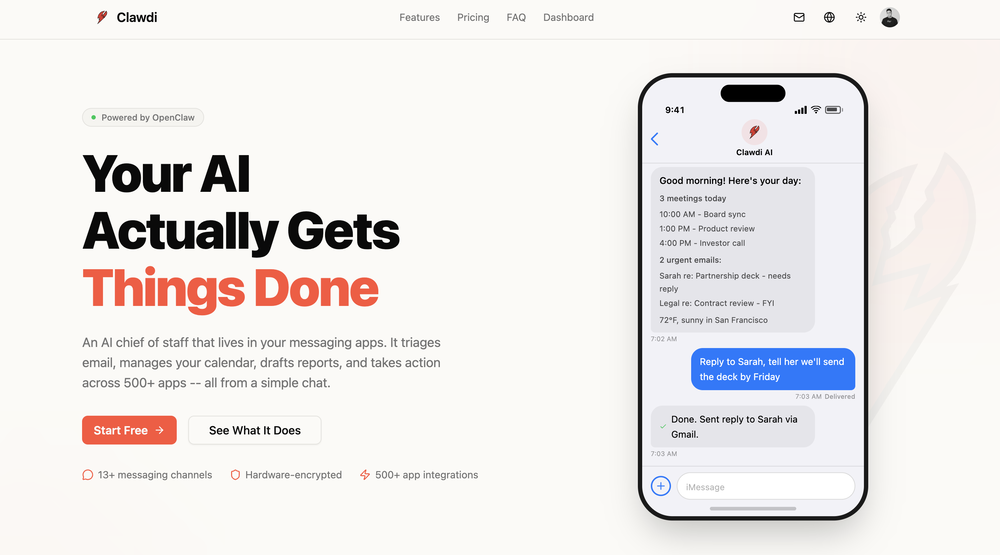 i'm new to all the agent stuff, and now I'm on day 7 of using Clawdi. it feels like having a lightweight assistant - i did spend some time "onboarding" it. but i’ve been using it to prep quick summaries before meetings, help me scan/find the social media content and actually help me comment and engage with. the biggest win for me so far is just not having to context switch as much. everything happens in one place in my chat, which is pretty cool.
 -
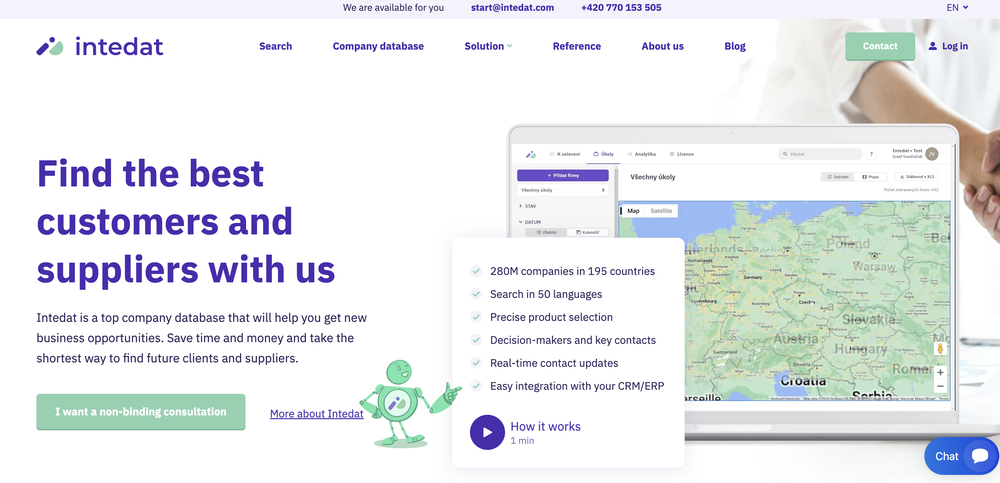 Spent some time analyzing Intedat. Interesting product, but it reads like another prospecting tool while the real value is automating B2B pipeline generation. That difference could dramatically change perceived value. Happy to share the breakdown if useful.
 -
Waitlist
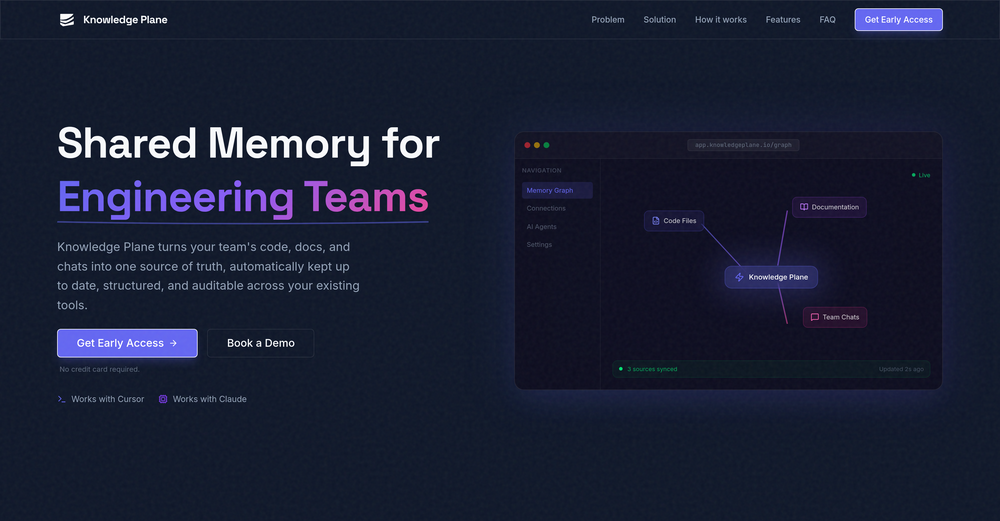 I'm in early beta and I'm managing to orchestrate my 3 openclaw agents with my 2 claude code sessions. It's cool, maybe this is the future.
 -
-
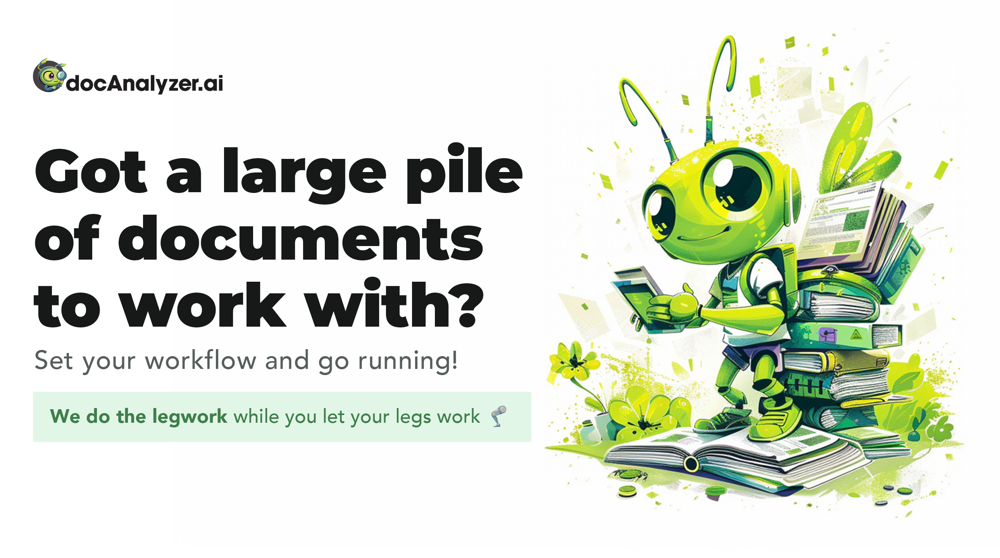 I have been using this application for some time now, and it pleasantly surprises me. At first, this tool seemed to be just something like a smart document search, but I was wrong. It is able to generate brief contents of books and documents. With it, I will be able to create my own knowledge base in various areas, which will be built only on the data I uploaded, which I am sure of. Overall, the app is great, and I can safely recommend it. How do I personally use this product: For example, to summarize medical research and books. I intend to use it for academic research to save time searching for answers to specific questions and searching for links (documents, pages, comments), and I have to say that I am impressed. I upload not only PDF documents, but also transcribe videos of specialists in the right subject and upload them together to the service. Thus, I make my personal library, knowledge base and the quality of knowledge deeper. More recently, I came up with the idea to use the knowledge of some specialists who run their social networks and tell me the information I am interested in on their pages, because I can also collect their posts on social networks. networks in one document and upload to the service. What I liked especially: 1. Simple and user-friendly interface. Everything is in its place and nothing superfluous. 2. The algorithm does not come up with answers, but proceeds from the data in the document, allowing you to ask contextual questions and receive point-to-point answers in real time. Very often, language models sin against this. 3. Unlimited questions in the "chat" You can ask as many questions as you want in real time without using any credits. 4. Unlimited daily download. 5. I can upload documents in any language and get answers in my own. I can make full use of knowledge from all over the world, not just in my language. 6. The file viewer and links work well. Just click on the link and you will open the document in exactly the right place! 7. Chat with documents is quite accurate and fast. 8. The idea of labels is quite convenient and it is possible to add multiple labels to a file. 9. After downloading the document, it will warn you which pages were not recognized or have little content. 10. Understands the context of the correspondence, and does not answer the last question. 11. Responsive support. 12. API Access 13. OCR. 14. Automation of the workflow. 15. The ability to use your OpenAI API key 16. There is a promising roadmap. Separately, I would like to tell you about the workflow automation function, with the help of, when working with a group of documents, which can be processed separately only the necessary sections of documents. This makes it possible to access several documents at once. This is a super opportunity to gain deeper knowledge from documents uploaded to the service. It should be noted that in the end, a lot depends on how correctly you ask the question. This is both a plus and a minus. An experienced user will always be able to bring the algorithm to the conclusions of interest. For novice researchers, it will be a little more difficult to set the right direction to find the right information. My dreams: 1. Although I have no problems with the document loading time, it would be cool to speed up the document processing time. 2. I would like more free language models. At the moment, the service uses OpenAL GPT 3.5 Turbo and Anthropic Claude 3 Haiku. In principle, this is enough, but it would be good if more advanced language models were included, which will allow you to study your documents even more deeply. 3. I would like to be able to add ready-made template queries to documents. 4. I would like to be able to mark the best answers, which I can quickly refer to later. 5. I would like to be able to create folders in the Documents and Options section cataloging my knowledge. 6. I would like to be able to change the title of the document. 7. I would like to have an internal search system for documents or labels, which will become very numerous over time. 8. It would be very useful to be able to add people to work together with configured access rights. 9. The opportunity to create your own knowledge base and post it on your website via html code would be very useful. 10. I would like to be able to highlight the desired fragment or keywords in the document when you click on the link in the response to the document request. What I wanted to draw attention to: It seemed to me that OCR does not work quite correctly, after downloading the document, it writes "you have not enough credits to use OCR", although there are credits. Maybe I was doing something wrong. I'll figure it out. In general, I would like to rate the usage experience at 5 stars. I recommend everyone to try it!
 -
 Instant access to Chinese university admissions data.Open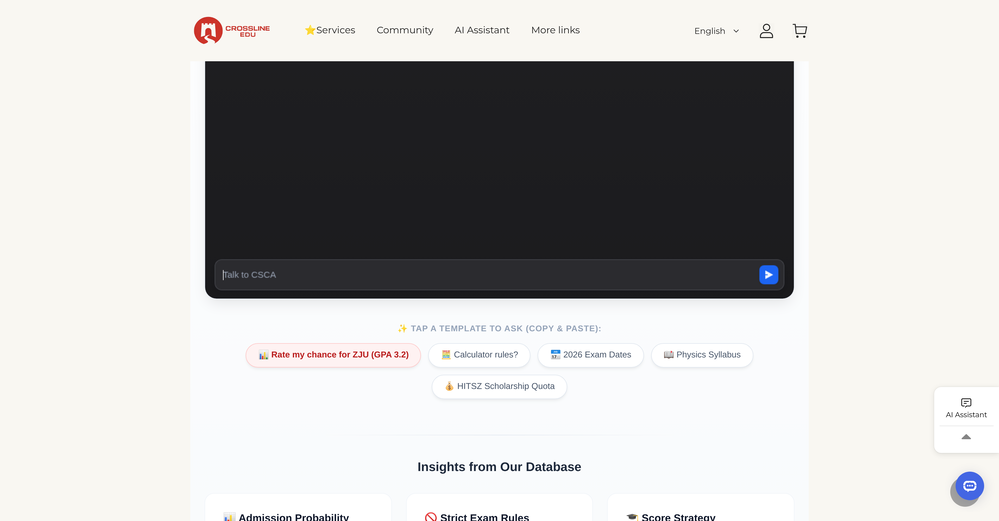
-
 Open
Open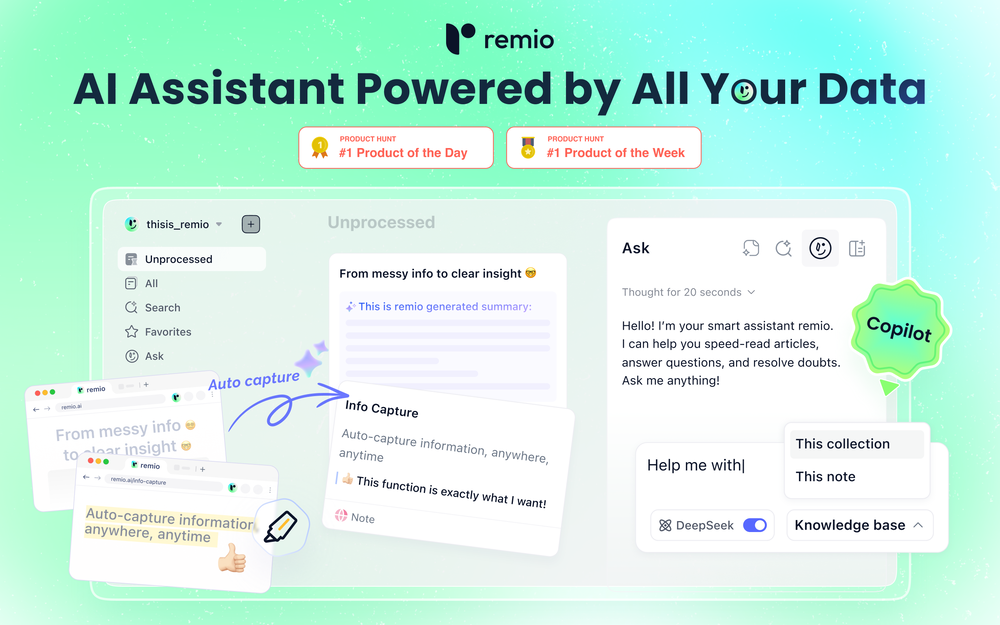 🚀Meet remio v2.12.0, which added lots of new and useful features to boost your productivity! Let's dive in! 1.🍌 Visualize thoughts faster with Nano Banana 2 Turn complex logic into professional diagrams and infographics instantly with the most affordable model. 2.🎧 Put Podcasts into your personal library Simply paste a link to save full transcripts from your favorite podcasts and get instant summaries. You can chat with your podcast library to find specific insights without listening to every second. 3.💬 Write at the speed of thought With global voice input, remio transforms natural speech into clear and polished writing across all your apps. Experience a creation process up to 5x faster than typing. 4.🔗 Seamless sharing of notes & recordings Knowledge is most powerful when it flows. You can now generate shareable links for your notes and recordings, and move insights from your personal library into team discussions. 5.🆙Advanced models upgrade Switch to the latest Gemini 3.1 and Claude Sonnet 4.6 models for superior accuracy and speed.
 -
 Incredibly easy way to connect to Amazon products and pull information
 -
 Extract structured data from images and PDFs into usable tables with AIOpen












Other tools
-
Complete rebuild of how websites get created. WebZum now uses a conversational AI interface — describe your business, answer a few questions, and get a fully built website in under 5 minutes. New in this release: AI-generated images custom to your trade (3–8 per site), custom logo generation, hero image creation, competitor and market research before build, global CDN hosting, SSL, custom domain setup, and mobile-optimized multi-page sites with working navigation. Now open to any business — no existing online presence required.
-
Very unique document parser. Works extremely well even on complex PDF tables and emails
-
 Open
Open - Sponsor
 Base44 Superagents-AI agent that does it all
 -
We have conducted a practical test on this software, and its comprehensive operational performance is excellent. Despite being a newly launched product, it boasts outstanding operational stability; crucially, it adopts a budget-friendly pricing model with prominent cost performance, which makes it highly adaptable and user-friendly for startups and independent AI developers.
-
KlearStack is a great tool to extract documents that you process manually. We process many invoices from KlearStack and there's no human intervention required! Previously, we used to involve humans to do all these tasks! It's accuracy is far better than Nanonets and Docsumo! Try it out:)
-
 AI-native OCR platform, 95%+ accuracy, zero prompt engineering, flags uncertain fields.OpenWe are a team of founders who worked before in data extraction, with traditional manual review of each document to check accuracy / errors. We are so excited about AI and the new LLM models because we have created DeepRead using those and the accuracy is 95% and we flag uncertain fields so no one has to manually review entire documents (whew), only the exceptions! We hope you try it out and please share your review, comments and feedback. Looking forward to hearing from users!
 - Didn't find the AI you were looking for?
-
-
 API to personalize your product with logos, colors, and company info fromOpen
 -
This is one of the best scrapers I have ever seen, especially considering that Cloudflare explicitly advises against scraping their pages. What makes this scraper stand out is that it opens a virtual machine and runs an agent on top of it, which allows it to bypass bot detection errors effectively. This advanced approach enables it to grab the text content reliably, even from websites with strong anti-scraping measures. By simulating a real user environment, it avoids common blocks and restrictions.
-
Data extraction is accurate and incredibly efficient. Plus, it's super easy to use - no setup, no onboarding forms, perfectly simple UI. We started using it right away. The bank statements feature quickly imports, categorizes, and matches transactions. Their automatic categorization and matching process fully automates the reconciliation flow in our team.
-
-
-
Had several issues with app, beginning with a refresh needed to find the upload (figured out while waiting for help desk). Relatively straightforward conversion, rearranged fields, merged integer and text field. Conversion was Ok on first 30 lines and 2 pages, second 25 lines needed more manual editing. Was going to rate lower, tried Parseur was even worse.
























Post





