
 Mini tools
▼ Popular
Course customization
Free mode
100% free
Freemium
Free Trial
Featured matches
-
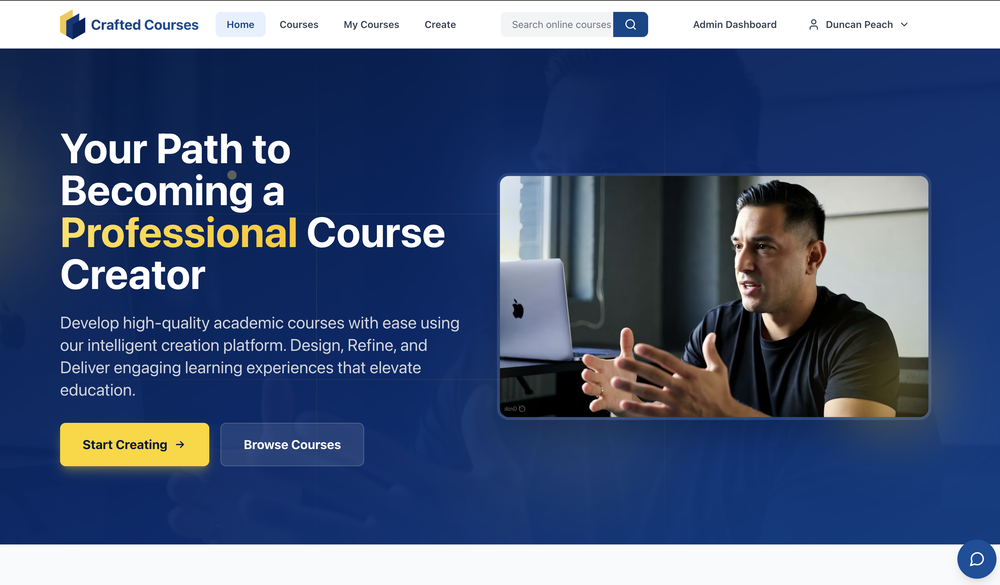 Duncan🙏 18 karmaMay 21, 2025@CraftedCourses.ioGood course creation structure


Other tools
-
NOT FREE! DO NOT USE. ITS REQUIRED $99.99 A YEAR OR $15 A MONTH!!!!
-
-
-
- Sponsor
 Base44 Superagents-AI agent that does it all
 -
I am honestly impressed by the quality of questions generated. Looks better than the other study tools so far.
-
its very limited, not Free at all 19 Dollars per month
-
It creates the chapters and sub-topics name very well, but afterwards the button "Generate Course" does nothing except for showing the turning the "I'm thinking" circle for a minute then stopping. There is no error message, nothing at all. 0/5.
-
-
-
I have tried Trial version to create the first course. It was possible to generate just one Quize for 1 module only (out of 5). It was not possible to create Module script. When after spending time on course preparation I wanted to generate the course, the text I could read was: "Something went wrong, contact the support".
- Didn't find the AI you were looking for?
-
 Rapidly generate AI training videos without equipment or editing.Open
 -
Bro this is confusing. Can't you create video explaining how to use this. I create explainer videos for tools I'll create it if you like
-
Great tool. I'm excited for the full release. I think this can be a great way to get people to learn things using hobbies and activities they already like and enjoy https://youtu.be/hYLOW3Pbr20
-
 Interactive, adaptive online academy for personalized learning experiences.Open




























Post





