Go to section
Spotlight SureThing.io - "OpenClaw" for BeginnersTask automation
The front page of AI.Used by 90M+ humans.

TAAFT Tutorial
Generate image
Tasks
Generate text
Free mode
Trending
Leaderboard
Characters
 Mini tools
New
Featured
Lists
Agents
Requests
Jobs
Map
Newsletter
Starter pack
Free tools
Speech to text
Text translator
Remove background
Settings
Edit profile
My tools
Gallery
Dashboard
Inbox
Get featured
Contact TAAFT
For you
Popular
Job impact index
Most saved
Affiliate program
Submit AI tool
Notification preferences
Glossary
Home
Timeline
My profile
Create tool
Deals
Companies
Models
Robots
Papers
Fundraises
Repositories
Devices
Organizations
Events
Prompt Pack
Merchendise
APIs
Features
Tools
Countries
Collections
Videos
Mini tools
New
Featured
Lists
Agents
Requests
Jobs
Map
Newsletter
Starter pack
Free tools
Speech to text
Text translator
Remove background
Settings
Edit profile
My tools
Gallery
Dashboard
Inbox
Get featured
Contact TAAFT
For you
Popular
Job impact index
Most saved
Affiliate program
Submit AI tool
Notification preferences
Glossary
Home
Timeline
My profile
Create tool
Deals
Companies
Models
Robots
Papers
Fundraises
Repositories
Devices
Organizations
Events
Prompt Pack
Merchendise
APIs
Features
Tools
Countries
Collections
Videos
Mini tools
New
Featured
Lists
Agents
Requests
Jobs
Map
Newsletter
Starter pack
Free tools
Speech to text
Text translator
Remove background
Settings
Edit profile
My tools
Gallery
Dashboard
Inbox
Get featured
Contact TAAFT
For you
Popular
Job impact index
Most saved
Affiliate program
Submit AI tool
Notification preferences
Glossary
Home
Timeline
My profile
Create tool
Deals
Companies
Models
Robots
Papers
Fundraises
Repositories
Devices
Organizations
Events
Prompt Pack
Merchendise
APIs
Features
Tools
Countries
Collections
Videos

▼ Latest
Custom video formatting
Free mode
100% free
Freemium
Free Trial
Featured matches
-
 Jezza Beard🛠️ 1 tool 🙏 40 karmaNov 30, 2024@Format MagicThis is a gamechanger!
 -
-
 Open
Open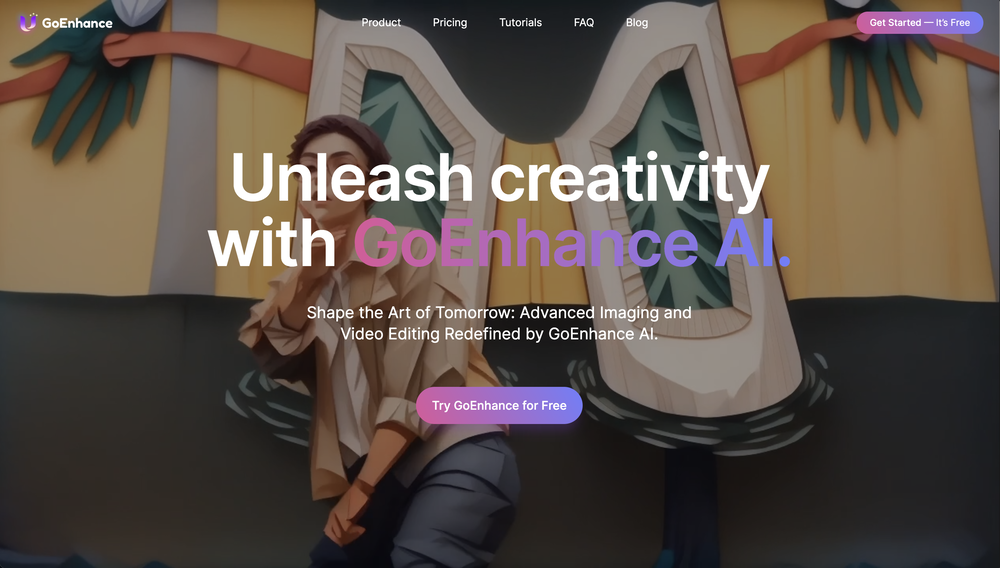 GoEnhance's production from video to animation is impressive. It can go up to 2k 60fps, so exciting.




Verified tools
- SpotlightSureThing.io - "OpenClaw" for BeginnersTask automation
-
-
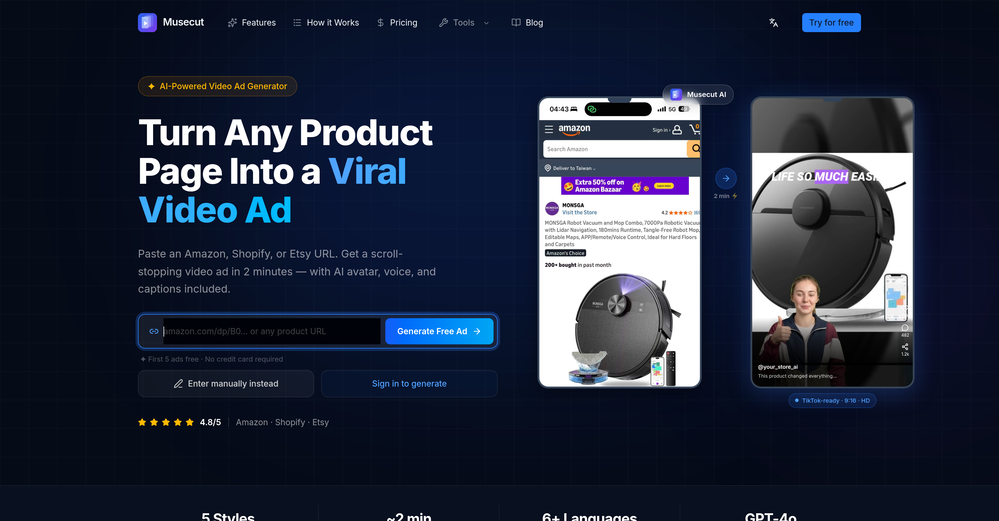
I’ve found Jogg.ai to be super convenient, especially for creating short ad videos for products! If you haven’t tried it yet, you should check out this tutorial: https://www.jogg.ai/blog/4-steps-to-create-your-product-video-ads-in-minutes/
-
 Transform static images into animated videos instantly.OpenHi everyone! I'm the creator of AI Video Maker. It's completely free to use and doesn't require any signup. You can instantly generate unlimited 5-second AI videos from text or images. Great for testing ideas before upgrading to HD or commercial plans. Excited to see what you all create!












Other tools
-
 Open
Open -
-
 Open
Open -
-
AutoEditor is a tool powered by AI that allows users to create highly customized short videos. It is primarily designed to make video editing easier and more efficient, thus enabling users to focus more on content creation. Distinct features include the automatic generation of subtitles in more than 40 languages, detection of silence or non-relevant content in videos, and the ability to enhance videos by adding b-rolls, watermarks, and other effects. The platform provides an easy-to-use interface for video editing, putting users in complete control of their content. Users can change text, styles, and various other aspects of their videos without prior knowledge in video editing. Furthermore, AutoEditor supports editing of long videos, which can be broken down into smaller parts without pre-cutting them. Videos for editing can be directly processed from YouTube, eliminating the need for separate downloading websites. Users can also customize their captions, save their unique styles as presets, and create videos with a few simple clicks for a fast editing experience. AutoEditor's pricing is designed to be simple and affordable, with plans tailored to suit different needs. Users can also access a free tier to get started. Flexibility is one of its key advantages, providing users the means to edit their videos exactly how they want them. The software works best with videos containing any type of voice or talking, such as podcasts, talk shows, documentaries, educational videos, or speeches.