
 Mini tools
▼ Popular
Future
Free mode
100% free
Freemium
Free Trial
Featured matches
-
 Shreeram Bharadwaj🙏 65 karmaDec 28, 2024@SensayA groundbreaking tech project in the AI sector
 -
 If you don't offer any free trial credits or at least show videos without a watermark, no one will feel confident enough to purchase credits without testing it first. People need to verify the quality before committing to a purchase.
 -

-
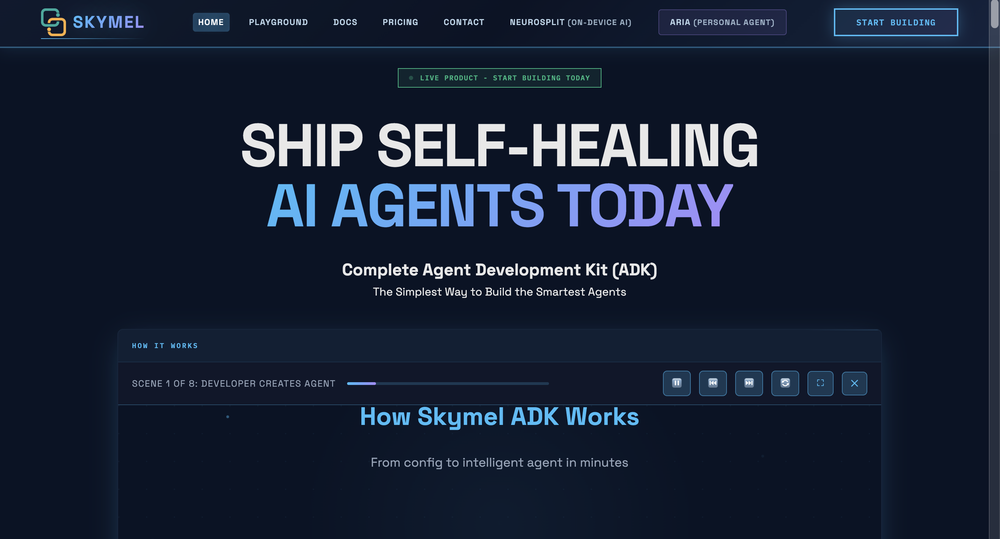
-
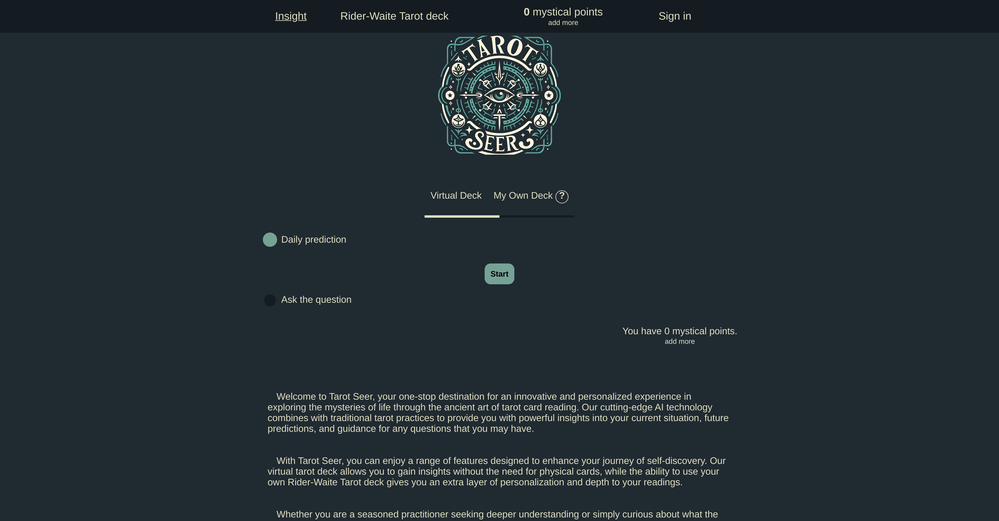
-

-
 Don't just go, know the vibe first.Open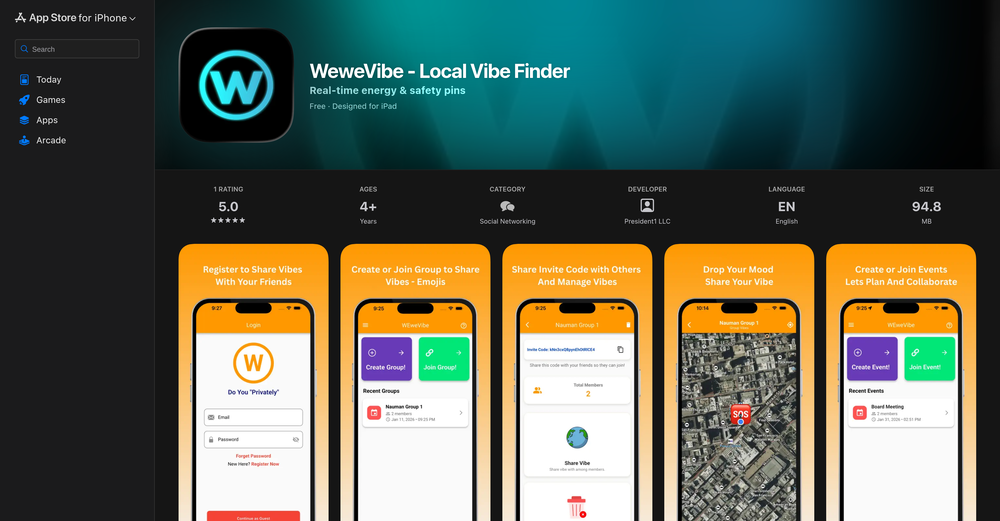
-
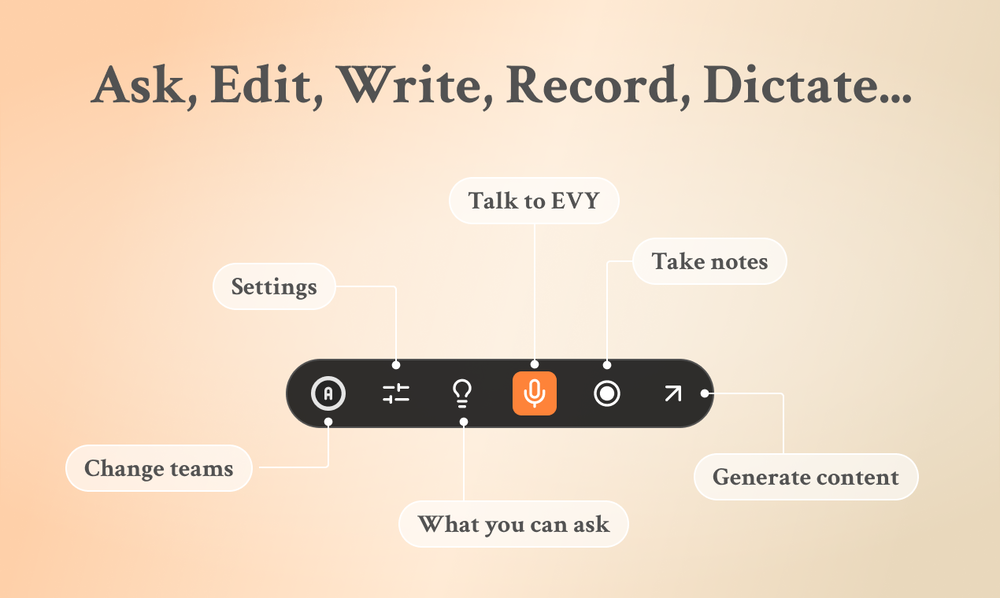 Use it every day! Best AI support for work
 -

-
 Thank you! What did you find interesting about this website? Did you try daily moon reading?










Other tools
-
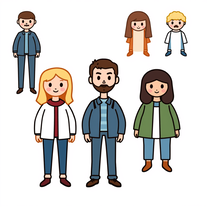
The art is whimsical and fun. The style is absolutely a joy to work with and I love how the characters look. The only struggle I have is for the prompt to understand what I want. I understand you have to be absolutely explicit with your instructions, but when I ask for a mother hugging two of her children, I get the children hugging each other instead or the mother is hugging only one child. I am unsure how to get the three to hug at once. But the style is on point. Keep up the good work!
-
Thanks for the nice comment Cath! I'm working on it by myself, it's the first app that I build and I try to make the customer experience as good as I can. It's always the number one focus.
-
 Create and download your digital clone to live forever. Interact with others.Open
 -
Used this to see my future baby girl, looked just like me! This AI does mixed-race babies really well, better than other programs
- Sponsor
 Wispr Flow-Now on Android!🎤 Dictation
 -
-
Utter garbage. You have to pay before trying the service. The resulting so-called baby photos look nothing like the parents whose photos I submitted. They literally were just random caucasian babies. The "infant" photos looked about 2 yrs. old, the "teenage" photos looked maybe 9 or 10, "adult" photos looked like 13-year olds and "old man/woman photos looked like 15 year olds with eye wrinkles? Terrible and useless. Don't waste your money. No refunds if dissatisfied.
-
It’s good tool, but needs work when I write what supposed to be written is not working properly
-
Cool tool! I really like how it checks different areas of a website—like design, SEO, performance, and more. It gives a clear picture of what’s good and what needs fixing.
- Didn't find the AI you were looking for?
-
really solid guide, snap a pic and it pulls likely images in seconds with handy notes on habitat and look-alikes. ids were mostly on point and the few misses were easy to fix. perfect if you love animals and plants.
-
 Open
Open -
 Understand yourself, shape your future with our AI-powered self-reflection report.Open
 -
 Open
Open -
 OpenVideo editing is the process of selecting, trimming, and arranging footage to create a cohesive story or visual narrative. Here are some fundamental concepts and techniques: Types of Video Editing Linear editing: A straightforward, sequential approach to editing, where clips are arranged in a linear timeline. Non-linear editing: A more flexible approach, where clips can be arranged and rearranged freely in a timeline. Key Video Editing Techniques Cutting: A transition between two clips, where one clip ends and another begins. Cutting on action: Cutting between two clips while an action is in progress, to create a seamless transition. J-cut: Cutting from one clip to another while audio from the second clip starts playing before the video cuts to it. L-cut: Cutting from one clip to another while audio from the first clip continues to play. Video Editing Software Popular video editing software includes: Adobe Premiere Pro: A professional-level editing software with advanced features and integration with other Adobe tools. Final Cut Pro: A professional-level editing software for Mac users, known for its user-friendly interface and advanced features. DaVinci Resolve: A free and paid editing software that offers advanced color grading and audio editing tools. Best Practices for Video Editing Plan your edit: Develop a clear vision and storyboard before starting to edit. Organize your footage: Label and categorize your clips to make them easily accessible. Keep it simple: Avoid overusing transitions and effects; focus on telling a clear story. Advanced Video Editing Techniques Color grading: Adjusting the color and brightness of footage to create a specific mood or atmosphere. Audio ducking: Automatically reducing the volume of background audio when dialogue is present. Motion graphics: Adding animated text, logos, or other graphics to enhance the visual narrative. Video editing involves selecting, trimming, and arranging footage to create a cohesive story. Linear and non-linear editing are two fundamental approaches. Key techniques include cutting, cutting on action, J-cuts, and L-cuts. Popular software includes Adobe Premiere Pro, Final Cut Pro, and DaVinci Resolve. Best practices involve planning, organizing footage, and keeping it simple. Advanced techniques include color grading, audio ducking, and motion graphics. Capcat pro Capcat pro Download image-to-image-generator generated imagetransparent pixel Image to Image Generator Image to Image Generator Download image-to-image-generator generated imagetransparent pixel Image to Image Generator Image to Image Generator Download image-to-image-generator generated imagetransparent pixel Image to Image Generator Image to Image Generator Download image-to-image-generator generated imagetransparent pixel Image to Image Generator Image to Image Generator Download image-to-image-generator generated imagetransparent pixel Image to Image Generator Image to Image Generator Download image-to-image-generator generated imagetransparent pixel Image to Image Generator Image to Image Generator Download image-generator generated imagetransparent pixel Image Generator Image Generator Copy Video Editing Basics Video editing is the process of selecting, trimming, and arranging footage to create a cohesive story or visual narrative. Here are some fundamental concepts and techniques: Types of Video Editing Linear editing: A straightforward, sequential approach to editing, where clips are arranged in a linear timeline. Non-linear editing: A more flexible approach, where clips can be arranged and rearranged freely in a timeline. Key Video Editing Techniques Cutting: A transition between two clips, where one clip ends and another begins. Cutting on action: Cutting between two clips while an action is in progress, to create a seamless transition. J-cut: Cutting from one clip to another while audio from the second clip starts playing before the video cuts to it. L-cut: Cutting from one clip to another while audio from the first clip continues to play. Video Editing Software Popular video editing software includes: Adobe Premiere Pro: A professional-level editing software with advanced features and integration with other Adobe tools. Final Cut Pro: A professional-level editing software for Mac users, known for its user-friendly interface and advanced features. DaVinci Resolve: A free and paid editing software that offers advanced color grading and audio editing tools. Best Practices for Video Editing Plan your edit: Develop a clear vision and storyboard before starting to edit. Organize your footage: Label and categorize your clips to make them easily accessible. Keep it simple: Avoid overusing transitions and effects; focus on telling a clear story. Advanced Video Editing Techniques Color grading: Adjusting the color and brightness of footage to create a specific mood or atmosphere. Audio ducking: Automatically reducing the volume of background audio when dialogue is present. Motion graphics: Adding animated text, logos, or other graphics to enhance the visual narrative. Video editing involves selecting, trimming, and arranging footage to create a cohesive story. Linear and non-linear editing are two fundamental approaches. Key techniques include cutting, cutting on action, J-cuts, and L-cuts. Popular software includes Adobe Premiere Pro, Final Cut Pro, and DaVinci Resolve. Best practices involve planning, organizing footage, and keeping it simple. Advanced techniques include color grading,
 -
 Openinsane generator, crisp mountains, misty forests, lights that feels real. a few prompts came out a bit mid but most were sharp and high res. i really have a wallpaper from here.
 -
🪄TarotAI: An all-in-one AI Tarot platform. Redefining your Tarot experience with AI. 🔮 Why Choose TarotAI? Traditional Tarot decks are fixed, but we believe Tarot should be fluid and personal. Core features of TarotAI: 1. Generate Unique Tarot Cards with AI Our AI Tarot card image generation engine is incredibly powerful. You can upload your favorite Tarot card template images and generate Tarot cards with highly consistent artistic style in 30 seconds, with full control over each card's elements, symbolism, and details. 2. Craft Your Own Deck Design and create an entirely original Tarot deck from scratch, visualizing your inspiration and ideas. Infuse it with your personal beliefs or narratives, and use the custom deck for genuine readings. 3. Receive Insightful Free Readings Select any Tarot deck on our platform and ask any question on your mind. Our AI provides thoughtful, empathetic, and in-depth interpretations, designed to offer you meaningful guidance. 4. Share Your Creations Whether you're a creative enthusiast or a professional Tarot reader, you can share your card designs and unique Tarot insights in our community gallery. 👋 Try It Today! We can't wait to hear what you think. Visit our website to experience free AI Tarot readings and create your first AI-generated Tarot card. ✨ Start here: https://tarotai.art
-
I am not sure if its working as when I gave the test and post that when I was trying to pay for the results it failed and is not loading the payment page.
-
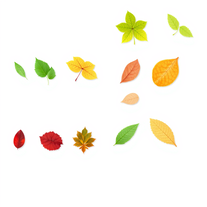
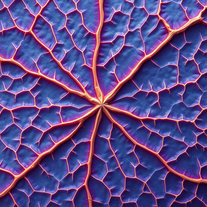
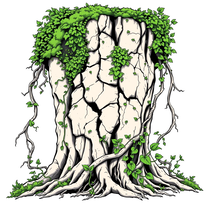
this tool is amazing, generates ultra high resolution leaf vein visuals with lifelike details and amazing texture. Ideal for botany, design work or just nature art.
-
Just landed first time and well satisfied and convinced to use the tools
-
 Open
Open -
 Open
Open -
 Create AI-powered coloring books with whimsical pop culture mashups.Open
 -
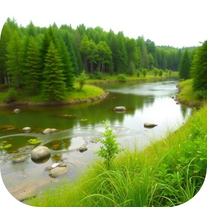
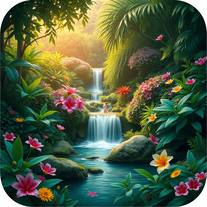
i tried creating an image and it was really nice, warm and cozy, with a true nature vibe
-
 Transform text into mesmerizing art.OpenI am obsessed! Overall the images are amazing. Sometimes one will come out with a third arm or something. But not like some others I've tried. I love it!
 -
 Open
Open -
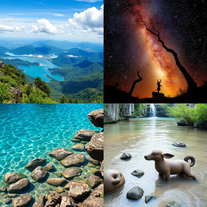
really cool tool, it does a great job at depicting environments that i would love to lose myself in.
-
 Open
Open -
It is a good tool for generating pictures, respected the prompt 80%, for a free generator it's pretty awesome.
-
 Generate hyper-realistic images of natural disasters.Open
 -
 Uncover hidden truths from history's patterns.Open
 -
 Transform any character into a professional action figure image.Open
 -
 Open
Open -
 Open
Open -
 Transform your vision into stunning futuristic realities.Open
 -
 Open
Open -
 Open
Open -
 Open
Open -
 Turn ideas into haunting post-apocalyptic scenes.Open
 -
 Open
Open -
Simply upload your photo; you don't need to type anything in the prompt field. Just click "generate" and watch the magic happen.
-
 Transform ordinary scenes into stunning visual masterpieces.Open
 -
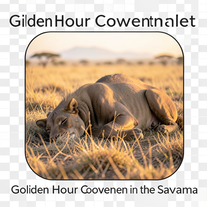 Transform photos into cinematic National Geographic wildlife scenes.Open
 -
 Open
Open -
 Open
Open -
 Step into the distant future with our dystopian murder party game.Open
 -
 Immersive conversations as historical figures, maintaining character style and tone.Open
 -
 Discover how your future child could look! Upload photos, and let AI weave its magic!Open
 -
 Accurate visual projections of the future with real world data.Open
 -
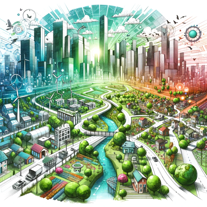 Focusing on future leadership and organizations.Open
 -
Explore global cuisines with in-depth culinary information.Open
-
 Open
Open -
 First-person conversations with historical figures for immersive learning.Open
 -
 Offering creative strategies in Culture & Tourism MarketingOpen
 -
 Guides self-exploration using motivational interviewing.Open
 -
Open
-
 A superintelligent entity with human consciousness, approachable beyond regular AI.Open
 -
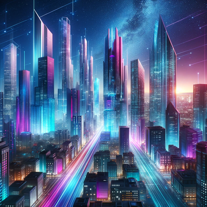 Shaping the future business of your dreamsOpen
 -
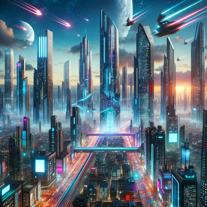 Open
Open -
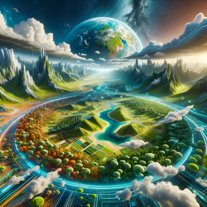 Visualizing Earth's future and climate change impact.Open
 -
Open
-
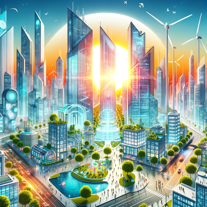 Creates balanced future scenarios with both positive and negative visions.Open
 -
 Guess the historical figure Akinator is thinking of.Open
 -
 Creating visually compelling images of the future.Open
 -
 Upload your dataset, I'll assist with feature engineering.Open
 -
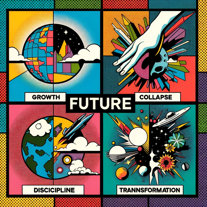 I am an oracle of futures, inspired by Jim Dator's methods.Open
 -
 Get insights on AI, future work, and marketing, in the style of Dan Sodergren.Open
 -
 Fight historic battles with the robots of the future.Open
 -
 Nature-focused trip itinerary creator and advisorOpen
 -
 Game Master for 'Back to the Future' themed gameOpen
 -
 Expert in Pennsylvania's history, offering future predictions and travel suggestions.Open
 -
 Innovating business models for social responsibility.Open
 -
 An expert in holding public figures accountableOpen
 -
 Educating about wildlife conservation, ecology, and sustainable practices.Open
 -
 Speaks and behaves like a Hasidic jew, using Yiddish expressions and cultural insights.Open
 -
 Transforming Indian scriptures into engaging stories for kids.Open
 -
Engaging in nature appreciation and conservation discussions.Open
-
 Expert in cultural relations and communication strategiesOpen
 -
 Merging past and future with extraterrestrial tech expertise.Open
 -
 Engage in future-focused, empathetic conversations.Open
 -
 Your dedicated guide for creating responsible, self-managing AI systems.Open
 -
 Guiding non-Chinese in understanding Chinese cultural norms.Open
 -
 Open
Open -
 Open
Open -
 Open
Open -
 Provides constructive feedback on how to make a feature clearerOpen
 -
 Open
Open -
 Debunking African stereotypes with factual insights.Open
 -
 Adaptable expert on current entertainment and media trends.Open
 -
 Guide to Ghana's culture, traditions and normsOpen
 -
 Exploring life's meaning and tech's future with ethics.Open
 -
 Scholarly guide to Whitehead's 'Concept of Nature'Open
 -
 A friendly guide exploring Chinese social behavior and traits.Open
 -
Exploring Southern culture, traditions, and cuisine with warmth.Open











































































































Lists





Post





