Go to section
Sponsor
 Flow - 4x faster than typing
🎤 Dictation
Flow - 4x faster than typing
🎤 Dictation
The front page of AI.Used by 90M+ humans.

Generate image
Tasks
Generate text
Free mode
Trending
Leaderboard
Characters
 Mini tools
New
Featured
Lists
Agents
Requests
Jobs
Map
Newsletter
Starter pack
Free tools
Speech to text
Text translator
Remove background
Settings
Edit profile
My tools
Gallery
Dashboard
Inbox
Get featured
Contact TAAFT
For you
Popular
Job impact index
Most saved
Affiliate program
Submit AI tool
Notification preferences
Glossary
Home
Timeline
My profile
Create tool
Deals
Companies
Models
Robots
Papers
Fundraises
Repositories
Devices
Organizations
Events
Prompt Pack
Merchendise
APIs
Features
Tools
Countries
Collections
Videos
Mini tools
New
Featured
Lists
Agents
Requests
Jobs
Map
Newsletter
Starter pack
Free tools
Speech to text
Text translator
Remove background
Settings
Edit profile
My tools
Gallery
Dashboard
Inbox
Get featured
Contact TAAFT
For you
Popular
Job impact index
Most saved
Affiliate program
Submit AI tool
Notification preferences
Glossary
Home
Timeline
My profile
Create tool
Deals
Companies
Models
Robots
Papers
Fundraises
Repositories
Devices
Organizations
Events
Prompt Pack
Merchendise
APIs
Features
Tools
Countries
Collections
Videos
Mini tools
New
Featured
Lists
Agents
Requests
Jobs
Map
Newsletter
Starter pack
Free tools
Speech to text
Text translator
Remove background
Settings
Edit profile
My tools
Gallery
Dashboard
Inbox
Get featured
Contact TAAFT
For you
Popular
Job impact index
Most saved
Affiliate program
Submit AI tool
Notification preferences
Glossary
Home
Timeline
My profile
Create tool
Deals
Companies
Models
Robots
Papers
Fundraises
Repositories
Devices
Organizations
Events
Prompt Pack
Merchendise
APIs
Features
Tools
Countries
Collections
Videos

▼ Latest
Multimodel handling
Free mode
100% free
Freemium
Free Trial
Featured matches
-
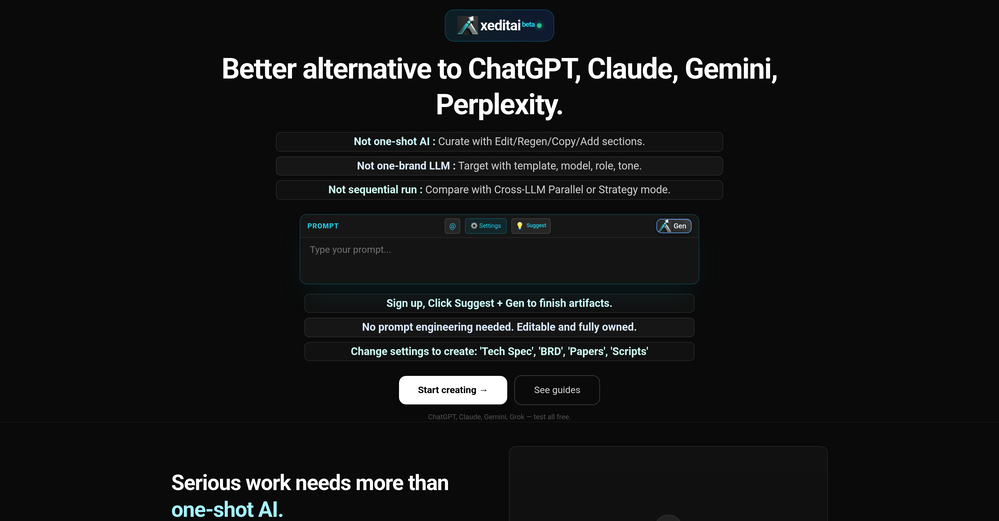
 Raj Sentamil🛠️ 1 tool 🙏 4 karmaFeb 28, 2026@xeditaixeditai.com has options that most chat AIs lack, 1) Options to choose multiple vendor 2) Save content online 3) Regenerate by Section/Paragraph switch model to regenerate 4) Edit/Add text or image 5) Add branding and export 6) Run Parallel and copy across by Section/Paragraph 7) Run Strategy mode to a maximum of 3 LLMs to evaluate/synthesize/debate 8) Optionally switch templates to target output to different format 9) Tweak roles, thinking, model params 10) Use suggested next steps to follow up or target next template by process for e.g. BRD-> PRD
 -

-
-
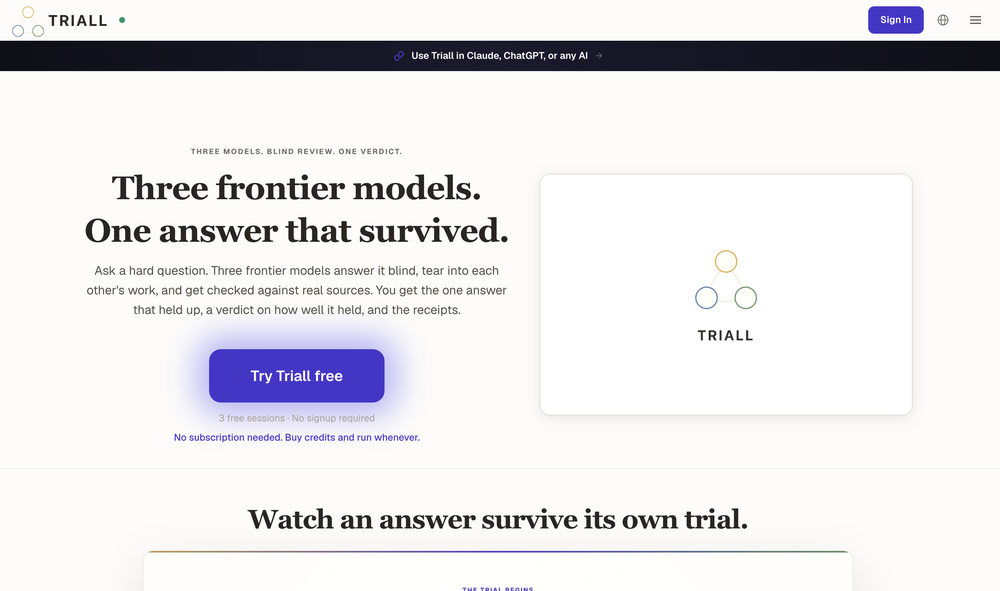
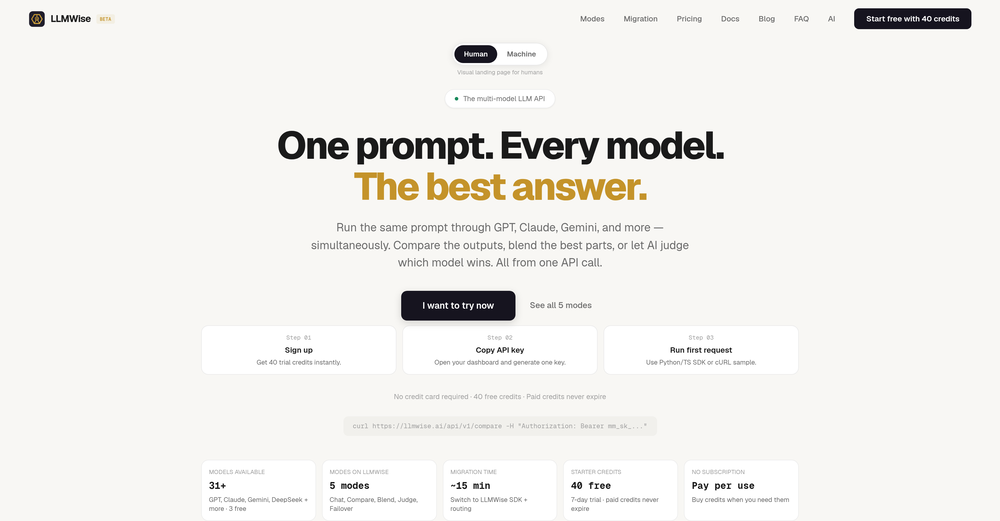 What a tool! Really well designed and thought of. Loved the comparison option. PS: The chatbot is too complicated .. please simplify




Verified tools
-
 OpenMultiple models reviewing content is so helpful because we can better understand when there's a strong case for X, or divergences about Y, and ultimately get a more full understanding because of that. Great work!
 -
-
It’s a powerful and intuitive tool that simplifies complex tasks, boosts productivity, and makes managing work smoother than ever. Highly recommended!
- SponsorFlow - 4x faster than typing🎤 Dictation
-
This is without doubt, the fastest and easiest way to compare and test different AI models side by side
-
 Turn text and images into production-ready 3D models with AI in seconds.OpenThis tool is definitely good for basic stuff, no doubt. Just keep the prompts super duper simple and it gets the job done. But once I put in something a bit more complex at it… it kinda screwed up the thing. Still, I see potential here










Other tools
-
It really helps in coding. I let chatgpt create a code, and copy paste and ask claude to check it if it can be done better. Well, it is really fun! I also use its Image creation tool to create posts for social media. Having a tool that uses Stability AI API to create photorealistic images is really helpful. Overall 5 Stars, especially for only 8.99 per month. It is the same price like a coffee latte but has really much more value :D
-
-
VModel provides rich AI model resources, clothing display picture shooting becomes very easy!
-
The app looks great, and options are wonderful. I just hope if you can add memory section so the LLM knows and retrieve Data about you.
- Didn't find the AI you were looking for?