 Rocket
 Mini tools
▼ Latest
Network flow diagram
Free mode
100% free
Freemium
Free Trial
Featured matches
-
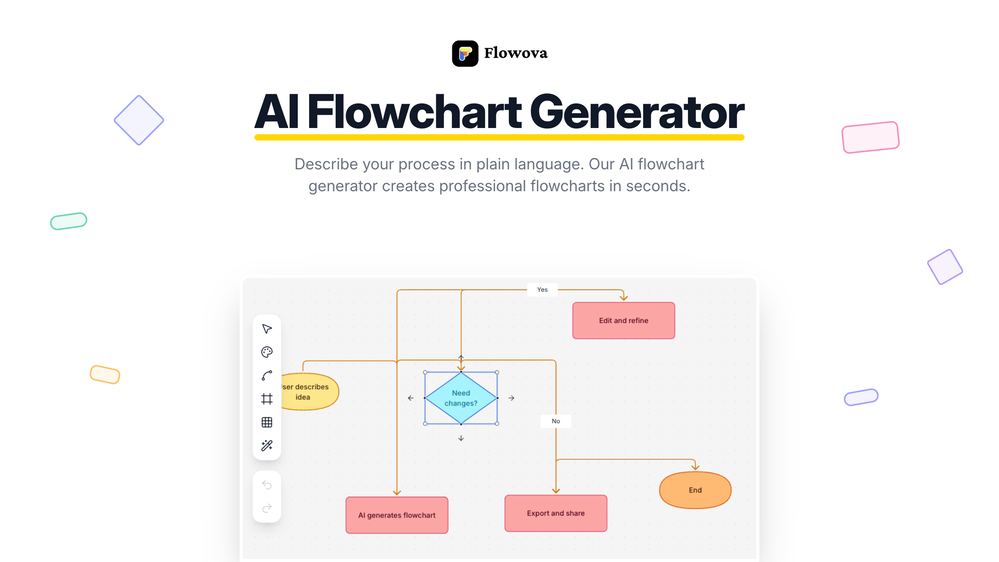
 jmcraft🛠️ 1 tool 🙏 4 karmaDec 14, 2025@Flowova AI👋 Hey, I'm the founder of Flowova! We built this because we were tired of spending hours dragging boxes in traditional flowchart tools. A few things you might not know: - Works with anything — text, images, PDFs, Word, PPT, Excel, even photos of whiteboard sketches - 40+ themes designed for presentations - Full Mermaid code support for developers Happy to answer any questions! 🚀
 -

-




Verified tools
-
 Visual expression artifact. Turn docs and ideas into instant diagrams with AI.OpenGame changer. Stays on topic, generates solid layouts, fast, and switching formats is smoother than I expected, so what else do you really want/need? Big plus that it lets you test things properly before hitting you with a paywall (most tools do exactly that). Giving this one a 5 for sure!
 -
- Sponsor:Rocket
-
A Game-Changer for Deep Work and Creativity! Flowith has completely transformed my workflow. The infinite canvas is an intuitive and powerful way to interact with AI, moving beyond the limits of traditional linear chats. I can now explore multiple ideas in parallel, compare outputs from different AI models like GPT-4o and Claude 3.5 side-by-side, and visually organize complex projects. The personal knowledge base feature is incredible. By simply uploading my own documents, the AI generates content that is perfectly tailored and context-aware, which has significantly boosted the quality and relevance of its outputs. It's the ultimate tool for long-form content generation, brainstorming, and real-time collaboration. Highly recommended for anyone looking to enhance their productivity and creativity with AI.


Other tools
-
-
Isn't it possible that when downloading a diagram from it, the diagram to have white background rather than black background.
-
 Create stunning hand-drawn flowcharts from text instantly.OpenI use AI Flowchart Generator to create flowcharts for my blog posts. It’s incredibly easy to use and saves me so much time. Now, I can turn my text to flowchart and make my posts more interesting and helpful for readers!
 - Didn't find the AI you were looking for?
-
I've been exploring AI for quite some time, and it's been a true lifesaver for my severe ADHD. Finding the perfect calendar, task, and habit-tracking app that uses AI to intelligently schedule tasks with minimal interaction has been a quest. Day Flow is the closest I've found to my ideal solution. It's not perfect, but it's really good and incredibly helpful.

















Post





