
 Mini tools
▼ Latest
Photography editing
Free mode
100% free
Freemium
Free Trial
Featured matches
-

-

-
-
-
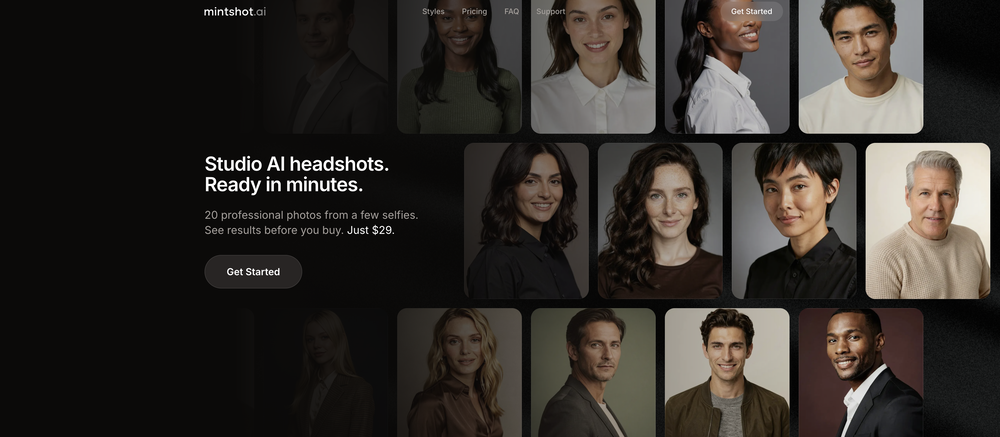
 Transform casual selfies into studio-quality business headshots instantly.Open
-
-
-
-
-






Verified tools
- Sponsor
 Rocket - Think it. Type it. Launch it.
 -
1 Robert🙏 8 karmaNov 1, 2025@EdensignThis is the best virtual staging product I have ever tried. Love the batch processing feature that saves so much time!
-
As someone who's worked with food businesses, I know how crucial visual appeal is for driving sales - especially in the digital space where customers make split-second decisions based on photos. What stands out to me is how this tool addresses a real pain point. Professional food photography is expensive and time-consuming, but this AI solution makes high-quality food images accessible to everyone from small restaurants to food bloggers. The instant transformation aspect is particularly valuable for businesses that need to update their menus frequently or manage multiple locations. I can see this being a game-changer for food delivery apps where compelling visuals directly impact order volume. The fact that it's specifically trained for food photography rather than being a generic photo enhancer shows thoughtful development. Would love to see some before/after examples if the developers are sharing any - the concept is solid and fills a clear market need. Definitely keeping this on my radar for future projects!
-
They offer a wide range of options, including Corporate, Festive, and Pet themes. The platform is incredibly user-friendly, and each headshot features a thoughtfully curated color palette that complements the look, ensuring a polished and professional result.
-
I tried TheMultiverse.ai and was genuinely impressed — the headshots it generated look sharp, professional, and true to me. The editing options gave me just enough control without feeling overwhelming. I think it is more affordable than other ai headshot options out there.
-
 Stop guessing if your photo is good. Get instant, objective feedback.OpenPhotoMentor v1.9.1 is a significant update to the analysis engine, accuracy layer, and multi-platform experience. More accurate analysis engine The core analysis now runs a dedicated geometry pass before generating the critique. Bounding boxes are placed with significantly higher precision, and the system validates every visual claim before including it in the output — eliminating the hallucinated observations that occasionally appeared in earlier versions. The AI now understands artistic intent Context-aware mood detection (Noir, Street, Studio, Sport, and more) adjusts the critique to match the photographer's apparent intent — rather than applying generic composition rules to every shot regardless of genre or style. Visual Memory PhotoMentor recognizes when you upload a re-edit of a photo you've analyzed before. Instead of treating it as a new submission, it highlights what changed — making iterative improvement measurable. Progress Dashboard Track your development over time: Pro can track daily average score, current level, top recurring strengths, and weaknesses. Telegram integration Full localization in EN, RU, DE, ES with auto-detection. Telegram Stars payments. Account linking syncs Premium status and usage across web and bot.
 -
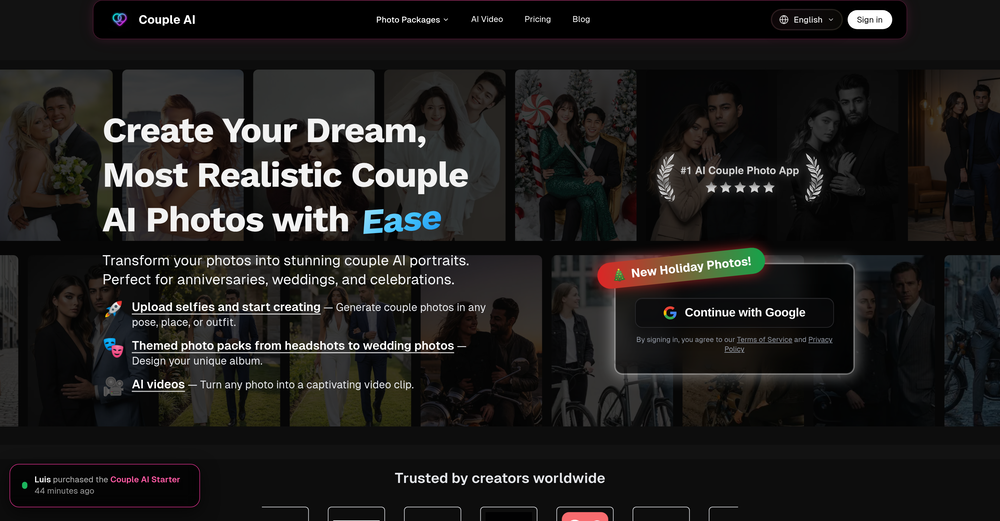
 Generate professional AI dating photos for 3x more matches.OpenHey, I'm Jacob. Indie developer, built a few AI products. My friend complained about no matches on Tinder. His photos were terrible - bad lighting, messy backgrounds, awkward angles. "Get better photos." "Photographers are expensive and it's weird doing a photoshoot for dating apps." He was right. What I built Spent 2 weeks building this with Stable Diffusion and Claude. Upload 10-15 photos, generates 80-180 dating photos in ~20 minutes. The tricky part: making them look real, not AI-generated. Most AI headshot tools optimize for LinkedIn. Dating photos need to feel natural. Optimized specifically for Tinder, Bumble & Hinge - each platform has different vibes. Added a "realness score" to filter out obvious AI stuff. Current issues - Hands are still weird sometimes - Some photos don't quite look like you - Background inconsistencies Tested with ~40 people. Most said it helped. Some photos were off. Why I'm posting Not sure if this is actually useful or just solving my friend's specific problem. If people care, I'll keep improving it. If not, learned a lot anyway. Link: https://datephotos.ai/
 -
I have used for a while and I had a blast creating myself in all kinds of different places, shapes and weird situations. Yes you can use it to create professional pictures for your CV and political career but where's the fun in that?
-
 Get Realistic, Natural-Looking AI-Generated Professional Headshots in 2 Hours.OpenI never thought I’d be using an AI service for something like this, but I’m glad I did. The headshot looks like it was taken by a professional photographer, without the pain.
 -
 Open
Open -
Compared with similar AI tools, this one stands out for the clarity and relevance of its outputs. Instead of producing generic results, it adapts well to different inputs and preserves context effectively. This makes the generated content feel more intentional and less “AI-like.” It’s particularly useful when quality matters more than just speed.
-
 Open4K resolution is one of its major advantages in the relevant field.
 -
-
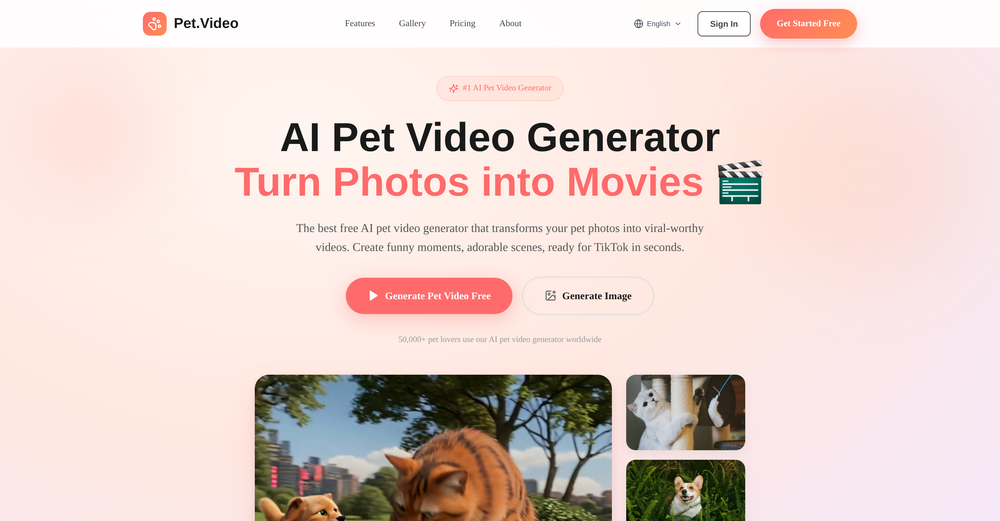
So cute! It's actually crazy how real the dance moves look. Highly recommend using high-quality photos for the best result.
-
 Generate studio-quality fashion images from simple product photos.OpenJust received my content in 4 minutes. this is impressive I just received flat lay profesionnal content from casual on hanger clothes pictures. Love that.
 -
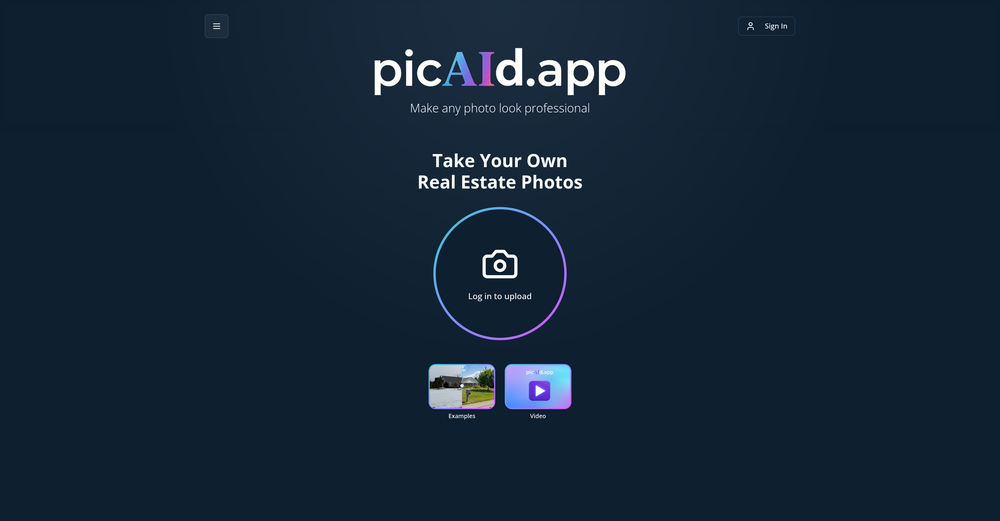
 OpenWorked well to fill my room. Would love to see more options in terms of what I can configure in the future releases.
 -
-
Well, it did give me an insanely good image, but you only get one free trial, i.e, generate one image for free. And the model is costly for someone who wants free AI tools. But it does the job if you're willing to pay.
-
 Remove backgrounds from images with AI in seconds.Open
 -
Tried to fix a cropped travel photo and it worked great. The AI naturally expanded the sky and beach, so the image fit a 16:9 YouTube thumbnail without any visible seams or quality loss.
-
Thank you for your feedback. I want to clarify: Nano Banana (the free version) remains free. What's new: Nano Banana Pro — A new premium option we added with higher resolution (4K) and advanced features (requires subscription) The free version is still available on the homepage under the "Nano Banana" tab. You can use it for free. We added Pro as an optional upgrade for users who want higher quality outputs. I hope this clears things up, and thank you for using our service!
-
 Create AI fashion model photos without photoshoots.Open
 -
I used the tool with a one-time paid plan. 2/25 generations succeed with disappointing output. The tool is not intuitive and there is lack of explanation how to use it properly. I can not recommend based on my experience.
-
create a background for a website
-
with no complex prompts or workflows required, it delivers immediate, high-quality results. Among the unique transformations offered are Studio Ghibli and Sesame Street styles, setting it apart from more generic AI tools.
-
 Auto remove people from photos with AI.OpenMaybe not the best tool, I uploaded an image and it removed the main subject, didnt even think it was possible. Literally only the background was left
 -
I use the software to turn rough ideas into polished visuals that feel curated and high-end. It’s quick, effortless, and always on-brand.
-
I was able to generate great quality of photos. Photo quality is just amazing.














































Other tools
-
-
-
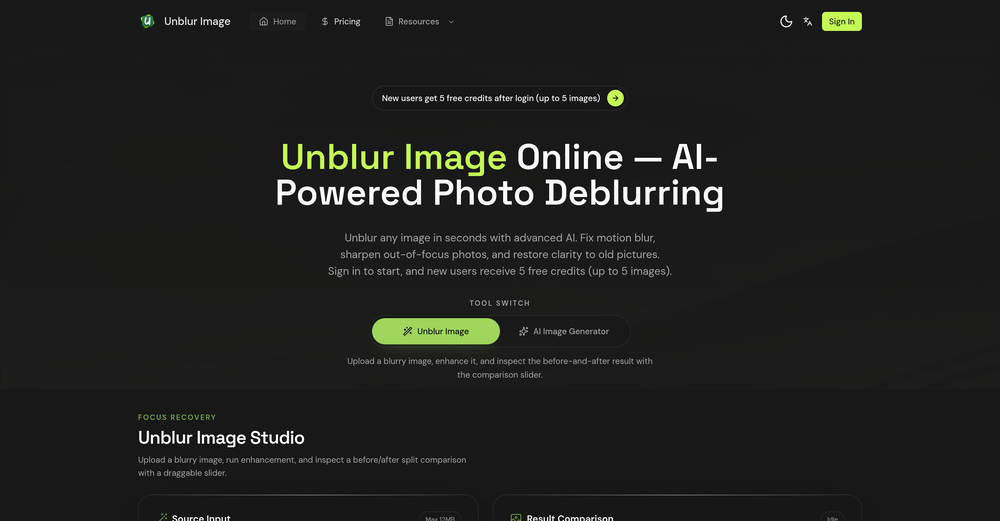
it's a quick and effective tool for reviving old, low-quality, or motion-blurred images
-
I think this is the point of a free trial...
- Didn't find the AI you were looking for?
-
Free, but requires monthly subscription. With limitations on the free version 3 stars
-
Would be nice to try some other feature without paying even if only 5 trys
-
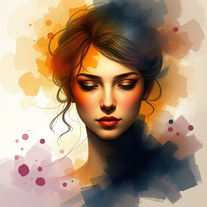 Transform subjects into mesmerizing watercolor masterpieces.Open
 -
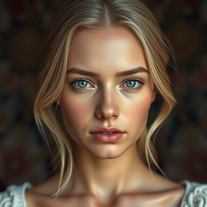
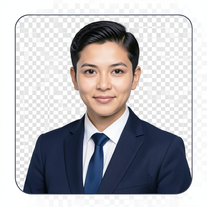 AI-powered corporate portrait generator for ultra-realistic executive headshots.Open
 -
 Transform photos into hyper-realistic 8K cinematic masterpieces.Open
 -
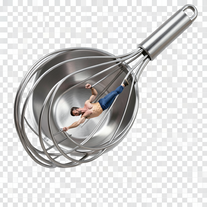
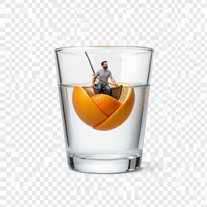
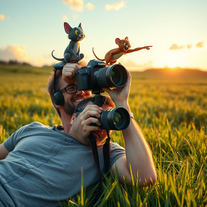
 Transform yourself into cinematic miniature adventures.Open
 -
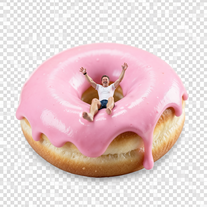
 Wrestle giant food in hyper-realistic cinematic photos.Open
 -
 Open
Open -
 Transform your photo into hyper-realistic cinematic scenes.OpenThis tool is designed to only receive a photo as a reference; just use this and see the result.
 -
 Transform portraits into high-fashion editorial magic.Open
 -
 Transform photos into Parisian fashion editorials instantly.Open
 -
 Open
Open -
 Transform photos into cinematic Ferris wheel masterpieces.Open
 -
 Open
Open -
 Turn portraits into cinematic masterpieces with dramatic lighting.Open
 -
 Transform photos into museum-quality graphite portraits.OpenThe second attempt is much better, but added non-existing points.
 -
 Open
Open -
 Creates ultra-realistic cinematic portraits from your photos.Open
 -
 Open
Open -
 Transform photos into cinematic giant food landscapes.Open
 -
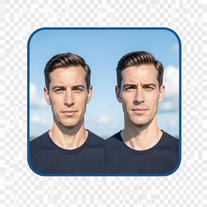 Create cinematic photos with giant and miniature versions of yourself.Open
 -
 Generate ultra-realistic candid photography with facial recreation.Open
 -
 Create cinematic photos of specific people in surreal scenarios.OpenSimply upload your photo; you don't need to type anything in the prompt field. Just click "generate" and watch the magic happen.
 -
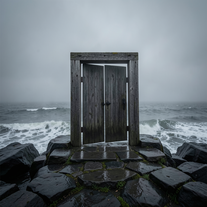 Creates ultra-realistic cinematic photographs of people through mystical doorways.Open
 -
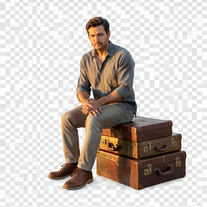 Creates hyper-realistic 8K cinematic photographs featuring surreal human-animal interactions.OpenSimply upload your photo; you don't need to type anything in the prompt field. Just click "generate" and watch the magic happen.
 -
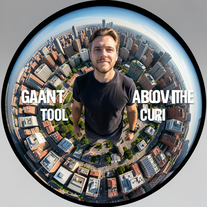 Transform portraits into cinematic fisheye masterpieces.Open
 -
 Transform ordinary scenes into extraordinary cinematic adventures.OpenSimply upload your photo; you don't need to type anything in the prompt field. Just click "generate" and watch the magic happen.
 -
 Transform photos into cinematic 8K investigation boards.Open
 -
 Transform any portrait into a hyper-realistic volcanic stone masterpiece.Open
 -
Simply upload your photo; you don't need to type anything in the prompt field. Just click "generate" and watch the magic happen.
-
Simply upload your photo; you don't need to type anything in the prompt field. Just click "generate" and watch the magic happen.
-
Simply upload your photo; you don't need to type anything in the prompt field. Just click "generate" and watch the magic happen.
-
 Open
Open -
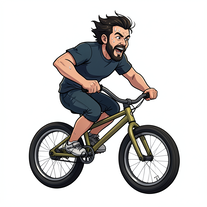 Transform photos into cinematic action portraits.Open
 -
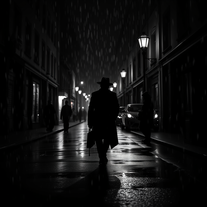
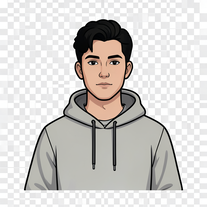 Transform your portrait into a cinematic night street scene.OpenSimply upload your photo; you don't need to type anything in the prompt field. Just click "generate" and watch the magic happen.
 -
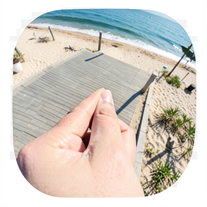 Creates ultra-realistic forced-perspective beach photos where you appear tiny.Open
 -
 Transform your photo into a cinematic masterpiece.Open
 -
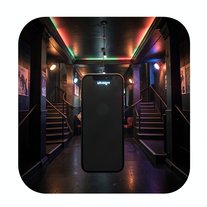 Create ultra-realistic selfies with The Mask characters.Open
 -
 OpenVideo editing is the process of selecting, trimming, and arranging footage to create a cohesive story or visual narrative. Here are some fundamental concepts and techniques: Types of Video Editing Linear editing: A straightforward, sequential approach to editing, where clips are arranged in a linear timeline. Non-linear editing: A more flexible approach, where clips can be arranged and rearranged freely in a timeline. Key Video Editing Techniques Cutting: A transition between two clips, where one clip ends and another begins. Cutting on action: Cutting between two clips while an action is in progress, to create a seamless transition. J-cut: Cutting from one clip to another while audio from the second clip starts playing before the video cuts to it. L-cut: Cutting from one clip to another while audio from the first clip continues to play. Video Editing Software Popular video editing software includes: Adobe Premiere Pro: A professional-level editing software with advanced features and integration with other Adobe tools. Final Cut Pro: A professional-level editing software for Mac users, known for its user-friendly interface and advanced features. DaVinci Resolve: A free and paid editing software that offers advanced color grading and audio editing tools. Best Practices for Video Editing Plan your edit: Develop a clear vision and storyboard before starting to edit. Organize your footage: Label and categorize your clips to make them easily accessible. Keep it simple: Avoid overusing transitions and effects; focus on telling a clear story. Advanced Video Editing Techniques Color grading: Adjusting the color and brightness of footage to create a specific mood or atmosphere. Audio ducking: Automatically reducing the volume of background audio when dialogue is present. Motion graphics: Adding animated text, logos, or other graphics to enhance the visual narrative. Video editing involves selecting, trimming, and arranging footage to create a cohesive story. Linear and non-linear editing are two fundamental approaches. Key techniques include cutting, cutting on action, J-cuts, and L-cuts. Popular software includes Adobe Premiere Pro, Final Cut Pro, and DaVinci Resolve. Best practices involve planning, organizing footage, and keeping it simple. Advanced techniques include color grading, audio ducking, and motion graphics. Capcat pro Capcat pro Download image-to-image-generator generated imagetransparent pixel Image to Image Generator Image to Image Generator Download image-to-image-generator generated imagetransparent pixel Image to Image Generator Image to Image Generator Download image-to-image-generator generated imagetransparent pixel Image to Image Generator Image to Image Generator Download image-to-image-generator generated imagetransparent pixel Image to Image Generator Image to Image Generator Download image-to-image-generator generated imagetransparent pixel Image to Image Generator Image to Image Generator Download image-to-image-generator generated imagetransparent pixel Image to Image Generator Image to Image Generator Download image-generator generated imagetransparent pixel Image Generator Image Generator Copy Video Editing Basics Video editing is the process of selecting, trimming, and arranging footage to create a cohesive story or visual narrative. Here are some fundamental concepts and techniques: Types of Video Editing Linear editing: A straightforward, sequential approach to editing, where clips are arranged in a linear timeline. Non-linear editing: A more flexible approach, where clips can be arranged and rearranged freely in a timeline. Key Video Editing Techniques Cutting: A transition between two clips, where one clip ends and another begins. Cutting on action: Cutting between two clips while an action is in progress, to create a seamless transition. J-cut: Cutting from one clip to another while audio from the second clip starts playing before the video cuts to it. L-cut: Cutting from one clip to another while audio from the first clip continues to play. Video Editing Software Popular video editing software includes: Adobe Premiere Pro: A professional-level editing software with advanced features and integration with other Adobe tools. Final Cut Pro: A professional-level editing software for Mac users, known for its user-friendly interface and advanced features. DaVinci Resolve: A free and paid editing software that offers advanced color grading and audio editing tools. Best Practices for Video Editing Plan your edit: Develop a clear vision and storyboard before starting to edit. Organize your footage: Label and categorize your clips to make them easily accessible. Keep it simple: Avoid overusing transitions and effects; focus on telling a clear story. Advanced Video Editing Techniques Color grading: Adjusting the color and brightness of footage to create a specific mood or atmosphere. Audio ducking: Automatically reducing the volume of background audio when dialogue is present. Motion graphics: Adding animated text, logos, or other graphics to enhance the visual narrative. Video editing involves selecting, trimming, and arranging footage to create a cohesive story. Linear and non-linear editing are two fundamental approaches. Key techniques include cutting, cutting on action, J-cuts, and L-cuts. Popular software includes Adobe Premiere Pro, Final Cut Pro, and DaVinci Resolve. Best practices involve planning, organizing footage, and keeping it simple. Advanced techniques include color grading,
 -
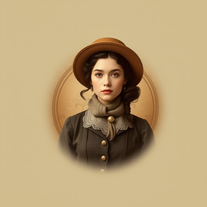 Transform photos into stunning vintage portraits with AI.Open
 -
 OpenSimply upload your photo; you don't need to type anything in the prompt field. Just click "generate" and watch the magic happen.
 -
 Generate hyper-realistic portraits while preserving 100% facial identity.OpenSimply upload your photo; you don't need to type anything in the prompt field. Just click "generate" and watch the magic happen.
 -
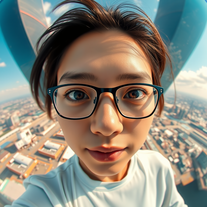 Create hyper-realistic fisheye skyscraper selfies with precise facial reproduction.Open
 -
 Transform ordinary scenes into stunning visual masterpieces.Open
 -
 Transform portraits into cinematic window masterpieces.Open
 -
 Transform ordinary images into luminous masterpieces with AI-powered shining effects.Open
 -
 Transform your photo into El Chavo del 8 memories.OpenSimply upload your photo; you don't need to type anything in the prompt field. Just click "generate" and watch the magic happen.
 -
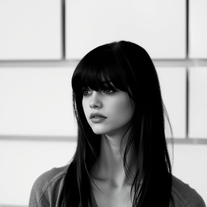 Transform colorful photos into stunning black-and-white masterpieces.Open
 -
Simply upload your photo; you don't need to type anything in the prompt field. Just click "generate" and watch the magic happen.
-
 OpenSimply upload your photo; you don't need to type anything in the prompt field. Just click "generate" and watch the magic happen.
 -
 Star in paparazzi photos with celebrities.Open
 -
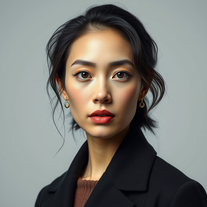 Transform your photos into stunning hyper-realistic studio portraits.Open
 -
 Transform photos into cinematic movie scenes.Open
 -
 Transform any photo into a giant parade balloon.Open
 -
 Transform any photo into hilarious Christmas lap portraits with Santa!Open
 -
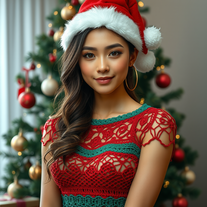 Transform photos into cinematic Christmas portraits.Open
 -
 Transform photos into ultra-realistic studio portraits.Open
 -
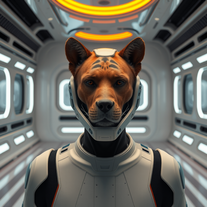 Transform photos into cinematic movie scenes instantly.Open
 -
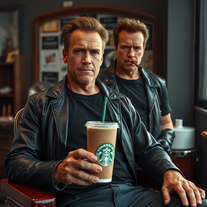 Transform photos into cinematic Arnold Schwarzenegger barbershop scenes.Open
 -
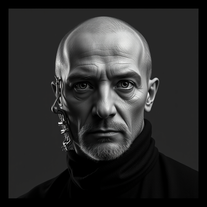 Open
Open -
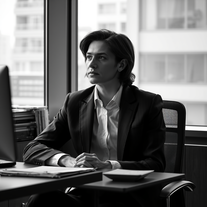 Transform any photo into stunning black-and-white editorial portraits.Open
 -
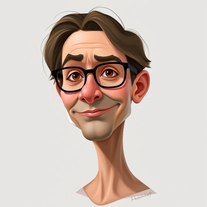 Transform photos into stunning semi-realistic caricature portraits.Open
 -
 Transform photos into ultra-realistic Disney park portraits.Open
 -
 Open
Open -
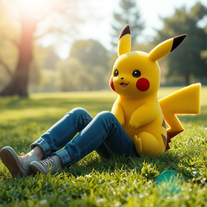 Transform photos into cinematic scenes with lifelike Pikachu.Open
 -
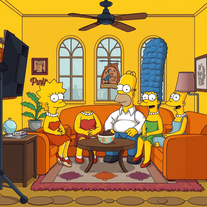 Transform yourself into a live-action Simpsons character.Open
 -
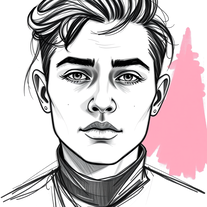 Transform photos into striking grunge-style portraits.Open
 -
 Transform photos into stunning black and white portraits.Open
 -
 Transform your photos into cinematic masterpieces.Open
 -
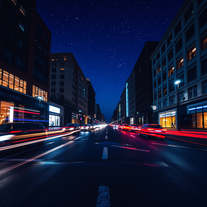 Open
Open -
 Transform photos into charming retro cartoons.Open
 -
 Transform photos into cinematic Funko-Pop portraits.Open
 -
 Transform portraits into cinematic double exposures.Openbeyond ones imagination....authentic
 -
 Transform photos into cinematic luxury portraits.Open
 -
 Transform any subject into sophisticated magazine-worthy portraits.Open
 -
 Transform photos into cyberpunk portraits with neon magic.Open
 -
 Transform photos into cinematic dawn portraits.Open
 -
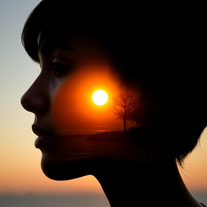 Transform photos into stunning double exposure portraits.Open
 -
 Transform photos into cinematic AI portraits.Open
 -
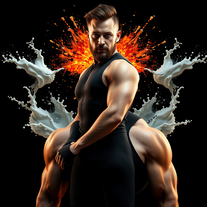 Transform photos into cinematic portraits with dramatic lighting.Open
 -
 Transform photos into stunning 1920s Jazz Age masterpieces.Open
 -
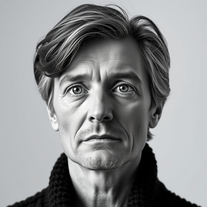 Transform any photo into cinematic black-and-white studio portraits.Open
 -
 Generate nostalgic 90s-style analog photos of yourself.Open
 -
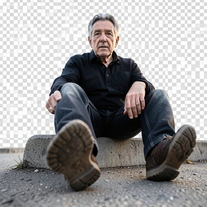
 Create epic, awe-inspiring images from ground-level perspective.OpenChanged the prompt to improve results.
 -
 Creates surreal, liquefying visuals where reality loses its shape.OpenChanged the prompt to improve results.
 -
Changed the prompt to improve results.
-
 Transform any description into stunning professional headshots using AI.Open
 -
Does an impressively good job even without prompts.
-
 Your virtual Photoshop guru, guiding you in digital art with humor and expertise.Open









































Post





