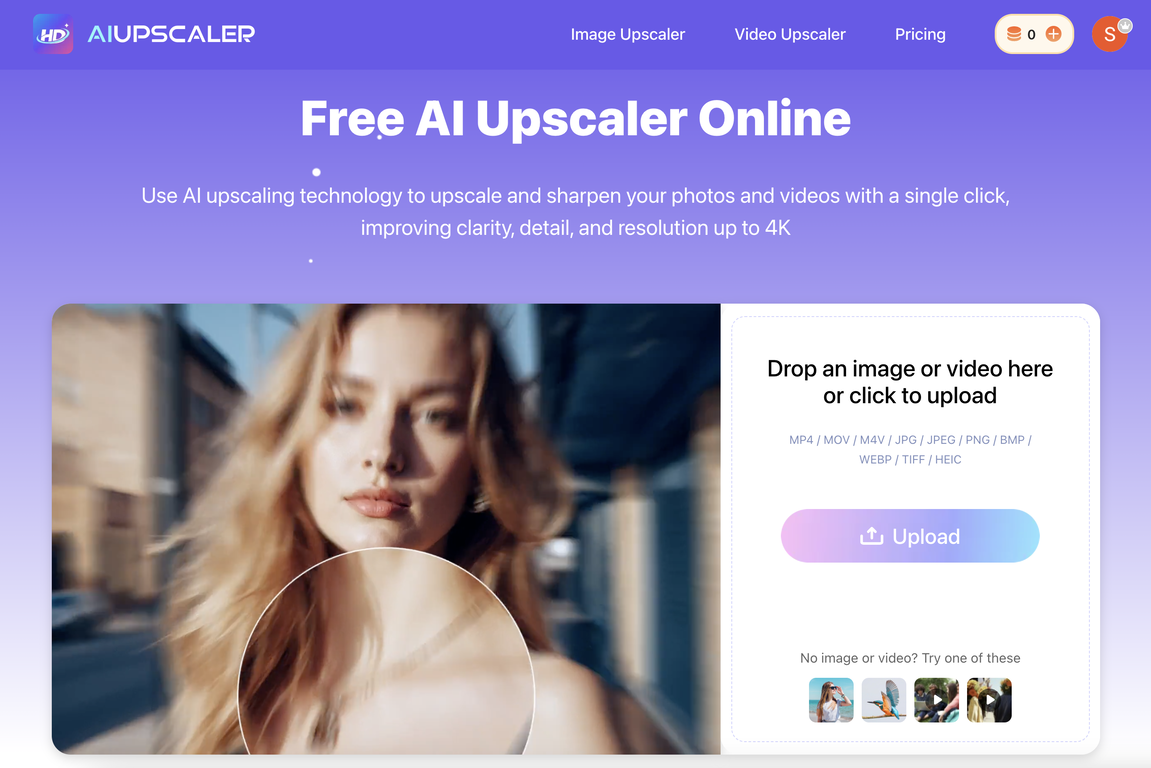
How does the AI Upscaler work?
AI Upscaler uses advanced AI upscaling technology to instantaneously upscale low-quality images and videos. This upscaling process focuses on removing blur, reducing noise, and restoring texture in images, while for videos it emphasizes on enhancing quality, clarity, and detail and maintaining smooth motion. Images and videos can be enhanced swiftly with a single click, eliminating the need for any manual editing tasks.
Which types of files are supported by AI Upscaler?
AI Upscaler supports a wide range of file types. For images, it accommodates JPG, PNG, and WebP files, while for videos, it can process MP4, MOV, and M4V files.
How does AI Upscaler enhance the quality of videos?
AI Upscaler enhance the quality of videos by employing its advanced AI technology, which focuses on increasing quality, clarity, and detail in videos. Additionally, it also maintains smooth motion throughout the video. The technology allows for frame-by-frame video upscaling targeting low-resolution videos to be converted to 4K quality.
Can I use AI Upscaler to enhance images?
Yes, AI Upscaler can be effectively used to enhance images. The upscaling process of the AI technology focuses on eliminating blurring, reducing noise, and restoring texture in images, thus providing a seamless image enhancement.
Is there an option to download enhanced images in high quality?
Yes, AI Upscaler gives users the option to download the enhanced images in high quality. This feature ensures that the upscaled and improved visuals are available for use without any compromise on quality.
How does AI Upscaler maintain user privacy?
AI Upscaler maintains high standards of user privacy. It ensures that all uploaded files are put through strict security processing and the user's information is always protected.
How does AI Upscaler process security data?
AI Upscaler exercises rigorous security processing for all uploaded files. This means the AI-upscaled visuals, whether images or videos, go through strict data processing and management measures in order to keep user data secure.
Does AI Upscaler offer any premium features?
Yes, AI Upscaler does offer premium features. Apart from its available free usage, the tool offers PRO subscriptions which unlock additional benefits for the user.
Can I use AI Upscaler without installing any software?
Yes, AI Upscaler is a browser-based tool that requires zero software installation. Users can directly enhance images and videos from their browser, making the tool user-friendly and accessible.
Who are the users of the AI Upscaler?
The users of AI Upscaler range from social media creators to professional photographers. They opt for this tool to enhance their visual content owing to the advanced AI technology that it leverages to improve the quality of images and videos.
Can AI Upscaler convert low-resolution videos to 4K?
Yes, AI Upscaler has the capability to convert low-resolution videos to 4K quality. Its advanced AI technology enables frame-by-frame upscaling, thus aiming to enhance the clarity, quality, and detail of the videos.
How does the AI Upscaler eliminate the need for manual editing tasks?
AI Upscaler utilizes AI technology to eliminate the need for manual editing tasks. Its one-click editing capability makes the process straightforward and effortless. Tasks such as blurring, masking or cropping are handled by the AI seamlessly, providing blur-free, noise-free images restoring their texture and enhancing quality, clarity, and detail in videos.
Does AI Upscaler work for social media content?
Yes, AI Upscaler is a great tool for enhancing social media content. Social media creators vouch for the quality improvement brought forth by AI Upscaler in their visual content, thus making their posts look more professional and engaging.
Can AI Upscaler be used by professional photographers?
Yes, AI Upscaler can be used by professional photographers. They can avail the benefits of AI technology to enhance their photos, resulting in sharper, higher resolution, clearer images, with restored textures and eliminated blur or noise.
What benefits can be unlocked with a PRO subscription of AI Upscaler?
A PRO subscription of AI Upscaler unlocks further additional benefits for the user. Detailed specifics of these additional features are not overtly mentioned, however, the subscription aims to offer more than the available free usage.
Can AI Upscaler enhance video quality while maintaining smooth motion?
Yes, AI Upscaler is designed to enhance video quality while maintaining smooth motion. This is thanks to its advanced AI technology which focuses on maintaining the natural movement of the subjects in the videos while improving their quality, clarity, and detail.
Why choose AI Upscaler for upscaling images?
AI Upscaler should be chosen for upscaling images owing to its advanced AI technology which allows for seamless image enhancement. It eliminates blur, reduces noise and restores texture in images. Furthermore, it offers high quality download options and the entire process is completed with just one click.
Does AI Upscaler offer free usage?
Yes, AI Upscaler offers free usage. Users can upscale and enhance the quality of their images and videos for free. Additionally, they also have the option to opt for a PRO subscription to unlock more features and benefits.
How does AI Upscaler improve upon blurry or noisy images?
AI Upscaler improves upon blurry or noisy images through its advanced AI upscaling technology. It seamlessly eliminates blur and reduces noise in images while restoring their texture. This process results in clearer, sharper and higher resolution images.
What is the AI Upscaler?
AI Upscaler is an online tool that uses advanced AI technology to enhance the quality of both images and videos. It's designed to produce sharper details, higher resolutions, and clearer visuals with a simplified user experience.
How does the AI Upscaler work?
AI Upscaler works by utilizing AI technology to upscale images and videos with one click. It automates the enhancement process, eliminating manual tasks such as blurring, masking, or cropping. It ensures a seamless improvement of images, delivering visuals free of blurring or noise and restoring texture. For videos, it provides frame-by-frame upscaling, maintaining smooth motion while converting low-resolution videos to 4K quality.
What types of files does the AI Upscaler support?
AI Upscaler supports a wide array of file types. For images, it is compatible with JPG, PNG, WebP and for videos it supports MP4, MOV, M4V formats.
Can the AI Upscaler enhance both images and videos?
Yes, AI Upscaler can enhance both images and videos. It improves image quality by upscaling and restoring texture, while it increases video quality, clarity, detail, and converts low-resolution videos to 4K.
What resolutions can the AI Upscaler output?
The AI Upscaler can output videos in HD and 4K resolution. It has the capability to convert low-resolution images and videos to exceptionally high-definition visuals.
Does the AI Upscaler require any software installation?
No, AI Upscaler operates entirely in the browser and does not require any software installation. This makes it easily accessible and user-friendly.
Can I download images in high quality after upscaling with the AI Upscaler?
Yes, you can download images in high quality after upscaling with the AI Upscaler. This is one of the features of the tool designed to ensure the best possible outcome for upscaling visuals.
How does the AI Upscaler maintain smooth motion in videos?
AI Upscaler maintains smooth motion in videos by applying its AI upscaling technology in a frame-by-frame manner. This detailed process aids in preserving the natural flow of the video while enhancing its clarity and detail.
What security measures are taken to protect my data on AI Upscaler?
AI Upscaler takes user security very seriously. All uploaded files go through rigorous security processing to ensure that user data is always protected. Privacy and data security are top priorities for the AI upscaling service.
Can I use the enhanced images and videos commercially?
Yes, you can use the images and videos enhanced by AI Upscaler for commercial purposes. This includes usage for digital marketing, social media posts, online stores, and other visual content for business.
What is the full range of file types compatible with the AI Upscaler?
AI Upscaler is highly compatible and supports a diverse array of file types. These include JPG, JPEG, PNG, BMP, WebP, TIFF, and HEIC for image files, as well as MP4, MOV, and M4V for video files.
How does the AI Upscaler fix blurry images while maintaining the original colors?
AI Upscaler enhances blurry images by employing AI technology that restores sharpness and clarity while removing blur and adding texture. It upholds the original colors of the image, avoiding alterations or distortions that could disrupt the image's natural look.
Does the AI Upscaler offer a PRO subscription for extra benefits?
Yes, in addition to free usage, AI Upscaler offers PRO subscriptions that unlock additional benefits such as higher limits for file upscaling and access to more advanced features.
Is there a limit to how many images or videos I can upscale with the AI Upscaler?
Yes, there is a limit. You can upload image files up to 20MB and video files up to 300MB and 10 minutes in length.
Does the AI Upscaler work directly from the browser?
Yes, AI Upscaler works directly from the browser, offering a user-friendly interface without requiring software installation.
Can the AI Upscaler enhance low-quality visuals without causing blur or noise?
Yes, AI Upscaler has been developed to enhance low-quality visuals without causing blur or noise. The AI technology instantly improves image quality, even restoring texture in the process.
How does the frame-by-frame upscaling of the AI Upscaler improve video quality?
The frame-by-frame upscaling of AI Upscaler works by individually enhancing each frame of a video, effectively increasing the overall quality and detail without disrupting the video’s smooth flow.
Can I use AI Upscaler if I'm a professional photographer?
Yes, professional photographers can use AI Upscaler to improve the quality of their images. It caters to a range of users including social media creators, professional photographers, and more.
How does the AI Upscaler facilitate conversion of low-resolution videos to 4K quality?
AI Upscaler uses advanced AI technology to upscale low-resolution videos to 4K quality. It enhances the clarity and detail of the visuals in a frame-by-frame manner and maintains smooth motion, providing an effective solution for improving video resolution.
What is the texture restoration feature of the AI Upscaler?
The texture restoration feature of AI Upscaler refers to its ability to restore the texture in images. This enhances the image's sharpness and overall result of the upscaling process, giving enhanced visuals a more refined and polished finish.