Go to section
Sponsor
 Flow - 4x faster than typing
🎤 Dictation
Flow - 4x faster than typing
🎤 Dictation
The front page of AI.Used by 90M+ humans.

TAAFT Tutorial
Generate image
Tasks
Generate text
Free mode
Trending
Leaderboard
Characters
 Mini tools
New
Featured
Lists
Agents
Requests
Jobs
Map
Newsletter
Starter pack
Free tools
Speech to text
Text translator
Remove background
Settings
Edit profile
My tools
Gallery
Dashboard
Inbox
Get featured
Contact TAAFT
For you
Popular
Job impact index
Most saved
Affiliate program
Submit AI tool
Notification preferences
Glossary
Home
Timeline
My profile
Create tool
Deals
Companies
Models
Robots
Papers
Fundraises
Repositories
Devices
Organizations
Events
Prompt Pack
Merchendise
APIs
Features
Tools
Countries
Collections
Videos
Mini tools
New
Featured
Lists
Agents
Requests
Jobs
Map
Newsletter
Starter pack
Free tools
Speech to text
Text translator
Remove background
Settings
Edit profile
My tools
Gallery
Dashboard
Inbox
Get featured
Contact TAAFT
For you
Popular
Job impact index
Most saved
Affiliate program
Submit AI tool
Notification preferences
Glossary
Home
Timeline
My profile
Create tool
Deals
Companies
Models
Robots
Papers
Fundraises
Repositories
Devices
Organizations
Events
Prompt Pack
Merchendise
APIs
Features
Tools
Countries
Collections
Videos
Mini tools
New
Featured
Lists
Agents
Requests
Jobs
Map
Newsletter
Starter pack
Free tools
Speech to text
Text translator
Remove background
Settings
Edit profile
My tools
Gallery
Dashboard
Inbox
Get featured
Contact TAAFT
For you
Popular
Job impact index
Most saved
Affiliate program
Submit AI tool
Notification preferences
Glossary
Home
Timeline
My profile
Create tool
Deals
Companies
Models
Robots
Papers
Fundraises
Repositories
Devices
Organizations
Events
Prompt Pack
Merchendise
APIs
Features
Tools
Countries
Collections
Videos

▼ Latest
Professional image editing
Free mode
100% free
Freemium
Free Trial
Featured matches
-
-
-
-
 Turn property photos into scroll-stopping videos that sell homes faster.Open
-
-
-
-
-
-
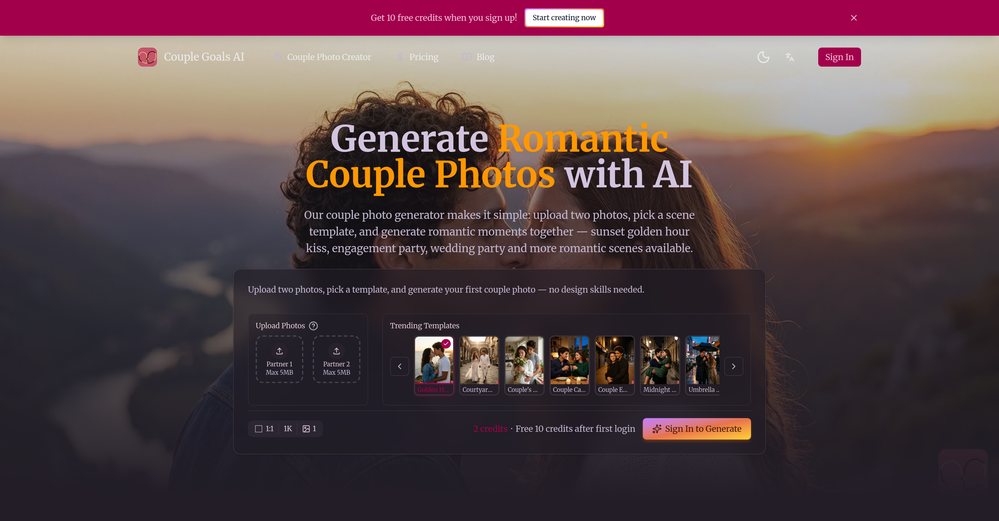
 Ramuntcho FerberJun 22, 2026@AI CouplePhoto.comI really love the result. Thank you!







Verified tools
- SponsorFlow - 4x faster than typing🎤 Dictation
-
Vireel offers the best realistic ai image to video and ai text to video tools. Incredible no watermark quality!
-
They offer a wide range of options, including Corporate, Festive, and Pet themes. The platform is incredibly user-friendly, and each headshot features a thoughtfully curated color palette that complements the look, ensuring a polished and professional result.
-
⭐⭐⭐⭐⭐ Great AI Presentation Tool! I really liked the Brand PPT feature. It helped me create professional, on-brand presentation slides in under 60 seconds. The AI-generated content was well-structured, the design looked polished, and the editing process was simple. It has saved me a lot of time compared to creating presentations manually. Highly recommended for anyone who needs fast, professional-quality PowerPoint presentations.
-
I tried TheMultiverse.ai and was genuinely impressed — the headshots it generated look sharp, professional, and true to me. The editing options gave me just enough control without feeling overwhelming. I think it is more affordable than other ai headshot options out there.
-
👋 Hey, I'm the founder of Flowova! We built this because we were tired of spending hours dragging boxes in traditional flowchart tools. A few things you might not know: - Works with anything — text, images, PDFs, Word, PPT, Excel, even photos of whiteboard sketches - 40+ themes designed for presentations - Full Mermaid code support for developers Happy to answer any questions! 🚀
-
I'm absolutely blown away by the design quality of the presentations they look so vibrant and stylish. I was also pleasantly surprised that the AI asks lots of clarifying questions to make sure the final result is exactly what I wanted, not just something random. Vibes 🔥
-
Clean UI, multiple video models in one place, and fair credit refunds when generations fail. Nice that you can try it for free before committing.
-
Didn't really do the graphs that i thought it would do. Good for simple graphs, like for a presentation
-
I like it but sometimes it changes some features in somone
-
 Open
Open -
 Generate professional AI dating photos for 3x more matches.OpenHey, I'm Jacob. Indie developer, built a few AI products. My friend complained about no matches on Tinder. His photos were terrible - bad lighting, messy backgrounds, awkward angles. "Get better photos." "Photographers are expensive and it's weird doing a photoshoot for dating apps." He was right. What I built Spent 2 weeks building this with Stable Diffusion and Claude. Upload 10-15 photos, generates 80-180 dating photos in ~20 minutes. The tricky part: making them look real, not AI-generated. Most AI headshot tools optimize for LinkedIn. Dating photos need to feel natural. Optimized specifically for Tinder, Bumble & Hinge - each platform has different vibes. Added a "realness score" to filter out obvious AI stuff. Current issues - Hands are still weird sometimes - Some photos don't quite look like you - Background inconsistencies Tested with ~40 people. Most said it helped. Some photos were off. Why I'm posting Not sure if this is actually useful or just solving my friend's specific problem. If people care, I'll keep improving it. If not, learned a lot anyway. Link: https://datephotos.ai/
 -
 Enhance portraits with AI for stunning detailsOpen
 -
I have used for a while and I had a blast creating myself in all kinds of different places, shapes and weird situations. Yes you can use it to create professional pictures for your CV and political career but where's the fun in that?
-
 Get Realistic, Natural-Looking AI-Generated Professional Headshots in 2 Hours.OpenI never thought I’d be using an AI service for something like this, but I’m glad I did. The headshot looks like it was taken by a professional photographer, without the pain.
 -
-
No constraints implememnted yet. Work in progress, a lot can still be done on quality and constraint
-
 Open
Open -
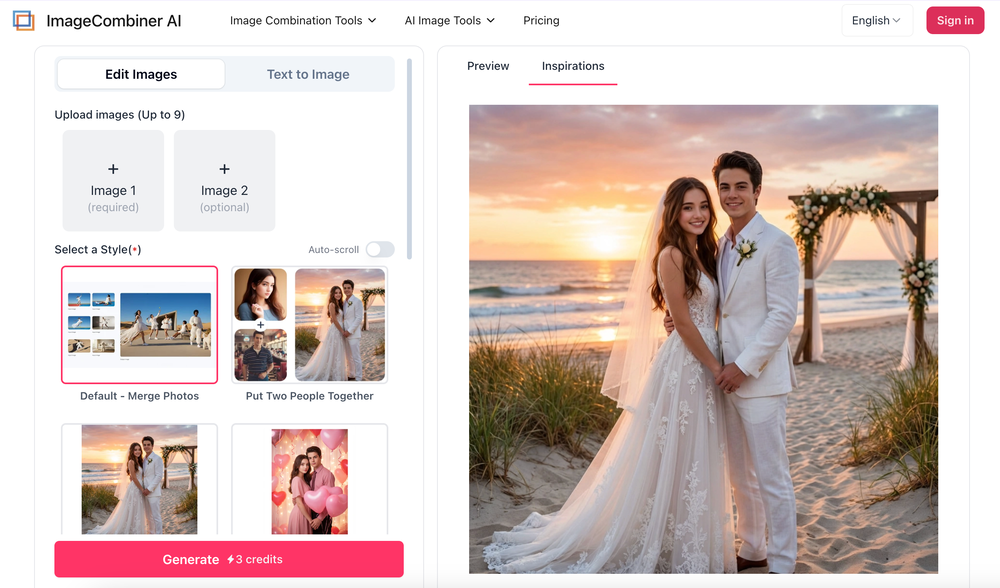
I’ve been using Image Combiner for quick image blending tests, and it does exactly what I need without making the workflow complicated. The interface is clean, uploads are simple, and the generated combinations are useful enough to iterate on quickly.
-
 Transform any image into stunning AI-enhanced visuals.OpenIt can generate any image I want freely, it's amazing!
 -
Superior generation quality and a strategic game-changer for fashion brand content creation
-
 Open
Open -
 Turn architectural sketches into photorealistic renders in seconds.Open
 -
Klayn looks really solid — simple to use, clean interface, and genuinely useful. It saves a lot of time on tasks that would normally take way longer. Definitely a tool worth trying!
-
 Open
Open -
I tried using stuvio, but honestly the experience was disappointing. The platform looks promising at first, but many features feel unfinished and confusing. The interface is not very user-friendly, and it takes a lot of time to understand how things actually work.
-
 Transform casual selfies into studio-quality business headshots instantly.Open
 -
-
It's a pity I got a red line saying there is an error Actually, after a while, I got an email with the presentation So it was created, delivery was average I'd say, I didn't use it
-
Just paste content in, layout will automatically be desigend
-
-
-
The workflow is straightforward, the output quality is clean, and it’s especially useful for marketing videos, product demos, and social media content. Overall, it’s a solid AI video generator that saves a lot of time. Highly recommended.
-
 Open4K resolution is one of its major advantages in the relevant field.
 -
-
 Open
Open -
I dont see eny progect! after promt saying "image" is done and.. thats it> nothing.
-
Well, it did give me an insanely good image, but you only get one free trial, i.e, generate one image for free. And the model is costly for someone who wants free AI tools. But it does the job if you're willing to pay.
-
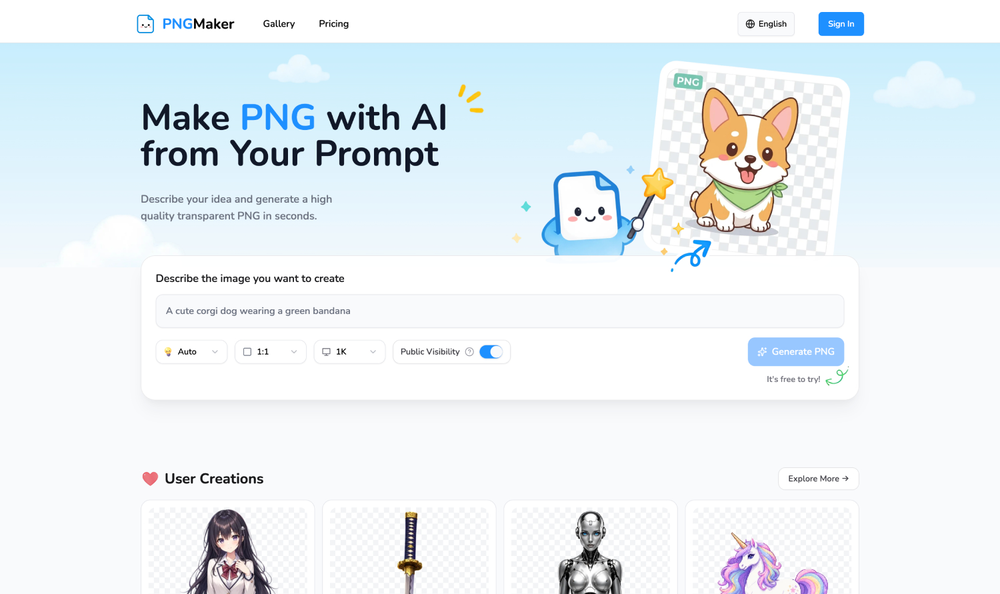
 Remove backgrounds from images with AI in seconds.Open
 -
I used it to generate several Christmas-related videos, and the results were excellent. It’s a really great product and definitely worth trying.
-
 Generate professional headshots with AI templates.Openideal for LinkedIn, CVs, social media
 -
Tool is useless for anything that even hints at being mature. Not even swimsuits or cleavage pics. Much less nudity. Worthless, puritanical garbage. Don't bother.
-
-
Hey everyone 👋 I’m excited to introduce VidFab, an AI-powered tool that turns text and images into cinematic videos in seconds. We built VidFab to help creators and startups make beautiful videos without complex editing or long render times. Just type an idea — and our AI brings it to life. I’d love to hear your feedback and ideas for what features you’d like to see next. Your thoughts really help us shape the future of VidFab!
-
Thank you for your feedback. I want to clarify: Nano Banana (the free version) remains free. What's new: Nano Banana Pro — A new premium option we added with higher resolution (4K) and advanced features (requires subscription) The free version is still available on the homepage under the "Nano Banana" tab. You can use it for free. We added Pro as an optional upgrade for users who want higher quality outputs. I hope this clears things up, and thank you for using our service!
-
-
Realistic couple photo merge and creative generation!
-
 Turn photos into realistic AI kissing videos instantly.Open
 -
create a background for a website
-
 OpenThe features are incredibly comprehensive. I really love it — the AI videos I created got a ton of praise when I shared them. Likes galore!
 -
 OpenHere's the rundown. If you thought image editing like Photoshop or Affinity Photo, you were wrong. It's 100% insert a photo and put a filter over it or change it into another AI image. Signing up for an account gets you 4 credits. Enough for one image to image generation. Instead, you should go to aistudio.google.com. This Dreamega site is just using google to generate their stuff anyways. You can do this yourself without paying per generation, the only difference is you need to type the prompt yourself. Is it worth paying some overblown monthly subscription on Dreamega for something you can do yourself or something you'll probably only do once?
 -
A very clean website — simple, clear, and fast to generate results.
-
Amazing and very fast. 300 free credits a month is actually generous. Recommended!
-
pretty clean tool, i tried a couple product images fast and the controls make sense. model picks, image-to-image and quick batch runs are handy for ad shots or thumbnails. the free tier is tiny at 2 credits, so it's more of a taste test than real use.
-
"CrePal integrates all the top-performing models on the market and automatically crafts the best-formatted prompts for each of them. All I need to do is chat with it, and I can create a viral TikTok short—absolutely amazing!
-
I was able to generate great quality of photos. Photo quality is just amazing.



















































































































Other tools
-
-
I enjoy testing new AIs for images and see what's new. This one has potential. It still messed up some features when I asked for people, but it's pretty consistent overall
-
The tool is powerful, combining multiple AI modes and features. It can enhance images with just one click, colorize black-and-white photos, and remove watermarks effortlessly.
- Didn't find the AI you were looking for?
-
 Create consistent character videos from AI images.Open
 -
-
 Create professional business portraits from selfies with AIOpen
 -
 Your professional identity, perfectly framedOpenI think this tool is amazing, great job
 -
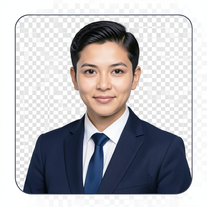 AI-powered corporate portrait generator for ultra-realistic executive headshots.Open
 -
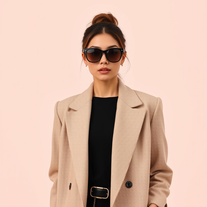 Open
Open -
 Transform your vision into stunning futuristic realities.Open
 -
 Transform portraits into cinematic window masterpieces.Open
 -
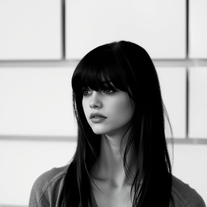 Transform colorful photos into stunning black-and-white masterpieces.Open
 -
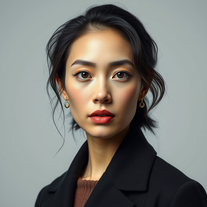 Transform your photos into stunning hyper-realistic studio portraits.Open
 -
 Transform photos into stunning, business-ready portraits.Open
 -
 Transform any photo into a giant parade balloon.Open
 -
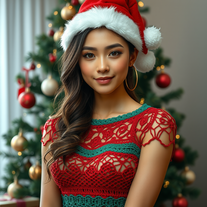 Transform photos into cinematic Christmas portraits.Open
 -
 Transform photos into ultra-realistic studio portraits.Open
 -
 Open
Open -
 Transform photos into luxury fashion portraits.OpenHey Zeynep! I tried it, and it worked fine for me. Could you please give it another try?
 -
 Transform photos into cinematic Funko-Pop portraits.Open
 -
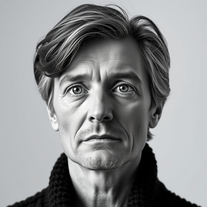 Transform any photo into cinematic black-and-white studio portraits.Open
 -
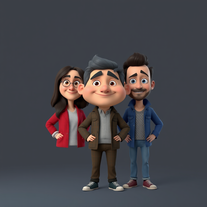 OpenI really appreciate you trying out my tool! The best results come from simple prompts, so no need to overthink it. Follow me, leave a comment with your thoughts or requests, and let’s keep building new tools together. Also, check out the other tools I’ve created—you might find one you really enjoy!
 -
 Opengreat alternative to the one and only Leonardo, great job!