Go to section
Spotlight SureThing.io - "OpenClaw" for BeginnersTask automation
The front page of AI.Used by 90M+ humans.

TAAFT Tutorial
Generate image
Tasks
Generate text
Free mode
Trending
Leaderboard
Characters
 Mini tools
New
Featured
Lists
Agents
Requests
Jobs
Map
Newsletter
Starter pack
Free tools
Speech to text
Text translator
Remove background
Settings
Edit profile
My tools
Gallery
Dashboard
Inbox
Get featured
Contact TAAFT
For you
Popular
Job impact index
Most saved
Affiliate program
Submit AI tool
Notification preferences
Glossary
Home
Timeline
My profile
Create tool
Deals
Companies
Models
Robots
Papers
Fundraises
Repositories
Devices
Organizations
Events
Prompt Pack
Merchendise
APIs
Features
Tools
Countries
Collections
Videos
Mini tools
New
Featured
Lists
Agents
Requests
Jobs
Map
Newsletter
Starter pack
Free tools
Speech to text
Text translator
Remove background
Settings
Edit profile
My tools
Gallery
Dashboard
Inbox
Get featured
Contact TAAFT
For you
Popular
Job impact index
Most saved
Affiliate program
Submit AI tool
Notification preferences
Glossary
Home
Timeline
My profile
Create tool
Deals
Companies
Models
Robots
Papers
Fundraises
Repositories
Devices
Organizations
Events
Prompt Pack
Merchendise
APIs
Features
Tools
Countries
Collections
Videos
Mini tools
New
Featured
Lists
Agents
Requests
Jobs
Map
Newsletter
Starter pack
Free tools
Speech to text
Text translator
Remove background
Settings
Edit profile
My tools
Gallery
Dashboard
Inbox
Get featured
Contact TAAFT
For you
Popular
Job impact index
Most saved
Affiliate program
Submit AI tool
Notification preferences
Glossary
Home
Timeline
My profile
Create tool
Deals
Companies
Models
Robots
Papers
Fundraises
Repositories
Devices
Organizations
Events
Prompt Pack
Merchendise
APIs
Features
Tools
Countries
Collections
Videos

▼ Popular
Prototyping tool
Free mode
100% free
Freemium
Free Trial
Featured matches
-
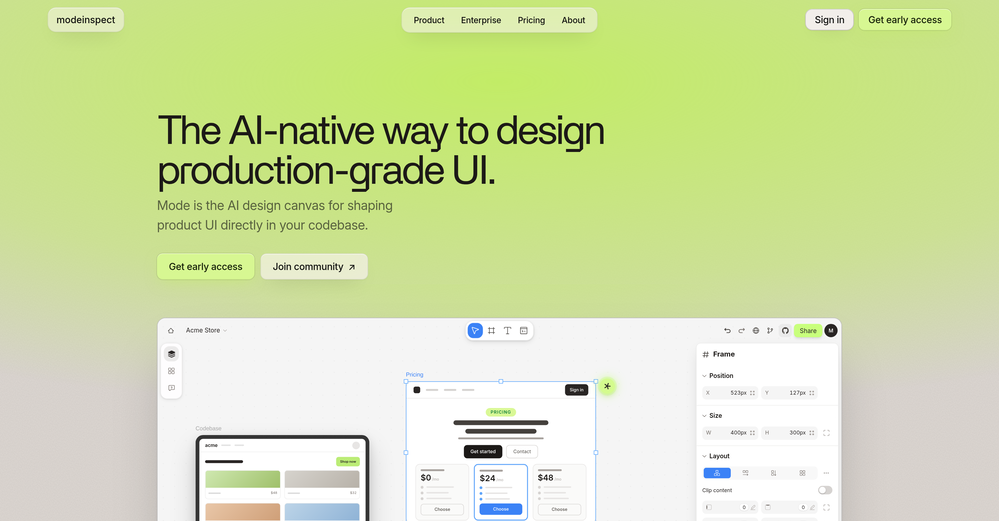
 Kolsi Adam🛠️ 3 tools 🙏 87 karmaFeb 24, 2026@AtomsMan, with the free models that we have web creation became so easy. But everyone had the same websites. I really like how different they look from others.
 -
-
-
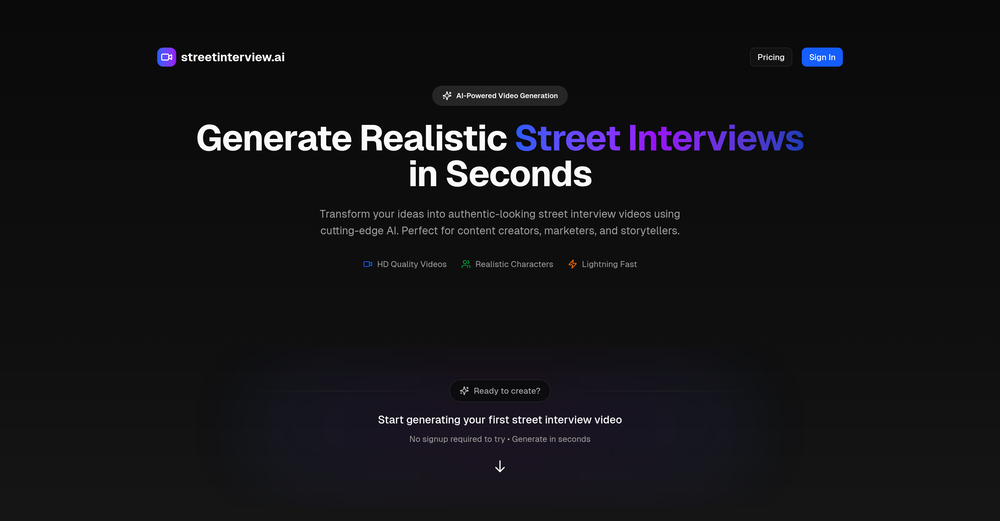 I’ve been an entrepreneur since my early 20s so I don’t often give low ratings even if I don’t like a product as it’s never my intention to potentially hurt a small company that’s just starting out but I’ve got to say that this is beyond worthless as a tool. The promise of street interviews Sounds like an excellent way to promote a product, but after paying you find out that it has a limitation of eight seconds. Barely enough time for an extremely simple question and a one sentence answer at best. It was only 10 bucks to find out but for this to be viable there needs to be an option to extend up to at least 20 or 30 seconds. I’d happily pay the 10 bucks for 1 32nd St. interview that could be solid for marketing than 5 videos of 8 seconds each that are just useless. Also, just a quick update. The first video I generated took maybe five minutes. The next two attempts are still processing after almost a half an hour. I think with something like this, it needs to be made much clearer that the interview is limited to eight seconds. But in my opinion, that’s besides the point as that kind of time limitation is just way too short for any kind of “interview”.





Other tools
-
Purely magic. It increases the productivity by a lot and the process is pretty addictive. I've been building websites like there's not tomorrow.
-
-
- SpotlightSureThing.io - "OpenClaw" for BeginnersTask automation
-
Whiteboard by Athena AI is a user-friendly, AI-powered tool that makes digital collaboration seamless. supports real-time brainstorming, and integrates easily with other apps—ideal for teams, educators, and remote learners alike.
-
it's actually kinda crazy. turned nothing (or lazy ideas) into tiny apps. and you can even tweak stuff. love that it's open source too. big ups to the dev. oh and it's really REALLY quick
-
Seems to work fine for me, maybe try and give it another chance :D
- Didn't find the AI you were looking for?
-
This is a simple, private, free tool that helps me unload my thought stack to decompose and solve any creative tasks. I love to use this app as an alternative to the official ChatGPT to conveniently apply my frequent prompts to the results of my brainstorming.
-
Uizard is so great for spinning out ideas and iterating. You can generate designs from text prompts as well as individual screens and themes. Also has a ton of other cool AI features like turning screenshots into editable designs and attention heatmaps. I suck at design so this is a game changer for me.
-
Seemed good, the concept of 'vibe coding' is reaaally cool, but I couldnt generate anything with this tool :(
-
I run a small online store and used to rely on stock photos for product mockups and promotional images. The problem was that they never quite fit what I needed. Either the lighting was off, the setting felt too generic, or I’d see the same image pop up on a dozen other websites. Editing them to match my brand took more time than it was worth. I started using Aux Machina a few weeks ago, and it’s completely changed my workflow. Instead of searching endlessly for something that’s *close enough*, I can just describe what I want—like a product sitting on a clean, minimalist desk with soft natural lighting, and get an image that actually fits. What’s even better is that I can refine the results instead of starting over from scratch. It’s been especially useful for seasonal promotions. For example, I needed holiday-themed images with a specific color palette to match my brand, and instead of settling for whatever stock sites had available, I generated exactly what I had in mind. The images look high-quality and professional, and I don’t have to worry about my competitors using the same ones. It’s saved me a ton of time, and the results feel a lot more unique and custom. I still use some stock images here and there, but for anything that needs to stand out, this has been a much better solution.
-
These are sooo cool, I love them, so many cute outfits I can create for Roblox
-
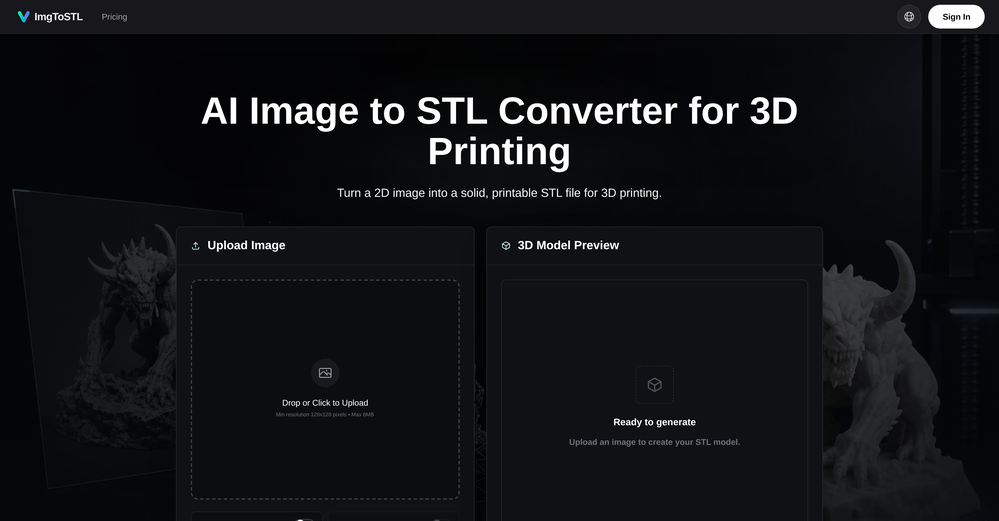
Just tried the tool and printed my first 3D model, and I’m honestly surprised by how good it came out. It was super easy to use, and the final print matched my reference image perfectly. Congrats to the Mimetic Labs team for building such a simple but super cool tool.
-
It missed my expectations, because I got smth completely different.
-
I didn't get how to use it. Please add a guide or instructions on how to use this AI
-
Really negative. Maybe my idea was terrible but I didn't get any constructive criticism.
-
It’s easy to plan and test app ideas and the AI helps a bit with coding. Some things could be smoother, but it works fine for simple projects.
-
Personally it was really helpful for my experiments and it supports the inline edits like figma.
-
Generating both Android and iOS while staying native is impressive.
-
 Open
Open -
 Transform game ideas into complete board game designs instantly.OpenDoes the job. Some ideas are actually fresh and got me thinking, others feel a bit generic, but as a quick spark it's not terrible.
 -
 Generate placeholder text for design mockups instantly.Open
 -
-
 Designing user interfaces for optimal user experiences.Open
 -
 Generates UUIDs, ULIDs, and NanoIDs on request.Open