Go to section
Sponsor
 Wispr Flow - Don’t type, just speak
🎤 Dictation
Wispr Flow - Don’t type, just speak
🎤 Dictation
The front page of AI.Used by 90M+ humans.

TAAFT Tutorial
Generate image
Tasks
Generate text
Free mode
Trending
Leaderboard
Characters
 Mini tools
New
Featured
Lists
Agents
Requests
Jobs
Map
Newsletter
Starter pack
Free tools
Speech to text
Text translator
Remove background
Settings
Edit profile
My tools
Gallery
Dashboard
Inbox
Get featured
Contact TAAFT
For you
Popular
Job impact index
Most saved
Affiliate program
Submit AI tool
Notification preferences
Glossary
Home
Timeline
My profile
Create tool
Deals
Companies
Models
Robots
Papers
Fundraises
Repositories
Devices
Organizations
Events
Prompt Pack
Merchendise
APIs
Features
Tools
Countries
Collections
Videos
Mini tools
New
Featured
Lists
Agents
Requests
Jobs
Map
Newsletter
Starter pack
Free tools
Speech to text
Text translator
Remove background
Settings
Edit profile
My tools
Gallery
Dashboard
Inbox
Get featured
Contact TAAFT
For you
Popular
Job impact index
Most saved
Affiliate program
Submit AI tool
Notification preferences
Glossary
Home
Timeline
My profile
Create tool
Deals
Companies
Models
Robots
Papers
Fundraises
Repositories
Devices
Organizations
Events
Prompt Pack
Merchendise
APIs
Features
Tools
Countries
Collections
Videos
Mini tools
New
Featured
Lists
Agents
Requests
Jobs
Map
Newsletter
Starter pack
Free tools
Speech to text
Text translator
Remove background
Settings
Edit profile
My tools
Gallery
Dashboard
Inbox
Get featured
Contact TAAFT
For you
Popular
Job impact index
Most saved
Affiliate program
Submit AI tool
Notification preferences
Glossary
Home
Timeline
My profile
Create tool
Deals
Companies
Models
Robots
Papers
Fundraises
Repositories
Devices
Organizations
Events
Prompt Pack
Merchendise
APIs
Features
Tools
Countries
Collections
Videos

▼ Latest
Realistic video generator
Free mode
100% free
Freemium
Free Trial
Featured matches
-
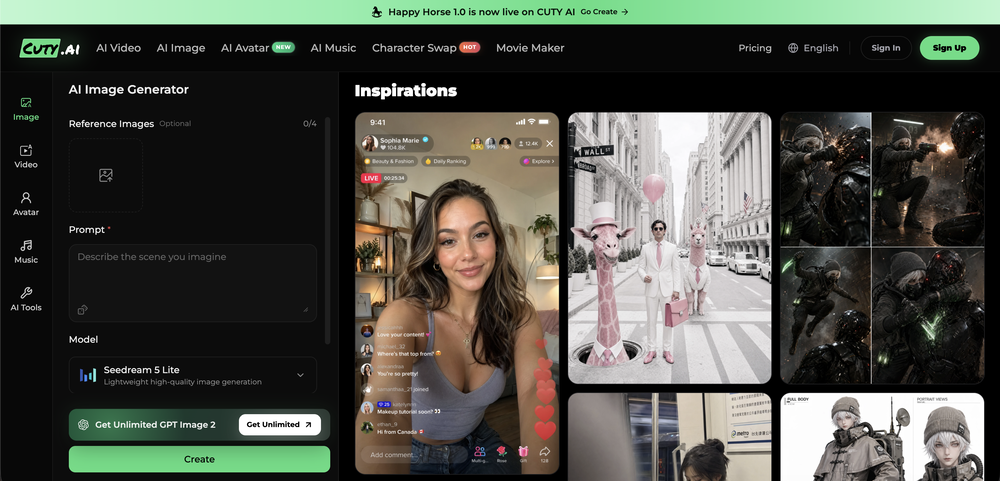
 Yasser Seleem🛠️ 1 tool 🙏 4 karmaMay 12, 2026@SodaMarketingVery good tool to create hyper realistic UGC ads and on-brand static ads
 -
-
 Open
Open
-
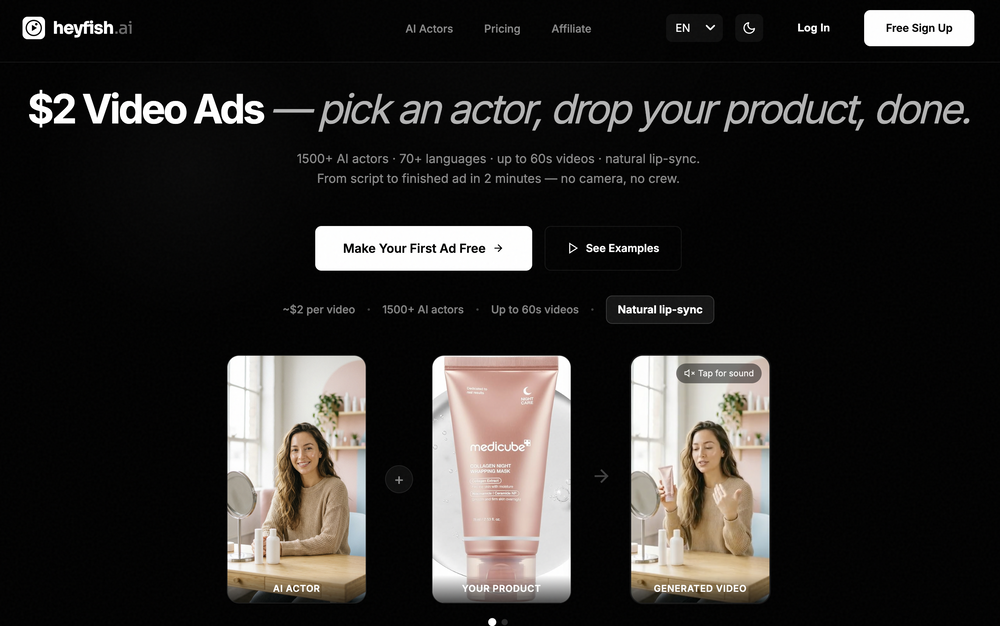
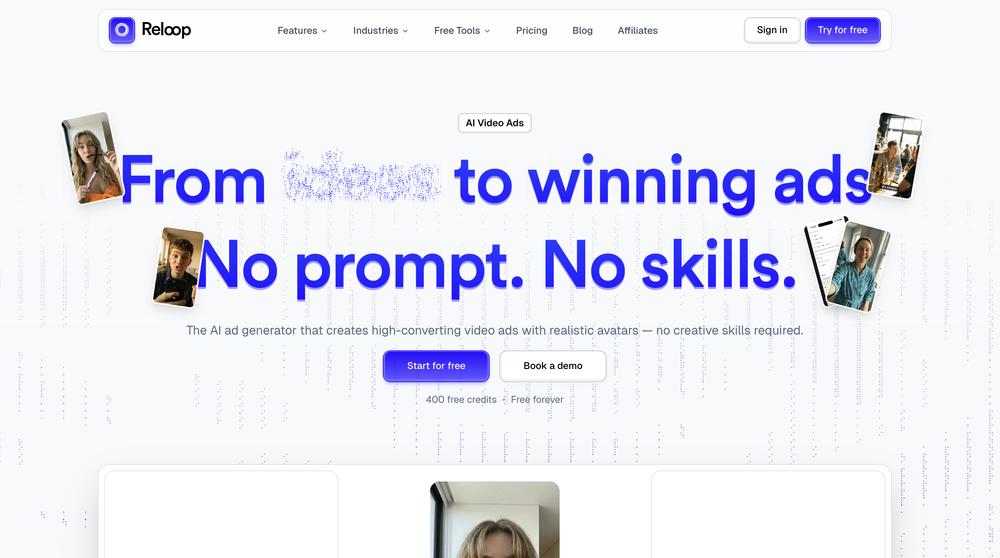 Reloop let's you create and edit ads in different kind of styles, whether you want to promote a product, a service or a tool, you can do it in 3 minutes, by having a convo with an agent. The output and ease of use is great!
 -
-
-
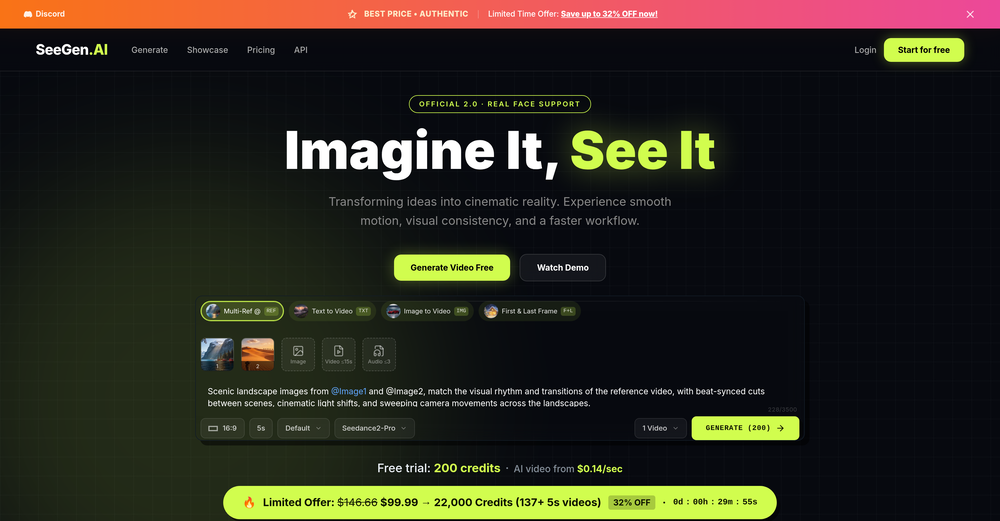 I tried testing Seedance 2.0 on several platforms, but most of them required a membership upgrade first — even Dreamina. SeeGen AI offers a free trial, and that’s the main reason I recommend it.
 -
 Open
Open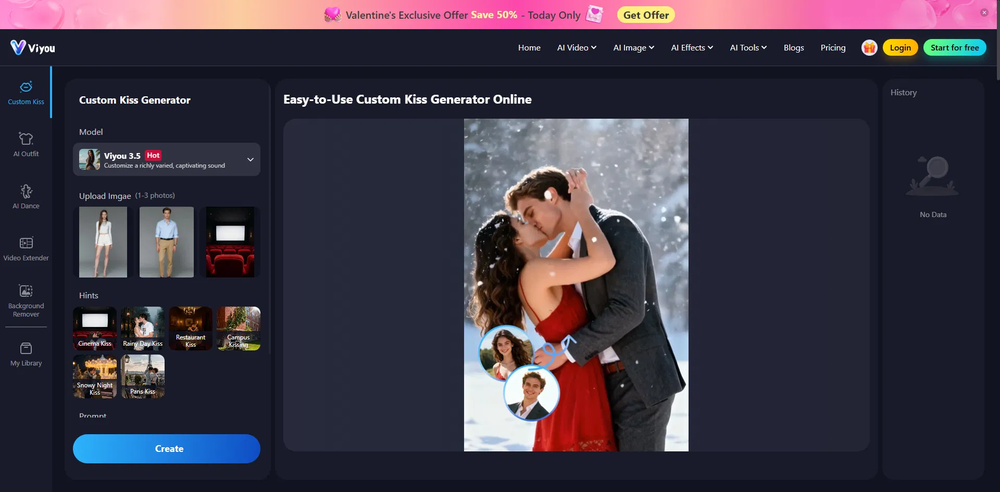 Honestly, the kissing effect on Viyou is remarkably fluid—way better than other AI tools I’ve tried. The preset scenes are a great touch and super fun to play with. My only tip? The default prompts could be a bit more polished to get even better details, but the results are already top-tier. Definitely worth checking out!
 -
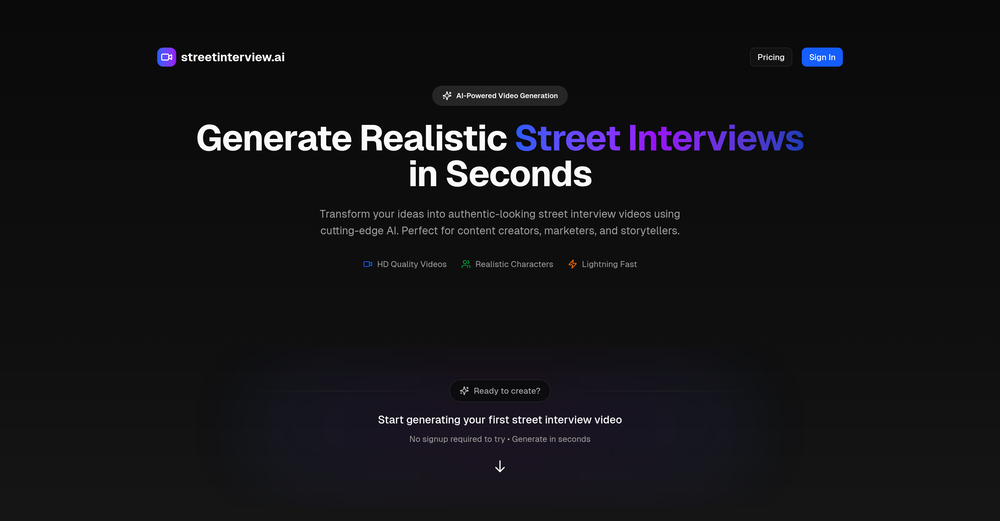 I’ve been an entrepreneur since my early 20s so I don’t often give low ratings even if I don’t like a product as it’s never my intention to potentially hurt a small company that’s just starting out but I’ve got to say that this is beyond worthless as a tool. The promise of street interviews Sounds like an excellent way to promote a product, but after paying you find out that it has a limitation of eight seconds. Barely enough time for an extremely simple question and a one sentence answer at best. It was only 10 bucks to find out but for this to be viable there needs to be an option to extend up to at least 20 or 30 seconds. I’d happily pay the 10 bucks for 1 32nd St. interview that could be solid for marketing than 5 videos of 8 seconds each that are just useless. Also, just a quick update. The first video I generated took maybe five minutes. The next two attempts are still processing after almost a half an hour. I think with something like this, it needs to be made much clearer that the interview is limited to eight seconds. But in my opinion, that’s besides the point as that kind of time limitation is just way too short for any kind of “interview”.
 -
 Open
Open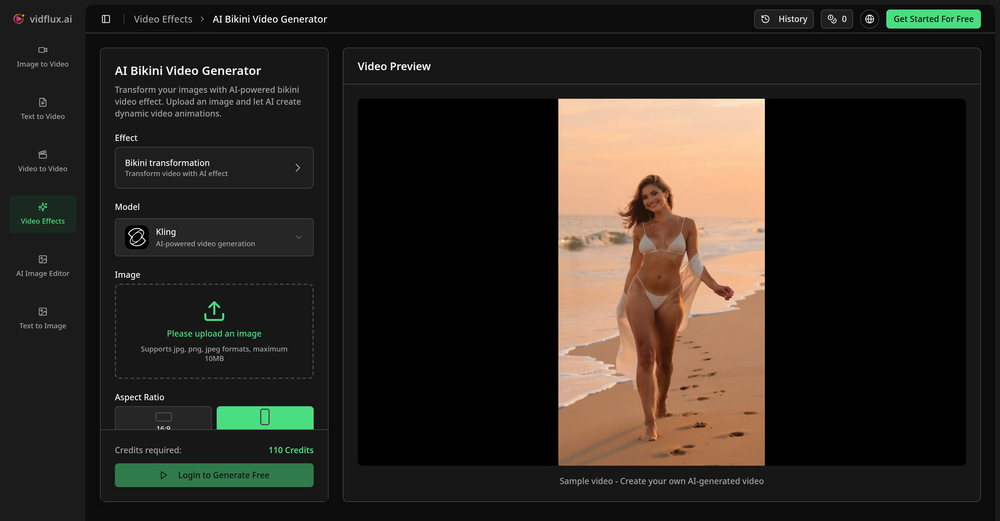 Tried it with one photo and was surprised how natural the video looked — lots of effects and models to play with too













Verified tools
-
🚀 AirMusic AI Music Video Generator v2.5 23% Lower Video Cost, Mobile Optimization, and Smarter Generation Control AirMusic AI Music Video Generator v2.5 focuses on making AI music video creation more affordable, easier to use, and more reliable across devices. This update reduces the credit cost of music video generation, improves the mobile creation experience, refines the song upload and video style selection flow, and fixes reported video stuttering issues. 📌 Summary · AI music video generation now costs 23% fewer credits for the same video duration · Mobile-optimized workflow for creating music videos from phones · Improved song upload experience · Smoother video style selection flow · Cancel & regenerate support for slow image or video generations · No credits charged for cancelled or failed tasks · Fixes for reported video stuttering issues · AirMusic also adds 25+ AI music styles, making it easier to create songs before turning them into videos 💰 AI Music Video Cost Reduced by 23% AirMusic v2.5 optimizes the AI music video generation pipeline. Creating a video of the same duration now requires 23% fewer credits. This helps users create more music videos with the same credit balance, especially when testing different scenes, video styles, or versions of the same song. For creators who regularly make music videos for YouTube, TikTok, Instagram Reels, Shorts, or music promotion, this lowers the cost of repeated production. 📱 Mobile-Optimized AI Music Video Creation The AI Music Video Generator is now better adapted for mobile devices. Users can upload songs, choose video styles, adjust settings, and start generation more comfortably from a phone. This is useful for creators who produce and publish short-form music content directly from mobile workflows. 🎵 Improved Song Upload Flow The song upload experience has been refined to reduce friction at the first step of video creation. Users can move from uploading a track to choosing a video style more smoothly, whether they are using an original song, a Suno-generated track, or music created with AirMusic’s AI Music Generator. 🎨 Better Video Style Selection AirMusic v2.5 improves the video style selection experience. Users can choose the visual direction of the music video more clearly before generation starts. This helps when creating different types of videos, such as storytelling MVs, singing avatar videos, dance videos, lyric-style visuals, or social media clips. ⚡ Cancel & Regenerate Without Losing Credits If image or video generation is too slow, users can now cancel and regenerate without extra credit loss. This gives creators more control when testing different prompts, models, scenes, and visual styles. Instead of waiting for a slow generation to finish, users can restart the task and continue iterating. Cancelled or failed tasks do not consume additional credits. 🎬 Fixes for Video Stuttering Issues Based on user feedback, AirMusic v2.5 fixes a small number of reported video stuttering issues. This improves playback smoothness and helps exported music videos feel more stable, especially for social media publishing and music promotion. 🎶 25+ Music Styles for Better Music-to-Video Workflows AirMusic v2.5 also expands the AI Music Generator with 25+ music styles, including Pop, R&B, K-Pop, Hip Hop, Trap, Lo-Fi, House, Synthwave, Rock, Reggaeton, Afrobeats, Country, Jazz, Classical, Cinematic, and more. This helps users create music in a clearer style direction before turning it into an AI-generated music video. 🎯 Best For · Suno and AI music creators who want to turn generated songs into music videos with lower credit cost · YouTube, TikTok, Instagram Reels, and Shorts creators who need a mobile-friendly workflow for music-based videos · Artists and indie musicians who want to create promotional music videos without manual editing · High-volume creators and agencies who need lower per-video cost for repeated content production · Users testing multiple video styles who want to cancel slow generations and regenerate without wasting credits · Creators who experienced video stuttering and need smoother playback in exported music videos
-
 Transform photos into cinematic videos with AI.OpenMultiple video models available, easy to try with free credits, and the results look good.
 - SponsorWispr Flow - Don’t type, just speak🎤 Dictation
-
 OpenHey, Zeeshaan here, co-founder of The Influencer AI. I genuinely hope this service enables people to do things that were not possible before. Our goal is to help anyone create pro-level visuals for all needs in minutes. Happy to answer any questions, and open to all feedback. Appreciate the community!
 -
 Turn photos into realistic AI kissing videos instantly.Open
 -
v03 ai is the only veo 3 videos generator supporting vertical videos for instagram, tiktok and other social media platforms, try it now!
-
 Boost your Performance in Video Calls through Authentic Eye Contact.OpenI'm using a 27" screen. with a pro logitec webcam. If it's mounted on top, it's way to high, if it's below the screen, it's way to low. I've also tried boom arms and other gadgets to put the cam in the middle of the screen, however, while it's a good temporary solution, it's blocking my screen and instead of looking at the person, i'm watching my cam... Casablanca is a great alternative and while it was glitchy at 1st, it is now stable and a great alternative that just works. Not sure why Google, Zoom and others haven't implemented this option OOTB. Way to go Casablanca!
 -
 Turn simple prompts into viral videos, stunning images, and realistic audio.Open
 -
 Transform images with AI-powered creative editing tools.Open
 -
 Open
Open -
Vocallab AI is honestly the easiest tool I’ve ever used. The interface is super simple and intuitive. Generations take less than 2 seconds. The quality is also incredible. The voices sound very realistic — almost like real people. You can even add emotions and details like coughs, laughs, sighs, and other subtle effects, which makes everything feel much more natural and alive. Highly recommend it to anyone working with content, videos, or voice projects.
-
-
I paid for the subscription and the video generation has failed. I found no way to access support and the site says no refunds allowed. Hoping to find some help on here with this and I revisit my review
-
 Transfer motion from videos to photos with AI.OpenHey guys, Zeeshaan here, co-founder of AI Motion Transfer. This tech allows AI videos to follow complex human movements, making ai video look more far more realistic than ever before. My goal is to create a simple interface for anyone to take advantage of this new model. Hope you enjoy the tool, and I'm open to all feedback.
 -
The workflow is straightforward, the output quality is clean, and it’s especially useful for marketing videos, product demos, and social media content. Overall, it’s a solid AI video generator that saves a lot of time. Highly recommended.
-
So cute! It's actually crazy how real the dance moves look. Highly recommend using high-quality photos for the best result.
-
-
 Create AI fashion model photos without photoshoots.Open
 -
Subsequent to my comment, I was able to login and spend the rest of the purchased credits. Currently, the daily check-in is under maintenance.
-
not that good it cant generate your prompt it can only generate custom prompt as saved by itself
-
OMG! One of the worst "terms of use" i have ever seen. Basicly They we own your a**. They have every right for your creations on their platform. They can use your creations as however, whenever, whereever they want. Plus if you make money from a creation from their platform, you will end up giving them. Because they are saying you cannot do anything commercially that you have created on their platform unless you made a special agreement on paper.
-
VideoWeb AI is an useful AI tool for my video creation. I like the video to video feature that I can create the anime video with my videos.
-
 Open
Open -
Amazing and very fast. 300 free credits a month is actually generous. Recommended!
-
it does only do one image per time i am looking for multiple images to video
-

































Other tools
-
The demo of this AI zagent is pretty stunning. The agent understand what I am saying zand is replying on the spot. Very interesting. The sky seems to be the limit. But how can a small company use this kind of tool in practice.
-
quick and the quality's nuts. tons of presets and styles to pick from, definitely one of those tools that makes you wanna keep testing more stuff.
-
Great tool! The most complete one if you want to create music video specifically.
-
it does not give you enough credits to use veo3 which it claim to .
-
 Create romantic kissing videos from images with AI.Open
 -
- Didn't find the AI you were looking for?
-
Easy to use. If you select Trump's voice, type Epsteen rather than Epstein. Pronunciation is perfect hehe.
-
-
Tried to make a video, but it just got canceled "there is no video" and took my free token. Maybe next time.
-
-
It's good for me to make my videos into different languages.
-
This is phenomenal. I demo it in my sessions all the time.
-
tried veo 3 today and it honestly feels like a sneak peek into the future. one short prompt and it gave me a crisp 4K video with perfect audio and cinematic camera moves. not flawless yet, but wow.
-
-
 Create stunning AI-generated videos from text prompts or images.Open
 -
Hi this is best teacher in Japan he is teach English every well. Every student like this teacher and he also loving with his students. But every time he is angry on his students because the students is very stofed.
-
 Create cinematic YouTube breakout visuals that conquer algorithms.Open
 -
 Create cinematic 8K scenes with perfect identity accuracy.Open
 -
 Creates ultra-realistic 8K cinematic library photographs.Open
 -
 Open
Open