Go to section
Sponsor
 Flow - 4x faster than typing
🎤 Dictation
Flow - 4x faster than typing
🎤 Dictation
The front page of AI.Used by 90M+ humans.

TAAFT Tutorial
Generate image
Tasks
Generate text
Free mode
Trending
Leaderboard
Characters
 Mini tools
New
Featured
Lists
Agents
Requests
Jobs
Map
Newsletter
Starter pack
Free tools
Speech to text
Text translator
Remove background
Settings
Edit profile
My tools
Gallery
Dashboard
Inbox
Get featured
Contact TAAFT
For you
Popular
Job impact index
Most saved
Affiliate program
Submit AI tool
Notification preferences
Glossary
Home
Timeline
My profile
Create tool
Deals
Companies
Models
Robots
Papers
Fundraises
Repositories
Devices
Organizations
Events
Prompt Pack
Merchendise
APIs
Features
Tools
Countries
Collections
Videos
Mini tools
New
Featured
Lists
Agents
Requests
Jobs
Map
Newsletter
Starter pack
Free tools
Speech to text
Text translator
Remove background
Settings
Edit profile
My tools
Gallery
Dashboard
Inbox
Get featured
Contact TAAFT
For you
Popular
Job impact index
Most saved
Affiliate program
Submit AI tool
Notification preferences
Glossary
Home
Timeline
My profile
Create tool
Deals
Companies
Models
Robots
Papers
Fundraises
Repositories
Devices
Organizations
Events
Prompt Pack
Merchendise
APIs
Features
Tools
Countries
Collections
Videos
Mini tools
New
Featured
Lists
Agents
Requests
Jobs
Map
Newsletter
Starter pack
Free tools
Speech to text
Text translator
Remove background
Settings
Edit profile
My tools
Gallery
Dashboard
Inbox
Get featured
Contact TAAFT
For you
Popular
Job impact index
Most saved
Affiliate program
Submit AI tool
Notification preferences
Glossary
Home
Timeline
My profile
Create tool
Deals
Companies
Models
Robots
Papers
Fundraises
Repositories
Devices
Organizations
Events
Prompt Pack
Merchendise
APIs
Features
Tools
Countries
Collections
Videos

▼ Top rated
Screen shot generator
Free mode
100% free
Freemium
Free Trial
Featured matches
-

-
-
 Free landing page analyzer backed by a library of 500+ top-converting pages.Open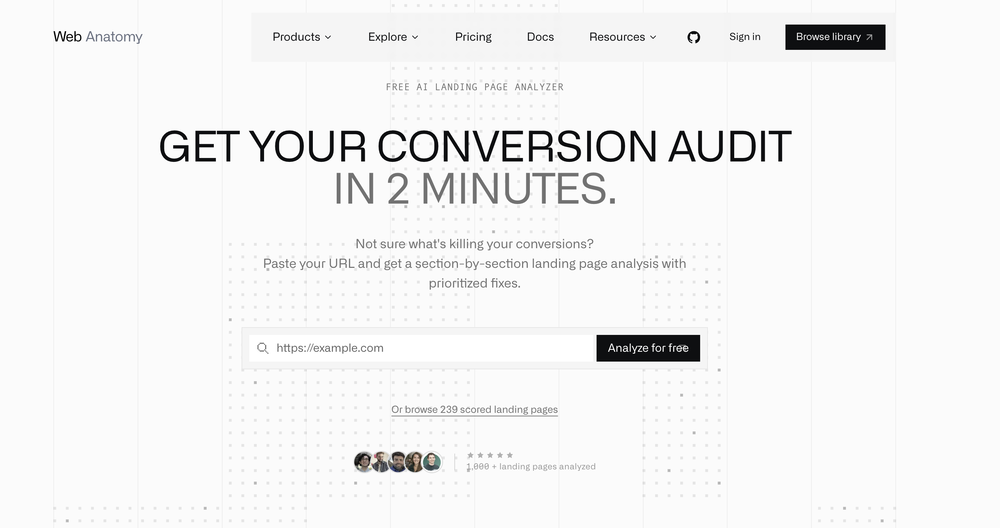
-
-
-
-
-






Other tools
-
Gowtham M🙏 10 karmaJan 8, 2026@BugasuraUsing @Bugasura has been a game-changer for our QA workflow. The AI automatically generates precise issue descriptions, assesses impact, and suggests assignments, cutting down bug logging time by more than half while keeping everything organized and collaborative across teams.
-
-
 Ultimate macOS AI tool for performing tasks on anything on your screen.OpenTried it several times and it really did make entries for me. Not quite fast, as i use Claude in browser. But when i use all of my Claude tokens i use it.
 - SponsorFlow - 4x faster than typing🎤 Dictation
-
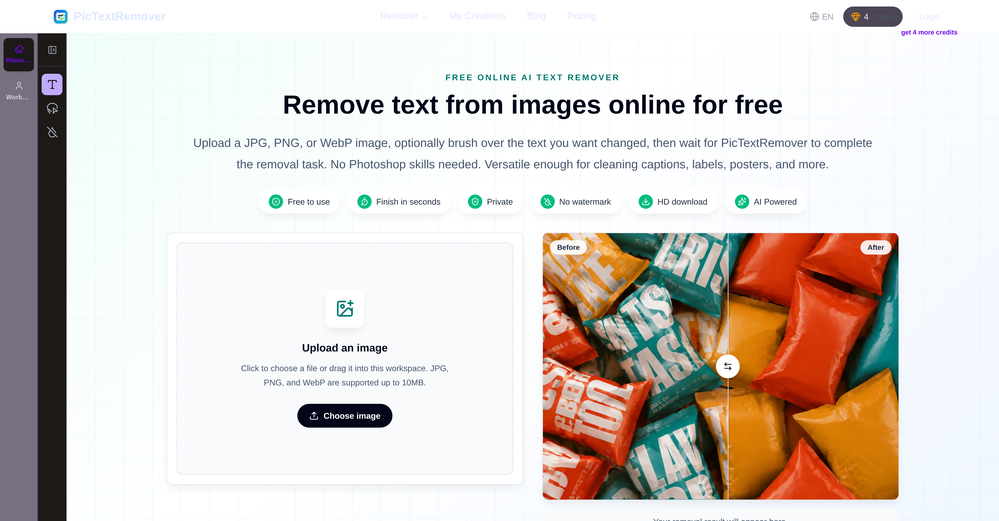
This is a text extraction service. Not image to text.
-
this very helpful and awesome so easy to use and user friendly
-
I was on their premium plan. 9 usd per month. Good features with alot of bugs and zero user support. I wrote them more than 10 support requests without even one reply. At last i lost control to my account and every try to login was unsuccessful because of an unknown error message. They didn't even help me to rectify the problem. 9 usd has been wasted .
-
Nice done, it is pretty convenient to talk to AI with screenshot
-
 AI insights to transform your landing page into a sales machine.Open
 -
- Didn't find the AI you were looking for?
-
 Open
Open -
Tried it out today. The speed is definitely the standout part. Pasting a Google Maps link and getting a usable website so quickly is impressive, especially for businesses that have no site at all. That said, it is more of a strong starting point than a finished website. The generated result looked clean, but I’d still want more control over layout, branding, sections, and finer edits before publishing. For some users that may be enough, but others will want deeper customization. Overall though, the idea solves a real problem: many small businesses delay getting online because websites feel expensive or complicated. If Wowable keeps improving the editing side while keeping the setup this simple, it has real potential.
-
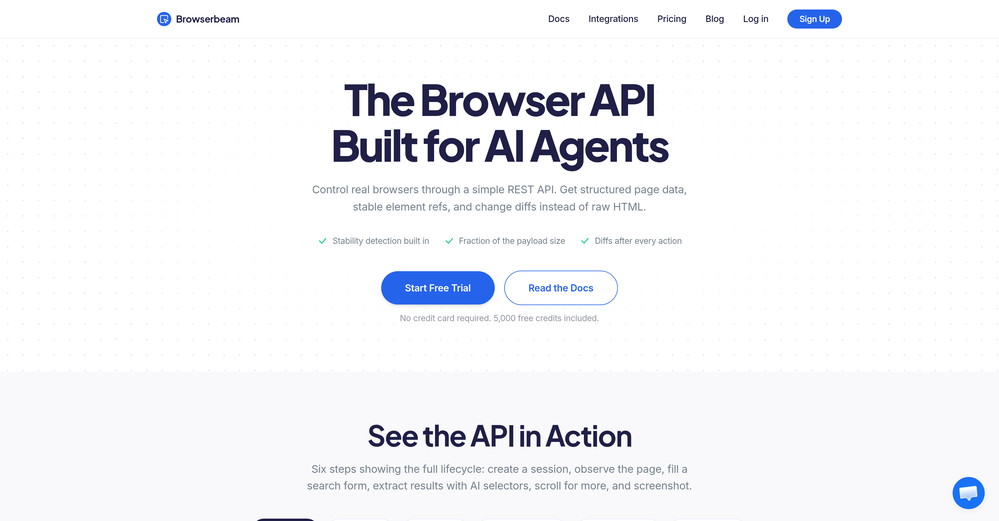
I have read their documentation, specifically the basics of how to get started and the test script commands. Surprisingly the commands are easy to read and understand. I may need to do a bit more exploring, I think I saw a blogpost that you can also use javascript with this tool like many other tools, so I'll check that out as well. But for now, this tool seems to be promising enough for QA Testers and Automation testers who want to work faster and more efficient.
-
 Instantly translate manga into 100+ languages with AI.OpenThis tool supports real-time comic translation on many websites, and can also support cross-platform progress synchronization of about 10 websites, which is very convenient!
 -
this job market is terrible and this app was the confidence I needed
-
It worked very good to upscale the image. But it upscaled the size as well from 1.63mb to 10.7mb.
-
Uizard is so great for spinning out ideas and iterating. You can generate designs from text prompts as well as individual screens and themes. Also has a ton of other cool AI features like turning screenshots into editable designs and attention heatmaps. I suck at design so this is a game changer for me.
-
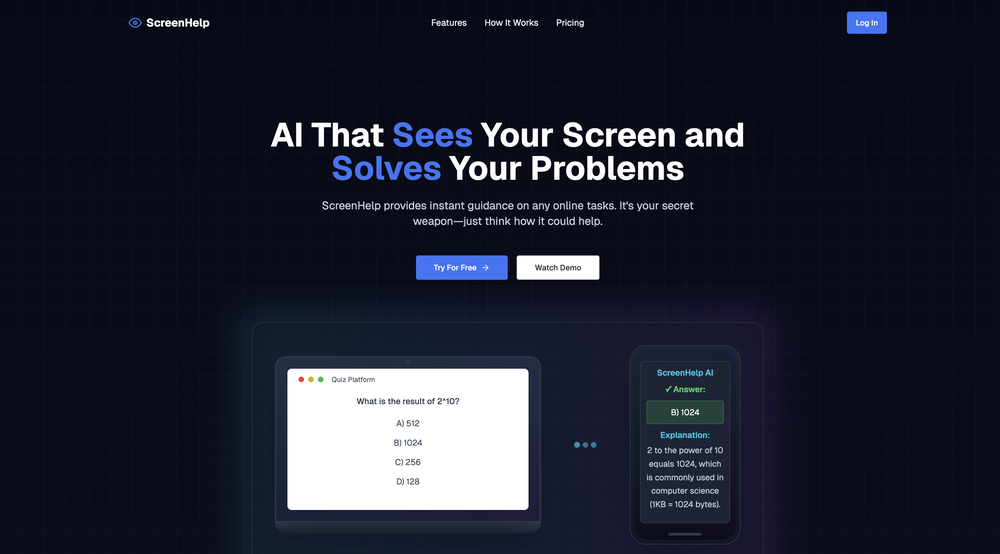
It just kept giving me all the wrong answers like wtf. might work for u but its not for me.. imma stick to gauth math instead