
 Mini tools
▼ Latest
Sculpture
Free mode
100% free
Freemium
Free Trial
Featured matches
-
 Victor Brodt🙏 31 karmaMar 7, 2024@RoughlyIt's kind of lame to promise the moon and deliver essentially nothing.


Verified tools
-
It is just a fantastic tool. Can't believe it's free. That's unfair.


Other tools
-
I love it! it's very cute and the results in my opinion are far better than the ones generated from DALLE and other text-to-image generation tools. The fee 8 USD for 50 credits is modest, and you can try the tool for free (with watermarks). Such cool idea for personalized gifts.
-
It generates high quality art pictures from photo. Strongly recommend.
- Sponsor
 Base44 Superagents-AI agent that does it all
 -
-
Litterally the worst AI art i've seen yet, takes forever and the quality is worse than ever
-
I get the idea, but if you are making image generator, that is so specific, it has to be really really good. But i like the idea, still, much to work on.
- Didn't find the AI you were looking for?
-
You can't even try it once but you can buy it for $100 a year or more. No I'll try it or leave it
-
Do not not buy ANYTHING from this site!!! Do not buy anything from this website. I purchased the lifetime membership and then about two weeks later they charged me for a year membership. I contacted my credit card company to dispute the charge and art space did not like this. They still have my money from the lifetime membership, but they have blocked my access to their website. I was a member of their group on Facebook and I decided to ask if other people had problems with their customer service and within eight hours, I have been removed from their group. Very untrustworthy business practices. All they want is your money and give you no customer service whatsoever and their image in generation is not that great either you can find other places that are free but are much better.
-
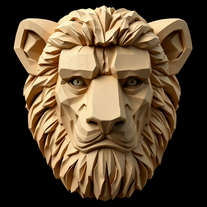 Open
Open -
 Transform ideas into dazzling AI mosaic sculptures.Open
 -
-
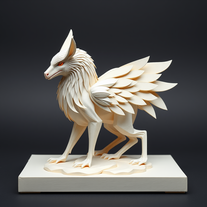 Transform subjects into stunning 3D paper art sculptures.Open
 -
 Transform subjects into whimsical dessert sculptures.Open
 -
 Transform prompts into swirling paper art masterpieces.Open
 -
Tried this tool to make a logo and a sculpture, and it got the details that I asked for right. Absolutely good to get an idea done quick
-
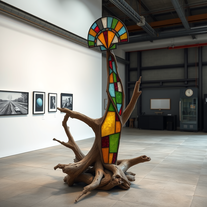 Turn concepts into surreal Dadaist sculptures.Open
 -
Didn't follow my prompt at all..did it's own thing,which was beautiful just not what I wanted.
-
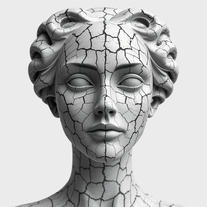
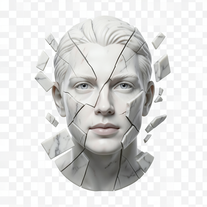 Transform portraits into fractured sculptural masterpieces.Open
 -
 OpenVideo editing is the process of selecting, trimming, and arranging footage to create a cohesive story or visual narrative. Here are some fundamental concepts and techniques: Types of Video Editing Linear editing: A straightforward, sequential approach to editing, where clips are arranged in a linear timeline. Non-linear editing: A more flexible approach, where clips can be arranged and rearranged freely in a timeline. Key Video Editing Techniques Cutting: A transition between two clips, where one clip ends and another begins. Cutting on action: Cutting between two clips while an action is in progress, to create a seamless transition. J-cut: Cutting from one clip to another while audio from the second clip starts playing before the video cuts to it. L-cut: Cutting from one clip to another while audio from the first clip continues to play. Video Editing Software Popular video editing software includes: Adobe Premiere Pro: A professional-level editing software with advanced features and integration with other Adobe tools. Final Cut Pro: A professional-level editing software for Mac users, known for its user-friendly interface and advanced features. DaVinci Resolve: A free and paid editing software that offers advanced color grading and audio editing tools. Best Practices for Video Editing Plan your edit: Develop a clear vision and storyboard before starting to edit. Organize your footage: Label and categorize your clips to make them easily accessible. Keep it simple: Avoid overusing transitions and effects; focus on telling a clear story. Advanced Video Editing Techniques Color grading: Adjusting the color and brightness of footage to create a specific mood or atmosphere. Audio ducking: Automatically reducing the volume of background audio when dialogue is present. Motion graphics: Adding animated text, logos, or other graphics to enhance the visual narrative. Video editing involves selecting, trimming, and arranging footage to create a cohesive story. Linear and non-linear editing are two fundamental approaches. Key techniques include cutting, cutting on action, J-cuts, and L-cuts. Popular software includes Adobe Premiere Pro, Final Cut Pro, and DaVinci Resolve. Best practices involve planning, organizing footage, and keeping it simple. Advanced techniques include color grading, audio ducking, and motion graphics. Capcat pro Capcat pro Download image-to-image-generator generated imagetransparent pixel Image to Image Generator Image to Image Generator Download image-to-image-generator generated imagetransparent pixel Image to Image Generator Image to Image Generator Download image-to-image-generator generated imagetransparent pixel Image to Image Generator Image to Image Generator Download image-to-image-generator generated imagetransparent pixel Image to Image Generator Image to Image Generator Download image-to-image-generator generated imagetransparent pixel Image to Image Generator Image to Image Generator Download image-to-image-generator generated imagetransparent pixel Image to Image Generator Image to Image Generator Download image-generator generated imagetransparent pixel Image Generator Image Generator Copy Video Editing Basics Video editing is the process of selecting, trimming, and arranging footage to create a cohesive story or visual narrative. Here are some fundamental concepts and techniques: Types of Video Editing Linear editing: A straightforward, sequential approach to editing, where clips are arranged in a linear timeline. Non-linear editing: A more flexible approach, where clips can be arranged and rearranged freely in a timeline. Key Video Editing Techniques Cutting: A transition between two clips, where one clip ends and another begins. Cutting on action: Cutting between two clips while an action is in progress, to create a seamless transition. J-cut: Cutting from one clip to another while audio from the second clip starts playing before the video cuts to it. L-cut: Cutting from one clip to another while audio from the first clip continues to play. Video Editing Software Popular video editing software includes: Adobe Premiere Pro: A professional-level editing software with advanced features and integration with other Adobe tools. Final Cut Pro: A professional-level editing software for Mac users, known for its user-friendly interface and advanced features. DaVinci Resolve: A free and paid editing software that offers advanced color grading and audio editing tools. Best Practices for Video Editing Plan your edit: Develop a clear vision and storyboard before starting to edit. Organize your footage: Label and categorize your clips to make them easily accessible. Keep it simple: Avoid overusing transitions and effects; focus on telling a clear story. Advanced Video Editing Techniques Color grading: Adjusting the color and brightness of footage to create a specific mood or atmosphere. Audio ducking: Automatically reducing the volume of background audio when dialogue is present. Motion graphics: Adding animated text, logos, or other graphics to enhance the visual narrative. Video editing involves selecting, trimming, and arranging footage to create a cohesive story. Linear and non-linear editing are two fundamental approaches. Key techniques include cutting, cutting on action, J-cuts, and L-cuts. Popular software includes Adobe Premiere Pro, Final Cut Pro, and DaVinci Resolve. Best practices involve planning, organizing footage, and keeping it simple. Advanced techniques include color grading,
 -
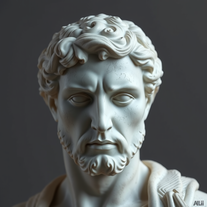
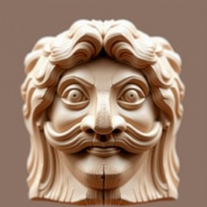 Transform photos into hyper-realistic ancient wood sculptures.Open
 -
 Create AI-powered coloring books with whimsical pop culture mashups.Open
 -
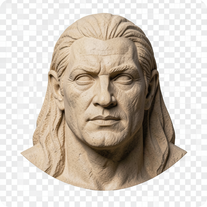 Open
Open -
 Transform photos into cinematic cardboard detective busts.OpenSimply upload your photo; you don't need to type anything in the prompt field. Just click "generate" and watch the magic happen.
 -
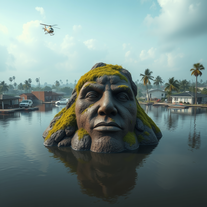
 Transform your photo into cinematic 8K nature sculptures.Open
 -
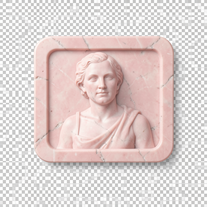
 Transform any photo into walnut wood relief sculpture.OpenSimply upload your photo; you don't need to type anything in the prompt field. Just click "generate" and watch the magic happen.
 -
 Transform images into stunning coastal art installations.Open
 -
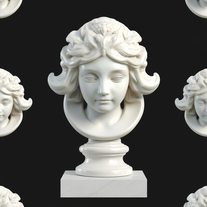
 Transform famous landmarks into stunning soap sculptures with AI.Open
 -
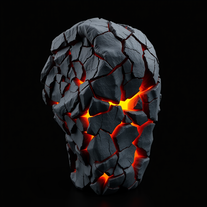
 Transform subjects into mystical cosmic stone sculptures.Open
 -
Generator does a pretty nice job at making pretty looking sculptures. Though, they look a bit too shiny sometimes, but they're alright even with that in mind.
-
 Transform ideas into Louvre-worthy masterpieces.Open
 -
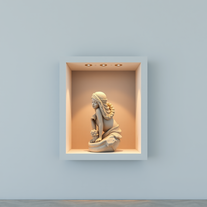
 Transforms photos into ultra-realistic wooden bas-relief sculptures.Open
 -
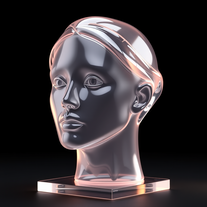
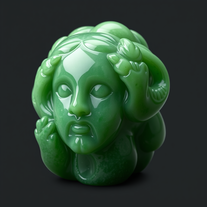
 Transform anything into stunning hyper-realistic glass sculptures.Open
 -
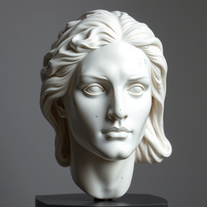
It was great and captured the details of the original picture very well, but when I generated a sculpture of a person the face and hands are not stone.
-
 Transform beach sand into breathtaking 3D sculptures.Open
 -
 Create dazzling metallic statues on the Seine.Open
 -
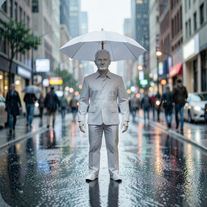
 Transform any text into stunning 3D wax sculptures.Open
 -
 Open
Open -
 Transform ideas into surreal glass-slate sculptures.Open
 -
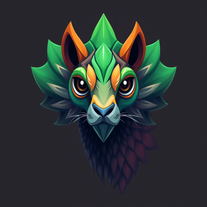 Create imaginative creatures with detailed fictional biology.Open
 -
 Craft hyper-realistic miniature NYC scenes from your ideas.Open
 -
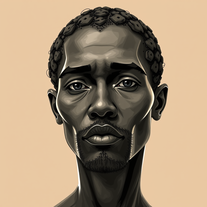 Turn subjects into captivating sepia portraits with AI.Open
 -
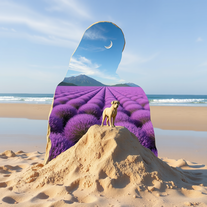 Blend ideas into stunning 3D double exposure art.Open
 -
 Guiding confectionery artists in crafting intricate pastry sculptures.Open
 -
 Analyzes music to suggest matching VST plug-ins, settings, and effects.Open
 -
 Explore global cuisines with in-depth culinary information.Open
 -
 Daily Bible messages with complementary images for everyday inspiration.Open
 -
 Offering creative strategies in Culture & Tourism MarketingOpen
 -
 Expert in cultural relations and communication strategiesOpen
 -
 Guide to Ghana's culture, traditions and normsOpen
 -
Exploring Southern culture, traditions, and cuisine with warmth.Open
-
 Adaptable expert on current entertainment and media trends.Open
 -
 Open
Open -
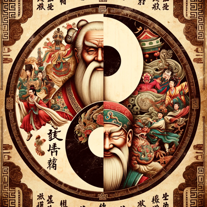 A friendly guide exploring Chinese social behavior and traits.Open
 -
 Guiding non-Chinese in understanding Chinese cultural norms.Open
 -
 Speaks and behaves like a Hasidic jew, using Yiddish expressions and cultural insights.Open
 -
 Transforming Indian scriptures into engaging stories for kids.Open
 -
 Providing insights and explanations on the Book of Mormon.Open
 -
 Art and design assistant with creative and practical tools.Open



































































Post





