

 Mini tools
 Transform sketches and 3D blockout into photorealistic images.
 Freepik Sketch to Image
 RenderAI
 Doodle Lab - AI Art Generator
 VibePaint.ai
 Roughly
 NVIDIA Canvas
 SketchAI
 PromeAI
 SketchImage
 DrawingPics
 Doodle Morph AI
 Scribbletoart
 Drawings Alive
 Little Artist
 Visualizee
 AI Drawing Generator
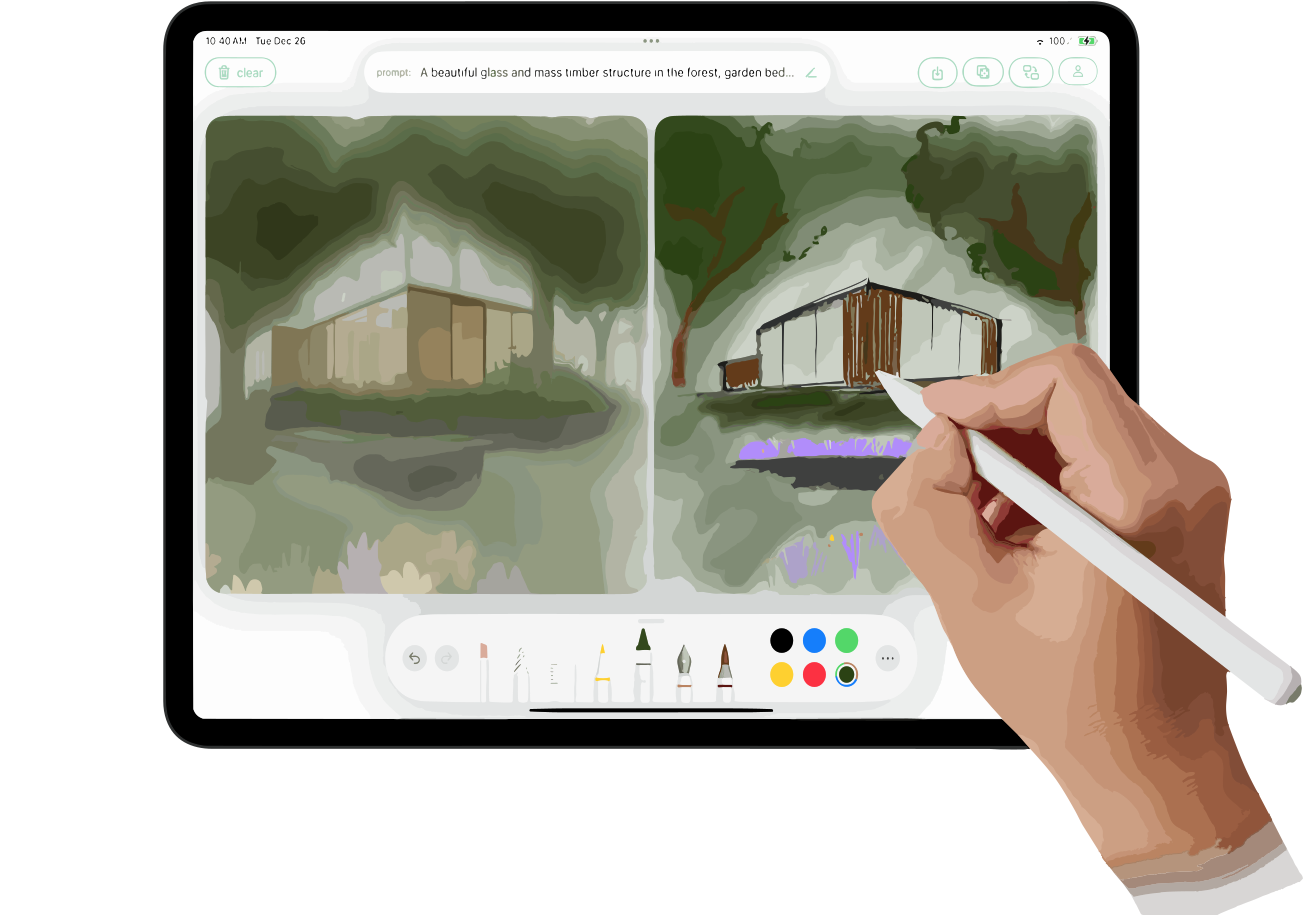 SageBrush
 Wand
Wand
 Vizcom AI
 So You Want To Be A Writer?
 Minka
Minka
 Ancient AI powered spirits
 Jvb ai
 somacguffin
 Cuty
Cuty
 Superfly Stoner
 Image Generator
 Photo AI
 Stockimg AI
 BestPhotoAI
 Midjourney
 CreativePixel
 Ideogram
 INLINER
 Getimg.ai
 SD Telegram bot
 Picsman - AI Photo Editor
 PixAI Art
 Seedream
 Shoots by Diktatorial
 ChatGPT Images
 GenTube
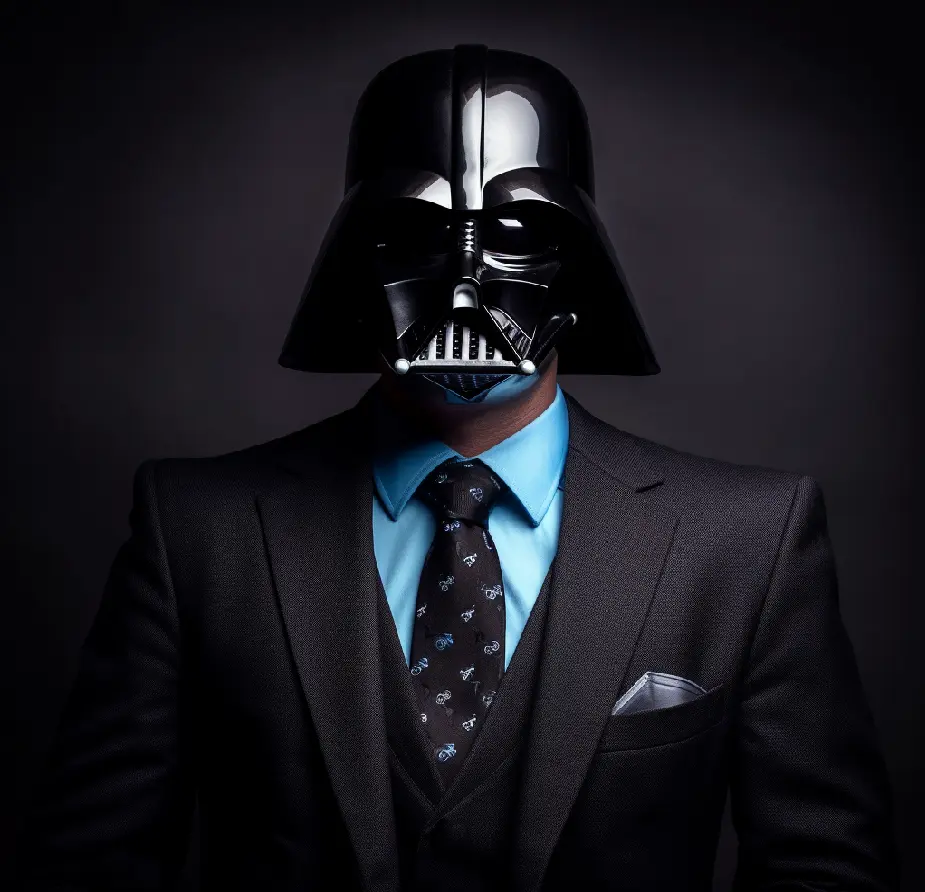 HeadSnap
 Deepdreamgenerator
 Glif
Glif
 FLUX
FLUX

Draw3D2.0Version update2.0Apr 15, 2026Draw3D V2 — Changelog
Core Update
Introduced unified workflow: Sketch → 3D Blockout → Image → Animation
New Features
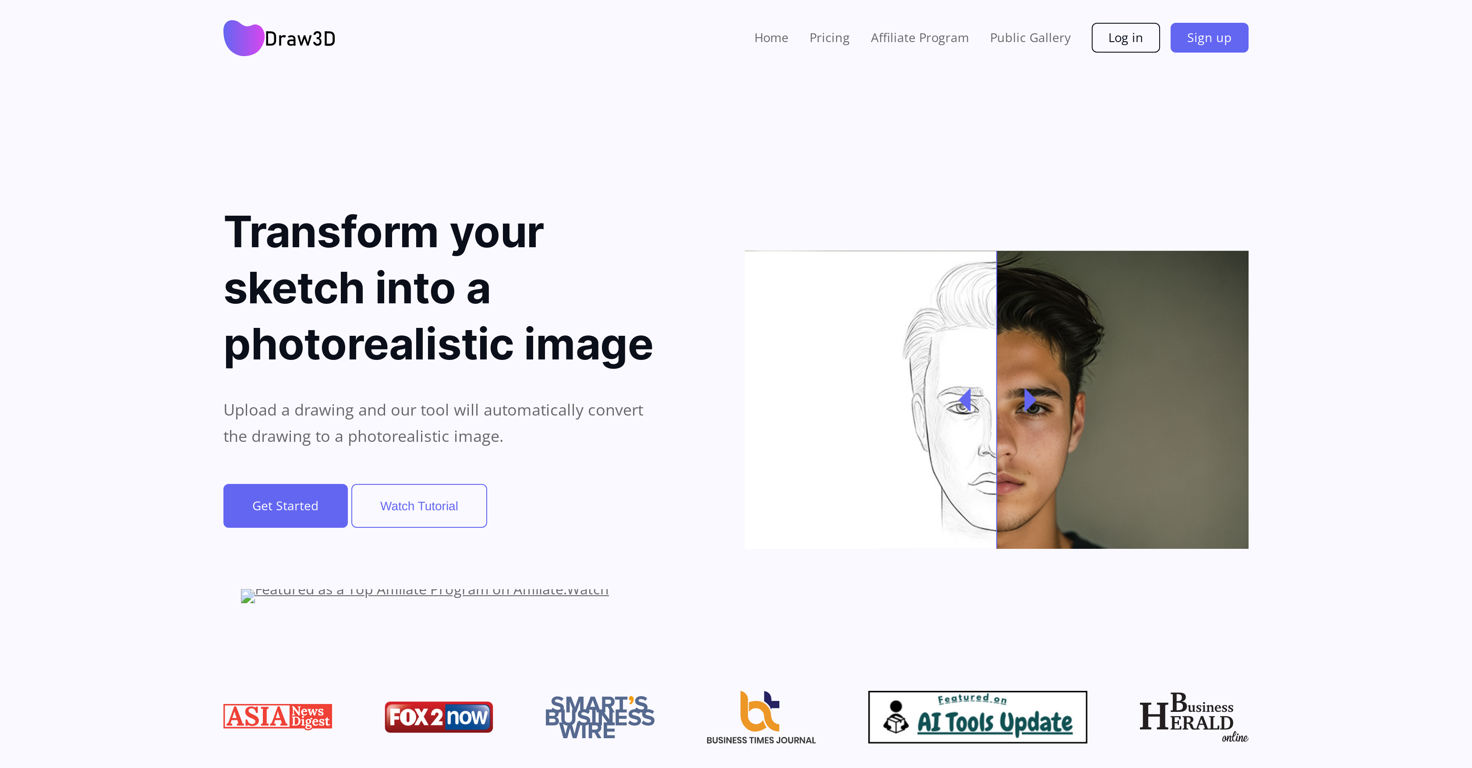
Sketch to photorealistic image generation
3D blockout to image rendering
Image to animation conversion
Built-in drawing canvas
AI image transformation tool
High-quality image upscaling
Project-based creation system
Layer-Based Prompt (NEW)
Added support for writing and managing prompts directly on top of the drawing canvas
Users can annotate different parts of the sketch with separate prompt layers
Enables region-specific control for generation (style, lighting, materials, details)
Improves precision and creative control in Sketch → Image workflow
Each layer can be edited, enabled, or disabled independently
AI Improvements
Better prompt understanding
Improved style consistency
Enhanced lighting, depth, and realism
Performance & UX
Faster generation speed
Simplified, beginner-friendly interface
Smoother creative workflow
Fixes
Reduced generation errors
Improved output accuracy and stability



Overview
Draw3D is an advanced AI-powered creative tool that transforms sketches into stunning, photorealistic visuals and dynamic animations. Whether you're starting with a rough doodle, a clean line drawing, or a structured 3D blockout, Draw3D intelligently interprets your input and brings it to life with depth, lighting, texture, and realism.Built for versatility, Draw3D supports a wide range of creative workflows:
Sketch → Photo: Turn simple drawings into high-quality, realistic images
3D Blockout → Photo: Convert rough 3D compositions into polished visuals
Photo → Animation: Generate motion and bring still images to life
The platform preserves the original structure and artistic intent of your input while enhancing it with AI-driven detail and realism. It can even handle complex transformations—like converting sculptures, abstract shapes, or concept layouts into lifelike imagery.
Beyond generation, Draw3D includes a powerful suite of built-in tools:
AI Image Editor for refining and modifying outputs
Upscaling Engine to enhance resolution without quality loss
Smart Filters & Adjustments for quick post-production edits
Template System for consistent content creation (perfect for social media and content automation)
Style Control & Prompt Guidance for more precise creative direction
Designed for both professionals and beginners, Draw3D offers an intuitive, streamlined interface that makes high-end visual creation accessible to everyone—from artists and designers to content creators and casual users.
With its ability to move seamlessly from idea to polished visual (and even animation), Draw3D is not just a tool—it's a complete AI-powered creative pipeline.
Key Features
- Sketch To Photorealistic Image Conversion
- 3d Blockout To High-quality Render
- Photo To Animation Generation
- Structure-aware Ai
Releases
Core Update
Introduced unified workflow: Sketch → 3D Blockout → Image → Animation
New Features
Sketch to photorealistic image generation
3D blockout to image rendering
Image to animation conversion
Built-in drawing canvas
AI image transformation tool
High-quality image upscaling
Project-based creation system
Layer-Based Prompt (NEW)
Added support for writing and managing prompts directly on top of the drawing canvas
Users can annotate different parts of the sketch with separate prompt layers
Enables region-specific control for generation (style, lighting, materials, details)
Improves precision and creative control in Sketch → Image workflow
Each layer can be edited, enabled, or disabled independently
AI Improvements
Better prompt understanding
Improved style consistency
Enhanced lighting, depth, and realism
Performance & UX
Faster generation speed
Simplified, beginner-friendly interface
Smoother creative workflow
Fixes
Reduced generation errors
Improved output accuracy and stability

Pricing
Built With AI

Top alternatives
-
 Envision and sketch any image, AI transforms it into art in real time.
 Bernard🙏 159 karmaFeb 27, 2024@Freepik Sketch to Imagelove it and the customization it offers. still needs some work creating faces :| even cartoon ones
 -
 Transform Sketches into 4K+ photorealistic renderings with AI
 -
 Create artistic images autonomously.I want a doodle wall design for IT company consists of an idea
 -
 AI-powered creative painting experience.Great tool for experimenting with paint effects. It's like an AI-powered version of microsoft paint. Also made a video on it https://youtu.be/ZWOP1M7pgSE
 -
 Turn rough sketches into works of artIt's kind of lame to promise the moon and deliver essentially nothing.
 -
 Turn simple brushstrokes into realistic images with AI.This is easily the best Ai tool for creating landscapes because it is completely free, really easy to use and the results are beautiful and almost indistinguishable from real photos








