
 Mini tools
▼ Latest
Text to flow chart
Free mode
100% free
Freemium
Free Trial
Featured matches
-
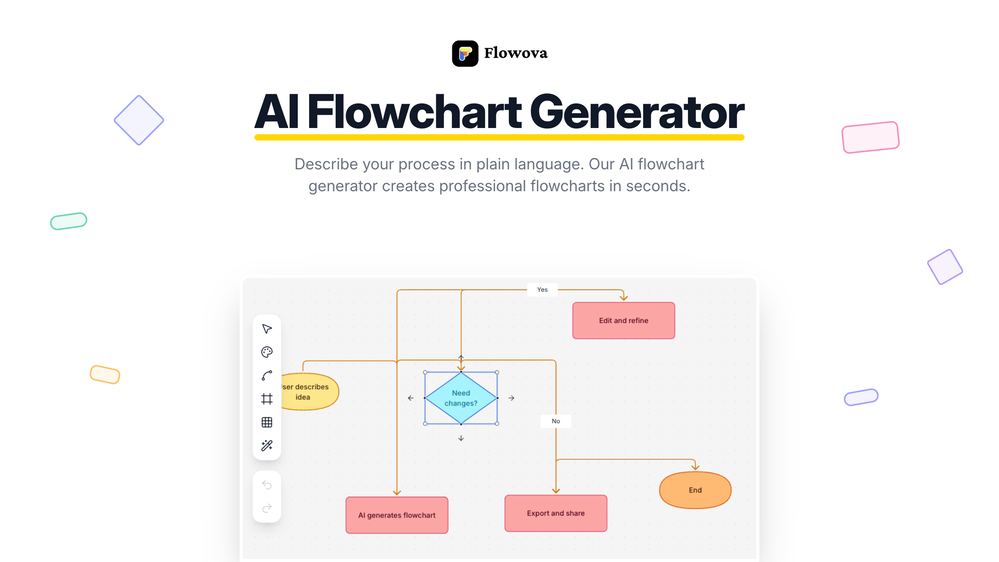
 jmcraft🛠️ 1 tool 🙏 5 karmaDec 14, 2025@Flowova AI👋 Hey, I'm the founder of Flowova! We built this because we were tired of spending hours dragging boxes in traditional flowchart tools. A few things you might not know: - Works with anything — text, images, PDFs, Word, PPT, Excel, even photos of whiteboard sketches - 40+ themes designed for presentations - Full Mermaid code support for developers Happy to answer any questions! 🚀
 -
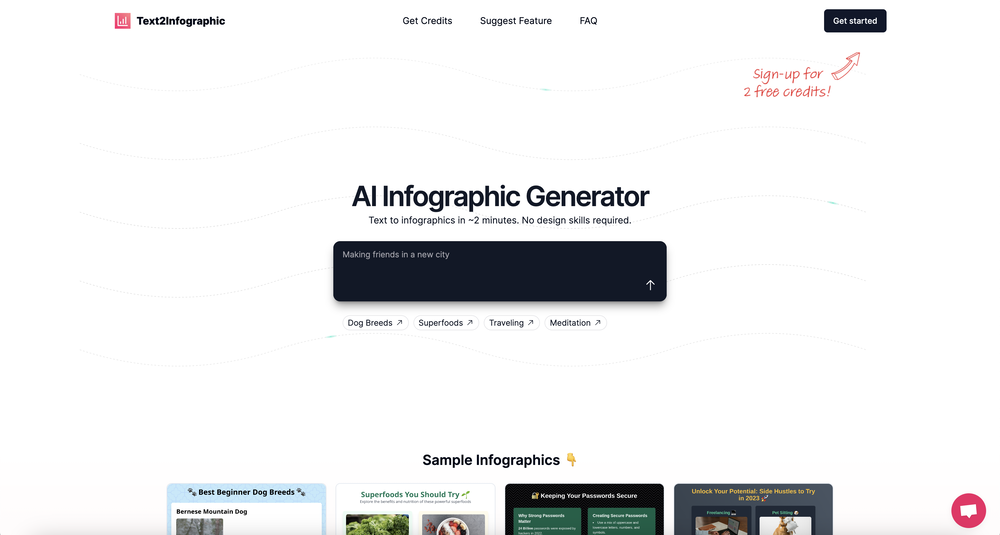 This definitely has potential. The lack of control over what gets generated is annoying, in particular how it will insert meaningless graphs despite being provided with no data - there needs to be a way of preventing this. However, the fact that you can download the HTML and then edit yourself is a big plus. Unfortunately only having two credits to test it out didn't really give me a chance to find out what it could do.



Verified tools
-
 Visual expression artifact. Turn docs and ideas into instant diagrams with AI.OpenGame changer. Stays on topic, generates solid layouts, fast, and switching formats is smoother than I expected, so what else do you really want/need? Big plus that it lets you test things properly before hitting you with a paywall (most tools do exactly that). Giving this one a 5 for sure!
 -
Love FlowChai. I save so much time on writing content for my website.
-
-




Other tools
- Sponsor:
 Base44💻 Build to win
 -
 Create stunning hand-drawn flowcharts from text instantly.OpenI use AI Flowchart Generator to create flowcharts for my blog posts. It’s incredibly easy to use and saves me so much time. Now, I can turn my text to flowchart and make my posts more interesting and helpful for readers!
 -
Flowgpt was great... up until the point where all my history disappeared, I stopped being able to see content, and I was unable to do anything without their ever helpful "something went wrong" error message. I'm glad I didn't pay for their currency... it would have all be lost.
-
This one was really nice. In that it could also generate a white paper to go with the diagram
-
Good tool, i'm impressed of the quality of its result for such an early version. I'll be waiting on a newer version; as it is now, you can't give it a starting point, nor your own draft to analyze and continue writing on.
-
-
It took me less than 20 minutes to create infographic perfection- all the other AI design sites I tried, and I tried them all, weren't able to give me what I wanted in 1 way or another. Outline Ninja helped me create my infographic
- Didn't find the AI you were looking for?
-
It does exactly what is expected and more. I asked it to create a map with pins for 30 addresses and it did exactly that within a few seconds. It has great customization options also.
-
I've been exploring AI for quite some time, and it's been a true lifesaver for my severe ADHD. Finding the perfect calendar, task, and habit-tracking app that uses AI to intelligently schedule tasks with minimal interaction has been a quest. Day Flow is the closest I've found to my ideal solution. It's not perfect, but it's really good and incredibly helpful.


















Ask the community

Razak Rajasath
Mar 31, 2024
Class Diagram:
The class diagram will define the main classes and their relationships in the FDS:
• Classes:
o Transaction (Stores transaction data such as amount, location, etc.)
o Feature (Represents a feature extracted from transactions, e.g., transaction amount, location)
o Fraud Detection Model (Contains algorithms for classifying transactions)
o Alert (Holds details of a flagged transaction)
• Relationships:
o Transaction has many Features
o Fraud Detection Model uses Features for classification
o Transaction triggers Alert (if classified as fraudulent)
Post





