Go to section
Spotlight SureThing.io - "OpenClaw" for BeginnersTask automation
The front page of AI.Used by 90M+ humans.

Generate image
Tasks
Generate text
Free mode
Trending
Leaderboard
Characters
 Mini tools
New
Featured
Lists
Agents
Requests
Jobs
Map
Newsletter
Starter pack
Free tools
Speech to text
Text translator
Remove background
Settings
Edit profile
My tools
Gallery
Dashboard
Inbox
Get featured
Contact TAAFT
For you
Popular
Job impact index
Most saved
Affiliate program
Submit AI tool
Notification preferences
Glossary
Home
Timeline
My profile
Create tool
Deals
Companies
Models
Robots
Papers
Fundraises
Devices
Organizations
Events
Prompt Pack
Merchendise
APIs
Features
Tools
Countries
Collections
Videos
News
Investors
Repositories
Modalities
Mini tools
New
Featured
Lists
Agents
Requests
Jobs
Map
Newsletter
Starter pack
Free tools
Speech to text
Text translator
Remove background
Settings
Edit profile
My tools
Gallery
Dashboard
Inbox
Get featured
Contact TAAFT
For you
Popular
Job impact index
Most saved
Affiliate program
Submit AI tool
Notification preferences
Glossary
Home
Timeline
My profile
Create tool
Deals
Companies
Models
Robots
Papers
Fundraises
Devices
Organizations
Events
Prompt Pack
Merchendise
APIs
Features
Tools
Countries
Collections
Videos
News
Investors
Repositories
Modalities
Mini tools
New
Featured
Lists
Agents
Requests
Jobs
Map
Newsletter
Starter pack
Free tools
Speech to text
Text translator
Remove background
Settings
Edit profile
My tools
Gallery
Dashboard
Inbox
Get featured
Contact TAAFT
For you
Popular
Job impact index
Most saved
Affiliate program
Submit AI tool
Notification preferences
Glossary
Home
Timeline
My profile
Create tool
Deals
Companies
Models
Robots
Papers
Fundraises
Devices
Organizations
Events
Prompt Pack
Merchendise
APIs
Features
Tools
Countries
Collections
Videos
News
Investors
Repositories
Modalities

▼ Latest
Visual video
Free mode
100% free
Freemium
Free Trial
Featured matches
-

-
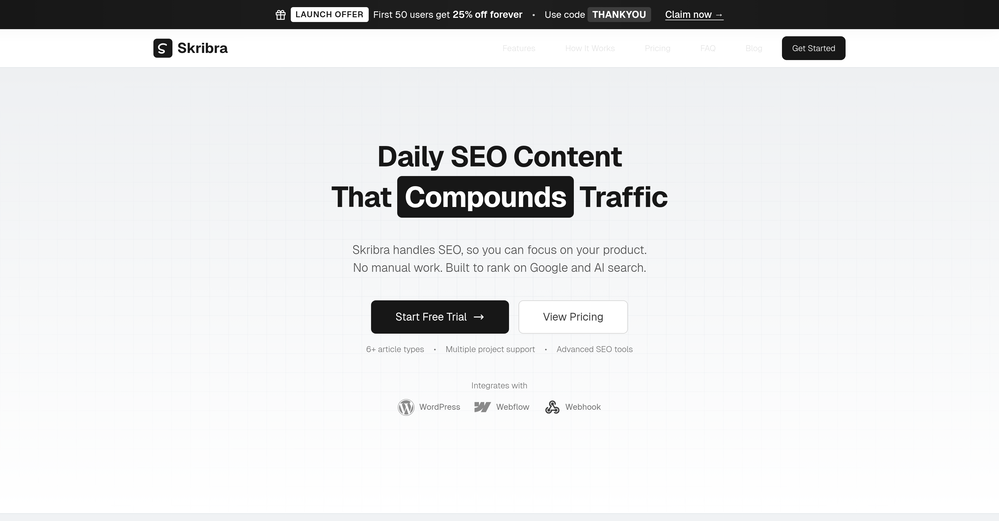
 Martin Durant🙏 27 karmaMar 28, 2026@SkribraDoesn’t work when I signup
 -
-
 Open
Open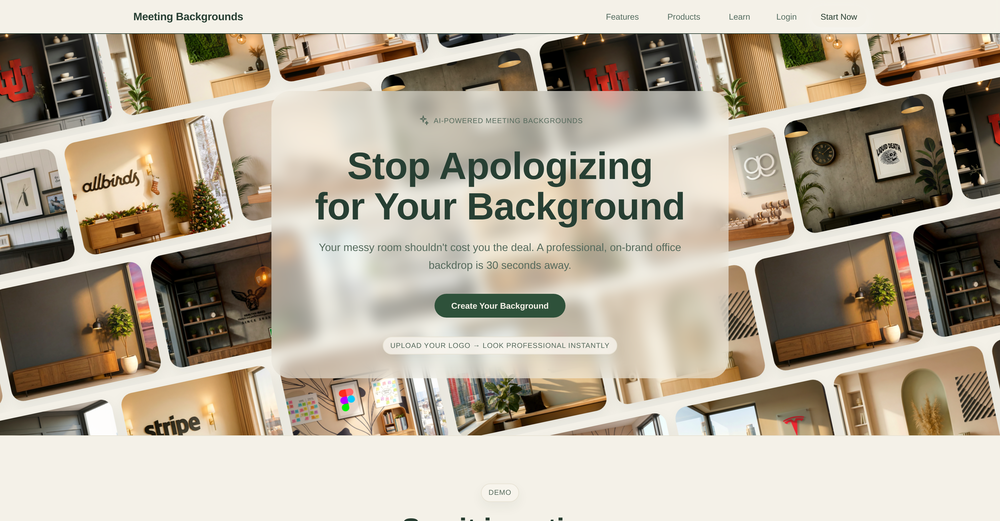 Found this product useful. A great way to add a personal touch to meetings.
 -
-
-
-
-
-









Verified tools
- SpotlightSureThing.io - "OpenClaw" for BeginnersTask automation
-
GoFaceless turns a single prompt into a finished, ready-to-post video — script, AI voiceover, B-roll, music, titles, and captions, fully assembled. No timeline to wrestle with, no stock clips to hunt down.
New in this release:
- Edit by chatting — change the voice, script, pacing, language, or any setting just by typing, and it re-renders instantly.
- Full timeline control when you want it — trim, split, reorder, and adjust volume on any track.
- Reusable AI presenters + faceless B-roll — pick a character once, reuse it across every video.
- 30+ languages, vertical and landscape (16:9), with grounded visuals that match real places and facts.
Describe your video, get a finished one back, then refine it in plain English. Faceless content on autopilot.
-
I run an online store and regularly need product images and promotional graphics. What I like about Playyy is that I can edit the text, images, and layout after generating—so if something feels off, I can just fix it instead of starting over. It saves me a lot of time.
-
-
 OpenHonestly, the kissing effect on Viyou is remarkably fluid—way better than other AI tools I’ve tried. The preset scenes are a great touch and super fun to play with. My only tip? The default prompts could be a bit more polished to get even better details, but the results are already top-tier. Definitely worth checking out!
 -
 OpenI was struggling to create some free Christmas and New Year's e-cards, and these templates are really good. I recommend giving them a try. The only downside is that each free template can only be used once.
 -
Vireel offers the best realistic ai image to video and ai text to video tools. Incredible no watermark quality!
-
I tried testing Seedance 2.0 on several platforms, but most of them required a membership upgrade first — even Dreamina. SeeGen AI offers a free trial, and that’s the main reason I recommend it.
-
Works wonders for anime, has me taking it in consideration for a tool rotation.
-
 Turn any image into AI video. No watermark, 10+ models, free.OpenVdoo is excellent; it can freely generate all sorts of videos and images I want. I highly recommend giving it a try.
 -
If you don't offer any free trial credits or at least show videos without a watermark, no one will feel confident enough to purchase credits without testing it first. People need to verify the quality before committing to a purchase.
-
Scrollsequence is a game-changer for interactive storytelling! Smooth animations, intuitive setup, and impressive control over scrolling sequences make it perfect for engaging web experiences. Highly recommend for designers and developers looking to elevate their sites. 🙌
-
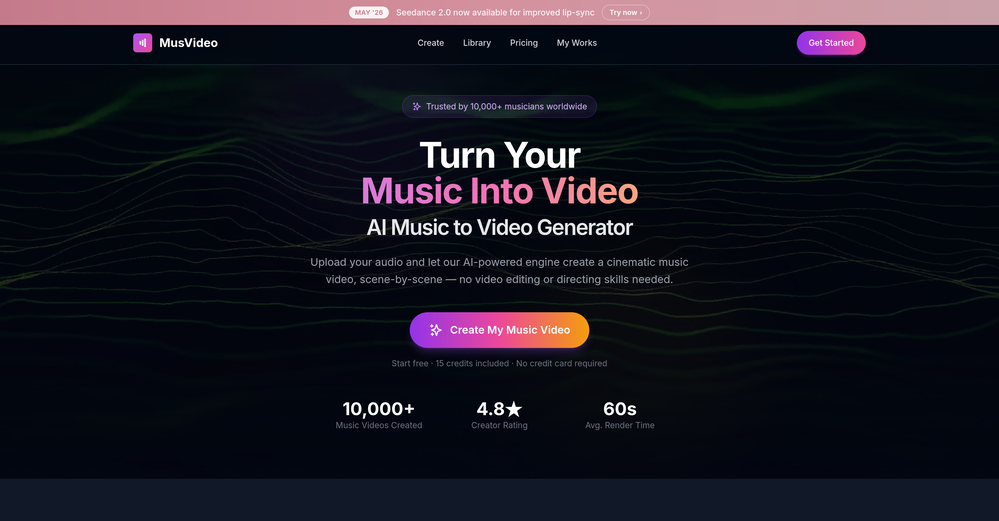
To just upload my song and have AI figure out the rest so I can share my songs on tiktok etc... As a Suno user I've wanted something simple and affordable, this is finally it. Other tools want $50 credits then it turns out it's not even enough to learn the tool, never mind just get a usable video out.
-
 OpenTried it with one photo and was surprised how natural the video looked — lots of effects and models to play with too
 -
This is truly a wonderful experience that brings joy and delight.
-
-
 Open
Open -
 Open
Open -
Hi there - I'm Nicolas, the founder, X @bolcoto We're the developers of Virlo and would love feedback!
-
-
Speed is amazing ! I will definitely utilize the tool in the future for film generation
-
Currently, generating course videos is basically free, and everyone is welcome to use it! If you have any problems during use, you can complain and we will quickly iterate! Thank you~!
-
 Turn any browser workflow into a polished, AI-narrated video guide in minutes.OpenHey everyone, I’m Evaldas, co-founder of Guideless, the fastest way to turn any browser workflow into a polished, AI-narrated video guide in minutes. No screen recording. No tedious editing. Just turn on the extension, click through your process as you normally would, and instantly get a share-ready guide. We recently shipped a major update: a sleeker UX and new high-quality AI voiceover characters — making guides sound and feel more vibrant than ever. Give Guideless a try and see how effortless creating high-quality tutorials can be 🪄
 -
-
This release introduces Flint, a new family of each::labs image models designed to deliver frontier-quality results with production-ready economics.
- flint-image: Generate four distinct images from a single prompt in one call for $0.20, compared with $0.60 for a standard generation.
- Flexible output controls: Set the output format and aspect ratio for each run, so generated images fit directly into your layout.
- Available across each::labs: Access Flint through the API at api.eachlabs.ai or the visual no-code AI Flows builder, with pay-per-call pricing and no subscription required.
- Coming next: Additional Flint models for clean 4K image generation and editing, available at the same $0.20 per-call price.
-
 Turn any song into scroll-stopping videos in minutes with AI-directed scripts andOpen
 -
Many ai models help me create videos I love
-
 Transform your music into stunning visual experiences with AIOpenThe generation effect is good, the pictures are exquisite, and the transition animations of the pictures are smooth The only drawback is that it would be better if the generation time were a little faster
 -
I handle a large number of tasks simultaneously through VoooAI to complete my creative work, thereby accomplishing the workload equivalent to one month in one day
-
 From idea to launch: professional AI-generated content in one place.OpenHi everyone! I am Adnan, the author of MakerSuite.AI. I am a content creator as well as a software engineer (16+ years of experience). MakerSuite has been created firstly for my own needs with a goal to help me organize content creation workflow (from YouTube scripts to blog and social media posts). The application covers a lifecycle from idea generation to complete script, thumbnail, description, and all the necessary things to prepare you for video recording or to provide you with a script that you can use on your blog or social media platforms. MakerSuite is a result of continuous work from more than 6 months of active day-night and weekend hard work on it. In the end I decided to share it with the world so other people could benefit from it, and also in return I can pay off the hard work and support the platform's future development and maintenance costs. As the models and infrastructure cost a lot. I am open to any form of suggestions or comments; even negative ones are always welcome. The platform has a lot of planned future developments that have to be added to make it even better. Please share your thoughts and feedback in the comments section, as it will help me improve it more! Thanks, everyone! Best, Adnan
 -
It works surprisingly well. Clean plus you can actually try it first without having to drop money right away. helps if you are not sure it'll fit your needs. Solid stuff.
-
 OpenHi! I'm the founder of LyricEdits. After 20 years as a bass player and 20 years in software engineering, I finally combined both passions into one. I'd love to hear your comments and suggestions!
 -
This has got a super-positive future. After creating just one video, I could see that there would be a large use-case for most industries, including mine with Online Marketing. One thing I did notice was that assets that appear on screen often overlap each other. The same was apparent on most of the other videos in their showcase. Once they get over this hurdle, it'll be worth paying for, for sure.
-
create a ppt with example and small case study on augmented marketing mix
-
-
Actually solid for product visuals. Uploaded a basic product photo and got a few usable lifestyle-style options without much setup. Having image and video tools in one place is handy, especially for testing listing ideas. I’d just like a clearer view of credit usage before running larger batches.
-
Looks pretty clean and easy to use! The upload process is straightforward, though the top section feels a little crowded. Maybe add a bit more info about how the credits work.
-
The "Lion and Sun" symbol is seen on streets where protests are underway, fires are spreading, and the nation has risen up for freedom.
-
As a student, I regularly work with research papers and long PDFs. PodcastorAI has been a helpful way to turn that content into something I can listen to while commuting or walking. I like that it creates a structured podcast rather than simply reading the text aloud. The dialogue format is surprisingly engaging and makes dense material easier to get through. I still rely on the original documents for deeper study, but for review and knowledge retention, it's been a genuinely useful tool.
-
 Open
Open -
 Turn simple prompts into viral videos, stunning images, and realistic audio.Open
 -
 Open
Open -
-
 Open
Open -
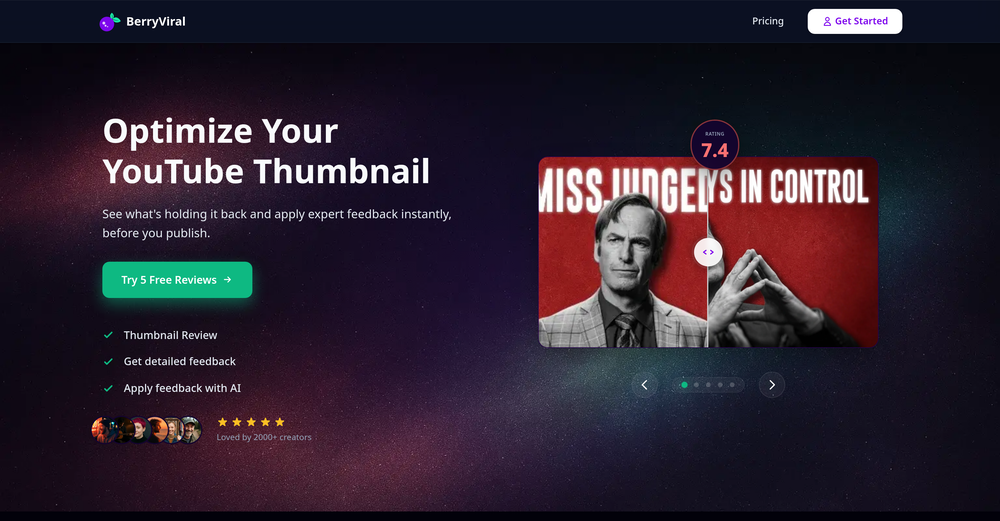
 AI-powered YouTube thumbnail maker for click-ready designs.Open
 -
-
I've been using Snappyit for a few weeks now and I'm honestly impressed. As an eBay seller, I used to struggle with getting clean, professional product photos. The AI does an amazing job with background cleanup and putting items on virtual models — my sales definitely improved after switching. The 30% recurring commission for creators is also a nice bonus if you share your referral code. Worth every credit!
-
Steer clear of this by any cost ! it gives you ONE video for free and then ask you for no less than FIFTY dollars a month for only FIVE videos ! they must be crazy with all the alternatives.
-
 Open
Open -
 Turn product photos into marketing videos instantly.Open
 -
 Open
Open -
was looking for comfyui alternatives - i want workflows - but there's so much pain to get nodes to work on comfy - but this floyo solves this entirely
-
-
This is an amazing AIGC tool! The effect is incredible, it can perfectly restore what I want.
-
 Create & Sell 4K Images, AI Videos, 3D Models, websites and MORE.Open
 -
I paid for the subscription and the video generation has failed. I found no way to access support and the site says no refunds allowed. Hoping to find some help on here with this and I revisit my review
-
 Transfer motion from videos to photos with AI.OpenHey guys, Zeeshaan here, co-founder of AI Motion Transfer. This tech allows AI videos to follow complex human movements, making ai video look more far more realistic than ever before. My goal is to create a simple interface for anyone to take advantage of this new model. Hope you enjoy the tool, and I'm open to all feedback.
 -
The workflow is straightforward, the output quality is clean, and it’s especially useful for marketing videos, product demos, and social media content. Overall, it’s a solid AI video generator that saves a lot of time. Highly recommended.
-
 Open4K resolution is one of its major advantages in the relevant field.
 -
Well, I use Statuz myself, so maybe I'm biased. The only way to find out is to try it yourself. Let us know here.
-
Terrible experience. Spent over $200 to produce a music video that Musid.ai was never able to complete. System crashed during the final production generation/rendering - over and over and over. Contacted [email protected] - no response whatsoever after 2 days. Don't touch it! UPDATE: minutes after posting this Musid.ai responded by reinstating all of the credits purchased. Doesn't compensate for the wasted time but better that a poke in the eye with a sharp stick! I'll review again once I get to the other side of this drama...
-
Well, it did give me an insanely good image, but you only get one free trial, i.e, generate one image for free. And the model is costly for someone who wants free AI tools. But it does the job if you're willing to pay.
-
I'm giving it two stars because it does do an ok job on videos but I would NOT recommend this. The "free trial" gives you 80 credits. It's not even enough to make a 60 second video so you can't really "trial" anything. I then spent $35 to make a 60 second video and I did two edits to it and I only have 451 credits left for the month. Until the costs come down, this is not feasible.
-
 Open
Open -
 Skip the complexity. Create professional-quality music with simple prompts.Open
 -
Just tried the Seedance 2.0 experience on LumeFlow and I’m honestly blown away. That "uncanny AI jitter" I’m used to seeing in other models is practically gone—the motion is just so smooth and fluid. I was a little skeptical at first since it’s tagged as an "Early Access Lab" feature, but the output quality is 100% the real deal. If you’re looking for cinematic physics that actually make sense, this is easily one of the best AI video experiences out there right now. Highly recommend giving it a spin.
-
Hey everyone 👋 I’m excited to introduce VidFab, an AI-powered tool that turns text and images into cinematic videos in seconds. We built VidFab to help creators and startups make beautiful videos without complex editing or long render times. Just type an idea — and our AI brings it to life. I’d love to hear your feedback and ideas for what features you’d like to see next. Your thoughts really help us shape the future of VidFab!
-
 Create AI fashion model photos without photoshoots.Open
 -
Glad to see LitVideo listed here. Have been using it for a while. Easy to use, and LitVideo provides a relatively low-cost entry point into AI video creation.
-
Looks great, I really appreciated that it gives you credits to test it out first, not many video tools do that. Makes it way easier to actually see what it can do before paying. Nice experience overall :)
-
Solid hub for socials. Schedules to a lot of platforms in one place with ai post ideas and short-form tools, plus a free tier to try things out. I like the planner and analytics, ui feels busy at first but once you learn the flow it moves fast.
-
 OpenThe features are incredibly comprehensive. I really love it — the AI videos I created got a ton of praise when I shared them. Likes galore!
 -
Very cool tool that gives me free hours to cut my videos into shorts. Wish to get more referral bonus hours. If it could deal the video faster that would be even better.👍🏻
-
The leading generative media models on fal combined with top-earning real-world creative talent on Contra is a powerful combination. Feedback to fuel the future of creative ai.
-
-
It's working very well. AI chat is 100% free, but image and video are not free, though they are still good. You get a few daily credits, but at least you still have some
-
Doesnt work. Also even if it would work the free Version offers only 5 seconds of video generation per month which is almost nothing. but then again, doesnt work in the first place
-
pretty clean tool, i tried a couple product images fast and the controls make sense. model picks, image-to-image and quick batch runs are handy for ad shots or thumbnails. the free tier is tiny at 2 credits, so it's more of a taste test than real use.
-
tried it on selfies and random shots and it did fine. faces look good objects get weird if the source is rough. free tier is tight too on my account it gave 20 credits which basically covered one export then a small daily drip of +2 or +5 before I could play more. would love more runway up front. paid packs lift the watermark and quality if you need it.
-
VideoWeb AI is an useful AI tool for my video creation. I like the video to video feature that I can create the anime video with my videos.

















































































































































Other tools
-
Been using Knowcast to keep up with new ideas and information, and I like how easy it is to discover and revisit useful content. The experience feels straightforward and helps cut through a lot of the noise, making it easier to stay informed without getting overwhelmed.
-
I forgot to take videos on my trip, so I gave this a shot with just the photos I had. Surprisingly, it created a short clip that actually looked real, super cool. Just wish it didn’t take forever to render
-
tried veo 3 today and it honestly feels like a sneak peek into the future. one short prompt and it gave me a crisp 4K video with perfect audio and cinematic camera moves. not flawless yet, but wow.
-
Bro, Captions is actually straight fire for short-form content. Script in, clean captions and edits out, and it makes talking-head clips feel way more polished in minutes. Big w for creators
- Didn't find the AI you were looking for?
-
Awesome Tool! Saved me hours of editing and better than i would have done!
-
-
No free use because I use a VPN?? I'm out. I should have a choice to stay private if I want to and still be able to review the product without penalty. Others allow it - I will use them before buying. If you have that big of an issue with what you feel are multiple accounts using your free services, then reduce the amount of free use.
-
-
Great tool! The most complete one if you want to create music video specifically.
-
I’ve used this product, and the AI video generation quality is excellent. Most importantly, it offers the best value for money I’ve ever seen. In addition, if you need help optimizing your video prompts, you can email their professional advisors for free consultation.
-
Incredible generation quality, truly impressive!
-
-
 Craft hyper-real 8K cinematic action shots from reference images.Open
 -
 Create cinematic YouTube breakout visuals that conquer algorithms.Open
 -
 Create cinematic 8K scenes with perfect identity accuracy.Open
 -
 Generate cinematic overhead shots with vintage film aesthetics.Open