 Wispr Flow-Now on Android!
 Mini tools
 Ping: AI-Powered To Do List
 Todoist Ramble
 OneTask
 Sidejot
 Hoop
Hoop
 BeeDone: Unlock Your Potential
 MyTask
 intellisay
 Claude Cowork
 TwingBot Pro
 Voiset
 Dypt
Dypt
 Weesp
Weesp
 Sixty
Sixty
 SortMyThoughts
 Flowlist
 Todo AI
 SET.DO
 Personal Manager
 taskmelt
 TheLibrarian.io
 Supernormal App
 Saidar
 Runable
 ComputerX
 Collate
 AiAssistWorks - GPT Gemini Claude AI for Sheets Docs Slides
 ConsoleX AI
 Skymel: Create Your Own Personal Agents
 Ask Steve
 Alfred by Simbli.ai
 Affint
 BrowseWiz
 Sup AI
 Support Flow
 MiroAI
 Octofy
 Criticly
 Mentor: Get things done
 Singularity AI

 Notis
Supernormal App
Notis
Supernormal App
 Kolva
Weesp
Kolva
Weesp
 mattrAlarm
 Please Remind
taskmelt
Please Remind
taskmelt
Overview
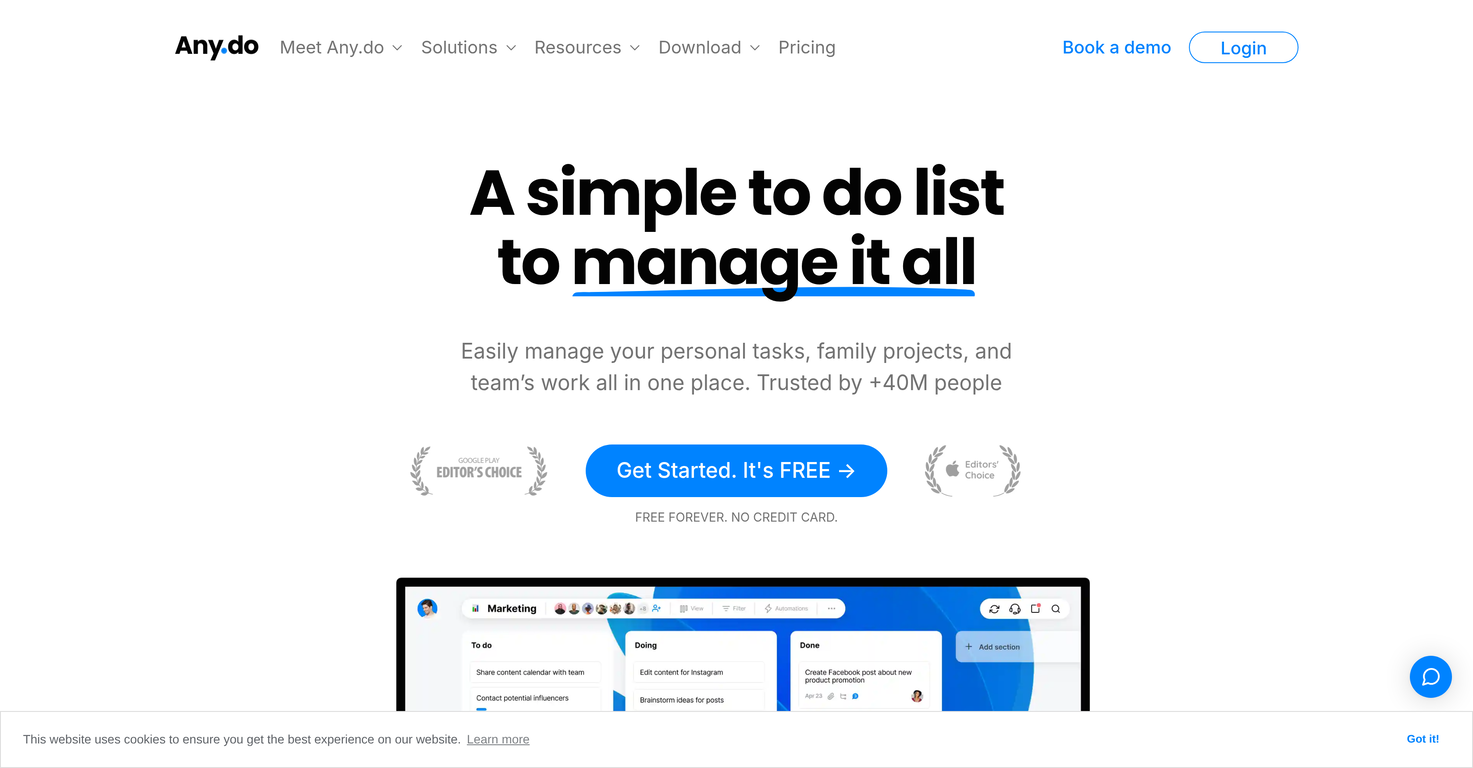
Any.do is a comprehensive task management tool designed to help individuals, families, and teams manage their tasks and projects. The tool spans across several functionalities including to-do lists, reminders, calendars, and daily planners that can be accessed across multiple platforms like iOS, Android, Mac, Windows, and via Web.
Integrations with other popular platforms such as WhatsApp, Slack, and Gmail are available to provide a unified workspace. For personal use, Any.do offers features like sub-task creation, visual tags for task organization, and an AI assistant.
Families can use the shared grocery lists, project boards, and family boards for enhanced household management. For teams, the tool offers features such as task assignment, Kanban view, custom fields for tasks, automated task assignments, and custom views for bird-eye view of teams work.
Additionally, features like Gantt chart view, board notifications, private boards, time tracking and chat in context are available to streamline workflow and improve collaboration within teams.The tool also enables import of work from other tools for easy transition.
User testimonials highlight Any.dos effectiveness in managing tasks for real estate teams, software development, marketing agencies, and IT consultancies.
However, actual effectiveness may vary depending on specific use-cases and requirements.
Releases
Top alternatives
-
 AI-powered task list: Dictate tasks, integrate with Gmail, Slack, ChatGPT & Calendar.Open
 Michael🙏 10 karmaJan 29, 2025@Ping: AI-Powered To Do ListEasy to use and the AI does its work but it is not something extraordinary. But the AI can do nothing more as it does right now
 -
Hey everyone! I’m Martin — co-founder, builder, and creator of OneTask 🚀 OneTask is specifically designed for people with ADHD and other creatives who can’t be bothered to spend time “managing” their tasks, and instead need an app that just helps them get things done. We have a Todoist and Google Calendar integration, and offer many other features that will help you optimize your life. Let me know if you have any questions! As of this writing, we have a special lifetime deal featured on our website — be sure to catch it before it’s gone! Martin
-
Would love to see this in other lenguages. works great.
-
 OpenLove this app! So great at implementing several proven concepts to help with efficiency, productivity, and the ability to be consistent with tracking, rewards and gasification. Game changer in this space.


 0
0





