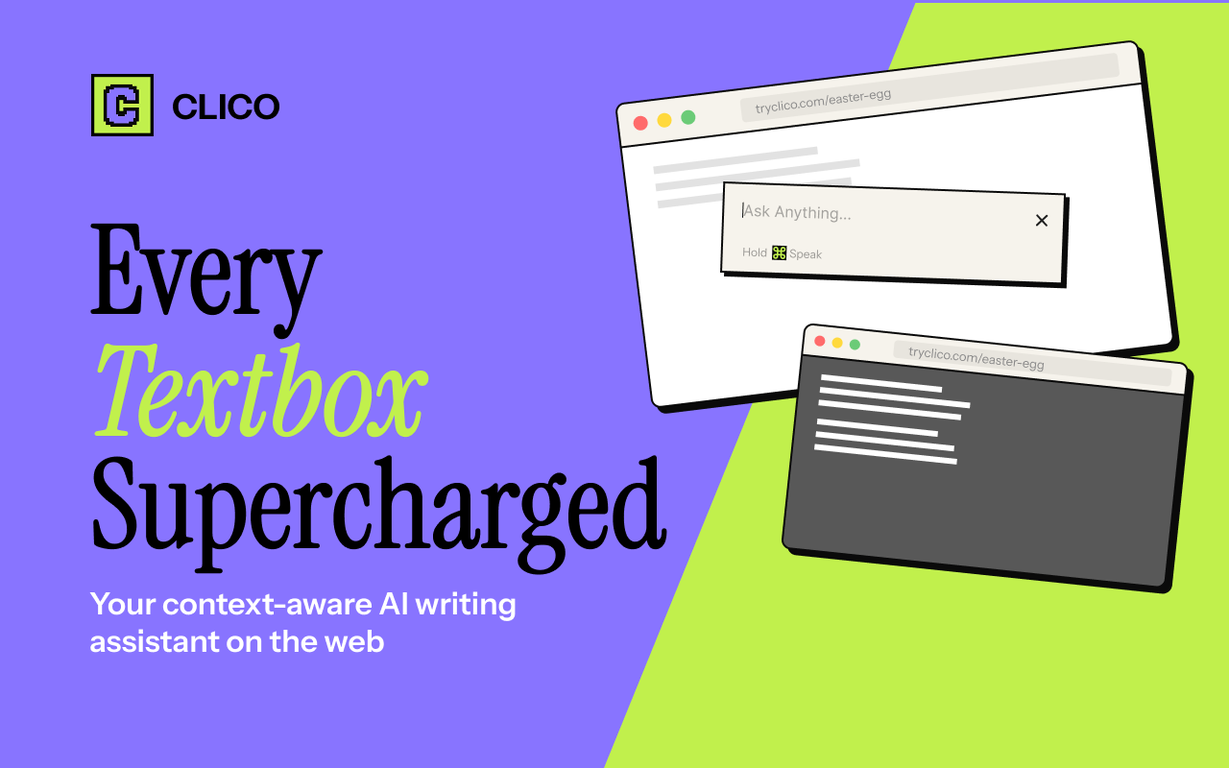
Does the Clico AI Writing Assistant offer a dictation feature?
Yes, Clico AI Writing Assistant does have a dictation feature. This feature permits users to dictate commands into the dialog, thereby simplifying the writing process and allowing greater flexibility in user interaction.
Does the text enhancement feature of Clico AI Writing Assistant make my content more concise or formal?
Absolutely. The text enhancement feature of the Clico AI Writing Assistant can significantly improve the quality of your content. It can make your content more concise or formal based on your specific requirements and can even offer complete rewrites if necessary.
How does the instant search function of Clico AI Writing Assistant work?
The instant search function of Clico AI Writing Assistant activates when any text or image on a page is highlighted. It provides instant AI search results, eliminating the need for opening a new tab or copy-pasting. This allows users to stay in their reading flow and obtain information efficiently.
Does the Clico AI Writing Assistant have a summarizing feature for lengthy documents?
Indeed, Clico AI Writing Assistant has an effective summarizing feature. It enables users to extract key points from lengthy documents in an instant. This not only saves reading time but also gives you a quick understanding of the significant areas within the document.
Do I need an API key to deploy the Clico AI Writing Assistant?
No, you don't need an API key to deploy the Clico AI Writing Assistant. This tool is designed for effortless deployment, requiring no API key or prior complex configuration.
Does Clico AI Writing Assistant work on Reddit and Substack?
Yes, Clico AI Writing Assistant works seamlessly on Reddit and Substack. Just like on other platforms, it helps to draft posts or replies, improve selected texts, provide instant search results, and more.
Is Clico AI Writing Assistant a free tool?
Indeed, Clico AI Writing Assistant is a free-to-use tool. It offers a diverse and extensive range of functionalities at zero cost, making it an accessible and effective writing companion for all users.
How can I make selected text better with Clico AI Writing Assistant?
With Clico AI Writing Assistant, you can enhance selected text by simply highlighting it, then tell it to make the text shorter, more formal, or even ask for a complete rewrite. The improved text then replaces the original selection, providing a better-written text.
Which Chromium browsers is the Clico AI Writing Assistant compatible with?
Clico AI Writing Assistant is compatible with all Chromium-based browsers. This includes, but is not limited to, Chrome, Edge, Brave and Arc.
Can I use the Clico AI Writing Assistant to respond to emails?
Yes, you can use the Clico AI Writing Assistant to respond to emails. It can read the email thread and draft a response that fits the conversation. This feature enables you to reply to emails without blank-page fear and helps you convey meaningful responses effectively.
How does the Clico AI Writing Assistant continue writing where I left off?
The feature to continue writing where you left off is one of Clico AI Writing Assistant's powerful functionalities. In any editor-like Notion, Google Docs, or others, it reads what you've written so far and continues in the same language style.
Can I use Clico AI Writing Assistant on platforms like Instagram, TikTok, and Figma?
Yes, you can use Clico AI Writing Assistant on platforms like Instagram, TikTok, and Figma. The AI tool can assist with drafting posts or replies, improving text's quality and even summarizing lengthy text on these platforms.
Can Clico AI Writing Assistant assist me in drafting post replies on LinkedIn?
Absolutely, Clico AI Writing Assistant can aid in swiftly drafting post replies on LinkedIn. It can gather insights from the post you're replying to and create a response that aligns with the tone and context.
What are the main uses of Clico AI Writing Assistant in different applications?
Clico AI Writing Assistant has a variety of uses in different applications. It can draft posts or replies in platforms like Gmail, Notion and LinkedIn, responding to emails, and continuing your writing from where you left off in tools like Google Docs.It can also improve any selected text to make it more concise and formal. Specific features like instant search for highlighted text, summarizing feature for lengthy documents, and a dictation feature are also provided.
What is Clico AI Writing Assistant?
Clico AI Writing Assistant is a browser extension designed to enhance writing tasks across various platforms. It employs AI to integrate seamlessly with every text box, offering features like writing assistance, search, summarization, and dictation. Practically living where you type, Clico eliminates the need for tab shifting or copy-pasting, thus reducing interruptions and boosting focus.
How does Clico integrate with various platforms like Chrome, Edge, Brave, and Arc?
Clico integrates with platforms such as Chrome, Edge, Brave, and Arc by adopting the form of a browser extension which can be easily installed from the Chrome Web Store. Once installed, the extension interacts with every text box across these browsers, providing AI-powered writing assistance.
Does Clico work with all Chromium browsers?
Indeed, Clico works with all Chromium browsers. It is designed to be highly compatible and can be installed easily to provide its services across these browsers.
Can Clico work with Google Docs or Gmail?
Yes, Clico works smoothly with Google Docs and Gmail. Whether it's drafting responses to emails, writing a document, or continuing where you left off, Clico's AI capabilities apply effectively across these platforms.
Apart from drafting posts and replies, what other features does Clico offer?
Apart from drafting posts and replies, Clico offers a wealth of features like providing instant search results for highlighted text or images, summarizing lengthy documents at a glance, and a dictation feature which allows for hands-free writing. It also improves any selected text by making it more concise or formal.
Does Clico provide instant search result for highlighted text or images?
Yes, Clico provides instant search results for highlighted text or images. This can be done by simply highlighting any text or image on a page, which then triggers an instant AI search result. This feature eliminates the need for opening a new tab or copy-pasting, aiding in maintaining your reading or writing flow.
How does the summarizing feature of Clico work?
Clico's summarizing feature works by scanning the contents of any opened page and providing a structured summary of the key points, takeaways, and potential action items. This can be activated by simply double-tapping the command key, offering an instant summary no matter the length of the document.
Can I use Clico for dictation?
Yes, Clico offers a dictation feature. This is activated by holding the command key within the Clico dialog. This allows for hands-free writing across applications like Discord, Google Docs, and Slack, adding convenience for the user.
Is an API key needed to use Clico?
No API key is required for using Clico. The process is simple: install the extension and start using it right away with no need for configuration.
How does Clico enhance the writing experience on webpages?
Clico enhances the writing experience on webpages through its AI-powered features. It provides various keyboard shortcuts, such as the ability to rapidly draft posts or replies, enhance any selected text, provide instant search results for highlighted text or images, and even continue writing wherever you left off. These all serve to eliminate interruptions and keep you focused on the task at hand.
Can I install Clico from the Chrome Web Store?
Yes, Clico can be installed from the Chrome Web Store. It is free to use and starts working across all visited websites after installation, thereby providing an enriched browsing and writing experience.
How does Clico enable continuous writing?
Clico enables continuous writing by providing the means to carry on writing from wherever you left off. By simply using a keyboard shortcut within any editor such as Notion, Google Docs etc., you can describe what to write next, and Clico will continue in your voice, allowing for a seamless writing experience.
Can I use Clico with Notion, Slack, Discord, LinkedIn, and other applications?
Yes, you can use Clico with Notion, Slack, Discord, LinkedIn, and a myriad of other applications. It is designed to function effectively with any website, living within your browser and matching any text field you type in, thus offering a consistent and comprehensive writing solution across different platforms and applications.
How does Clico adapt to my writing style?
Clico adapts to your writing style through its intelligent AI writing assistant. When instructed to continue your written text or draft replies or posts, Clico reads the already composed text and generates its response to match the writing tone and style therein, thus providing a seamless continuation of your work.
Can Clico remove the need for tab switching?
Yes, Clico does remove the need for tab switching. Thanks to its inbuilt AI, you can perform tasks such as writing assistance, search, summarization and dictation without having to leave or change tabs, efficiently reducing interruptions and maintaining focus.
Does Clico work with Gmail and Google Docs?
Yes, Clico works seamlessly with applications like Gmail and Google Docs. From drafting email responses in context to the conversation to continuing from where you left off in a Google Doc, Clico effectively provides writing assistance wherever necessary within these platforms.
What keyboard shortcuts does Clico offer?
Clico offers several keyboard shortcuts. Press the command key and 'O' to draft a post or reply, to continue from where you left off, or to enhance any selected text. Double-tapping the command key triggers an AI-powered summary of any document, and holding the command key enables the dictation feature.
Is Clico user friendly?
Clico is user-friendly. It is deployed as a simple browser extension without the need of an API key or any complex configuration. The features are straightforward to use, with keyboard shortcuts for most tasks, allowing users to enjoy a range of functionalities hassle-free and enabling them to sync preferences across devices if needed.
How does Clico increase writing productivity?
Clico increases writing productivity by streamlining various writing tasks. Users can draft posts or replies quickly, generate email responses fitting the ongoing conversation, enhance the quality of their text, and perform AI-automated searches with highlighted text. By continuing writing from where the user left off and offering hands-free writing through dictation, Clico significantly boosts productivity.
Is Clico compatible with Canva and Google Classroom?
Yes, Clico is compatible with Canva and Google Classroom. The tool is designed to be platform agnostic, and it functions seamlessly with these and other platforms, providing comprehensive writing assistance wherever you might need it.