 Base44 Superagents-AI agent that does it all
 Mini tools
 Grapha AI
 DataSquirrel
 Breadcrumb
 Storytell.ai
 ChartPixel
 FindAnomaly
 Vizly
Vizly
 Julius
 ANDRE
ANDRE
 Genius Sheets
 Eliza - Your AI Data Copilot
 Yorph AI
 Mobser
 DataLine
 Flowtrail AI
 Qquest
 Flexberry AI Assistant
 Speak Ai
 Albus.org
 Rows AI
 Younet
 CleeAI
 Avataar's GenAI Creator
 Activepieces
 BigTeam
 Olivya
 Sreda.ai
 Abstra
 DoubleO
 AI Agents
 Pipefy
 Quixl
Quixl
 Cubeo
Cubeo
 Sema4.ai
 Ridvay
 Cognition by Mindcorp
 Tray.io
 UiPath
 Mr David
 Super Amplify
 genset
InsightJini







Overview
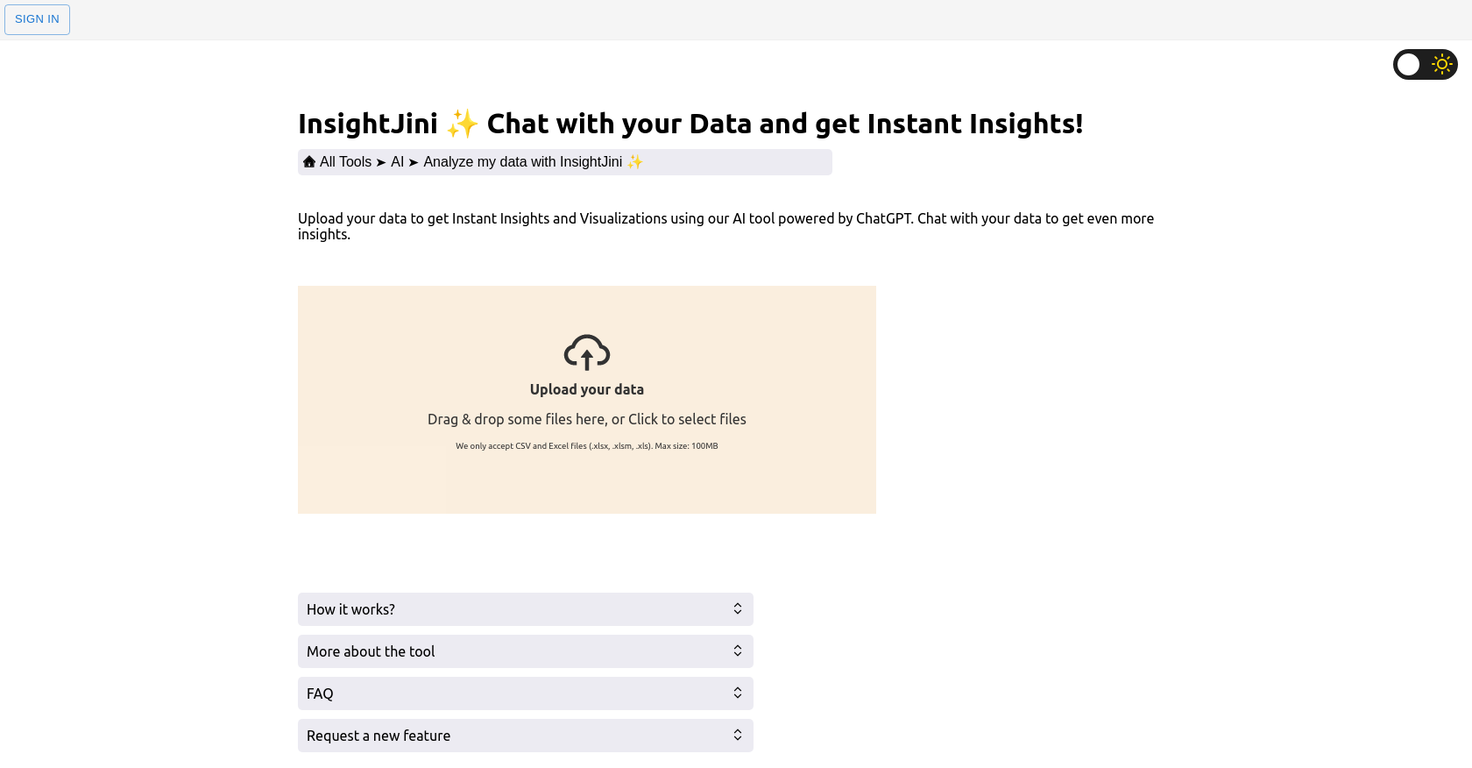
InsightJini is an AI-powered tool that allows users to upload their data and get instant insights and visualizations without the need for programming knowledge.
Users can upload Excel or CSV files, review their data, and explore their charts and insights in an intuitive interface. The tool aims to bridge the gap between traditional methods of data analysis, which can be time-consuming and require extensive manual effort, and code-based alternatives, which demand specialized programming skills.
The integration with ChatGPT allows users to engage in conversational interactions with their data, making the exploration process even more interactive and intuitive.
The tool can handle files up to 100MB and stores the data for 24 hours only before deleting it. InsightJini does not offer an API at the moment. The cost of using the tool depends on the number of task credits required for each file upload and the AI words consumed by the chatting feature.
The intuitive interface and automated data processing allow users to focus on exploring and understanding their data rather than wrestling with technical complexities.
Overall, InsightJini is a user-friendly and efficient tool for those looking to gain insights and visualizations from their data without the need for extensive coding or manual effort.
Releases

Pricing
Top alternatives
-
Harishma Reghu🙏 7 karmaJan 13, 2024@Grapha AISuper useful tool that’s reduced my job by 80%
-
It is the ease of use for me. DataSquirrel is fast, the UI is super intuitive, and the guided analysis feature is highly convenient. I have officially moved from uploading CSV files from Google sheet to DataSquirrel. Within minutes, I can visualize my data and interpreting it becomes super simple.
-
 Automate data work and reporting with AI Agents. No data|coding skills required.OpenSigned up for a pro account for Google Drive integration. Works great! Saves me a lot of manual excel work.
 -
Immo currently best solution if you want to convert / enchant your how-to tutorials to more professional!
-
I really value the sentiment analysis tool—it simplifies understanding customer feedback by picking up on their emotions. Plus, the way it groups comments into topics is super helpful for decision-making.
-
Created a dashboard using my Excel file and it gave insights I didn’t even expect. It can read any kind of Excel file no matter the template. I can even check the accuracy by tracing back which column the data came from Great tool. highly recommended!!







Related topics








 0
0





