 Rocket - Think it. Type it. Launch it.
 Mini tools
 Getfloorplan
 Interior AI
 HomeDesignsAI
 REimagineHome
 RoomGPT
 Paintit.ai
 Casavista Dec AI Room Design
 DeHome.ai
 Reroom
 AI Room Styles
 AI Room Planner
 Decory AI
 Room AI
 Collov AI
 Dreamhouse AI
 Oda Studio
 indoor image create ai
 Oda Studio
 Room AI
 Roomsgpt
 So You Want To Be A Writer?
 Minka
Minka
 Ancient AI powered spirits
 somacguffin
 Jvb ai
 Cuty
Cuty
 Superfly Stoner
 MyPrint.ai
 Flowing Dress
 artvisual.ai
 WhimsyWink
 QUILLING ART DESIGNER
 HOPE AI - Famos Artists
 Leonardo Ai Image Generator Alt
 Art drawing, in cityscape
 happy mAI img
 mIsky
mIsky
 Artwork Worthy Of Gallery
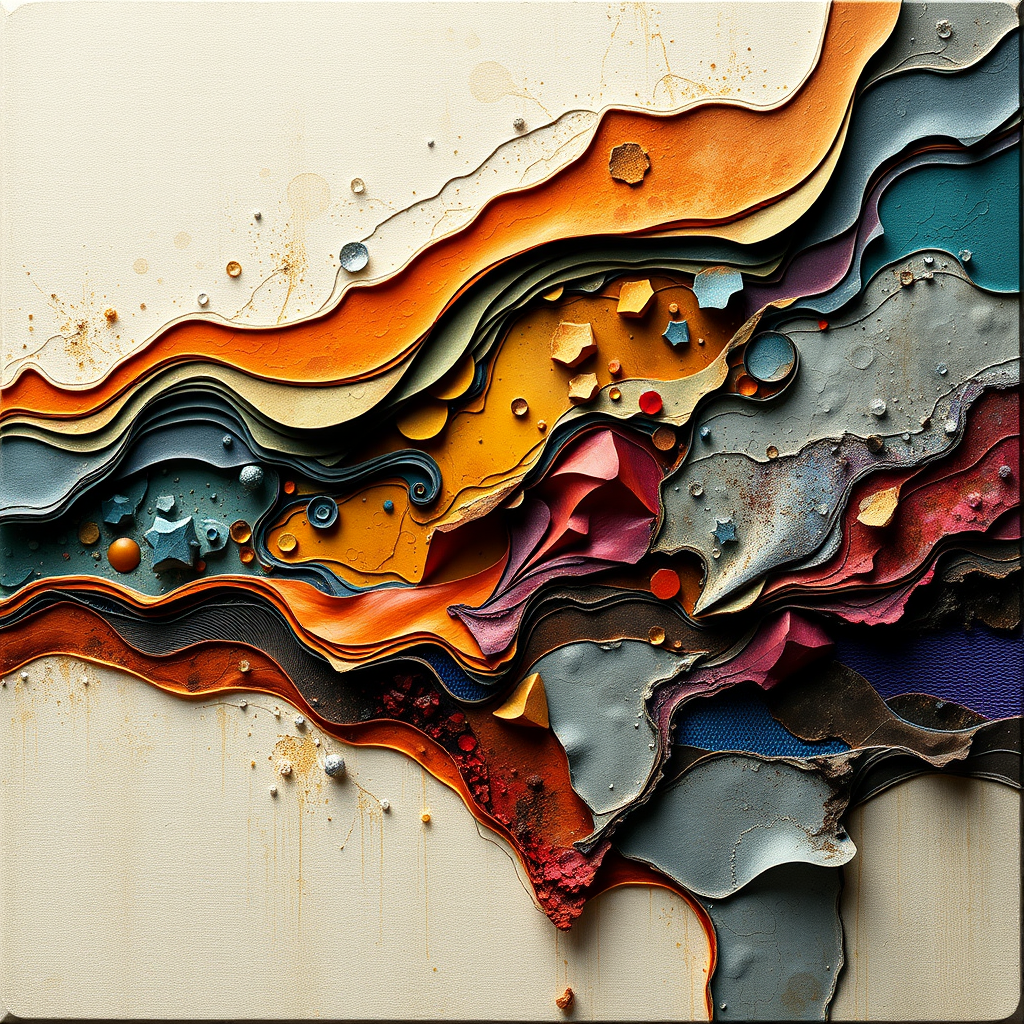 Intricate Canvas
 Artstyle Generator
 image generator
 Lexica Art Generator
 oil painting create ai
 Pre-Raphaelite Style
 SurrealistAI
 ViscOILs
 Metaphor AI Tool

Interior Decorator AI






Overview
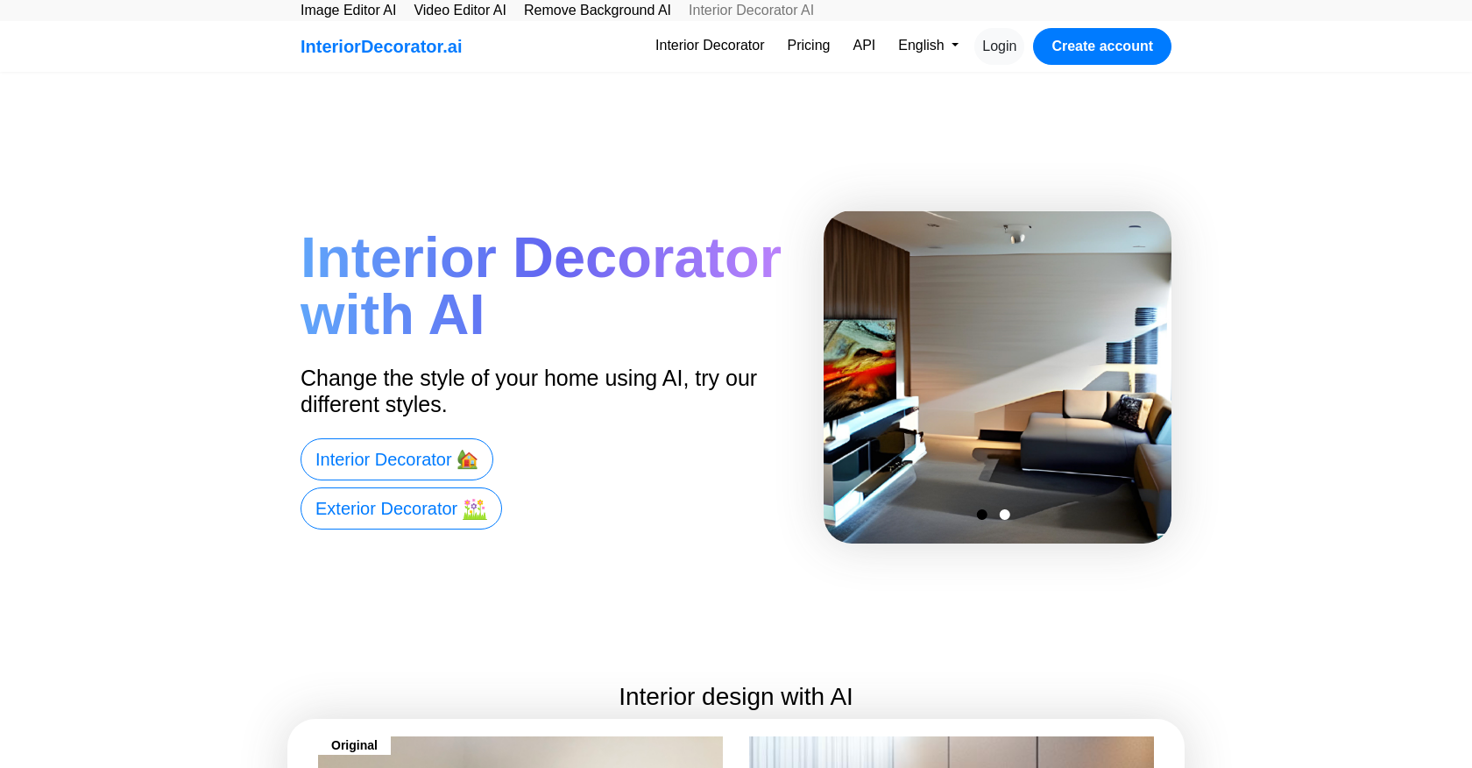
InteriorDecorator.ai is an AI tool that helps to generate ideas and inspiration for interior and exterior design projects. The tool provides various design styles to choose from and allows users to change the style of their homes using AI.
InteriorDecorator.ai uses a fork of imaginAIry and is developed with Django for the website. The tool also provides other AI tools such as Image Editor AI, Video Editor AI, and Remove Background AI.
InteriorDecorator.ai offers two different plans, PRO and PRO for Teams, which allow unlimited image editing and faster, higher quality images. Additionally, users can ask for extra conversion tools to be added, and the tool provides a commercial usage license for 1 person or 10 people depending on the plan chosen.
The website also offers various language options, including English, Spanish, Portuguese, Arabic, and many more. Overall, InteriorDecorator.ai is a useful tool for anyone looking to explore new interior and exterior design ideas and get inspiration for their design projects.
Releases

Pricing
Other tools by VPS.org
-
Luffy ZoroMay 2, 2025@ImageUpscalerAiit can upscale faces and other unique stuff was not helpful






Top alternatives
-
DO NOT PAY FOR THIS. TERRIBLE PRODUCT, THERES FREE ALTERNATIVES OUT THERE THAT ARE JUST AS GOOD IF NOT BETTER. TRUST ME.
-
The application arbitrarily adds doors and windows, making the final design unusable. It also changes the view from the window. In the final you are looking at a completely different room than the one you are interested in redesigning.
-
Fun, but weird. It thought my flat screen tv was a window in every render. Runners and bricks mid-floor. Other strangeness.
-
 OpenNew chat-first studio: – Rebuilt the core chat experience as a unified workspace for prompts, image inputs, iterations, and results. – New guided controls (space type, style, settings) to structure pro briefs and reduce trial-and-error. – Faster iteration loop for multi-step edits (repaint, restyle, add/remove items, material swaps). New agentic infrastructure: – Introduced an agent-based orchestration layer that routes each request to the most suitable workflow (from-scratch generation vs photo-based redesign). – Improved context handling across turns to keep revisions aligned with the same scene and direction. – More predictable handling of multi-instruction prompts to reduce “try again” loops. New top-tier model support: – Expanded support for high-quality image generation models to improve photorealism, lighting consistency, and material detail. – Better default model selection behind the scenes based on task complexity and input type. New pro workflow building blocks: – Projects/Collections for saving versions and comparing directions across a single room or a full project. – Pinterest boards as reference inputs for moodboard-guided iterations. – Product Finder updates for matching items from scenes and linking to vendor stores. Performance & stability: – Improved generation responsiveness and general stability across the app.



Related topics
 0
0





