 MongoDB - Build AI That Scales
 Mini tools
 Notis
Notis
 Alice - AI Automation App
 Assindo
 Littlebird
 David One
 HaloMate
 UnreadAI
 KoalaKonvo - AI Assistant for Telegram
 AIChatOne
 Mavex
Mavex
 Pickle
 Snow OS
 Martin
 Atomic Bot
 Klipy
Klipy
 OwnAI
OwnAI
 Macaron
 Lyrio AI
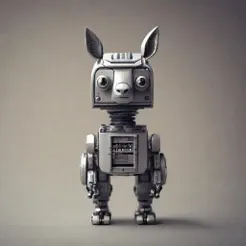 uLlama
 Mebot
Mebot
 TheLibrarian.io
 Supernormal App
 Saidar
 Runable
 ComputerX
 Collate
 AiAssistWorks - GPT Gemini Claude AI for Sheets Docs Slides
 ConsoleX AI
 Skymel: Create Your Own Personal Agents
 Ask Steve
 Alfred by Simbli.ai
 Affint
 MiroAI
 BrowseWiz
 Sup AI
 Support Flow
 Octofy
 Criticly
 Mentor: Get things done
 Singularity AI

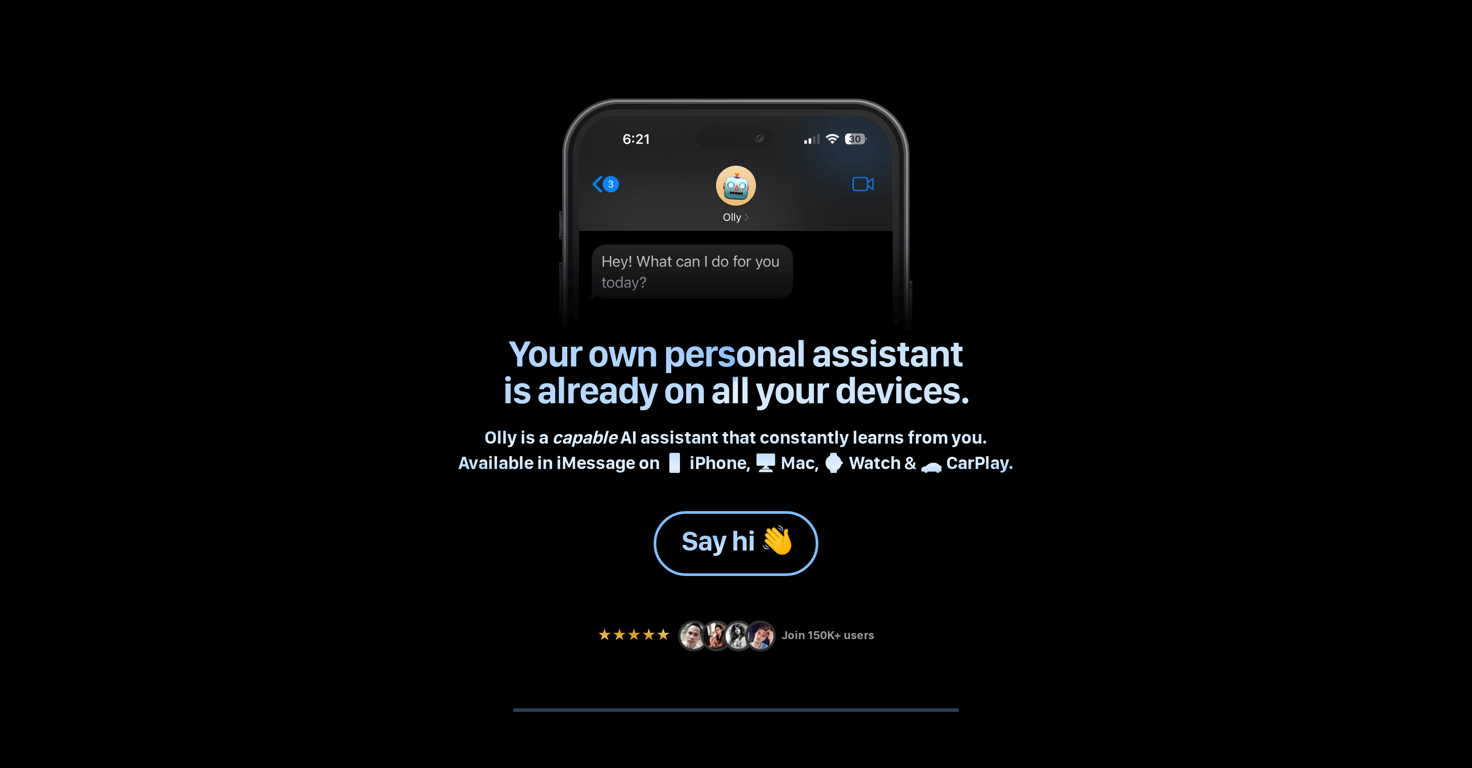
Olly
 Notis
Notis
 Edith
Edith
 VoicePod
 Good Assistant
Atomic Bot
Good Assistant
Atomic Bot
 Pamela
Snow OS
Pamela
Snow OS
Overview
Olly is a personal AI assistant designed to be seamlessly integrated across various devices, including iPhone, MacBook, Watch, and CarPlay. Relying on the power of web-based tools, it provides responsive and accurate assistance directly within iMessage.
Among its key offerings are the provision of web-powered answers, generating images, and facilitating chat interactions with document support. In addition to reminders and general assistance, Olly offers a unique ability to process and interact with voice messages and images sent by the user, thereby harnessing more comprehensive interaction modes.
It further helps with task management through its ability to send text reminders, thereby assisting users in keeping track of their schedules efficiently.
One standout function is its capability to analyze and summarize key points from PDFs and articles, adding an element of convenience for its users. Olly uses specific models to cater to the different design requirements of its users.
Prominently, it is designed to improve over time by learning from user interaction, thus displaying capabilities of adaptation and personalization without needing user downloads, signups, or providing identifying information.
Releases
Top alternatives
-
Notis is the AI intern one message away from your entire tool stack. Dictate ideas, delegate the busywork, and watch it update everything from your CRM to your socials — right from WhatsApp, iMessage, Telegram, or emails. In this week's release: - iMessage channel now supports RCS. - Hardened reliability across the stack - Video generation stability - Fixed timeout handling and async blocking issues for remix operations. - Shorter onboarding experience.
-
Greg Rog🛠️ 1 tool 🙏 45 karmaMar 30, 2025@Alice - AI Automation AppThanks for noticing this Tyler, we really liked the idea of getting back to lifetime one-time purchases. Alice is a desktop app and it doesn’t use our cloud resources much, so this should be also feasible for the long run. Please, give Alice a try, you won’t regret it!
-
 Managed AI agent like OpenClaw but with real phone calls includedOpenThis app is really great it helped me with automation and also getting an AI assistant that sounds exactly like a human improved my productivity
 -
I've been using it for a few months, primarily for research, content generation and writing for both internal docs and public posts, and searching for data from weeks prior. It's been a game changer.
-
 Productivity-focused AI companion powered with tools from video understanding to web searchOpenVery good AI assistant, that helped me in my everyday life, by making the tasks for myself, asking David about the things I might not know and many more. I highly recommend.
 -
I’d say this is one of the best chatbots I’ve used so far. The side-by-side comparison view is super handy for spotting bias and made-up, and the custom bots actually have decent memory, which is rare. Just a heads up: no image generation or voice mode. Other than that, it’s pretty solid.




Related topics
 0
0





