 Rocket - Think it. Type it. Launch it.
 Mini tools
 ChatGPT
 Smarter ChatGPT by Athena AI
 Rabbitholes AI
 WhyBot
 ChatFAI
 Free AI Chatbot & Image Generator
 KoalaChat
 FlowGPT
 Chatmind app
 Ormind
 Anonchatgpt
 AiryChat
 ChatGPT Sugar
 Harpa
Harpa
 AI Chat for Search
 Chatsonic
 Chatbase
 Omnigpt
 ChatGPT Chrome Extension by Glasp
 Text GPT
 55club
 Personal Performance
 The Mid Life Magic Woman
 Auramind
 Moments
 Nomi AI
 Otherhalf
 Eva AI
 Love AI: Relationship Analysis
 Lucen.app
 Maia
Maia
 CoupleWork
 Mosaic AI Chat Analyzer
 Lexikon AI: Real Roleplay
 RedPill AI
 Andi
Andi
 RolePlai
 Memorr.AI
 FireTexts
 Chatmate AI
 PrivateLLM
 Poe
Poe
 Layla
Layla
 Odin
Odin
 ConversAI
 Pheon
Pheon
 Unlim AI
 LLMChat
 Mate
Mate
 Pal Chat
 AI Chat
 Pi
Pi
 Freechat.run
Quickcast




Overview
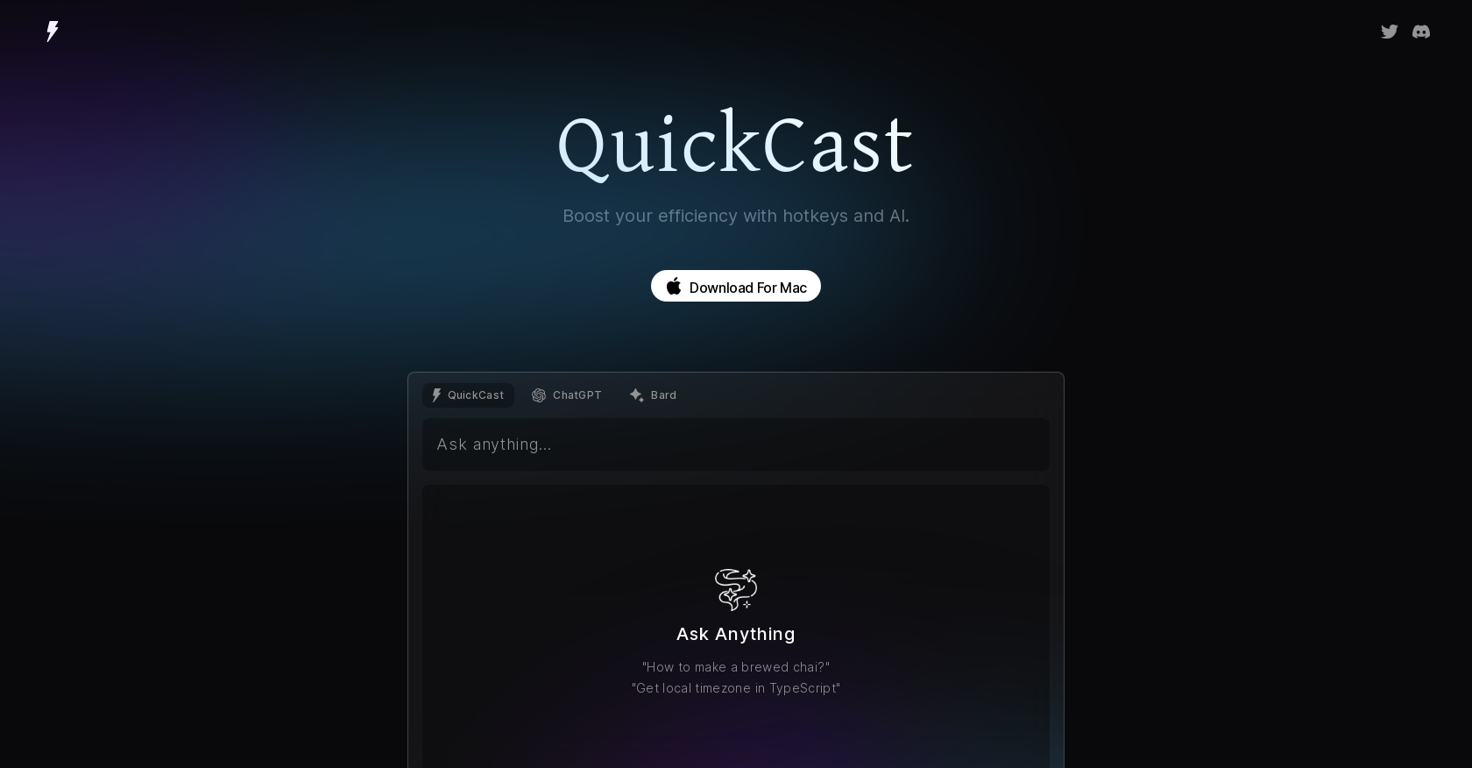
QuickCast for macOS is a desktop app that allows you to launch and chat with GPT using a single shortcut key (cmd + e). It boasts a user-friendly interface and can be used for all job types as it enhances agility, dexterity, and intelligence by +99.
The app can be purchased through Gumroad for a fair price.The one-handed class of the tool means that it can be conveniently used with a single hand, allowing for quick and efficient usage.
QuickCast can improve productivity by providing easy access and faster response times to chats with GPT. It is important to note that JavaScript is required to buy this product, and buyers should enable it in their browser settings before purchasing.
QuickCast has received six ratings, all of them being five-star reviews, indicating that users found it helpful and easy to use. In summary, QuickCast for macOS is a valuable desktop app for those who need to launch and chat with GPT on a regular basis.
Its one-handed class, quick launch capabilities, and intelligence-enhancing features make it a convenient and efficient tool to improve productivity.
Releases
Top alternatives
-
 Dmitry G.🙏 165 karmaAug 29, 2023@ChatGPTState of the Art
 -
 AI assistant that gets your tasks done. Smarter than ChatGPT.OpenAthena has been a useful product for travel and product recommendations. Additionally, it has helped me with my daily tasks.
 -
Yeah AI has ongoing cost. You have to purchase that model. But if you have a good computer, you can also use local models
-
Its an interesting concept that needs a better UX. Once the answer tree gets big, its impossible to navigate easily. The UI needs to be able condense and expand branches. It also needs a way to print or share the output.
-
This app is awesome because it has two cool features. First, it lets you chat with an AI that talks like a real person, perfect for customer service or just having fun conversations. The second feature lets you create amazing artwork instantly using AI. The app is super easy to use, and you don’t even need to sign up. Plus, it’s a free mobile app, so you can take it anywhere! It’s a fun, creative tool for everyone.




Related topics
 0
0





