Go to section
Spotlight SureThing.io - "OpenClaw" for BeginnersTask automation

 Mini tools
New
Featured
Lists
Agents
Requests
Jobs
Map
Newsletter
Starter pack
Free tools
Speech to text
Text translator
Remove background
Settings
Edit profile
My tools
Gallery
Dashboard
Inbox
Get featured
Contact TAAFT
For you
Popular
Job impact index
Most saved
Affiliate program
Submit AI tool
Notification preferences
Glossary
Home
Timeline
My profile
Create tool
Deals
Companies
Models
Robots
Papers
Fundraises
Devices
Organizations
Events
Prompt Pack
Merchendise
APIs
Features
Tools
Countries
Collections
Videos
News
Investors
Repositories
Mini tools
New
Featured
Lists
Agents
Requests
Jobs
Map
Newsletter
Starter pack
Free tools
Speech to text
Text translator
Remove background
Settings
Edit profile
My tools
Gallery
Dashboard
Inbox
Get featured
Contact TAAFT
For you
Popular
Job impact index
Most saved
Affiliate program
Submit AI tool
Notification preferences
Glossary
Home
Timeline
My profile
Create tool
Deals
Companies
Models
Robots
Papers
Fundraises
Devices
Organizations
Events
Prompt Pack
Merchendise
APIs
Features
Tools
Countries
Collections
Videos
News
Investors
Repositories

Time-saving
Featured matches
-
 Open
Open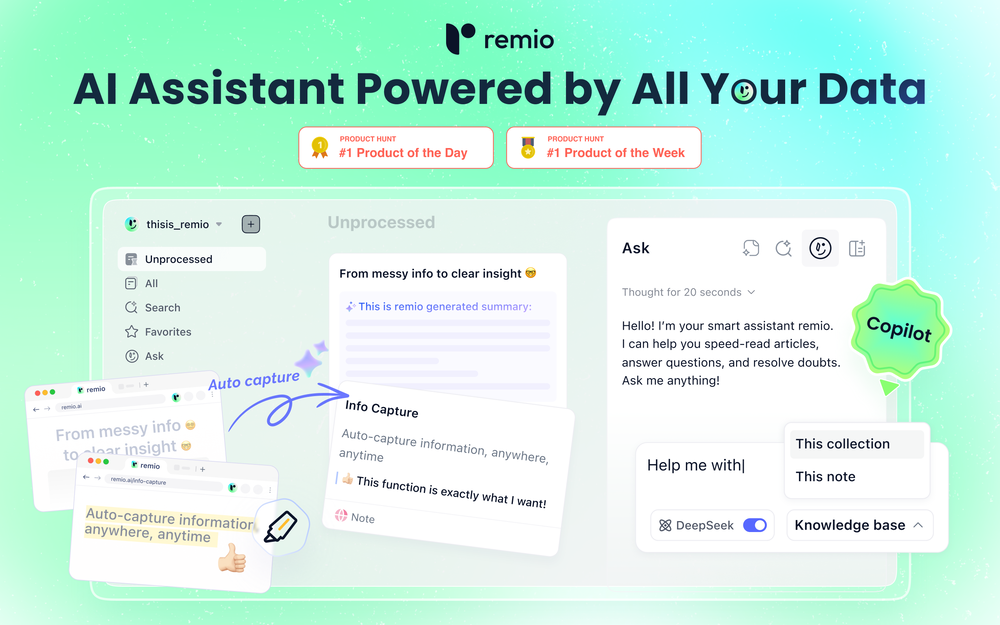
1.🎬 PPT Animations
You can now add animations when generating and editing PPTs, making your presentations more engaging and professional.
2.📄 One-Click Table Copy in Conversations
Tables generated in AI conversations can now be copied with a single click and pasted straight into documents, emails, or reports — no manual reformatting needed.
3.👥 Customizable Profile
You can now set your own nickname and avatar in remio, completing your profile and making you easier to recognize when collaborating with others.
4.💻 Local Session Collection for Cursor
remio can now collect your local Cursor sessions, bringing code discussions and technical plans into your knowledge base for easy search and reuse later. -

 Curtis Boortz🛠️ 1 tool 🙏 1 karmaJun 19, 2026@ForthWriteI've tried a lot of AI email tools and they all produce the same generic output. ForthWrite is different because it actually learns from the gap between what it drafts and what I end up sending. After a few weeks the drafts need almost no editing. Works right inside Gmail via the Chrome extension, so there's no new app to learn. The 60-day guarantee made it easy to commit. Highly recommend for anyone who sends a high volume of professional email.
 -
-
-
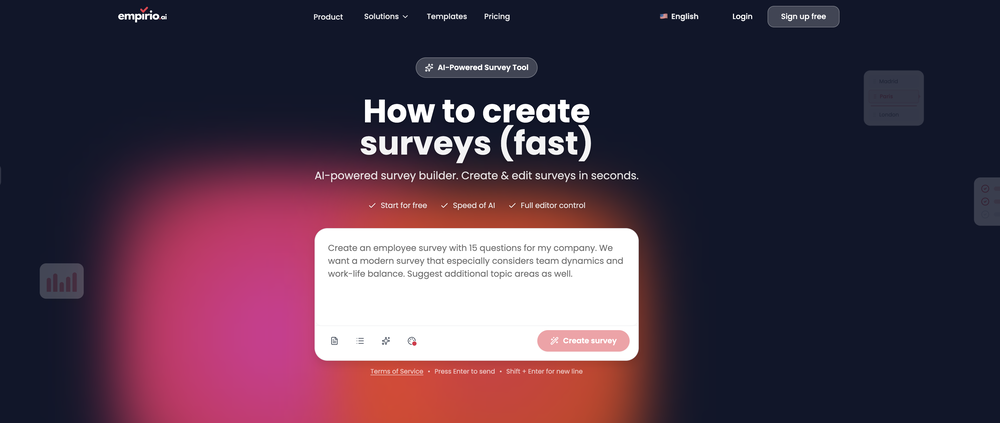 empirio.ai is a user-friendly tool that allows you to quickly and easily create a survey in just a few minutes. With the AI, you can rapidly generate questions on a topic and customize them. It offers templates that can be personalized to your needs, and it is fully compliant with data protection regulations. Highly recommended!
 -
-
-
 Geekflare Chat has made my workflow much simpler by bringing multiple AI models into one place. I can quickly compare responses, which is really helpful for content ideas and research. It’s fast, clean, and easy to use, and I haven’t faced any issues so far.
 -
-











Verified tools
- SpotlightSureThing.io - "OpenClaw" for BeginnersTask automation
-
Used it for PPT generation and performed extremely well, especially the numbers and data part.
-
Its actually good. I was able to make 3 screens using the promo code and they were better than the other UI tools.
-
Hoox app is a very easy and simple app to navigate and generate your script video for social media. My experience so far has been top-notch and the customer service in the name of Alan Hoox is always pronto to assist whenever needed. I recommend it for anyone that want to create a faceless youtube Ai without editing, selecting or mixing all you details. All you need is just drop your script and wellah your video is ready .
-
It is the bet transcription tool I’ve ever used. I quit taking notes after I discovered Transkriptor.












Other tools
-
I just used LumiClip to make clips from my long podcast video and Im so amazed how it differs from other ai video clipper tools like Opus or vizard, It does the highlight finding very well and reframe comes our so clean with no editing required. Only thing i would suggest is adding b-roll videos to clips automaticaly.
-
-
The application arbitrarily adds doors and windows, making the final design unusable. It also changes the view from the window. In the final you are looking at a completely different room than the one you are interested in redesigning.
-
It worked very good to upscale the image. But it upscaled the size as well from 1.63mb to 10.7mb.
-
Is this a joke? creator of this web must be deaf, otherwise i honestly don't understand how he/she can make that absolute crap
- Didn't find the AI you were looking for?