Mini tools
▼ Latest
Ai knowledge preservation
Free mode
100% free
Freemium
Free Trial
Featured matches
-
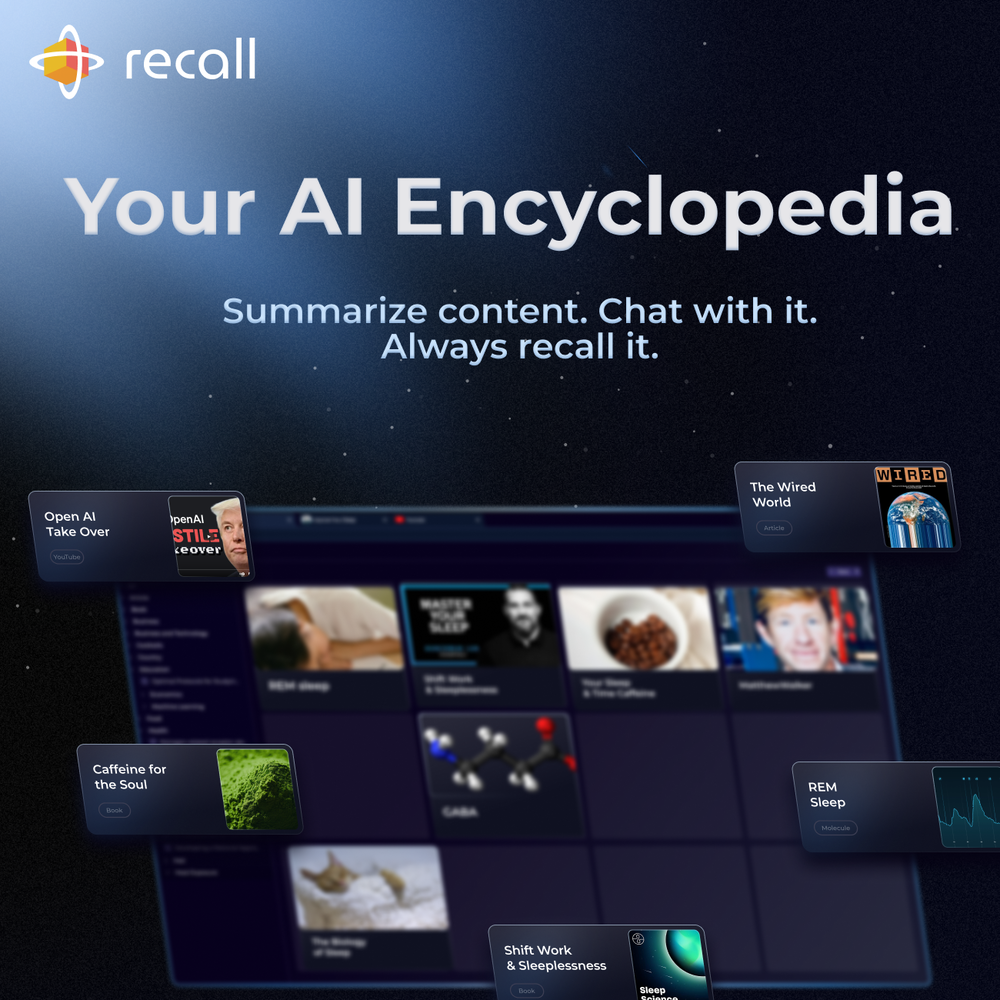
 amix ffx🙏 39 karmaJun 22, 2023@RecallReally like how it finds connection in the content that I save. I don't think any other tool can do that.
 -
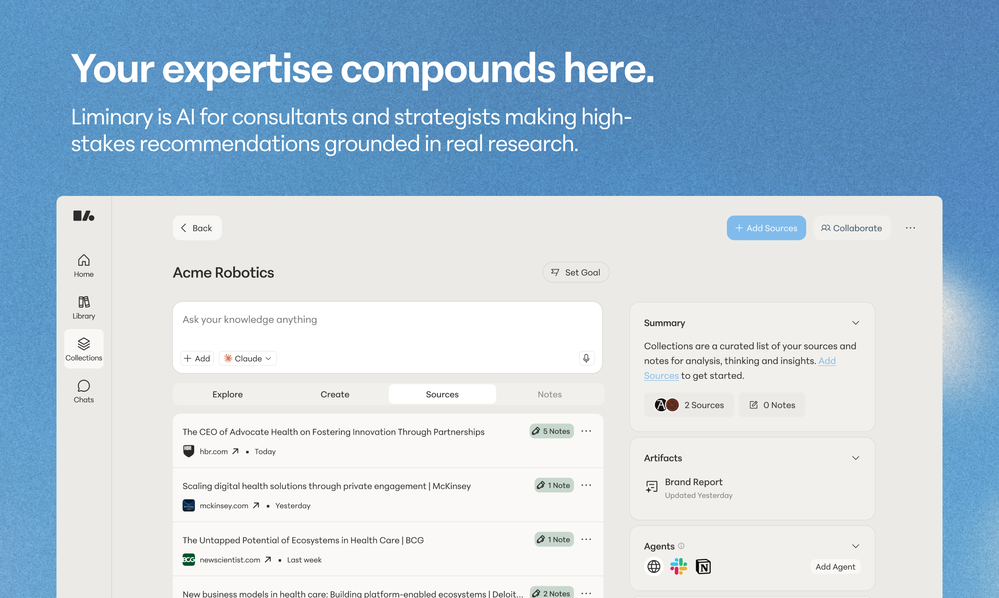 Hello, I'm the founder of Liminary and saw your comment about Liminary and trust. We care deeply about what we are building and making sure we are building the tool with the utmost care and privacy in mind. We'd love to hear your perspective and what you are worried about, and how we can help address any concerns you have.
 -

-




Verified tools
-
I’ve tried almost every AI slide generator out there, and Tosea is in a league of its own. Most tools just scrape the surface, but Tosea actually digs into my research PDFs. It captures the nuance and logical flow of the original document without the usual AI hallucinations. The slides it produced for my last project were surprisingly deep and well-structured. Plus, being able to export directly to PPTX and make my own tweaks is a lifesaver. It’s easily saved me hours of manual formatting this week.
- Sponsor
 Rocket - Think it. Type it. Launch it.
 -
-
-
Keepmind can quickly turn study materials or notes into flashcards, quizzes, and mind maps, while using the more efficient FSRS-5 algorithm to boost learning efficiency — super practical!
-
I’ve been using it for a month now and I have decided to keep it for a year. There definitely are some kinks they can still work out like file management, but it’s very good at it’s core function: it generally does a good job answering questions and most times identifies PDFs automatically and correctly. The browser plugin works great, and it’s very nice that Papers allows you to add your university’s library API so you can automatically download PDFs that are accessible through your institution (sometimes it refuses to download some papers, so you just have to downlow it yourself and manually add it). The iPad and Android apps are serviceable. Every once in a while it will mess up the PDF identification, especially with papers from either very old sources or online-only journals. Things they must work on: * A much better system to annotate PDFs (the post-it type notes are cumbersome). * Introduce a notepad attached to each PDF or some way to easily link and save the AI’s output to the PDF. Currently, you have to add a little post it note and then paste the text there. * Keep the AI answers available after closing the documents. If you close the document by mistake or have several open and wish to close some, the ai conversation will be reset. * I REALLY wish that you could get citations and links to where the info was from extracted from PDFs. Currently, I have found Coral.ai does a much better job of showing you where the info came from and it even highlights it for you. Give it a try, their 30-day no credit card needed trial allowed me to truly test it, and now I’m a yearly subscriber looking forward for new additions and releases.
-
Tested teh application. Saved 5 recipes. Three of them recognized as recipes. Two of them lost in translation. Other example. Saved three pages about company valuation. Two of them recognized. One lost in translation. Can't afford these kinds of tools ...















Other tools
-
the search functionality is a bit limited i think. like i save lots of webpages but it can't really know the pages content themselves
-
This is a nice concept. Anyway app needs to be more polished. Can’t delete notes. I was expecting auto assign of topics, or at least suggestions to be more creative instead of just showing some random words from the text I’ve entered.
-
Is amazing but you can't edit the mind map
- Didn't find the AI you were looking for?
-
 Specialized assistant for cultural heritage and archaeology.Open